
Blockchamp Vs Cold Turkey Blocker

Choosing between BlockChamp vs Cold Turkey Blocker comes down to more than whether a website gets blocked. Both can help you put a wall between yourself and the internet’s endless parade of “quick” distractions. The bigger question is what helps you keep that wall standing when your willpower wanders off to check one thing on Reddit.
Cold Turkey is known for firm, configurable blocking and tools for people who want serious control over their computer habits. BlockChamp takes a more playful route: it turns focus into a game, rewards consistency, and has a cartoon king in boxing gloves judge your attempted escape. Here’s how they compare on blocking, customization, accountability, platform fit, and the all-important question: which one will you actually keep using?
Quick Answers
BlockChamp vs Cold Turkey Blocker: the quick comparison
These tools share a basic mission—help you spend less time on distracting websites—but they approach the job differently. Cold Turkey leans toward detailed control and making blocks difficult to bypass. BlockChamp focuses on Chrome website blocking wrapped in gamification, humor, and a visible progress system.
- Choose Cold Turkey if you want a configurable blocker with features designed for strict, uninterrupted work sessions.
- Choose BlockChamp if you want a Chrome-focused blocker that makes staying focused feel rewarding, with XP, levels, badges, reigns, and a memorable block page.
- Compare carefully if you need a particular platform, scheduling option, block type, or level of lockout. Features and availability can change, so check each product’s current information before committing.
Neither tool can decide what you should do with your time. They can, however, make the default choice a little less likely to be “open a new tab and vanish into the algorithm for 47 minutes.”
Blocking style: strict barrier or entertaining speed bump?
Cold Turkey: make a plan, then stick to it
Cold Turkey is built for people who want to set up blocks and reduce the temptation to undo them during a work session. Its approach suits planned focus periods: decide what you need to avoid, configure the block, and get on with your work. A determined lockout can be useful when a casual reminder would be about as effective as asking a raccoon to guard a snack cupboard.
That kind of firmness is not automatically right for every person. If your work requires frequent access to sites that might otherwise be blocked, or your schedule changes throughout the day, you’ll want to think through your settings before starting a restrictive session. A blocker should support your work, not trap you outside the research tab you genuinely need.
BlockChamp: the King is watching
BlockChamp aims to make the moment of temptation feel different. When you try to open a blocked site, The Stare-Down replaces a dull blocked message with a full-screen scene featuring The King, a cartoon royal boxer. The site you tried to visit appears on a gold plate, and the King reminds you to get back to work. Voice lines can add a spoken roast, too—because apparently your browser needed a tiny monarch with commentary.
The block page is paired with a simple master focus toggle. Turn it on and your selected blocks are active; turn it off and your reign ends. The point is to give focus a bit of character and make a distracting detour feel less automatic. Each stare-down you survive earns XP, turning “I nearly opened TikTok” into a small win instead of a private courtroom drama.
This difference matters if you’ve installed strict tools before, only to remove them when they started feeling like punishment. BlockChamp is designed to make the experience more playful. Cold Turkey may appeal more if your priority is control over the blocking session itself.
Customization: what can each blocker help you avoid?
Customization is not just a feature checklist. It determines whether the blocker fits your actual distractions. A student might need YouTube blocked during revision but available for a lecture. A freelancer might want shopping sites closed during client work, while a writer might need news and social media out of reach until a draft is finished.
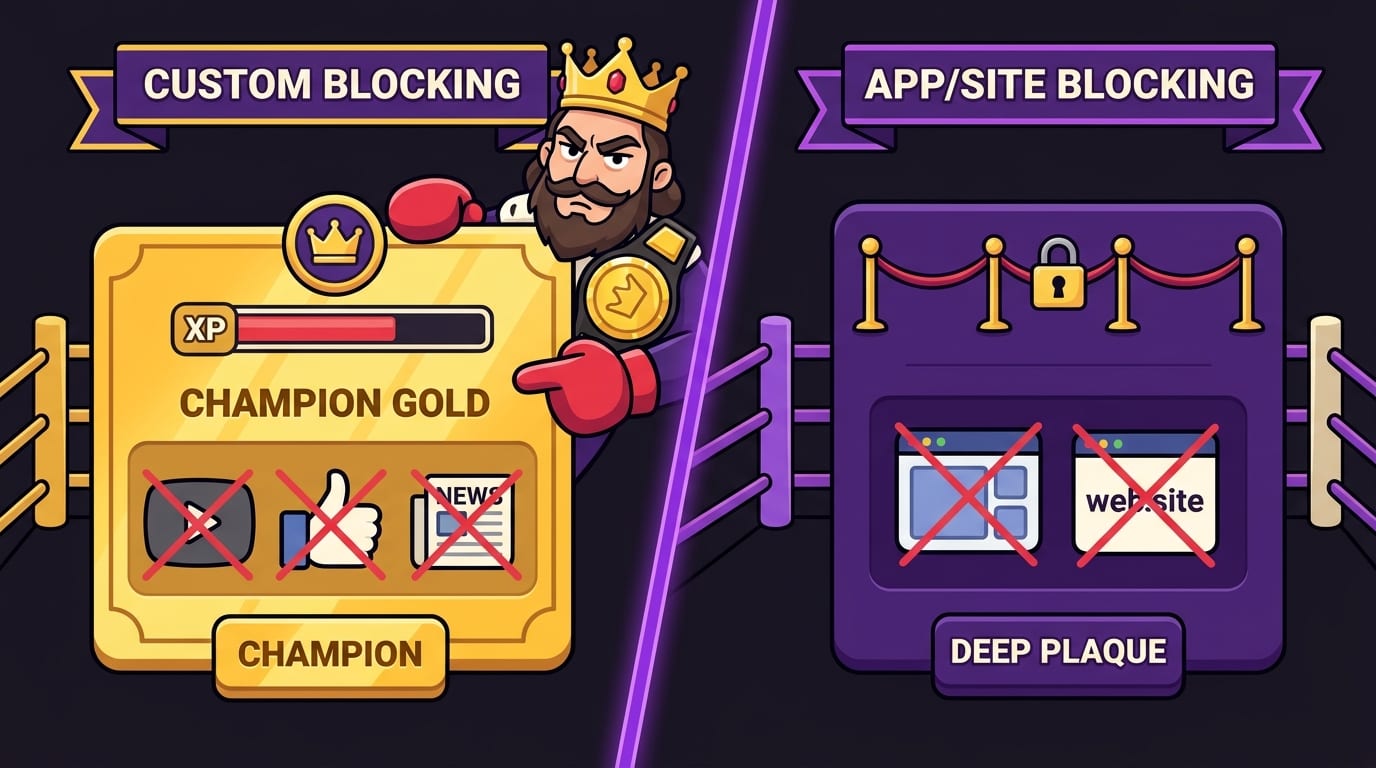
BlockChamp offers three ways to build your block list: individual websites, keyword blocking, and curated categories. You can block named sites such as YouTube or Reddit, use keywords to catch pages containing terms you choose, or switch on category bundles for groups of distractions. Categories include social media, video and streaming, news, shopping, gaming, gambling, adult content, and AI distractions.
There are limits to know about. The free version allows up to three individual sites and two categories. BlockChamp’s Champion plan adds unlimited sites, all eight categories, keyword blocking, recurring schedules, Hardcore Lockdown, and syncing across devices. The Chrome extension is available now, so it is a natural fit if your main work happens in Google Chrome.
Cold Turkey also offers customizable blocking, but the available options depend on its current product, plan, and operating system. If you’re comparing the two, make a short list of what you actually need: exact sites, categories, keywords, schedule rules, and devices. Then verify those items against the latest product pages rather than relying on an old comparison or a confident stranger on a forum who says “it definitely does that.”
Accountability: what happens when you want to quit?
Most people don’t need a blocker when they are already focused. They need one when the assignment is dull, the group chat is lively, and a tiny inner voice claims that checking a shopping site is “research.” Accountability features matter most at that exact moment.
Cold Turkey’s appeal is the ability to create restrictive sessions. For users who know they’ll try to undo a block in a moment of weakness, a more locked-down approach can help make the decision deliberate. Before using any strict setting, make sure you understand how it works and that you won’t need blocked sites for an urgent task.
BlockChamp approaches the escape impulse with a mixture of consequences and humor. Turning off its master focus toggle breaks your reign—the continuous period during which your blocks stay on. Champion users can also enable Hardcore Lockdown. Depending on the selected mode, turning focus off requires waiting through a cooldown or completing a three-round boxing-riddle mini-game. Blocking stays active during the cooldown.
That extra pause can be useful for a very ordinary reason: impulses are often strongest when they’re immediate. If you have to wait or perform a small task before you can surrender, you get a moment to ask whether you truly need to quit or just want a short hit of novelty. It’s not a cure for every distraction, but it can interrupt the reflex.
BlockChamp also tracks focus time, streak-like reigns, XP, badges, and progress toward new levels. For a deeper look at why game-style rewards can help motivation, read why game-like rewards can beat relying on willpower alone. The practical principle is simple: make the behavior you want visible, then give yourself a reason to repeat it.
Motivation and feedback: charts, crowns, or both?
Some people like clean reports. Others need a little spectacle. Cold Turkey may suit users who mainly want a tool to enforce a plan and then get out of the way. BlockChamp puts its feedback front and center: focused minutes earn XP, active days add progress, and milestones unlock badges and new rank titles.
BlockChamp’s rank journey starts with Peasant of Procrastination and climbs through titles such as Squire of Focus and Knight of the Block toward Block Champ. There’s a color-coded focus calendar, a personal reign counter, and a leaderboard. These features can help turn an abstract goal—“waste less time online”—into something you can see and work on.
Gamification is not magic. If you ignore levels, badges, and leaderboards, they won’t suddenly make you love a spreadsheet. But if you respond to progress, friendly competition, or playful feedback, a reward loop may make a blocker feel less like a chore. BlockChamp’s guide to gamified website blockers explores that approach in more detail.
For both products, it helps to set a measurable goal. Instead of “be more productive,” try “keep social sites blocked for two 45-minute study sessions.” Then note what happened. Did the block prevent a detour? Did it get in the way of legitimate work? Adjust based on evidence, not on the fantasy that tomorrow you will become a person who never has the urge to look at a meme.

Platform fit and daily workflow
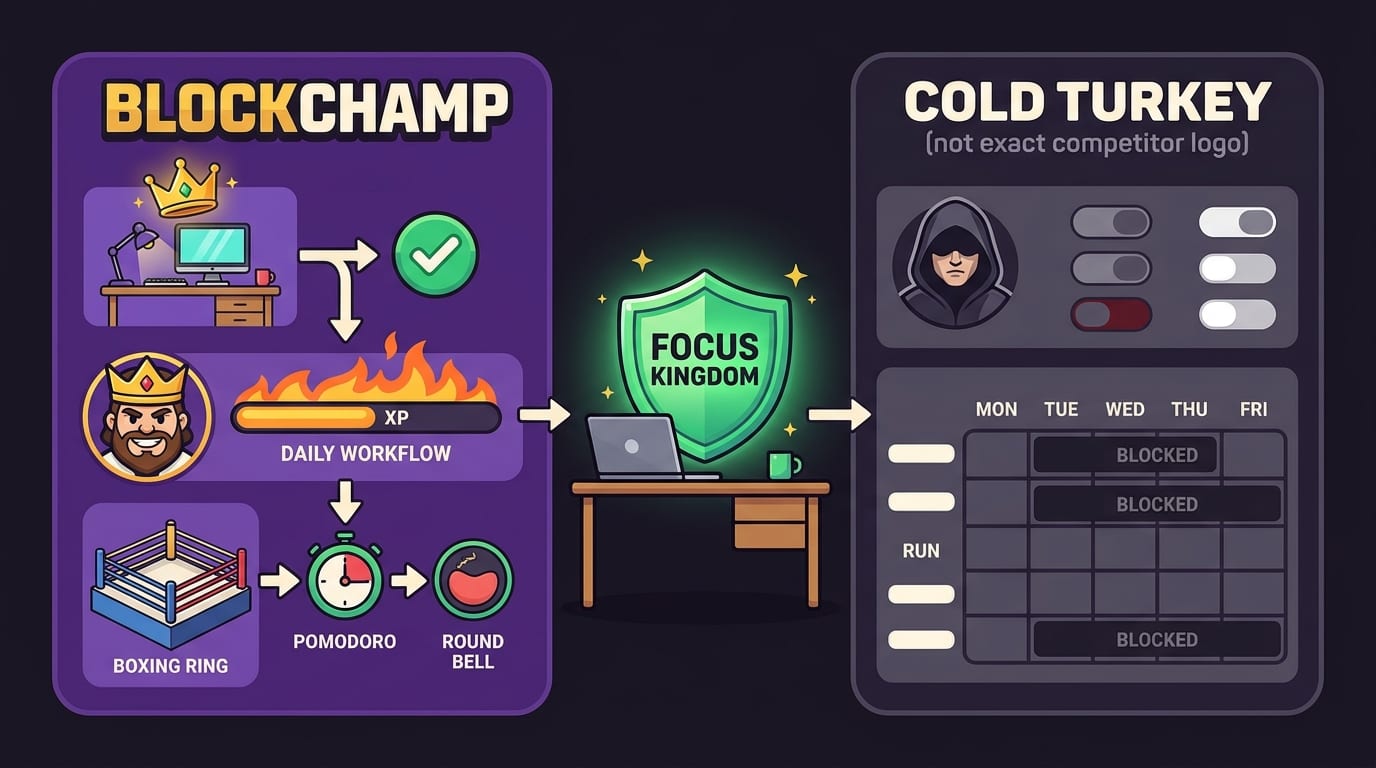
Platform compatibility can settle the comparison quickly. BlockChamp is a website-blocking extension for Google Chrome. If Chrome is where you do your work, its quick view provides access to the focus toggle, current rank, XP progress, reign counter, and quick site-blocking action. Champion users can create recurring schedules to activate blocks during selected days and hours.
Cold Turkey has its own platform and product setup. If you use multiple browsers, switch between computers, or need broader device coverage, confirm exactly what is supported for your operating system and plan. Don’t assume a Chrome extension, desktop app, and phone blocker all work the same way. They are different tools with different boundaries.
Think about your real routine. If you work in Chrome from 9 a.m. to 5 p.m., a recurring browser schedule may be convenient. If your attention gets pulled across several apps and devices, a browser-only tool may not cover every distraction. A blocker can only help with what it can reach. Your phone can still stage a rebellion from your desk drawer.
For a relevant comparison with another style of digital habit tool, BlockChamp also has a look at One Sec alternatives. The key distinction is worth keeping in mind: some tools add friction before opening an app, while website blockers focus on restricting access to selected sites or pages.
Privacy and practical expectations
A website blocker may need permission to manage or restrict browser activity. Before installing any extension, review its permissions and privacy information, and make sure you understand what data it collects and how it uses it. This is good advice for every extension, not a dramatic accusation against any particular product.
BlockChamp says it works on your computer and does not spy on or sell your browsing history. Signing in is optional; it enables features such as syncing progress and participating in the leaderboard. If privacy is a deciding factor, read the current privacy details for both products directly, especially if you’re installing on a work or school device with its own policies.
It can also help to check the broader evidence around digital habits. The American Psychological Association’s overview of social media and internet use discusses how online experiences can affect wellbeing, particularly for young people. For a more practical lens on how digital products compete for attention, see the Nielsen Norman Group’s research and guidance on attention on the web. Neither source says a blocker is a universal fix; they’re useful context for building healthier habits.
Which one should you choose?
Pick the tool that matches your most common failure point. If you make a plan but keep overriding it, prioritize restrictions that make it harder to quit mid-session. If you start with good intentions but lose interest in dry productivity tools, a blocker with personality, rewards, and visible progress may be easier to stick with.
- Choose Cold Turkey if strict blocking and configurable focus sessions are your main priorities, and its current platform support fits your setup.
- Choose BlockChamp if you use Chrome and want website, keyword, and category blocking combined with XP, reigns, badges, and a humorous block page.
- Start with a small test if you’re unsure. Block your biggest time sink during one predictable work or study window, then see whether the tool helps or creates friction.
Students could begin by blocking social media and streaming during two study blocks, leaving class resources accessible. Remote workers might schedule shopping and news blocks during their most important work hours. Writers could block their usual browsing traps for the first hour of the day, then review whether that creates a smoother start. The best setup is specific enough to protect your attention without blocking the work you need to do.
Whichever tool you choose, combine it with a simple routine: decide what you’ll work on before starting the block, keep a note nearby for unrelated thoughts, and take a planned break when the session ends. A blocker can close the distracting door. You still need to know which room you meant to enter.

The verdict: choose your preferred kind of guard
In the BlockChamp vs Cold Turkey Blocker comparison, the main difference is the experience around the block. Cold Turkey is a strong candidate for people who want structured, restrictive website blocking. BlockChamp is for Chrome users who want their focus tool to be more playful, with category and keyword options, progress rewards, a kingly stare-down, and extra friction through Hardcore Lockdown on the Champion plan.
There’s no trophy for choosing the sternest blocker. There is a real benefit to choosing one you’ll configure correctly and keep using. Try a focused setup, check that it fits your workflow, and make changes if it blocks legitimate tasks or fails to stop your usual detours.
If gamified focus sounds more motivating than another gray dashboard, explore BlockChamp’s take on AppBlock alternatives, or visit BlockChamp to learn more. Then pick your opponent, switch on focus, and defend your throne. The King is ready. Your open tabs may file a complaint.
Related posts

Blockchamp Vs Blocksite

Blockchamp Vs Blocksite

Best Blocksite Alternative
