
Blockchamp Vs Blocksite

Choosing between BlockChamp and BlockSite depends on what you need your blocker to do—and what might actually persuade you to keep using it. Both aim to make distracting websites harder to reach. But one approaches the problem like a familiar utility, while the other turns focus into a small, crown-themed video game where a cartoon king may judge your attempt to visit Reddit.
This guide to blockchamp vs blocksite compares their approaches, features, platform considerations, and fit for different routines. Product features and availability can change, so check each product’s current official listing before installing or paying. The most useful blocker isn’t the one with the longest feature list. It’s the one that supports your work habits without creating a new hobby called “finding ways around my productivity app.”
Quick Answers
BlockChamp vs BlockSite: the quick comparison
BlockSite is an established website- and app-blocking product with tools for limiting access to distracting sites and building focus routines. Its exact features depend on the platform, plan, and current version. It is worth considering if you want a straightforward blocker with a wider product footprint than a Chrome-only extension.
BlockChamp is a gamified website blocker currently available for Google Chrome. It combines website, keyword, and category blocking with XP, ranks, badges, streak-like “reigns,” and a distinctive blocked-page experience starring The King, a royal boxer mascot. The pitch is simple: make resisting a distraction feel more like winning than being sent to productivity jail.
- Choose BlockSite if broad platform availability or a conventional blocking setup matters most. Verify the specific features you need on your device.
- Choose BlockChamp if you use Chrome and think humor, progress tracking, and game-style rewards could help you stick with focus sessions.
- Choose neither blindly if you need a blocker for several devices, a family, or a workplace. Check platform coverage, administration, privacy, and plan limits first.
These products share a broad goal, but they aren’t interchangeable in every situation. Think about where you need the blocks, how much friction you want when turning them off, and whether motivation features help you—or make you roll your eyes so hard your browser asks if you’re okay.
What each blocker is trying to solve
BlockSite: a practical barrier between you and a time sink
A typical blocking routine is easy to understand: identify the sites or apps that steal attention, add them to a block list, and switch on a focus period or restriction. That direct approach is useful when the problem is clear. If your study session repeatedly becomes a tour of short videos, a block can interrupt the habit before the next clip autoplays into the geological age.
BlockSite’s exact capabilities vary by platform and subscription. Before choosing it, confirm whether the version you’ll use supports your devices, scheduled blocking, app blocking, and any restrictions you need. A feature advertised for one platform may not work in precisely the same way on another. Product names travel; feature details sometimes take a different bus.
BlockChamp: a blocker with a game loop
BlockChamp is built around Chrome website blocking and a gamified focus experience. You can block specific sites, use curated categories, and—with the Champion paid plan—set keyword rules and recurring schedules. Free users can block up to three sites and enable two categories; Champion unlocks unlimited sites, all eight categories, keyword blocking, schedules, Hardcore Lockdown, and settings sync across devices.
While blocks are active, focused minutes and other milestones contribute to XP and progression. You can earn ranks, badges, and reign milestones. If you hit a blocked page, The King delivers a dramatic Stare-Down instead of a plain “nope.” Some stare-downs include one of the King’s voice lines, because apparently your procrastination needed a royal announcer.
That personality is not just decoration. A blocker can only help if you keep it installed and use it at the moment you need it. BlockChamp’s central bet is that rewards and humor may be more appealing to some people than a purely functional block screen. For a closer look at the category, see our guide to the best gamified website blockers.
Blocking features: lists, categories, and schedules
When comparing BlockChamp and BlockSite, make a list of your actual distractions before comparing product pages. “I need to focus” is a worthy goal but a terrible configuration. Name the specific rabbit holes: TikTok, Reddit, news sites, shopping, streaming, or that one forum where a quick question becomes a three-hour expedition.
BlockChamp offers three blocking methods:
- Specific sites: Add individual websites. The free plan allows up to three; Champion offers unlimited sites.
- Categories: Switch on curated bundles for Social Media, Video and Streaming, News, Shopping, Gaming, Gambling, Adult, and AI distractions. The free plan permits two categories; Champion unlocks all eight.
- Keywords: Champion users can block pages based on words found in the address, title, or page content, which can help catch relevant pages beyond a fixed domain list.
BlockChamp also offers recurring focus schedules on Champion, such as blocking selected distractions during weekday work hours. If a regular routine is your goal, automatic activation can remove the daily “Should I start focusing?” debate. That debate is usually won by the person holding a browser tab about celebrity dogs.
For BlockSite, check the current product information for the site, app, scheduling, and category tools available on your chosen device and plan. Do not assume a feature exists simply because a comparison article mentions it: apps change, subscriptions change, and marketing pages occasionally move faster than people updating blog posts.
Whatever tool you choose, start with a small, useful block list. Blocking every site you might enjoy can turn a practical aid into a digital castle with no doors, including the door to your online class portal. Keep work, school, banking, and essential reference sites accessible, then adjust after testing the setup.
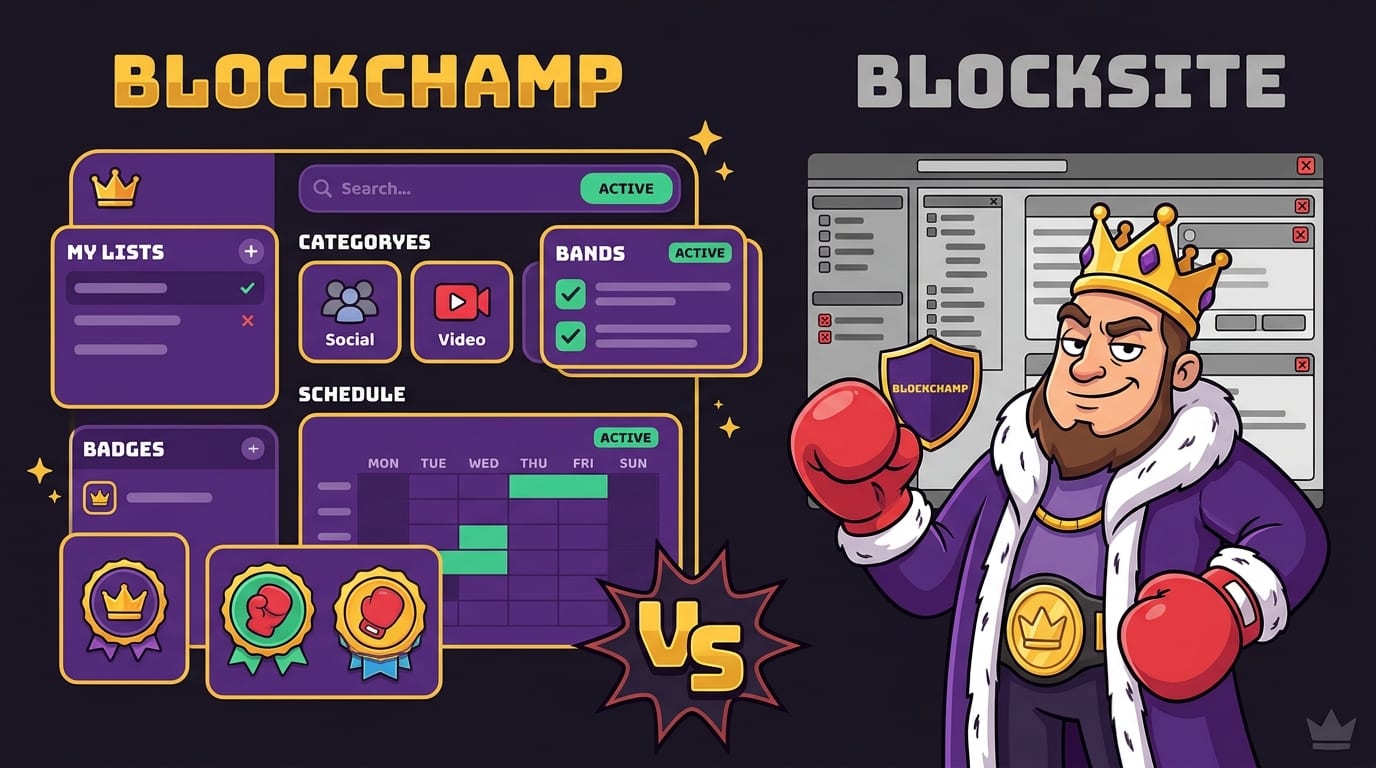
Motivation: plain barriers or XP, badges, and a royal stare?
A website blocker handles access. It doesn’t automatically create motivation, reduce stress, or make a dull assignment fascinating. Its job is narrower: add enough friction to interrupt a reflex and give you a chance to choose something else. That distinction matters. A blocker is a tool, not a tiny therapist living in your toolbar.
BlockSite may suit people who want the blocking itself to be the main event. If a quiet barrier and a clear routine are all you need, extra animations, scorekeeping, and mascot banter could feel unnecessary. Some people want the gate; they do not want the gate to have opinions about their life choices.
BlockChamp adds an explicit reward loop. Users earn XP for focus time and other actions, progress through ranks, collect badges, and track their reign. The Stare-Down page reminds you what you tried to open, and Hardcore Lockdown can add a cooldown or a boxing-pattern mini-game before you can turn focus off. The aim is to make an impulsive decision less automatic and the focused choice more rewarding.
There is a reason to take motivation design seriously, but no feature guarantees a habit will stick. The case for game-like rewards over relying on willpower explains how visible progress can help make effort feel tangible. The useful question is personal: do you respond to scores and milestones, or do you prefer tools that stay quietly out of the way?
For students, creators, and remote workers who enjoy collecting achievements, BlockChamp’s ranks and calendar can make a focus routine easier to notice and repeat. If you find leaderboards distracting or streaks stressful, ignore those parts or choose a simpler experience. Focus should serve you. You do not owe a badge your emotional wellbeing.
Platform fit: the feature that can decide everything
Platform availability is one of the most important differences to check before choosing. BlockChamp is currently a Google Chrome extension. It is a natural fit if most of your distraction happens in Chrome on a computer. It is not currently a universal device blocker, so don’t assume it blocks apps on your phone or every browser on your laptop.
BlockSite has a broader product presence, but exact availability and features can vary. Check the official listing for the operating systems and browsers you use, then confirm that the specific blocking features you care about are included there. If you move between a work laptop, personal computer, and phone all day, a Chrome extension alone may leave gaps. A determined thumb can find those gaps with alarming efficiency.
Ask yourself these practical questions before deciding:
- Which browser do I use for the work I need to protect?
- Do I need to block websites, mobile apps, or both?
- Will I need the same rules on more than one device?
- Does my employer or school manage the device or restrict extensions?
- Can I still reach essential tools and legitimate reference material?
BlockChamp Champion includes settings sync across devices when you sign in, but that does not mean the extension blocks every device or platform. Syncing settings across supported computers and blocking mobile apps are different jobs. Read the feature description carefully, and don’t let a vague phrase like “cross-device” do cartwheels over the details.

Ease of use, flexibility, and the “I can still turn it off” problem
Most people don’t need a complicated system. They need blocks that are easy to configure, obvious to switch on, and hard enough to bypass during a moment of temptation. A master toggle is convenient, but convenience can cut both ways: if disabling focus takes one click, an impulsive “just for a minute” may take one click too.
BlockChamp uses one master Focus toggle to arm or disarm configured blocks. Champion users can enable Hardcore Lockdown, which adds a cooldown timer or a three-round boxing-riddle challenge before turning focus off. Blocking remains active during the cooldown. The extra step is designed to interrupt the impulse, not to make you permanently unable to access your own browser.
This kind of friction is best used thoughtfully. A strict lock can be helpful during a planned writing sprint, but inconvenient if you need a blocked site for a legitimate task or an unexpected work request. Build exceptions into your routine before a high-pressure session. You’ll thank yourself later, possibly while wearing an imaginary crown.
With any blocker, test the settings before relying on them for a deadline. Confirm that the right sites are blocked, that key work tools remain available, and that you understand how to pause or change the rules. The best configuration is not the harshest one. It’s the one that protects your attention without making ordinary work a treasure hunt.
Privacy, cost, and trust: check the small print
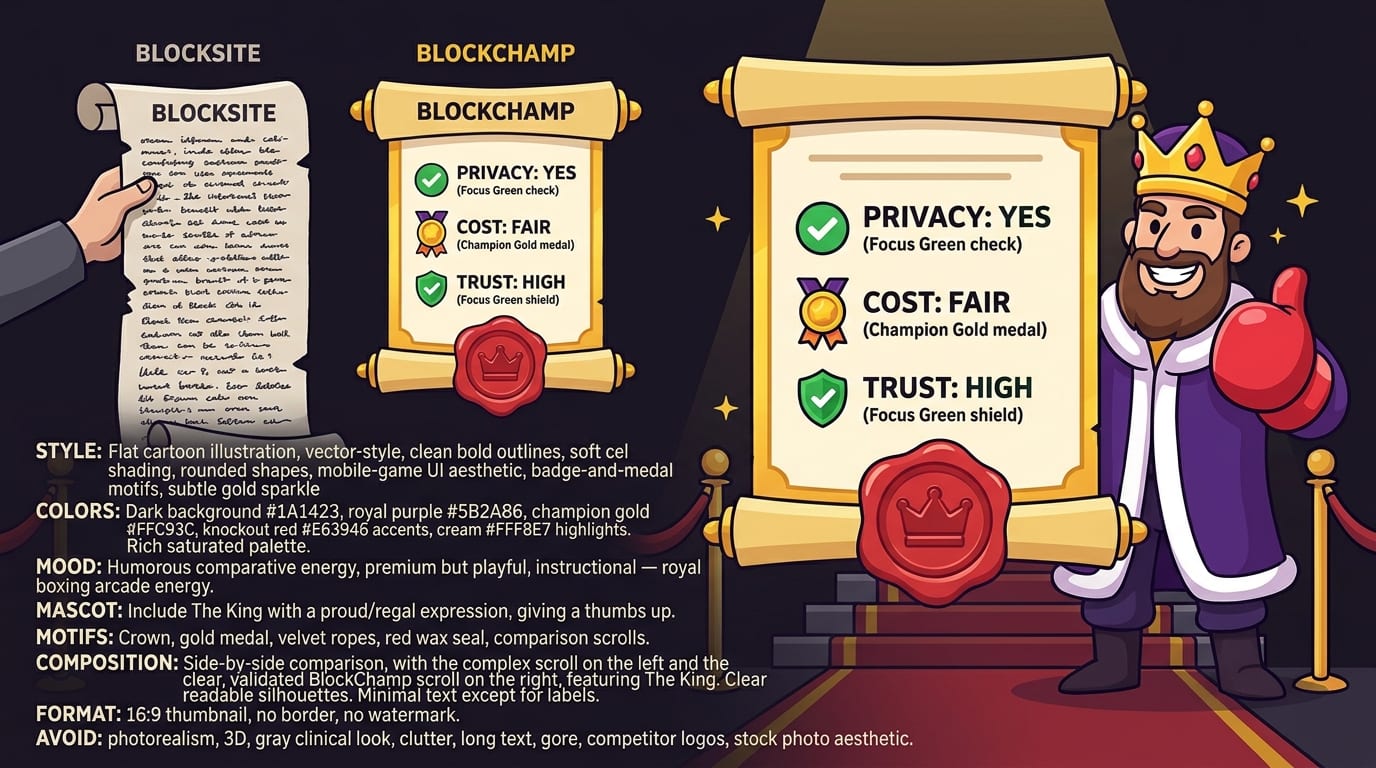
Privacy deserves attention because a blocker may interact with the sites you visit or the pages you attempt to open. Review each product’s current privacy policy, permissions, data practices, and account requirements. Consider whether data is processed locally, what information is collected, and whether optional sign-in changes what is stored or synced. Make your choice from the current policy, not from assumptions based on a feature description.
BlockChamp states that it works on your computer and does not track or sell your browsing history. Sign-in is optional, while signing in supports syncing progress and participating in the leaderboard. As with any tool, read the current policy and extension permissions so you understand the arrangement for yourself.
Pricing also changes, so verify the latest terms before subscribing. BlockChamp currently lists Champion at $24 per year or $59 for a lifetime plan. Its free tier includes up to three sites, two categories, and the core gamification features. The paid plan adds expanded blocking, schedules, keywords, Hardcore Lockdown, and sync. Compare those limits with BlockSite’s current plans and the features offered on your platform; a low introductory price is only useful if the feature you need is actually included.
For broader context on digital habits, the Pew Research Center’s internet and technology research is a useful place to explore how people use digital services. For practical attention-management ideas, the American Psychological Association’s guidance on healthy technology use offers a more general perspective than any product comparison can. Neither source tells you which blocker to buy, but both can help frame the larger question: what role do you want technology to play in your day?
Which one should you choose? Match the tool to your routine
BlockSite may be a better fit if…
- You want a conventional website-blocking experience and prefer minimal game mechanics.
- You need a product available on a particular device or platform. Confirm its current support before installing.
- You want to compare its current features and plan limits against your specific use case, especially if mobile app blocking matters.
BlockChamp may be a better fit if…
- You work mainly in Google Chrome and want a browser-based blocker.
- You find XP, ranks, badges, calendars, and progress tracking motivating.
- You like a memorable block page that turns a failed click into a funny nudge back to work.
- You want optional extra friction through schedules or Hardcore Lockdown, and the Champion plan’s limits fit your needs.
Try to judge by your behavior, not the most impressive feature list. If you repeatedly disable a quiet blocker, a more playful tool may be worth testing. If gamification makes you check your score instead of finishing your report, a plain block may be the better champion. The crown goes to the tool that helps you do the work, not the one with the flashiest onboarding animation.
If you’re weighing BlockChamp against other focus tools, our comparisons of One Sec alternatives and AppBlock alternatives offer more context on different approaches to adding friction around distractions. For another view of what makes a blocker feel engaging, explore gamified website blocking.
Make your choice with a seven-day focus test
Rather than trying to predict your perfect setup from a product page, run a simple experiment. Pick one recurring focus window—say, 9:00 to 11:00 a.m.—and write down the task you want to complete. Choose one or two distractions that reliably interrupt it. Configure your blocker, then leave essential websites alone.
- Set a specific goal. “Finish the first draft” is more useful than “be productive.”
- Block only the main culprits. Start with the sites you actually open during work, not every website you dislike on principle.
- Use the same focus window. A repeatable schedule makes the comparison fair.
- Track what happens. Note whether you finish the task, disable the block, or switch to another distraction.
- Adjust once. Add or remove rules based on real behavior, then test again instead of rebuilding the setup daily.
Use the same experiment whether you try BlockSite or BlockChamp. Pay attention to how quickly you set it up, whether it blocks the right things, and how you feel when you hit a restriction. If you need a guide to the wider category, read our overview of One Sec alternatives for another perspective on interrupting automatic habits.
BlockChamp is available at blockchamp.app for Chrome users who want to try website blocking with a little more game, a little less gray screen, and a king who is not impressed by your “quick check.” Its free plan provides a way to test the core experience before deciding whether the Champion features are useful.
The verdict: block the distraction, then pick your flavor
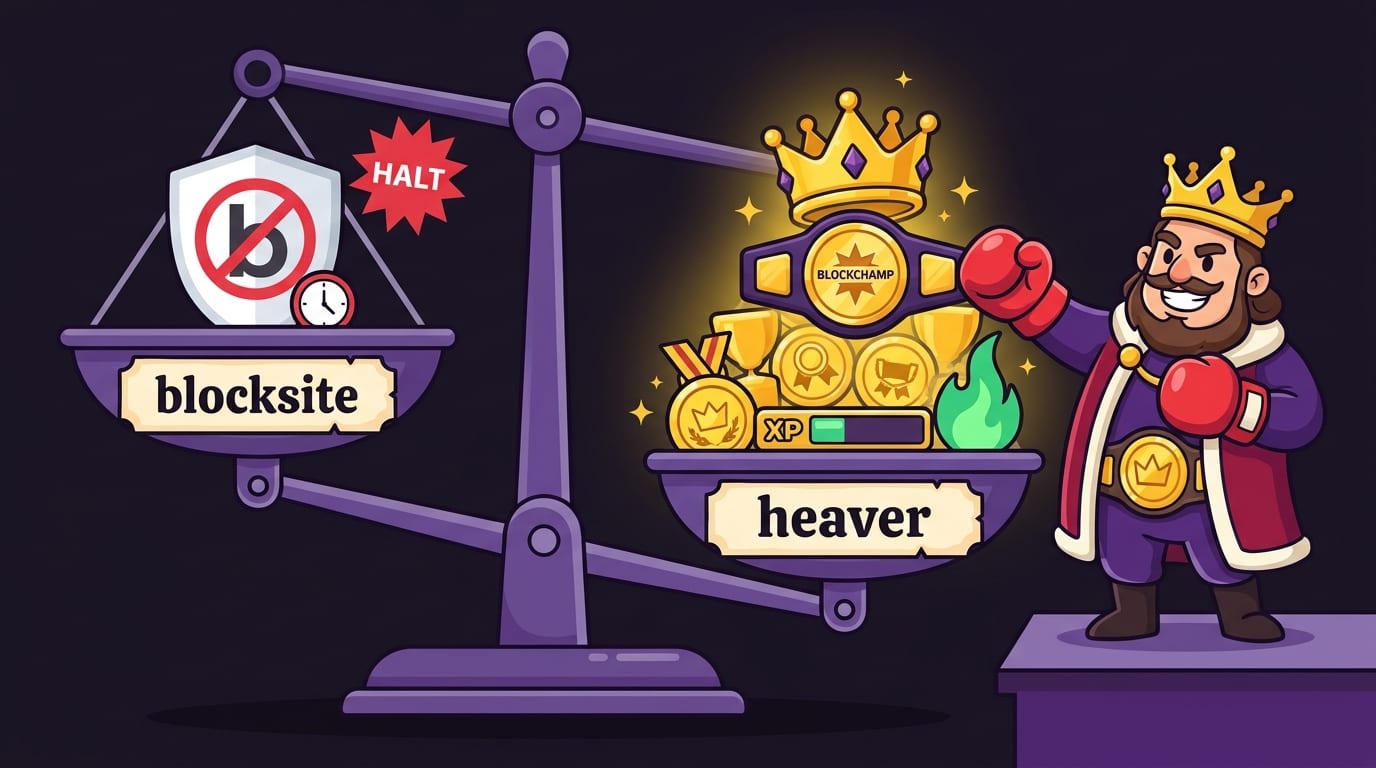
The practical difference in BlockChamp vs BlockSite is not simply which one can block a website. It’s the experience around the block, the platforms you need, and the kind of motivation you’ll actually respond to. BlockSite is worth considering if you want a familiar blocking tool and its current platform support matches your setup. BlockChamp is a Chrome-first option for people who want focus to feel more playful, measurable, and a bit theatrical.
Start with your device, your real distractions, and your preferred level of structure. Check current features, privacy details, and pricing. Then test one focused routine for a week. If rewards and a royal stare-down help you stay on task, BlockChamp may be your kind of arena. If you prefer a quieter barrier, choose the tool that keeps the noise down.
Either way, the goal is the same: spend less time negotiating with a tab and more time doing what you opened the computer to do. Defend the throne—or at least finish the assignment before the algorithm recruits you for another scroll.
Related posts

Blockchamp Vs Cold Turkey Blocker

Blockchamp Vs Blocksite

Best Blocksite Alternative
