
One Sec Alternative

If you’re searching for a one sec alternative, you probably know the drill: open your phone to check one tiny thing, blink twice, and emerge from a social-media rabbit hole with a new recipe, three opinions about a celebrity breakup, and no memory of why you picked up the phone. One Sec is designed to add a pause before opening distracting apps. But a pause is not the only way to interrupt a habit—and it may not be the right fit for every routine.
This guide compares practical alternatives, from built-in screen-time settings to app blockers and browser tools. We’ll look at what each approach does, where it helps, and how to choose a setup you can actually live with. No digital monastery required. You can keep your memes; perhaps just not during the meeting you scheduled yourself.
Quick Answers
What does One Sec do—and what should an alternative change?
One Sec aims to interrupt automatic app opening. Depending on its setup and the platform, it can place a deliberate pause or breathing prompt between you and a selected app. The idea is straightforward: make the habitual action less automatic, giving you a moment to notice what you’re doing and decide whether you still want to continue.
That can be useful if you often open an app without thinking but don’t want to block it completely. A prompt may help you distinguish “I need to reply to a message” from “my thumb has launched an expedition into short videos again.” It does not necessarily prevent access, however. If you dismiss the prompt and keep scrolling, the tool has done its job as a speed bump, not a locked gate.
So, before choosing a One Sec alternative, decide what you want to change. Are you looking for a pause, a time limit, a schedule, or a barrier that makes a distraction difficult to access? Those are different jobs. A tool that excels at one may be a poor substitute for another.
- Pause tools interrupt the reflex and invite a conscious choice.
- Time-limit tools help you notice or limit how long you spend in an app.
- Blockers restrict access during chosen periods or altogether.
- Habit and environment changes make distracting behavior less convenient without relying on an app alone.
There is no universal champion. The right option is the one that matches your actual problem, works on your devices, and doesn’t become another setting you abandon after Tuesday.
1. Try your phone’s built-in screen-time controls
If you want a no-cost starting point, explore the controls already included with your phone. Apple’s Screen Time and Android’s Digital Wellbeing offer tools such as app limits, scheduled downtime, focus settings, and usage reports. The exact names and options can vary by operating-system version and device.
Built-in controls are useful when your goal is to make usage visible or establish a basic boundary. For example, you might set a daily limit for a social app, schedule a wind-down period in the evening, or silence selected notifications during a study block. They also avoid adding another service to your digital life. Your phone already knows where the settings are; it’s just being coy about it.
There is a catch: many phone controls are easy to override, and a daily limit may arrive after you have already spent more time than intended. That doesn’t make them pointless. It means they work best when paired with a specific plan. If a notification says your limit is up, decide in advance whether you’ll close the app, take a short break, or use a narrow exception for something genuinely necessary.
To make built-in limits more useful, try this setup:
- Choose one app that repeatedly pulls you away from something important.
- Set a limit that is realistic rather than heroic. If you currently spend three hours there, a ten-minute cap may last until lunch.
- Schedule focus or downtime around a regular activity, such as your first hour of work or the time you get into bed.
- Review the result after a week. Adjust the setting based on what happened, not what your idealized future self promised.
For a wider look at changing your relationship with mobile habits, see BlockChamp’s guide to rethinking your relationship with your phone. The aim isn’t to win a contest against your device. It’s to give your attention a little more say in the matter.
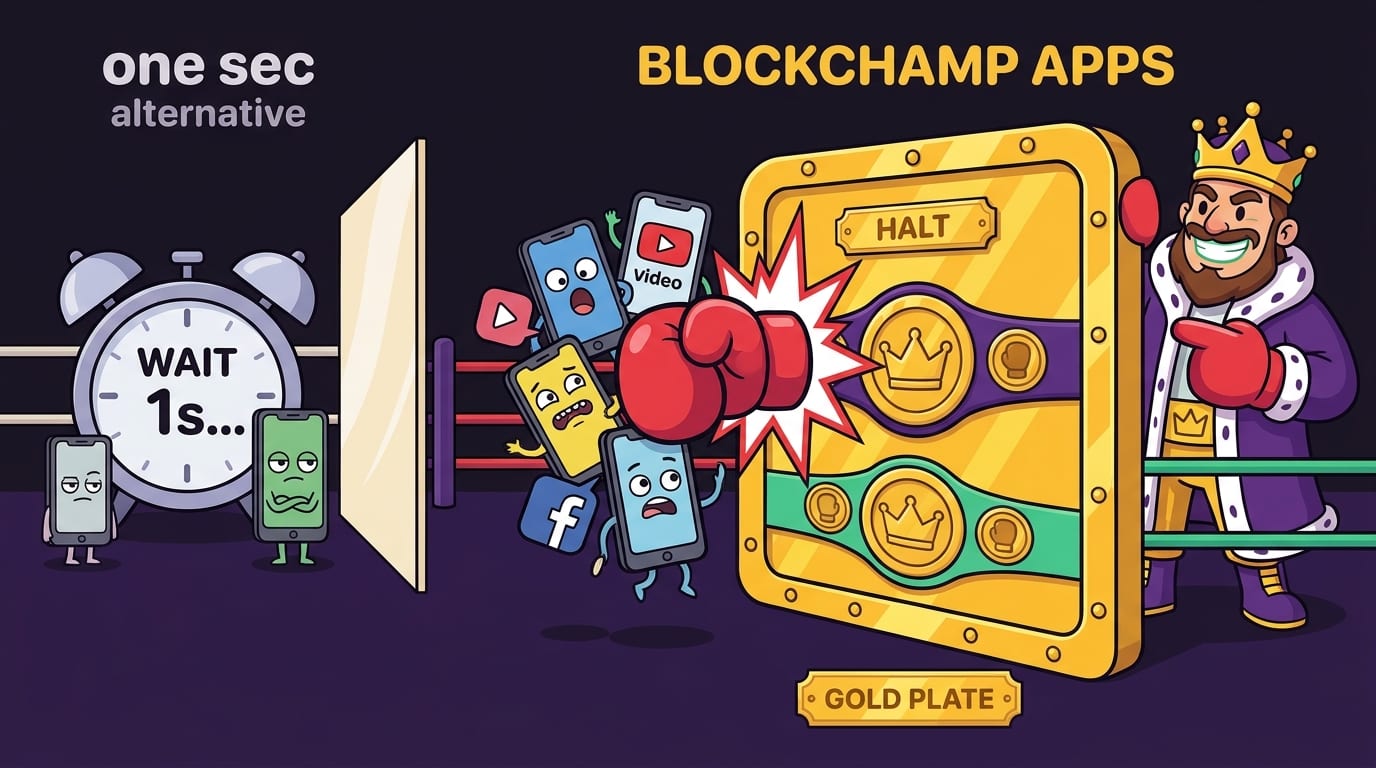
2. Use app blockers when a pause isn’t enough
A pause can work when you want to interrupt an automatic habit. If you reliably dismiss the pause and continue, a blocker may be a better fit. App-blocking tools can restrict selected apps at certain times, set usage limits, or create focus sessions. Features vary considerably, so check platform compatibility and whether the rules can be bypassed before you commit.
Think about the moment when your plan usually fails. If you pick up your phone during a work session, a scheduled block may help. If you reach for a social app during every small lull, a short focus session might be enough. If you need an app for work but get distracted by other parts of your phone, blocking everything may be too blunt. You want a useful guardrail, not a digital drawbridge that locks out your calendar along with the gossip.
Some blockers emphasize strictness. That can be helpful for people who want fewer escape hatches, but strict settings need careful setup. Make a list of essential apps, test the schedule, and decide how you’ll handle genuine exceptions. A tool that blocks a work login during a client call is not “strong accountability.” It is an awkward meeting with technology.
Other tools prioritize gentle reminders and reflection. Those may suit you if you respond well to prompts, but they may not change the outcome when you’re tired or stressed. Match the tool’s level of friction to the strength of the habit you’re trying to interrupt. Start with the lightest intervention that has a reasonable chance of working; increase it if you keep sailing straight through.
3. Build a phone environment that supports your intention
Apps are only part of the story. Small changes to your device and surroundings can reduce the number of distractions that reach you in the first place. Turn off nonessential notifications, move tempting apps off your home screen, log out of accounts you don’t need during the day, or charge your phone outside the bedroom. These changes are not glamorous, but neither is discovering you’ve watched 47 clips about pressure-washing driveways instead of going to sleep.
Try making the wanted behavior easier and the unwanted one slightly more inconvenient. Put your reading app on the first screen and social apps in a folder. Keep your phone in a bag during a meeting rather than beside your keyboard. If you work at a computer, close entertainment tabs before beginning a task. Friction can be useful in both directions: remove it from the habit you want, add a little to the one you don’t.
It also helps to decide what you will do instead. “I won’t scroll” leaves an empty space that your brain may immediately fill with scrolling. “When I want a break, I’ll stand up, get water, or walk outside for five minutes” gives the impulse somewhere else to go. Breaks still count when they don’t involve a glowing rectangle. Revolutionary, we know.
For practical ideas on creating distance from your phone, read how to take a break from your phone. If the habit shows up at mealtimes, this guide to leaving your cell phone at dinner offers a simple way to protect a small, repeatable pocket of offline time.
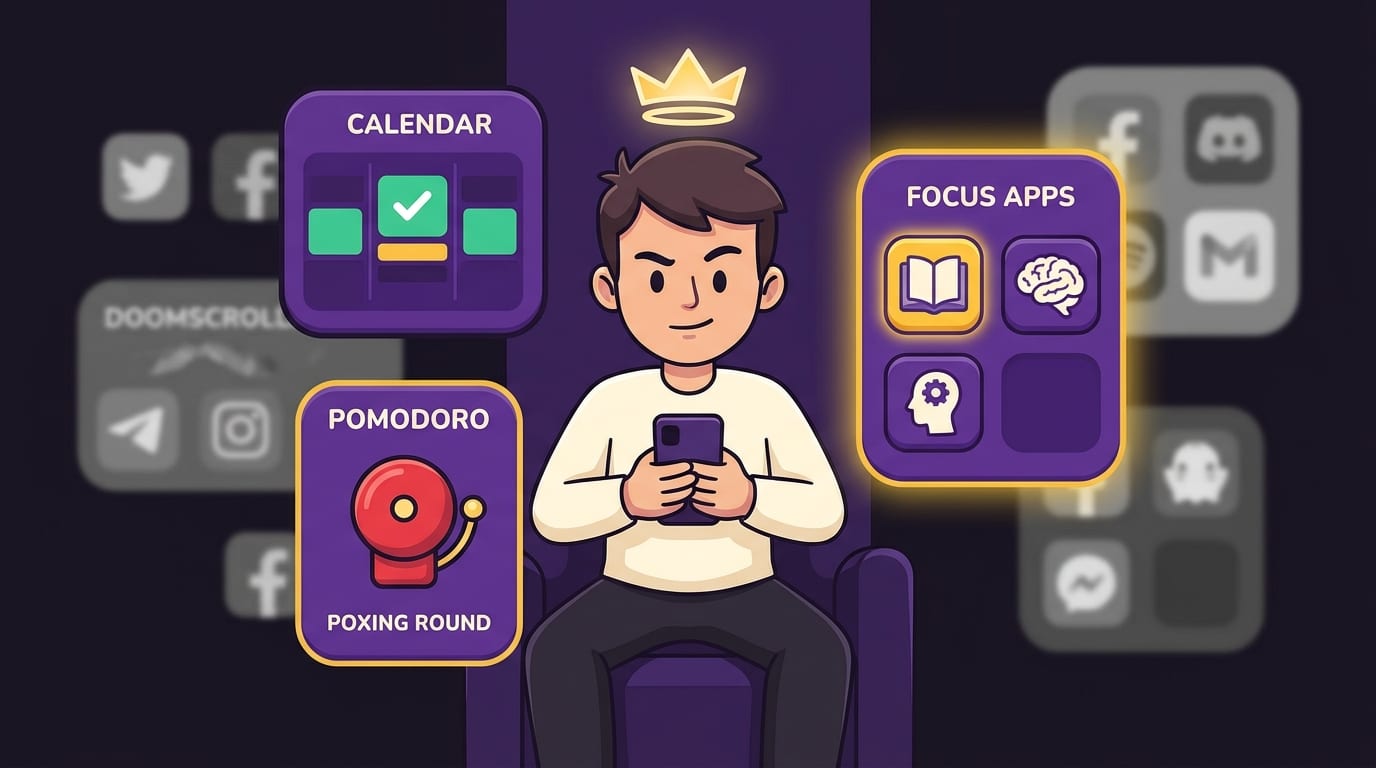
4. Use website blocking for desktop distractions
One Sec focuses on the app-opening moment, but many distractions also happen in a browser. A person may put their phone away, sit down to work, and then visit the same social feed on a laptop. If that sounds familiar, a Chrome website blocker can address a different part of the habit: opening distracting websites while you’re trying to focus.
BlockChamp is a gamified website blocker for Google Chrome. It lets users block individual sites, select distraction categories, and—on its Champion plan—use keyword blocking and recurring focus schedules. The free version allows up to three blocked sites and two categories, while Champion unlocks unlimited sites and all eight categories. That makes it a possible One Sec alternative for someone whose main problem is browser-based distraction rather than launching a phone app.
The experience is intentionally playful. When you try to visit a blocked site, BlockChamp’s Stare-Down page features The King, a cartoon royal boxer who reminds you that you had somewhere else to be. Surviving a stare-down earns XP, and focused time contributes toward levels, badges, and a reign streak. It is less “austere productivity dashboard” and more “a tiny crowned champion asking why you’re visiting Reddit again.”
For people who find a simple off switch too tempting, Champion also includes Hardcore Lockdown. Depending on the mode you choose, turning focus off requires waiting through a cooldown or completing a short boxing-riddle game. The point is not to punish you; it is to put enough space between an impulse and a decision for the impulse to cool off. BlockChamp runs as a Chrome extension, so it is not a direct replacement for a phone app or a cross-platform mobile blocker.
It may suit you if you want a website blocker that makes focus feel more rewarding and less clinical. It may not suit you if you need to pause before opening mobile apps specifically. You can explore the tool at BlockChamp, and learn how it fits into a broader productivity setup in this guide to apps that help organize, prioritize, and get things done.
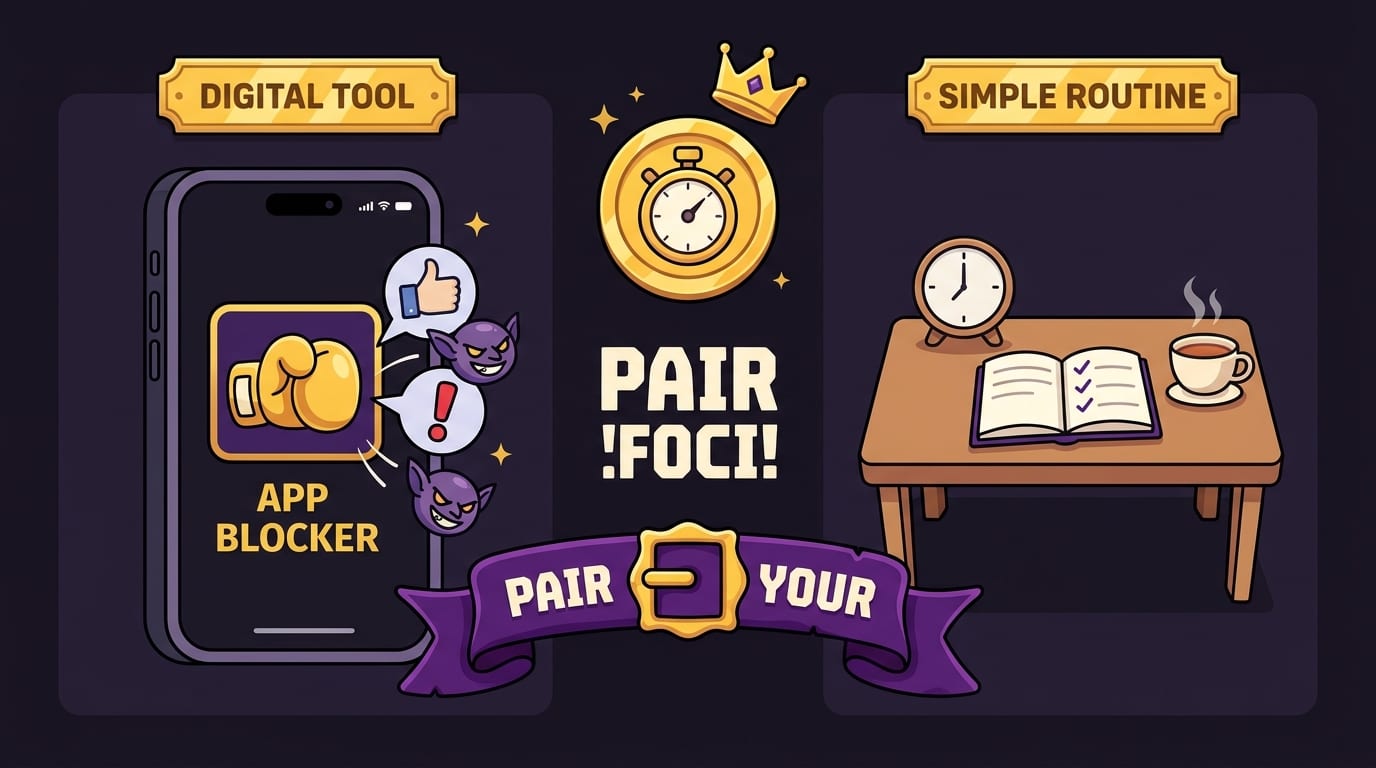
5. Pair a digital tool with a simple focus routine
Even a well-chosen blocker can’t decide what deserves your attention. A routine gives the tool a job. Instead of vaguely hoping to “focus more,” choose a task, a time window, and a definition of done. For example: “From 9:00 to 9:30, I’ll draft the first section of the report with social sites blocked.” That is easier to start than “be productive,” a phrase that has launched many a person into reorganizing their desktop icons.
Try a short work-and-break cycle. Work for 25 minutes, then take a five-minute break. If 25 minutes feels too short or too long, adjust it; the timer is a helper, not a lawmaker. Before each session, write down the next physical action: open the document, solve the first three questions, or reply to the one email that matters. A clear first step reduces the temptation to seek a more entertaining task.
At the end of a session, check what happened without turning the review into a courtroom drama. Did you finish the task? Did you reach for your phone? Was the block too strict or too easy to bypass? Make one adjustment for the next session. This kind of feedback helps you find a setup that fits your workday rather than copying someone else’s “perfect morning routine” from a video watched at 1:17 a.m.
If your distractions are mostly phone-related, consider establishing one phone-free activity each day: a meal, a walk, or the first 20 minutes after waking. The article on blocking apps on an iPhone and keeping yourself out explores stronger boundaries for that platform. Combining a routine with a suitable tool is often more dependable than expecting a single setting to transform every habit overnight.
How to choose the best One Sec alternative for you
There is no universal winner in a One Sec alternatives comparison because the tools solve different problems. Before downloading anything, answer a few practical questions. Which device is involved? Is the problem an automatic app launch, long sessions, or a browser tab that keeps appearing? Do you want a gentle nudge, a scheduled limit, or a block that is difficult to undo?
- Choose a pause or prompt if you want to become more aware of an automatic app-opening habit and still decide for yourself.
- Choose built-in screen-time controls if you need a simple, low-cost way to set basic limits or quiet periods.
- Choose an app blocker if you need specific mobile apps restricted during chosen times, and its platform support matches your phone.
- Choose a browser blocker if websites on your computer are the main distraction. BlockChamp is one Chrome-focused option, especially if you like gamified progress.
- Change your environment if notifications, home-screen placement, or phone access are triggering the habit before you even make a conscious choice.
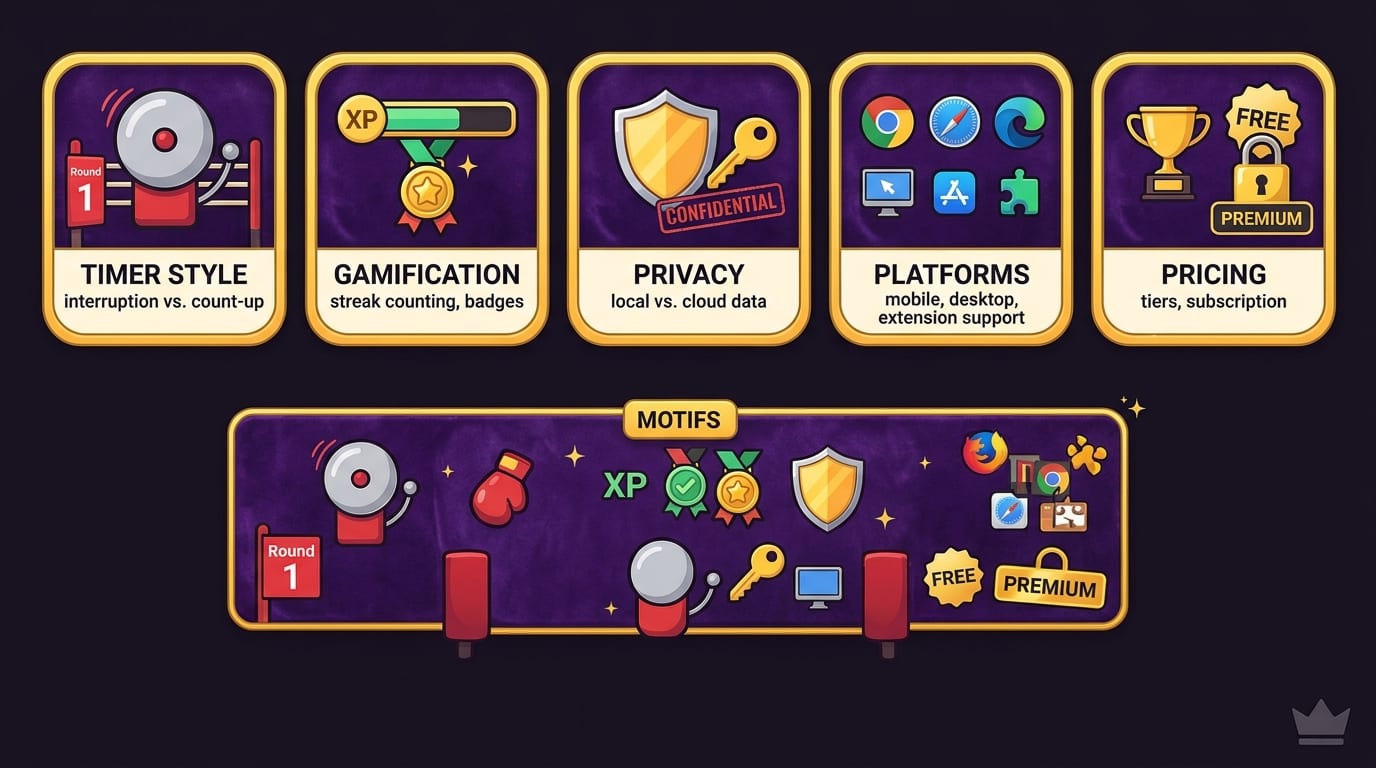
Check a tool’s privacy information, pricing, device support, scheduling options, and override rules before relying on it. Also consider whether it supports your real life. You may need messaging for family or an online service for work; a good setup should leave essential access intact. Start with one or two clear boundaries, not a complicated maze of rules that requires a software engineer and a snack to maintain.
Most importantly, test the alternative for a week. Note when the distraction happens, what you were doing beforehand, and whether the tool helped you make a different choice. If it didn’t, adjust the level of friction or the situation—not your entire personality. Habit change is usually a series of small experiments, not one majestic app download followed by instant enlightenment.
The best alternative is the one that helps you choose
A One Sec alternative could be a pause prompt, a built-in app limit, a stricter blocker, or a small change to where your phone lives. Choose based on the behavior you want to change. If you want a moment to reconsider, a gentle interruption may be enough. If you keep overriding reminders, stronger app or website blocking can provide a clearer boundary. If your browser is the battlefield, a Chrome tool such as BlockChamp may help you defend your focus with schedules, category blocks, and playful progress.
Start small: identify your most distracting app or site, choose one boundary, and test it for a week. Keep what helps and change what doesn’t. You do not need to throw your phone into the sea or swear a royal oath to never watch another video. You just need a little more control over when the scroll gets your attention.
Ready to tackle browser distractions? Try BlockChamp, set a focus goal, and let The King guard the throne while you get something done. Your next scroll can wait. Probably. The crown is watching.
Related posts

Blockchamp Vs Blocksite

Blockchamp Vs Cold Turkey Blocker

Blockchamp Vs Blocksite
