
Virtual Co Working

Virtual co working sounds suspiciously like “sitting alone in sweatpants while pretending other people can see you work.” And honestly? That is partly the magic. When done right, virtual co working turns remote work, studying, freelancing, or creative work from a lonely staring contest with your laptop into a focused, accountable, surprisingly energizing session with other humans. No commute. No awkward office fridge politics. No one microwaving fish at 11:43 a.m. Victory.
But let’s be clear: throwing five people into a video call and saying “be productive” is not a system. That is just a digital waiting room with better branding. Effective virtual co working needs structure: routines, tools, rules, focus blocks, accountability, and a plan for defeating the tiny goblin in your brain that whispers, “What if we checked Reddit for one second?” Spoiler: it is never one second. It is a portal.
In this guide, we’ll break down practical strategies for building virtual co working sessions that actually boost productivity, reduce isolation, and help you stay focused without turning your day into a meeting-shaped swamp. We’ll cover setup, session formats, tool choices, accountability rituals, distraction defense, and how BlockChamp can help you keep your digital kingdom guarded while you work alongside others from anywhere.
Quick Answers
What Is Virtual Co Working, Really?
Virtual co working is a remote work arrangement where people gather online, usually over video, chat, or a co working platform, to work independently at the same time. You may be doing totally different tasks: one person writes a proposal, another studies calculus, someone else edits a podcast, and one mysterious wizard silently builds spreadsheets with 47 tabs. The shared ingredient is presence.
The goal is not constant conversation. In fact, if your virtual co working session becomes three hours of “quick updates,” congratulations, you have invented a meeting wearing a fake mustache. Real virtual coworking creates a light social container around deep, independent work. You show up, say what you’re working on, mute yourself, work, then report back. Simple. Powerful. Slightly magical.
This works because humans are social creatures. We often perform better when we feel observed, supported, or gently accountable. Behavioral science calls this kind of effect social facilitation: the presence of others can improve performance on familiar tasks. The American Psychological Association has discussed how social connection and accountability influence motivation and wellbeing, especially as remote work changes our routines. You can explore more on workplace wellbeing through the APA’s healthy workplace resources.
Virtual co working is especially useful for:
- Remote workers who miss office energy but not office fluorescent lighting.
- Freelancers who need structure without a boss breathing dragon smoke down their neck.
- Students studying for exams or writing papers.
- Creators, writers, coders, designers, and builders doing deep work.
- People with attention challenges who benefit from body doubling and external accountability.
- Teams that want focus time without adding more meetings to the sacred calendar beast.
If you’re designing a productive learning or work environment, virtual co working can be one piece of the throne room. For more on shaping your surroundings for better concentration, BlockChamp’s guide to building a productive learning environment is a handy companion.
Why Virtual Co Working Works: Accountability Without the Corporate Jazz Hands
Remote work gives people flexibility. It also gives people access to laundry, snack cupboards, streaming services, pets, beds, and the dangerous little rectangle of infinite scroll. Freedom is glorious. Freedom also occasionally puts on clown shoes and runs directly into distraction.
Virtual co working helps because it adds lightweight accountability. You do not need a manager glaring through your webcam like a budget surveillance owl. You simply need to state your intention out loud and know that someone will ask, “How did it go?” at the end. That small social contract can make procrastination feel less invisible.
Research on remote and hybrid work shows that people value flexibility, but many also struggle with connection, boundaries, and collaboration. Microsoft’s Work Trend Index has repeatedly highlighted how digital work patterns affect productivity, meetings, and employee experience. Their findings are worth reading if you want the big-picture workplace context: Microsoft Work Trend Index.
Virtual co working can reduce isolation, too. Loneliness is not just a sad little cloud over your desk; it can affect motivation, wellbeing, and energy. The U.S. Surgeon General has called attention to the health impacts of loneliness and social disconnection in its advisory on the topic, available here: Our Epidemic of Loneliness and Isolation. You don’t need to join a medieval guild to feel connected. Sometimes a 90-minute focus room with three other people is enough to remind your brain, “Ah yes, we are not a cave troll.”
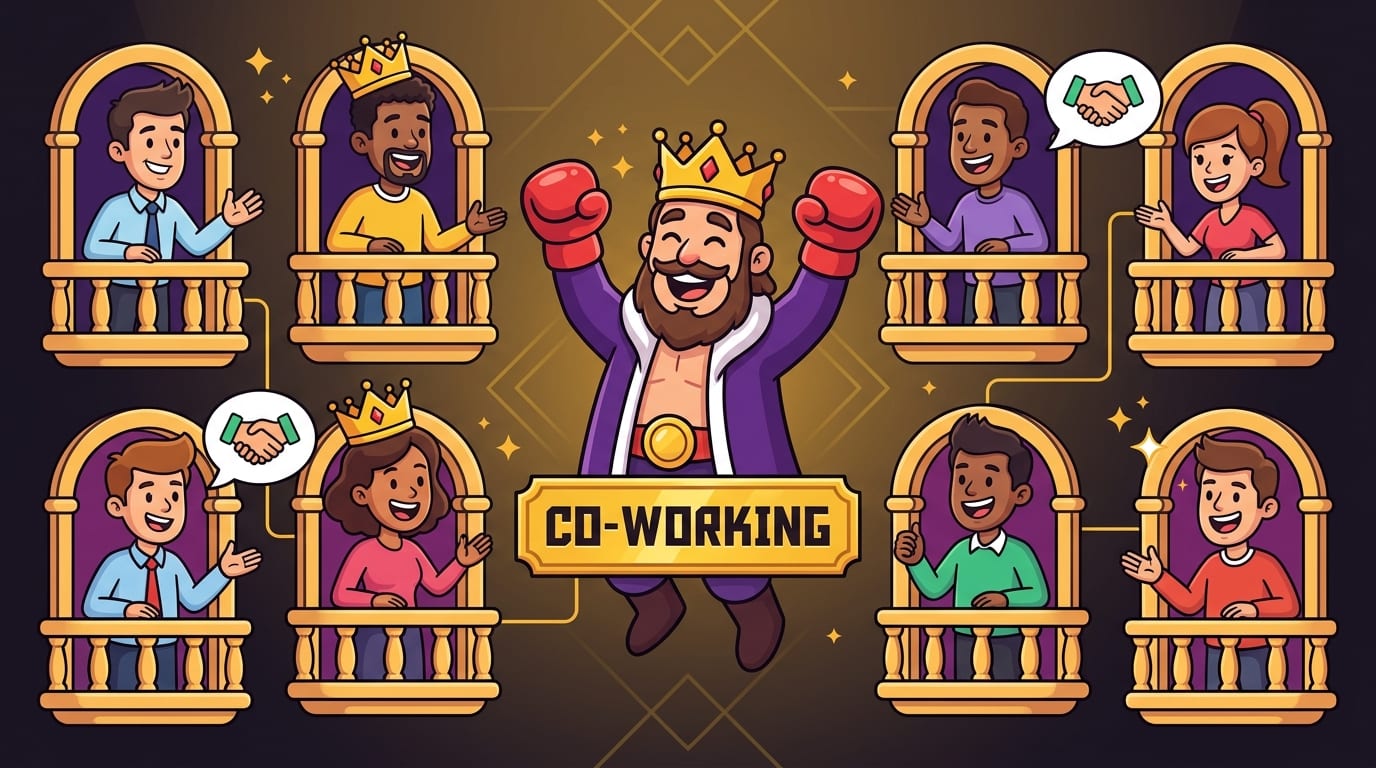
The best part? Virtual co working doesn’t require everyone to be in the same industry, time zone, or life stage. You can co work with classmates, colleagues, strangers in a study group, friends, or members of an online community. The shared mission is focus. The enemy is distraction. The crown is productivity.
Set the Rules Before the Session, or Chaos Will Wear Your Crown
A good virtual co working session starts before the timer begins. If you want people to focus, you need clear expectations. Otherwise, someone will treat the room as therapy, someone else will troubleshoot their microphone for 18 minutes, and one brave soul will ask, “Can I share my screen real quick?” The kingdom trembles.
Start with a simple session agreement. It does not need to be fancy. It just needs to define how people show up, what happens during the session, and how interruptions are handled.
A simple virtual co working rule set
- Arrive on time. Late arrivals happen, but the session starts when it starts. The clock is king.
- Share one clear goal. “Work on stuff” is not a goal. “Draft the intro and outline section two” is a goal.
- Mute during focus time. We love your keyboard, but we do not need to hear it galloping.
- Use chat for quick notes. Save deep discussion for breaks or after the session.
- No multitasking theater. If you’re in the session, be in the session. Not half-working while half-watching a video about raccoons stealing cat food.
- Check in honestly. At the end, report what got done, what got stuck, and what comes next.
For teams, it helps to define which tasks belong in virtual co working. Deep work, admin batches, writing, coding, studying, inbox cleanup, design drafts, research, and planning all fit nicely. Brainstorms, emotional debates about brand colors, and “alignment syncs” may need a different format. Do not bring a fog machine to a chess match.
If you are a student using virtual co working for study sessions, structure matters even more. A strong session can reinforce better study habits and reduce the temptation to drift into YouTube “research.” For more student-focused tactics, check out BlockChamp’s post on study habits for academic success.
Choose the Right Virtual Co Working Format
There is no single perfect virtual co working format. The best structure depends on your energy level, the type of work, and whether your group includes morning larks, night owls, or people who become sentient only after the second coffee.
Here are several proven formats you can test.
1. The classic 50/10 focus sprint
This format uses 50 minutes of silent work followed by a 10-minute break. It is great for deep work, writing, coding, studying, and focused admin. At the start, each person states their goal. During the sprint, cameras can stay on or off depending on group preference. At the end, everyone shares progress.
Use this when tasks require sustained concentration but not a full monastery vow. It is long enough to get into flow, short enough that your brain doesn’t file a labor complaint.
2. The Pomodoro party
The Pomodoro Technique traditionally uses 25-minute work blocks with 5-minute breaks. This can be excellent for people who struggle to start, feel overwhelmed, or need frequent resets. Todoist has a solid overview of the method here: Todoist’s Pomodoro Technique guide.
Virtual Pomodoro sessions work well for students, early-morning groups, or anyone wrestling a pile of small tasks. The vibe is less “deep sea focus submarine” and more “productivity interval training.” Gloves up.
3. The 90-minute deep work arena
This is for serious focus. Everyone checks in for five minutes, works silently for 90 minutes, then checks out for 10. It is excellent for writing, design, strategic planning, complex coding, or learning difficult material.
Do not use this format if people are new to virtual co working or if the group is chatty. A 90-minute session requires trust, discipline, and snacks nearby. Hydration is not optional. The King commands it.
4. The open co working room
An open room runs for several hours, and people join when they can. This is useful for communities, distributed teams, and study groups across time zones. The downside is that it can become loose and unfocused unless you create recurring mini check-ins.
For example, run intention-setting at the top of every hour and a five-minute debrief at the end. This gives the session structure without making everyone obey a single schedule like productivity soldiers in matching capes.
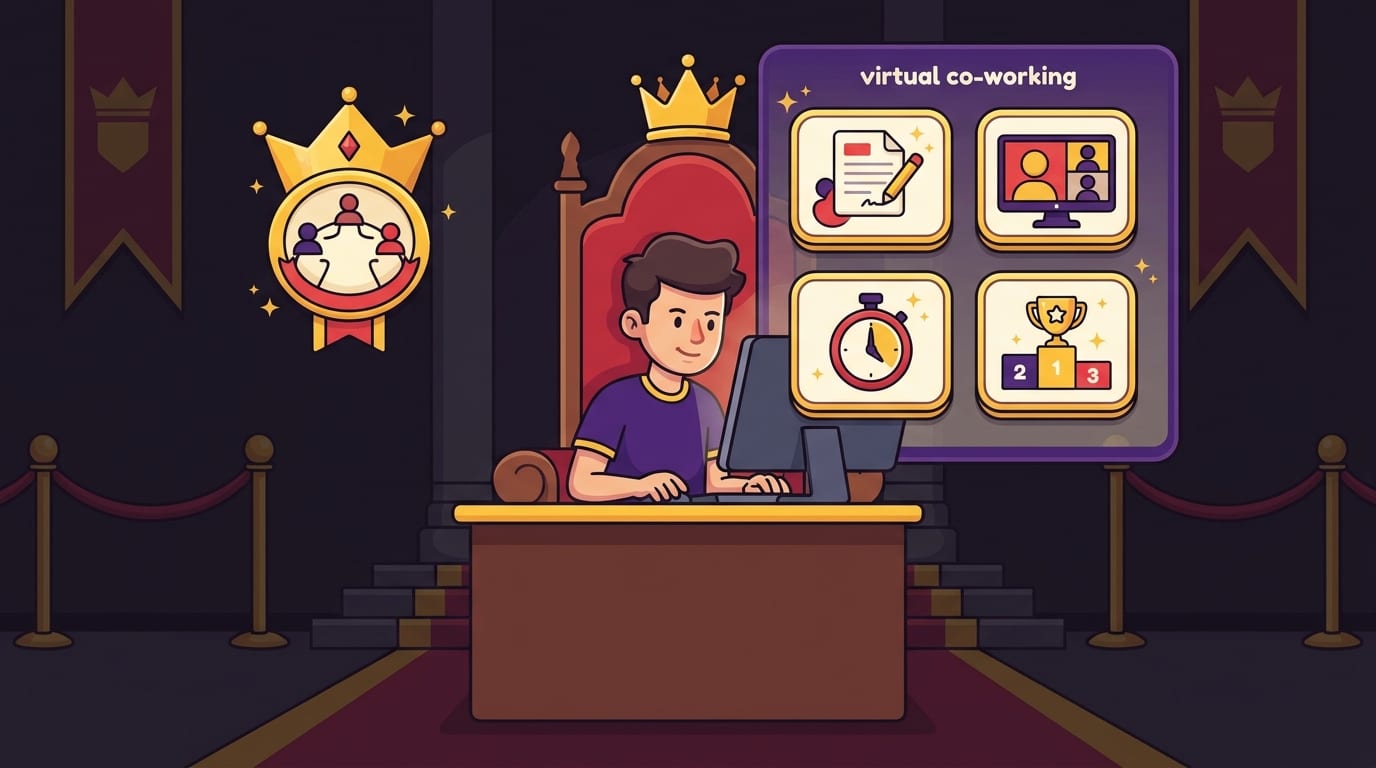
Build a Ritual: Start Strong, Work Quiet, Finish Clean
Virtual co working works best when it becomes a ritual. Your brain loves cues. Same time, same link, same opening question, same timer, same closing reflection. The repetition lowers decision fatigue. Eventually, showing up to the room becomes a trigger: “Ah, yes. We work now. Not scroll. Work.”
A strong ritual has three parts: opening, focus, and closing.
The opening check-in
Keep it brief. Each person answers:
- What will you work on?
- What does “done” look like for this session?
- What distraction do you need to avoid?
That third question is sneaky-powerful. Naming the distraction turns it from an invisible trap into a known opponent. “I need to avoid TikTok.” “I need to avoid checking email every four minutes.” “I need to avoid researching the perfect note-taking app instead of taking notes.” Very noble. Very human. Very blockable.
The focus block
During the focus block, everyone works silently. Use a visible timer if possible. Some groups like ambient music; others prefer silence. If you use music, choose instrumental tracks. Lyrics can hijack your language brain and suddenly your report reads like a breakup song. Awkward for quarterly planning.
This is also where BlockChamp fits naturally. Before the session starts, turn on BlockChamp’s Master Focus Toggle so your distraction categories are armed. Block social media, video, news, shopping, gaming, gambling, adult sites, or AI distractions depending on your personal danger zone. If YouTube is useful for work but also a trapdoor into “best medieval soup recipes,” block by specific sites or use keyword blocking as needed. Your co working group supplies accountability. BlockChamp supplies the royal guard at the browser gate.
The closing debrief
At the end, everyone shares:
- What got done?
- What did not get done?
- What is the next action?
The goal is not shame. Shame is a terrible productivity strategy and an excellent way to make people disappear. The goal is awareness. If someone struggled, help them shrink the next task, remove a blocker, or choose a better format for next time. Reward honesty. Crown effort. Roast distractions, not people.
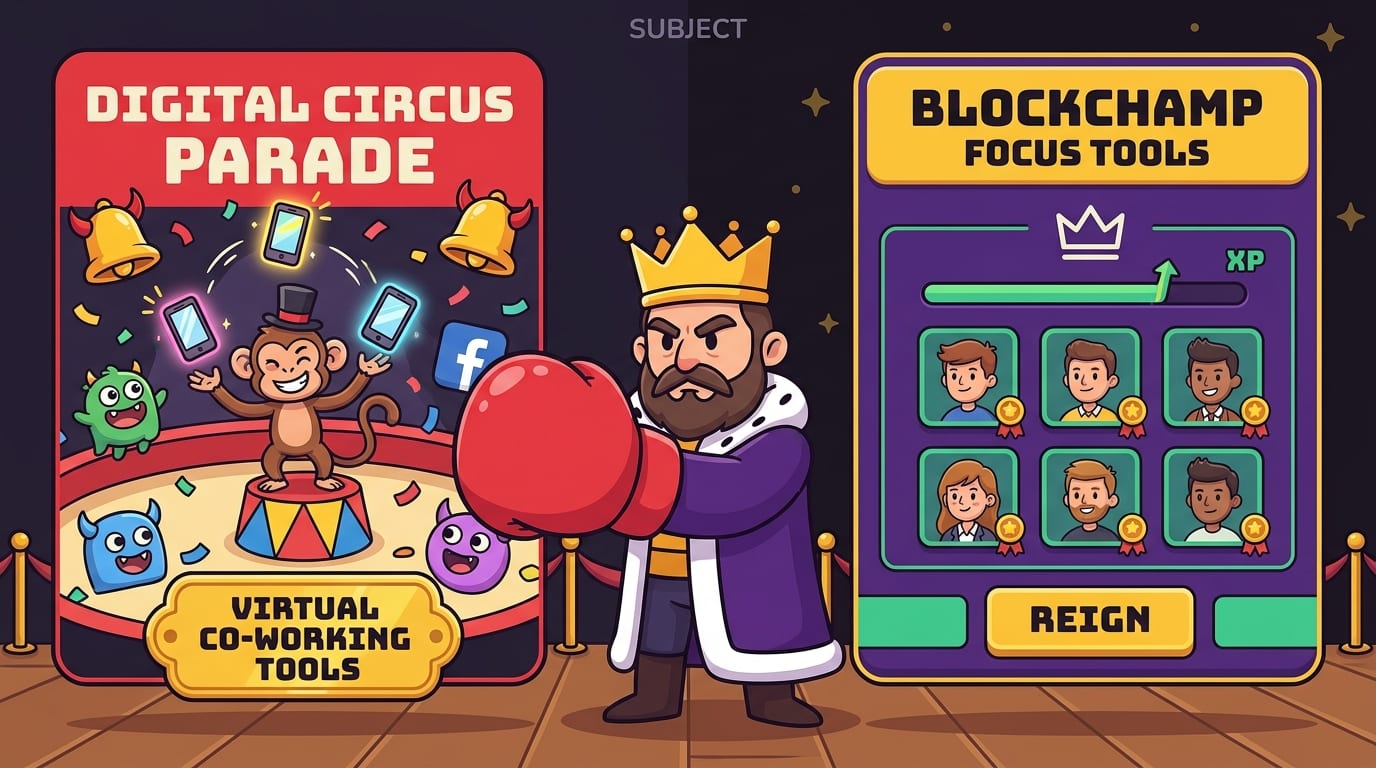
Pick Tools That Support Focus, Not a Digital Circus Parade
The best virtual co working tools are boring in the right places. You need enough technology to gather, time the session, and track tasks. You do not need fourteen dashboards, five integrations, a productivity crystal, and a dashboard that looks like a spaceship had a baby with a tax form.
Here is a clean tool stack:
- Video room: Zoom, Google Meet, Microsoft Teams, Discord, or a dedicated co working platform.
- Timer: A shared screen timer, Pomodoro app, or simple browser timer.
- Task capture: Notion, Todoist, Trello, Google Docs, or plain paper if you’re feeling delightfully analog.
- Chat: Slack, Discord, Teams chat, or the video platform’s built-in chat.
- Distraction blocking: BlockChamp for Chrome to block the websites that repeatedly steal your attention and your dignity.
When choosing tools, ask three questions:
- Does this reduce friction or create more setup work?
- Does this help us focus, or does it invite fiddling?
- Can everyone use it easily without a 37-minute onboarding sermon?
For remote teams, collaboration software can become its own distraction. Constant notifications fragment attention. The University of California, Irvine has published research showing that interruptions can increase stress and make work more difficult to resume; a useful overview of interruption research is available from Gloria Mark and colleagues’ work on interruptions. Translation: every ping is a tiny jester barging into your throne room.
So before a session, turn off nonessential notifications. Close extra tabs. Put your phone out of reach. And if your browser is your main battlefield, let BlockChamp stand guard. The Stare-Down page is much more memorable than a polite “please don’t.” When The King catches you trying to enter a blocked site and basically says, “Nice try, peasant,” it turns relapse into comedy and sends you back to work.
Use Accountability Without Becoming the Productivity Police
Accountability is useful. Micromanagement is cursed. The difference is consent, clarity, and tone.
In virtual co working, accountability should feel like support, not surveillance. Nobody needs to report keystrokes, screen recordings, or soul-level productivity confessions. Instead, use lightweight accountability rituals that make progress visible.
Try these accountability methods
- Public intention: Say what you’ll complete before the timer starts.
- End-of-session score: Rate your focus from 1 to 5 and say why.
- Buddy pairing: Pair up for the week and check in before each session.
- Progress receipts: Share a screenshot, word count, completed checklist, or short summary.
- Weekly wins: End Friday with three things you finished because you showed up.
For teams, make accountability task-based rather than personality-based. “Did the draft reach version one?” is useful. “Why are you like this?” is not useful, even if your inner goblin has questions.
For students, accountability can be built around study goals: chapters reviewed, practice problems completed, flashcards created, essay sections drafted. If you are trying to increase study productivity, pair virtual co working with stronger study systems. BlockChamp’s guide on how to increase productivity while studying has practical ideas that fit neatly into co working sessions.
BlockChamp also turns accountability inward with XP, levels, badges, reigns, and a focus calendar. Every focused minute earns XP. Every day your blocks stay active strengthens your reign. Every stare-down survived earns a little victory. It is accountability with confetti instead of shame. Much better. Less beige.
Defend Against Distractions Before They Enter the Castle
The biggest mistake people make with virtual co working is assuming the call itself will keep them focused. It helps, yes. But if your browser still has every distraction unlocked, you are essentially leaving the castle gate open and hoping the dopamine raccoons behave.
Before each session, create a distraction defense checklist:
- Close irrelevant tabs.
- Put your phone in another room or use focus mode.
- Turn off notifications from email, Slack, Discord, and social apps.
- Open only the documents or tools needed for the session.
- Block high-risk sites before starting.
- Write your goal somewhere visible.
This is where BlockChamp becomes extremely useful for virtual co working. You can quickly block specific websites like YouTube, Reddit, X/Twitter, Instagram, or TikTok. You can also use category blocking to shut down entire distraction kingdoms: Social Media, Video & Streaming, News, Shopping, Gaming, Gambling, Adult, and AI Distractions. Free users can block up to three sites and two categories, which is plenty to start knocking out the obvious villains. Champion users get unlimited sites, all eight categories, keyword blocking, recurring schedules, and Hardcore Lockdown.
Recurring schedules are especially handy for regular virtual co working groups. If your session runs Monday through Friday from 9 a.m. to 11 a.m., set BlockChamp to automatically turn the guard on during that window. No willpower negotiation. No “I’ll just activate it after I check one thing.” The throne is defended before the goblin wakes up.
And if you are truly prone to surrendering mid-session, Hardcore Lockdown makes quitting harder in a fun way. You can set a cooldown timer or complete The King’s boxing riddle before turning focus off. That delay is often enough for the impulse to pass. It is not punishment. It is friction with a crown.
Make Virtual Co Working Less Lonely and More Human
Productivity matters, but connection matters too. Virtual co working should not feel like a silent punishment cave. The goal is to create just enough human warmth that people want to return.
Start sessions with a tiny human check-in, not a full autobiography. Try prompts like:
- What is one word for your energy today?
- What is your main quest for this session?
- What distraction are you fighting today?
- What snack is powering the kingdom?
Keep breaks social but optional. Some people recharge through chatting; others need to stare at a wall like a Victorian ghost. Respect both. A five- or ten-minute break can include casual conversation, stretching, water refills, or pet cameos. Pet cameos are legally productivity-adjacent. Probably.
If your group meets regularly, add lightweight traditions. A Monday planning sprint. A Friday wins roundup. A monthly “Hall of Champions” shoutout for consistency, not just output. This is one reason gamified systems work so well: they create identity and momentum. For a deeper look at replacing unhelpful online habits with better learning loops, see BlockChamp’s post on replacing social media with productive learning habits.
Virtual co working can also help during major life changes, when routines get scrambled and focus feels like trying to juggle soup. If you are rebuilding your workflow after a move, new job, breakup, graduation, or other life chaos, structured co working can provide a stable anchor. BlockChamp has a helpful reflection on productivity lessons from working through life changes that pairs well with this approach.
Common Virtual Co Working Mistakes, and How to Dodge Them Like a Champ
Even good ideas can go sideways. Virtual co working is no exception. Here are the common traps and how to avoid stepping into them with both feet and a dramatic yelp.
Mistake 1: Too much talking
If the opening check-in takes 25 minutes, people lose momentum before they start. Keep intros short. Use a timer. If someone needs advice, invite them to stay after the session or schedule a separate discussion.
Mistake 2: Vague goals
“Work on project” is fog. “Write 500 words of the introduction” is a target. Encourage everyone to define a finish line. Specific goals make it easier to feel progress and easier to report back honestly.
Mistake 3: No break structure
People need breaks, but unstructured breaks can mutate into scroll festivals. Set break length clearly. Encourage movement, water, and screen-free resets. If people spend the break on the same distracting sites they are trying to avoid, the goblin wins the halftime show.
Mistake 4: Using co working as procrastination camouflage
Yes, this happens. People attend sessions, talk about productivity, optimize tools, customize dashboards, and somehow do no actual work. Beware the productivity costume party. Measure output, not vibes.
Mistake 5: Ignoring energy levels
Not every session needs to be a heroic 90-minute focus battle. Some days call for lighter admin sprints. Match the format to the work and the humans in the room. A tired group forced into deep work may produce only resentment and weird posture.
Mistake 6: Leaving distractions unblocked
If the same sites keep winning, stop relying on raw willpower. Use blocking. Set schedules. Create friction. Let BlockChamp’s King stare down your worst impulses so your co workers don’t have to. Nobody wants to be the friend who says, “Weren’t you just on TikTok?” Let the royal boxer handle it.
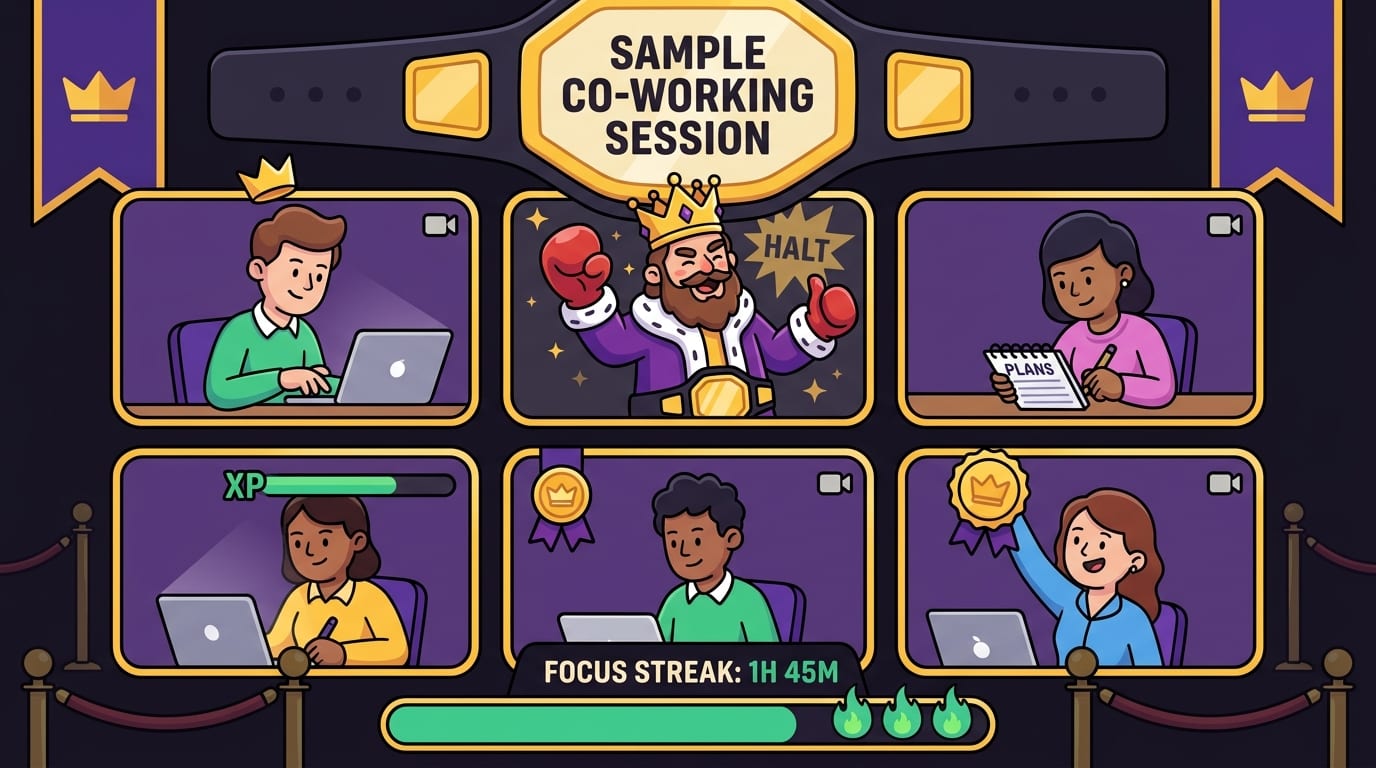
A Sample Virtual Co Working Session You Can Steal Today
Here is a simple 75-minute format you can use with friends, teammates, classmates, or fellow freelancers. Steal it proudly. The crown permits it.
75-minute focused co working template
- Minute 0-5: Arrival and setup. Everyone joins, opens their work, turns off notifications, and activates any blockers.
- Minute 5-10: Intention round. Each person shares their task, definition of done, and main distraction to avoid.
- Minute 10-60: Silent focus sprint. Cameras optional, microphones muted, timer visible. Work like the throne depends on it.
- Minute 60-65: Break. Stand up, stretch, refill water. Do not accidentally enter the doomscroll swamp.
- Minute 65-72: Debrief. Each person shares what got done and what comes next.
- Minute 72-75: Reset and schedule. Confirm the next session or write the next action before leaving.
Before the session, invite everyone to prepare a short task list. During setup, have them block their top distraction. With BlockChamp, that might mean turning on the Social Media category, blocking YouTube, or using a schedule if the session is recurring. If someone hits a blocked site, The Stare-Down turns that moment into a mini victory: “Caught. Back to work.” Weirdly delightful. Highly effective.
For teams, rotate facilitation so one person does not become the Eternal Calendar Goblin. For students, assign a session captain who starts the timer and keeps the group moving. For creators, consider ending with a “proof of work” share: word count, sketch, draft, edit, commit, outline, or checklist. Tiny receipts build big momentum.
How to Keep the Habit Going After the Novelty Wears Off
The first virtual co working session is easy. Everyone is excited. The second is still cute. By week three, someone forgets, someone’s calendar explodes, and someone says, “Maybe we should make a Notion system,” which is how productivity cults begin.
To make virtual co working sustainable, keep it boringly consistent. Same days. Same time. Same format. Same link if possible. Reduce the number of decisions required to show up.
Try these habit-building tactics:
- Schedule recurring sessions. Put them on the calendar and treat them like appointments.
- Start with two sessions per week. Daily co working can be great, but begin with a rhythm people can actually maintain.
- Track attendance and wins. Use a simple shared doc or scoreboard.
- Celebrate consistency. Praise showing up, not just huge output.
- Review monthly. Ask what format works, what feels annoying, and what should change.
This is another place where gamification helps. BlockChamp’s XP, levels, badges, focus calendar, reign counter, and leaderboard turn consistency into something visible. You are not just “trying to focus.” You are building a reign. Every focused day makes the calendar more golden. Every blocked distraction survived adds XP. Every session becomes part of a larger identity: you are becoming the champion of not being distracted. Dramatic? Yes. Useful? Also yes.
And because BlockChamp runs in Chrome and focuses on your local browsing experience, it helps protect your focus without turning your co working group into a surveillance squad. You get guardrails, humor, and progress tracking without needing someone else to police your tabs. Long live healthy boundaries.
Final Round: Virtual Co Working Works Best When You Make Focus Social and Distraction Difficult
Virtual co working is not magic, but it can feel close when you get the structure right. It gives remote workers, students, freelancers, and creators a way to borrow the best parts of shared workspaces: presence, rhythm, accountability, and encouragement. No commute required. Pants negotiable depending on camera policy.
The formula is simple: choose a format, set clear rules, open with specific goals, work silently, debrief honestly, and protect the session from distractions before they barge in wearing tap shoes. Use tools that reduce friction. Keep the mood human. Celebrate consistency. Avoid turning focus time into another meeting-shaped swamp creature.
And if your biggest opponent lives inside your browser, bring backup. BlockChamp helps you block distracting websites, categories, and keywords while turning focus into a game with XP, levels, badges, reigns, and The King’s gloriously judgmental Stare-Down. Pair it with virtual co working, and you get both external accountability and internal guardrails. That is a one-two punch worthy of the crown.
So gather your co working crew, set the timer, block the scroll traps, and defend the throne. Your next focused session does not need to be heroic. It just needs to start. Long live your focus, champ.
Related posts

Finding Focus For Fiction Writing

Learning To Focus In A Digital World As A Creative

Finding Focus For Personal Growth
