
What Is Time Batching

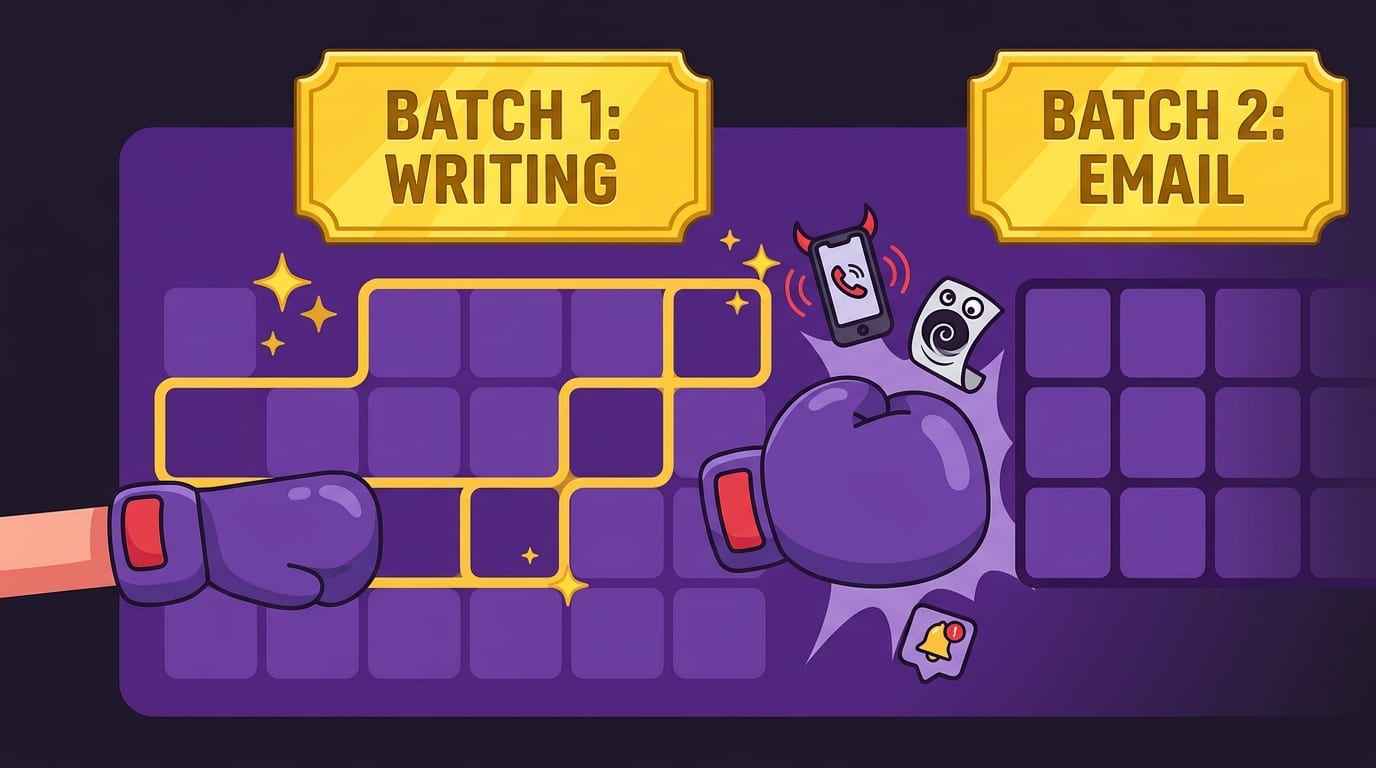
What is time batching? It is the productivity move where you stop flinging your attention around like a caffeinated squirrel and instead group similar tasks into dedicated blocks of time. Emails with emails. Calls with calls. Admin with admin. Creative work with creative work. Doomscrolling with… actually, no. Doomscrolling gets escorted out of the kingdom by a tiny royal boxer.
If your day currently looks like: write two sentences, check Slack, answer one email, open TikTok “for research,” forget why you exist, return to the document, panic, repeat — time batching is for you. It reduces context switching, protects deep focus, and makes your calendar less like a junk drawer and more like a battle plan. Not a boring battle plan. A crown-polished, distraction-punching battle plan.
In this guide, we’ll break down what time batching means, why it works, how to use it in real life, what mistakes to avoid, and how tools like BlockChamp can help you defend your time blocks when the internet starts whispering, “Psst… one little YouTube rabbit hole?”
Quick Answers
What Is Time Batching? The Simple Definition, No Productivity Gobbledygook
Time batching is the practice of grouping similar tasks together and completing them during a scheduled time block instead of handling them randomly throughout the day.
For example, instead of checking email 37 times between breakfast and your evening existential crisis, you might check it twice: once at 11:30 a.m. and once at 4:30 p.m. Instead of sprinkling errands, messages, meetings, writing, and admin across your day like chaos confetti, you cluster them.
Here are a few common examples of time batching:
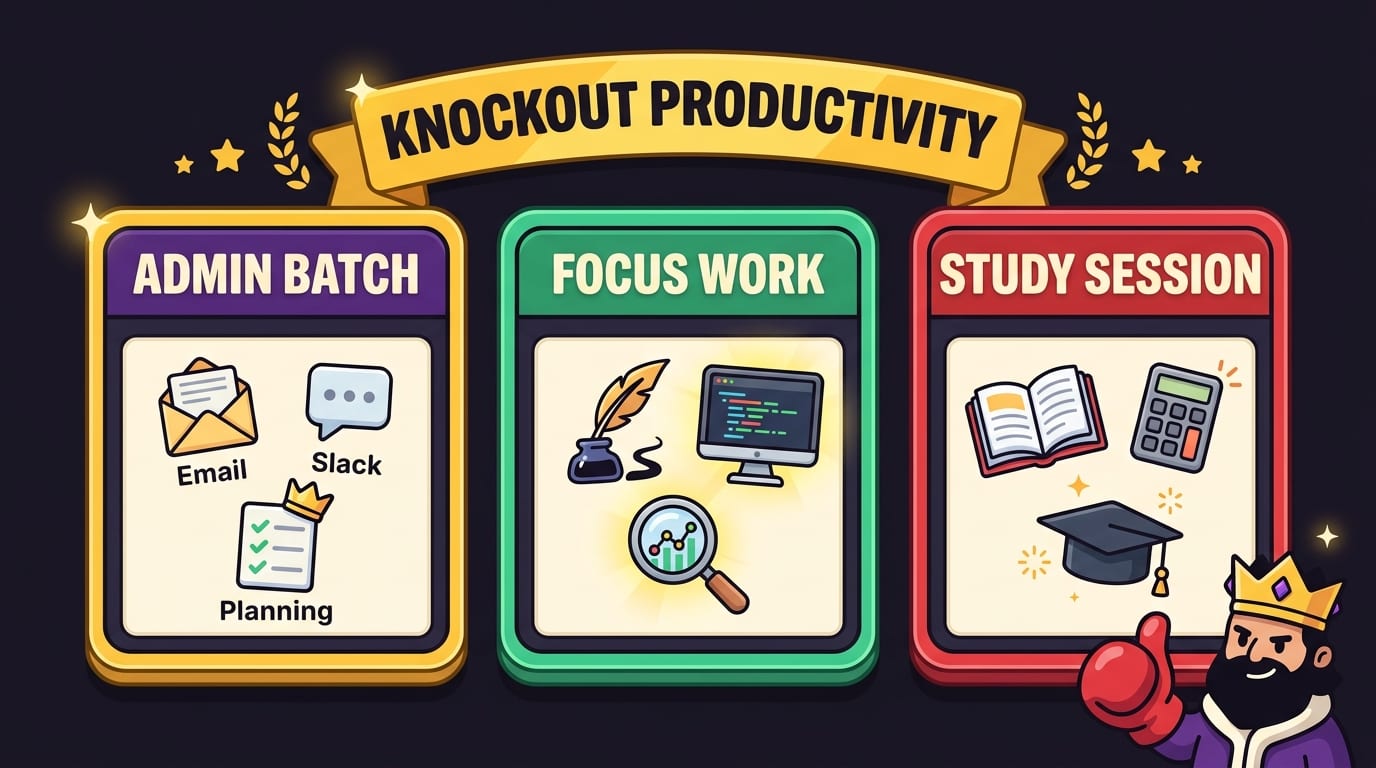
- Email batching: Answer all emails during two or three planned windows.
- Meeting batching: Schedule calls back-to-back on specific days or afternoons.
- Content batching: Write multiple blog outlines, social posts, or videos in one creative session.
- Admin batching: Handle invoices, forms, scheduling, and tiny annoying tasks in one block.
- Study batching: Group reading, note review, practice problems, and flashcards into separate focused sessions.
- Household batching: Do laundry, meal prep, cleaning, and errands in planned chunks instead of letting them ambush you all week.
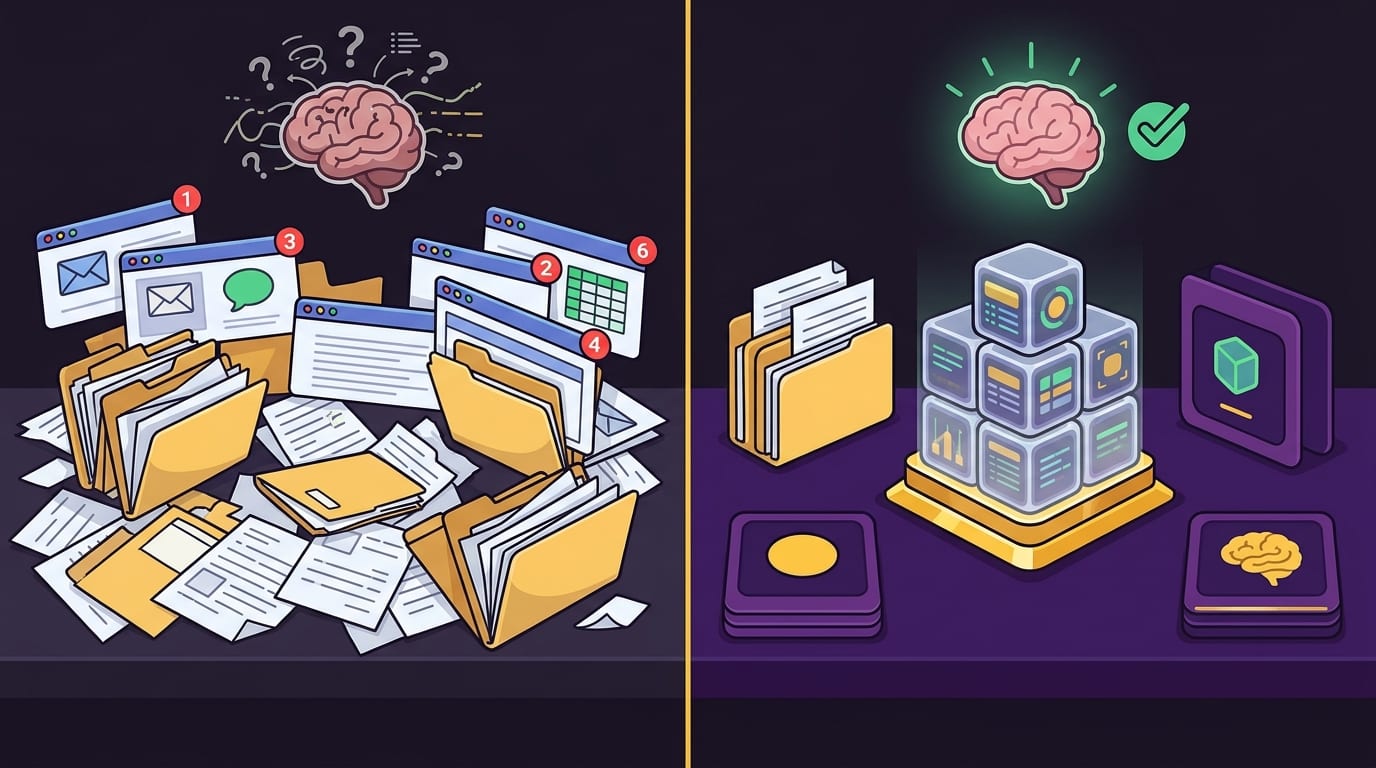
The point is not to become a productivity robot who color-codes socks by urgency. The point is to protect your attention from constant switching. Every time you jump from writing to messages to research to notifications to “just checking the score,” your brain has to reload the previous task. That reload has a cost. Time batching reduces that cost.
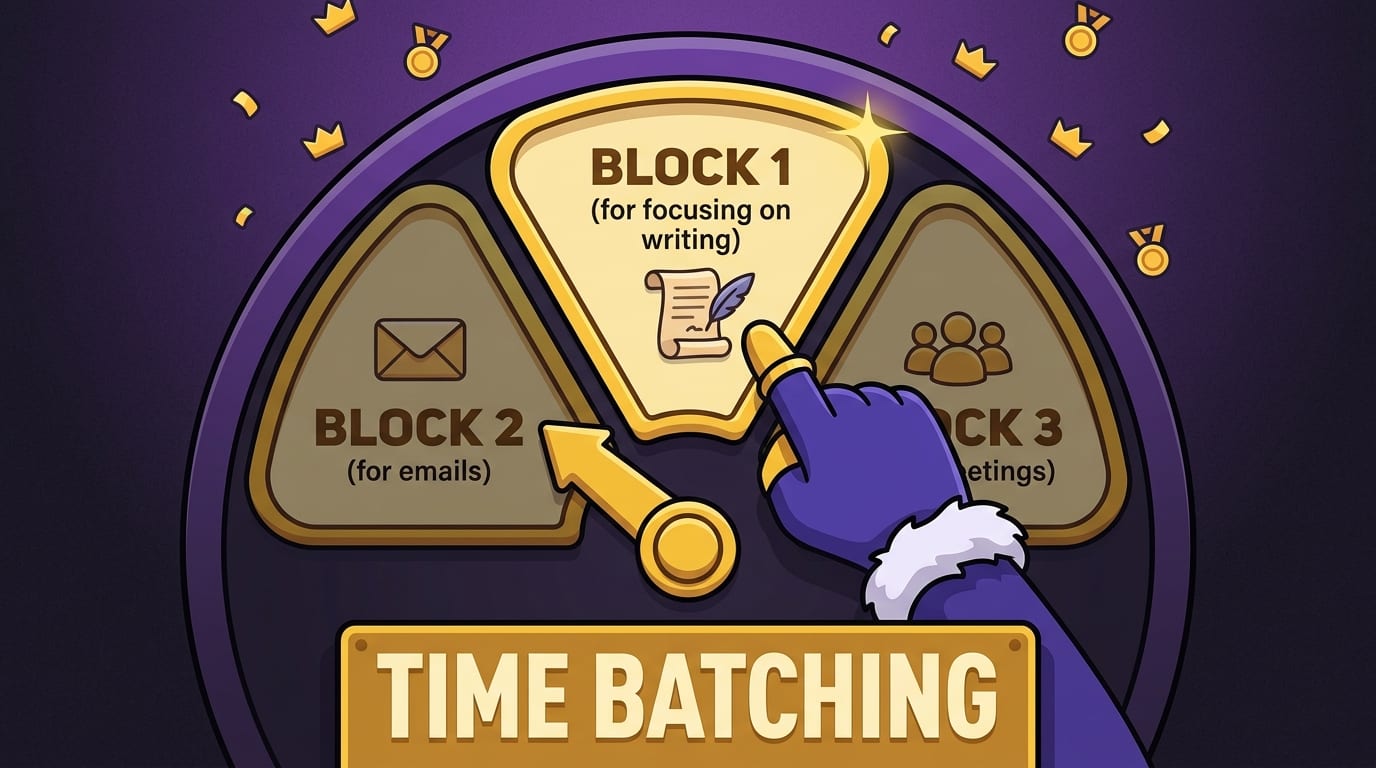
If time blocking is putting work on your calendar, time batching is deciding which types of work belong together. They are cousins. Time blocking says, “From 9 to 11, I’m writing.” Time batching says, “I’m doing all my writing-related tasks in this focused window, not between twelve Slack pings and a suspiciously compelling video about raccoons stealing cat food.”
Why Time Batching Works: Your Brain Hates Task Ping-Pong
The main reason time batching works is that it reduces context switching. Context switching happens when you move from one type of task to another: spreadsheet to email, email to meeting, meeting to writing, writing to social media, social media to shame spiral, shame spiral to coffee.
Research has long shown that interruptions and task switching can hurt performance. A famous study discussed by the American Psychological Association on multitasking explains that switching between tasks can create “switching costs,” especially when tasks are complex or unfamiliar. Translation: your brain is not a magical octopus. It has limits.
Another study from the University of California, Irvine found that after interruptions, it can take workers a significant amount of time to return to their original task. You can read more about interruption research from Gloria Mark’s workplace interruption study. The exact number varies by situation, but the lesson is clear: interruptions are expensive little goblins.
Time batching helps because it creates continuity. When you answer ten emails in a row, your brain stays in “communication mode.” When you write for 90 minutes, your brain stays in “creation mode.” When you do all your errands in one trip, your brain stays in “fine, I guess we are an adult now” mode.
This matters because deep work requires ramp-up time. You rarely produce your best thinking in the first three minutes of a task. You need to settle in. You need to remember the problem. You need to stop mentally replaying the email from Gary in accounting. Batching gives your mind enough runway to take off instead of repeatedly taxiing around the airport like a productivity-themed hamster.
Time batching also reduces decision fatigue. When your day is unstructured, every task asks, “Should I do this now?” That tiny decision repeats hundreds of times. With batching, the decision is already made. Email belongs in the email block. Planning belongs in the planning block. Social media belongs in the blocked dungeon until your focus block is over. The King approves.
Time Batching vs. Time Blocking vs. Task Batching: Tiny Differences, Big Crown Energy
People often use time batching, time blocking, and task batching interchangeably. They overlap, but they are not exactly the same. Let’s clear the fog before it starts wearing a LinkedIn badge.
Time blocking
Time blocking means assigning specific periods on your calendar to specific activities. For example:
- 9:00–10:30 a.m. — Write project proposal
- 10:30–11:00 a.m. — Email
- 11:00–12:00 p.m. — Client work
- 1:00–2:00 p.m. — Meetings
It gives your day structure. If you want a broader look at timing your work well, BlockChamp has a useful guide on finding the best time to work, because not every brain is built for 5 a.m. monk mode. Some of us are majestic evening raccoons.
Task batching
Task batching means grouping similar tasks together. You might batch all your small admin tasks, all your writing tasks, or all your customer messages. It is more about category than calendar.
Time batching
Time batching combines both ideas: you group similar tasks and assign them to specific time blocks. It is task batching with a calendar crown.
Example: “Every weekday from 10:30 to 11:00, I process messages and email.” That is time batching. The task category is communication. The time block is 10:30 to 11:00. The result is fewer interruptions and fewer random inbox ambushes.
You can also combine time batching with other systems. For example, the Eisenhower Matrix helps you decide which tasks are urgent, important, both, or neither. Then time batching helps you schedule those tasks efficiently. If your to-do list has become a feral raccoon colony, read BlockChamp’s guide to the Eisenhower Matrix for time management and then batch the winners into your calendar.
The Benefits of Time Batching: Fewer Tabs in Your Brain
Time batching sounds simple because it is. But simple does not mean weak. A boxing glove is also simple. Still hurts.
Here are the biggest benefits of time batching.
1. Better focus
When you group similar tasks, you give your brain permission to stay in one mode. This is especially useful for deep work: writing, coding, studying, strategy, design, research, or any task where “just checking one thing” can derail the whole royal carriage.
2. Less context switching
Every switch costs mental energy. Batching minimizes those switches. Instead of doing email, then writing, then email, then admin, then writing, then Slack, then wondering why your brain feels like soup, you complete related tasks together.
3. More realistic planning
Batching forces you to see how much time categories of work actually require. Maybe email is not “just a few minutes.” Maybe it is a 45-minute swamp beast. Good. Now you know. Put the swamp beast on the calendar and stop letting it chew through your morning.
4. Reduced procrastination
Starting is easier when the plan is specific. “Work on stuff” is vague and suspicious. “Process invoices from 2:00 to 2:30” is clear. Your brain may still complain, but at least it knows which dragon to fight.
5. Better boundaries
Time batching helps you say, “I check messages at 11 and 4,” instead of becoming a 24/7 notification butler. This is especially important for remote workers, freelancers, students, and anyone whose work lives inside a browser full of traps wearing helpful little icons.
6. Less wasted internet time
Let’s be honest: most time blocks do not die from lack of ambition. They die because you opened a “quick” website and woke up 42 minutes later in a video titled “Medieval Peasant Diet Tier List.” This is where using a website blocker during your batches becomes powerful. BlockChamp lets you block distracting sites, categories like Social Media or Video & Streaming, and even keywords if you are on Champion. Your time batch gets a bouncer. A royal bouncer. With gloves.
How to Start Time Batching in 7 Steps
You do not need a perfect system, a $300 planner, or a candle named “Executive Function.” You need a list, a calendar, and the willingness to stop treating every notification like a royal summons.
-
List your recurring tasks.
Write down everything you do repeatedly: email, messages, meetings, writing, studying, admin, research, errands, workouts, planning, content creation, chores, client work, and so on. Do not judge the list. Just capture it.
-
Group tasks into categories.
Create buckets such as communication, creative work, admin, learning, meetings, planning, errands, and maintenance. If a category has too many tasks, split it. “Work” is too broad. “Write draft,” “edit draft,” and “publish draft” are more useful.
-
Pick your high-focus tasks.
Identify the work that requires real concentration. This might be studying, writing, coding, analysis, or strategic thinking. Put these tasks when your energy is highest. If you are not sure when that is, experiment or check out this guide on the best time to work based on your energy.
-
Create dedicated time blocks.
Schedule your categories. Example: deep work from 9 to 11, email from 11 to 11:30, meetings after lunch, admin at 3:30. Start with fewer blocks. A beautiful calendar that collapses by Tuesday is just productivity cosplay.
-
Add buffers.
Do not stack every block edge-to-edge unless you enjoy sprinting through life like a panicked courier pigeon. Add 10–15 minutes between major blocks for transitions, bathroom breaks, snacks, notes, and staring into the middle distance like a philosopher with a deadline.
-
Protect the block.
Silence notifications. Close unrelated tabs. Put your phone away. Use BlockChamp to block your usual escape hatches during focus blocks. If YouTube, Reddit, TikTok, Instagram, or news sites keep tackling your attention, block them before they enter the ring.
-
Review and adjust weekly.
Your first schedule will be wrong. Congratulations, you are human. Review what worked, what ran long, and what you avoided like a cursed attic. Then adjust the next week.
If you like building a complete daily structure around your batches, BlockChamp also has a practical guide to creating a daily productivity system that helps you make time. Time batching works even better when it is part of a repeatable routine instead of a heroic one-day productivity rampage.
Time Batching Examples for Work, Study, and Real Life
Time batching becomes easier when you see it in action. So let’s leave theory castle and walk into the messy village of real life.
Example 1: The remote worker who lives inside Slack
Problem: You start work at 9 a.m., but Slack pings, emails, quick questions, and “urgent” updates chop your morning into sad little focus nuggets.
Batching plan:
- 9:00–10:30 — Deep work: project deliverable
- 10:30–11:00 — Slack and email responses
- 11:00–12:00 — Deep work continuation
- 1:00–3:00 — Meetings and collaboration
- 3:00–3:30 — Admin and follow-ups
- 3:30–4:30 — Final focus block
During deep work, set your status to “heads down,” close Slack, and block distracting sites. If someone asks why you are not instantly available, say: “I’m batching communication so I can finish the actual work.” Very regal. Very adult.
Example 2: The student battling YouTube side quests
Problem: You sit down to study, search for one lecture explanation, and 30 minutes later you are watching a man build a swimming pool in the jungle with a stick.
Batching plan:
- 4:00–4:25 — Review notes
- 4:25–4:30 — Break
- 4:30–5:15 — Practice problems
- 5:15–5:30 — Batch questions for professor, tutor, or study group
- 5:30–5:45 — Flashcards
If you need YouTube for education but get ambushed by recommendations, consider blocking entertainment categories during study blocks or using keyword/site rules carefully. BlockChamp’s category blocking can help shut down social and streaming distractions while leaving your needed study tools available. The King does not hate learning. The King hates “I accidentally watched 19 shorts about gym fails.”
Example 3: The creator drowning in content tasks
Problem: You try to brainstorm, write, edit, design, publish, and promote content all in one sitting. Your brain responds by opening snacks.
Batching plan:
- Monday morning — Brainstorm 20 ideas
- Tuesday morning — Outline 3 posts or videos
- Wednesday morning — Draft content
- Thursday afternoon — Edit and polish
- Friday morning — Schedule and promote
This works because each stage uses a different mental mode. Brainstorming is expansive. Editing is critical. Publishing is logistical. Mixing them all at once is like asking a knight to joust, bake bread, and file taxes simultaneously. Heroic? Maybe. Efficient? Absolutely not.
The Best Tasks to Batch — and the Ones You Should Not
Not every task deserves batching. Some tasks are perfect for it. Others need immediate attention or flexible handling. The trick is knowing the difference.
Great tasks for time batching
- Email and messages: Unless your job requires instant response, batch communication into planned windows.
- Meetings: Group meetings together so they do not puncture every focus block.
- Admin work: Invoices, scheduling, forms, updates, and reports belong in one administrative cage match.
- Creative production: Writing, recording, designing, coding, and editing benefit from longer uninterrupted blocks.
- Planning: Weekly planning, task review, and calendar setup work well in a recurring batch.
- Errands: Combine grocery runs, post office trips, returns, and appointments by location or day.
- Learning: Batch reading, lectures, notes, and practice separately to avoid mush-brain.
Tasks that may not batch well
- True emergencies: If something is genuinely urgent, handle it. Do not say, “Sorry, kitchen fire, you are scheduled for Thursday.”
- Customer support roles with live expectations: You may still batch follow-up work, documentation, or reporting, but live queues need coverage.
- Creative inspiration capture: If an idea appears, jot it down quickly. Do not fully chase it unless you are in that batch.
- Relationship maintenance: Some messages from friends, family, or teammates deserve timely humanity, not spreadsheet energy.
The goal is not rigidity. It is intentionality. Time batching should make your day calmer, not turn you into the calendar police with a tiny whistle.
Common Time Batching Mistakes That Smack Your Productivity in the Crown
Time batching is powerful, but people often sabotage it in predictable ways. Let’s roast the mistakes gently, like a royal barbecue.
Mistake 1: Making blocks too long
A four-hour “deep work” block looks impressive until your brain leaves the castle after 47 minutes. Start with realistic blocks: 25, 45, 60, or 90 minutes. Build endurance over time.
Mistake 2: Forgetting transition time
You are not a browser tab. You cannot instantly switch from a strategy meeting to writing a proposal with full mental freshness. Add buffers.
Mistake 3: Batching tasks that require different brain modes
Do not put brainstorming, editing, invoicing, and performance reviews in the same batch. That is not batching; that is a productivity smoothie made of staplers.
Mistake 4: Leaving distractions available
This is the big one. A time batch without distraction protection is a castle with no walls. If your block says “write report” but your browser still offers Reddit, YouTube, X/Twitter, shopping sites, news, and AI rabbit holes, your willpower is going into a boxing match wearing flip-flops.
This is exactly where BlockChamp fits naturally. During a time batch, turn on Master Focus, block your top distraction sites, or enable categories like Social Media, Video & Streaming, News, Shopping, Gaming, Gambling, Adult, or AI Distractions. If you try to visit a blocked site, The King gives you a full-screen Stare-Down instead of a bland error page. You survive the temptation, earn XP, and return to work with your dignity mostly intact.
Mistake 5: Treating the schedule as sacred forever
Your schedule should evolve. If email always runs over, expand the block or reduce the volume. If creative work is better in the morning, move it there. Productivity systems are tools, not royal commandments carved into stone tablets.
How to Combine Time Batching with Website Blocking
Time batching protects your schedule. Website blocking protects your attention. Together, they are a tag-team duo. One wears a crown. The other carries a clipboard. Both are tired of your nonsense.
Here is a simple way to combine them:
- Choose your batch type. For example: writing, studying, coding, admin, or planning.
- Identify the websites that usually derail that batch. Common villains include YouTube, TikTok, Reddit, Instagram, X/Twitter, news sites, shopping sites, and streaming platforms.
- Block them before the session starts. Do not wait until you are tempted. That is like installing a moat after the dragon arrives.
- Use a recurring schedule if the batch repeats. If you work Monday to Friday from 9 to 12, automate the block window.
- Review your results. Track how often you got distracted, how much you completed, and whether your block length needs adjusting.
BlockChamp’s Champion features are especially useful for recurring batches. You can set a Focus Schedule so blocking turns on automatically during work or study hours. You can also use Hardcore Lockdown if your future self has a known history of betrayal. With Hardcore Lockdown, turning focus off requires either waiting through a cooldown timer or completing The King’s boxing riddle. It is funny, slightly ridiculous, and surprisingly effective because it creates friction at the exact moment your impulse wants a free pass.
This lines up with broader productivity advice about designing your environment instead of relying only on willpower. The environment design principles popularized by James Clear emphasize making good habits easier and bad habits harder. Blocking distractions during time batches does exactly that. You are not “weak” for getting distracted. You are just working inside a casino designed by attention goblins. Change the room.
A Practical Time Batching Template You Can Steal Like a Noble Bandit
Here is a simple daily template you can adapt. Use it as a starting point, not a prison sentence.
Morning: high-focus work
- 8:30–8:45 — Plan the day and choose top priorities
- 8:45–10:15 — Deep work batch 1
- 10:15–10:30 — Break
- 10:30–11:30 — Deep work batch 2
- 11:30–12:00 — Communication batch: email, Slack, messages
Afternoon: collaboration and lighter work
- 1:00–2:30 — Meetings or collaborative work
- 2:30–3:00 — Admin batch
- 3:00–4:00 — Project work or study review
- 4:00–4:30 — Communication batch and follow-ups
- 4:30–4:45 — Plan tomorrow, close loops
If you are a student, swap meetings for classes and project work for practice problems. If you are a freelancer, swap collaboration for client calls and admin for proposals or invoices. If you are a creator, use the morning for writing or recording and the afternoon for editing, publishing, and promotion.
You can also think of time like money. Spend it deliberately, stop leaking it through tiny impulse purchases of attention, and invest it where it compounds. If that idea clicks for you, read BlockChamp’s piece on how to save your time like your money. Your attention has a budget. Stop letting apps pickpocket it in broad daylight.
What Science and Workplace Trends Say About Focus
Time batching is not just a cute planner trick. It responds to a real problem: modern work is interruption-heavy, notification-soaked, and increasingly fragmented.
Microsoft’s research on workplace productivity has highlighted how digital overload affects focus and collaboration. Their Work Trend Index regularly explores how meetings, messages, and digital noise shape work habits. Meanwhile, reports from RescueTime on multitasking and communication overload show how frequently knowledge workers bounce between tools and apps.
And of course, social platforms are engineered to keep people engaged. Hootsuite’s digital reports document the massive role social media plays in daily internet use; see the Hootsuite Digital Trends reports for broader data on digital behavior. The takeaway is not “technology bad, go churn butter.” The takeaway is that your attention is valuable, and many platforms are very good at capturing it.
Time batching gives you a method. Website blocking gives you guardrails. Together, they help you work with your brain instead of pretending you can out-willpower every algorithm on Earth. Spoiler: the algorithm has a war room. You have coffee and vibes. Bring tools.
How to Know If Time Batching Is Working
You do not need a 19-tab analytics dashboard to know whether time batching helps. Track a few simple signals.
- Output: Are you finishing more meaningful work?
- Focus quality: Are you spending longer periods without switching tasks?
- Stress: Does your day feel calmer and less reactive?
- Communication control: Are email and messages contained instead of constantly interrupting?
- Distraction attempts: Are you trying to open fewer distracting sites during focus blocks?
- Energy: Are your hardest tasks scheduled when you are actually capable of doing them?
BlockChamp makes some of this visible through focus hours, reigns, XP, streaks, stare-downs survived, and a focus calendar. That matters because invisible progress is easy to ignore. Visible progress becomes a game. Every focused minute earns XP. Every blocked-site attempt you survive becomes a tiny victory. Every day your blocks stay active extends your reign. Long live your focus, champ.
If you like comparing productivity approaches, you may also enjoy BlockChamp’s broader guide to the best time management strategies and tools for the age of distraction. Time batching is one excellent weapon, but the full arsenal includes prioritization, blocking, routines, energy management, and ruthless tab discipline.
Final Verdict: Time Batching Turns Chaos Into a Kingdom
So, what is time batching? It is the habit of grouping similar tasks into planned blocks so you can reduce context switching, protect focus, and stop letting your day get mugged by random interruptions. It is simple, practical, and refreshingly non-mystical. No incense required. Unless you like incense. In which case, reign aromatically.
Start small. Batch your email. Batch your admin. Batch your meetings. Protect one daily deep work block. Add buffers. Review weekly. And when the internet starts jingling its little distraction keys, do not rely on willpower alone. Put up a wall.
If your time batches keep getting wrecked by YouTube, Reddit, TikTok, news, shopping, streaming, or “research” that somehow ends in meme archaeology, try BlockChamp. It is a gamified website blocker for Chrome that helps you knock out distractions with site blocking, category blocking, XP, badges, reigns, leaderboards, and The King’s gloriously judgmental Stare-Down.
Batch the work. Block the nonsense. Defend the throne. Become king of your time.
Related posts

Writing Sprint Tips For Focused Output

Paper Or Digital Planner

Generative Ai And Staying Focused At Work
