
Paper Or Digital Planner

Choosing a paper or digital planner sounds like a stationery question. It is actually a question about how your brain, habits, and daily life work. One format gives you a satisfying pen-on-page ritual; the other can search, sync, remind, and reorganize itself faster than you can say, “Wait, what was I doing?” Neither is automatically better. The best planner is the one you will actually use after the first-week enthusiasm—and the fresh notebook smell—wear off.
Let’s compare paper and digital planners without pretending that buying a beautiful planner is the same thing as becoming organized. We’ll look at flexibility, focus, memory, privacy, cost, and real-life routines, then build a simple test to help you choose. If your calendar is full but your attention keeps wandering off to YouTube, we’ll cover that too. A planner can tell you what to do; it can’t stop the internet from offering you a 47-minute video about a raccoon with a tiny hat. That takes a separate defense strategy.
Quick Answers
Paper or digital planner: what are you really choosing?
A paper planner is a physical notebook or printed organizer where you write down tasks, appointments, goals, and notes. It may be a dated weekly planner, a bullet journal, a desk pad, or a stack of sticky notes arranged with the confidence of a tiny office supply empire.
A digital planner is an app, calendar, or digital notebook on a phone, tablet, or computer. Examples include calendar apps, task managers, note-taking software, and tablet planner templates. Some are simple lists. Others offer recurring tasks, reminders, tags, shared calendars, and enough customization to make planning feel like a hobby with a software update schedule.
The key difference is not “old-fashioned versus modern.” It is physical interaction versus digital flexibility. Paper puts your plan in one visible place and asks you to write it. Digital tools make information easier to move, search, duplicate, and share. The right choice depends on which benefits solve your actual problems—and which drawbacks you can live with.
Before comparing features, ask what you need your planner to do. Are you trying to remember appointments, manage a project, build a study routine, protect deep-work time, or stop overbooking yourself? A planner is more useful when it serves a specific job. “Get my life together” is a noble ambition, but not yet an actionable planning system.
Why paper planners still have a strong case
Paper is low-friction in a very literal sense: open the notebook, write the task, close the notebook. There are no notifications, account sign-ins, battery warnings, or software menus. A notebook does not ask whether you would like to enable seventeen features before letting you write “buy milk.” Its feature set is reassuringly hard to mess up.
Writing by hand can also encourage you to slow down and make choices. You have limited space, so you may need to decide which tasks matter instead of pasting every possible obligation into a bottomless digital list. For students, workers, and creatives, writing notes can be a useful way to process ideas rather than merely store them. Research on note-taking has explored how handwriting and laptop note-taking can affect learning, but it does not mean handwriting is magic or that every person learns best with a pen. Your task, habits, and preferences matter.
Paper is especially handy when you want an at-a-glance overview. A weekly spread on a desk can show meetings, deadlines, and personal commitments without requiring you to unlock a device. That visual presence can make planning feel more deliberate. You may also enjoy crossing out completed tasks. It is a small pleasure, but so is eating a biscuit over the sink. Human motivation is allowed to have tiny joys.
Paper does have limits. It is difficult to search, easy to leave at home, and awkward to update across devices. Moving a meeting means erasing or rewriting. If your schedule changes frequently, a page can become a graveyard of arrows, correction tape, and increasingly optimistic handwriting. And if you lose the notebook, your carefully recorded plan may vanish with it.
Why digital planners are so flexible
Digital planners shine when your schedule moves around. You can reschedule an appointment, duplicate a weekly routine, set recurring reminders, and check your plan from different devices. A shared calendar can help a household or team coordinate without passing one notebook around like a royal decree.
Search is another major advantage. If you remember writing down “insurance renewal” but not whether it was in February, March, or “sometime after the dentist,” a digital search can rescue you. Digital systems can also sort tasks by project, deadline, person, or priority, making them useful when a single list has grown into a small, unruly nation.
Reminders can support people who forget appointments or need prompts to start a task. Recurring events are useful for routines such as weekly planning, medication reminders, or monthly bills. Accessibility features—such as larger text, voice input, and screen readers—may also make digital tools more comfortable for some users, depending on the platform and setup.
But digital convenience has a catch: the device that holds your plan may also hold the distractions that derail it. A reminder can appear beside a social notification, a message, and the sudden urge to check whether anyone has posted a new photo of their lunch. The planner may be digital; your attention is still human.
Digital systems can also become overcomplicated. If you spend longer choosing colors, tags, and productivity widgets than deciding what to do next, the tool has started assigning you homework. Keep the setup simple enough that using it takes less effort than avoiding it.

What research can—and cannot—tell you
It is tempting to ask which format is scientifically superior. The honest answer is that research can offer useful clues, but it cannot select your planner for you. Studies often examine a specific task, group, or outcome, such as note-taking or memory—not whether every person should abandon paper for an app.
For example, a frequently cited study by Pam Mueller and Daniel Oppenheimer compared students taking notes by hand and on laptops. The researchers found differences in how students took notes and performed on some conceptual questions. That is interesting, but it was a study of lecture note-taking, not a universal trial proving that paper planners outperform digital calendars. Read the research on laptop versus longhand note-taking with that distinction in mind.
There is also a practical lesson: tools shape behavior. Handwriting may encourage summarizing for some people; typing may make it easier to capture more information. A planner is not a learning intervention by itself. If you write down every task without reviewing or acting on it, the notebook has become a museum of good intentions.
Likewise, a digital calendar’s reminders are only helpful if they arrive at a useful time and you respond to them. Too many alerts can make people dismiss them automatically. Whatever format you use, create a routine for reviewing the plan, choosing priorities, and updating it when life changes. The habit is the engine; the planner is the dashboard.
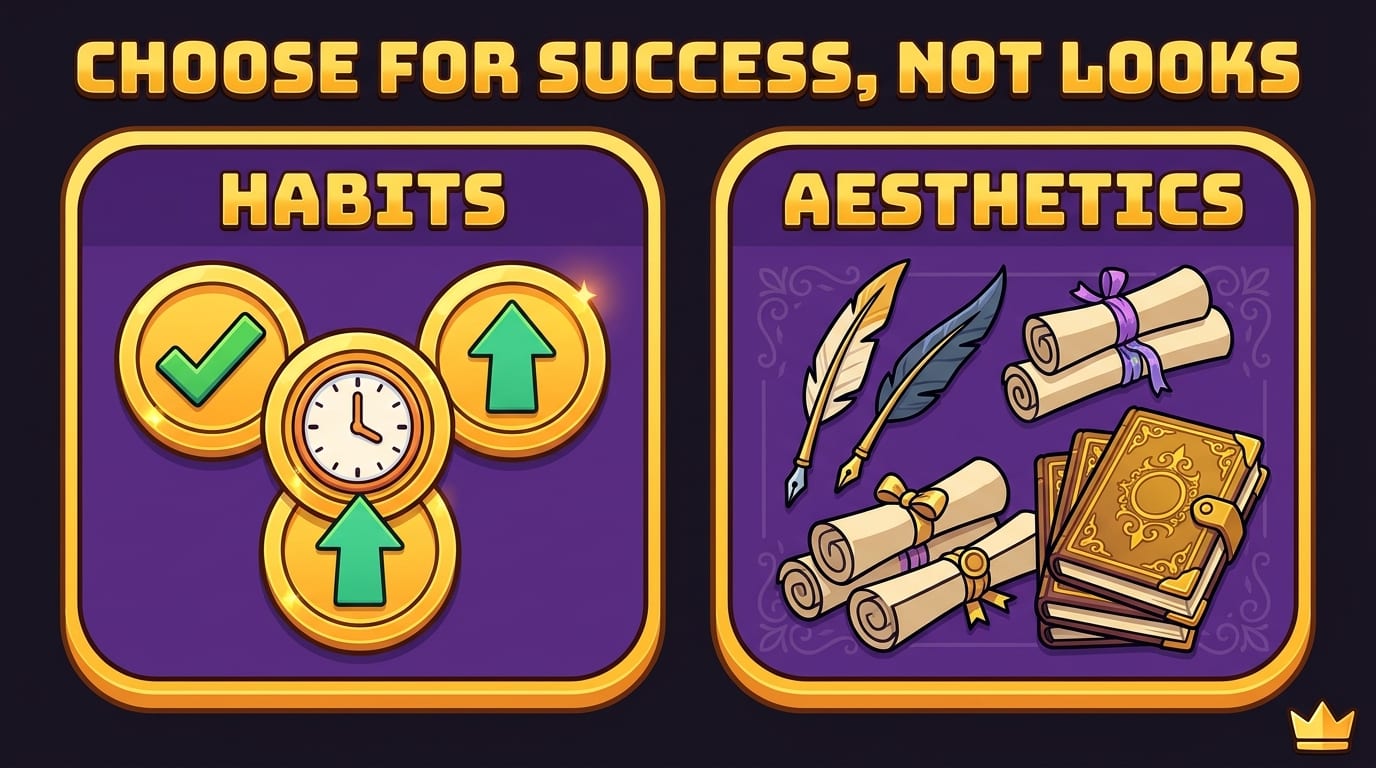
Choose based on your habits, not planner aesthetics
A gorgeous planner can motivate you to begin, but aesthetics cannot carry the whole system. Choose based on how you already behave on a normal Tuesday, not how you imagine you will behave during a perfectly calm week with fresh coffee and no unexpected emails.
- Choose paper if you enjoy handwriting, want fewer device distractions, prefer a visible overview, or need a simple place to think through your day.
- Choose digital if your schedule changes often, you need reminders, you work across devices, or you coordinate with other people.
- Try a hybrid system if you like paper for daily priorities but need digital tools for appointments, recurring tasks, or shared plans.
- Keep it minimal if you often abandon systems because they require too much setup or maintenance.
Also consider your environment. A student who carries a laptop everywhere may find a digital planner convenient, while someone who wants to keep a phone out of reach during writing may prefer a notebook. A freelancer juggling client deadlines may rely on calendar alerts and project lists, then use paper to sketch the day’s three most important tasks.
Accessibility and comfort matter, too. Some people find handwriting tiring; others find a screen harder to focus on. There is no medal for using the format that looks most virtuous online. The champion move is choosing the method that supports your work and your wellbeing.
How to build a planner routine that survives Monday
Whichever format you pick, make the system small enough to repeat. A useful planner routine does not require a 90-minute weekly ceremony, a color-coded legend, and a ceremonial gong. Start with a short daily check-in and a weekly reset.
- Capture commitments. Add appointments, deadlines, and time-specific responsibilities first. These are the fixed pieces of the day.
- Choose three priorities. Select a few meaningful tasks rather than copying your entire wishlist into today’s column. If everything is urgent, your list is not prioritizing; it is shouting.
- Estimate time honestly. Leave space for meals, travel, breaks, and the inevitable task that takes twice as long as expected. Your calendar is not a portal to a 30-hour day.
- Schedule focus blocks. Give important work a place on the calendar or a clear slot on the page. Include a realistic start time and a first action, such as “open the draft and write the outline.”
- Review and reset. At the end of the day, move unfinished tasks deliberately. During a weekly review, check upcoming deadlines and remove tasks that no longer matter.
For example, a student preparing for exams might put classes and exam dates in a digital calendar, then use a paper page to plan two focused study blocks and write down questions to revisit. A designer might use a digital project board for client work and a notebook for rough concepts. A parent coordinating school pickups and appointments may need shared digital events, while keeping a paper meal plan on the fridge for the entire household to see.
The goal is not to record every minute. It is to reduce the number of decisions you must make while tired, busy, or distracted. A clear plan can make the next step easier to see, even if it cannot guarantee that the next step will be enjoyable.
Paper, digital, or hybrid: a practical comparison
Use this quick comparison to spot the trade-offs that matter most to you:
- Speed: Paper is quick for jotting down a thought. Digital can be faster for recurring events and moving tasks around.
- Portability: A notebook needs to be with you. A digital planner may be available on several devices, but depends on access, battery, and syncing.
- Focus: Paper avoids device alerts. Digital can keep your schedule accessible, but may put distractions one tap away.
- Flexibility: Digital is easier to edit, search, and share. Paper offers a stable physical layout but makes revisions more visible.
- Cost: Paper planners may involve ongoing purchases. Digital options range from free to paid subscriptions or one-time purchases.
- Privacy: A paper notebook stays offline but can be misplaced or seen by others. Digital privacy depends on the app, account, device security, and the information you choose to store.
For digital tools, check privacy policies and permissions before placing sensitive details in an app. The Electronic Frontier Foundation’s privacy resources offer a helpful starting point for thinking about personal information online. For paper, consider what would happen if the notebook were lost. Neither format is automatically private in every situation.
Hybrid planning works best when each tool has a distinct job. For instance, use a digital calendar as the source of truth for appointments and a paper planner for daily priorities. Avoid entering every item in both places unless you enjoy maintaining duplicate records. Two systems can be helpful; two competing versions of reality are less charming.
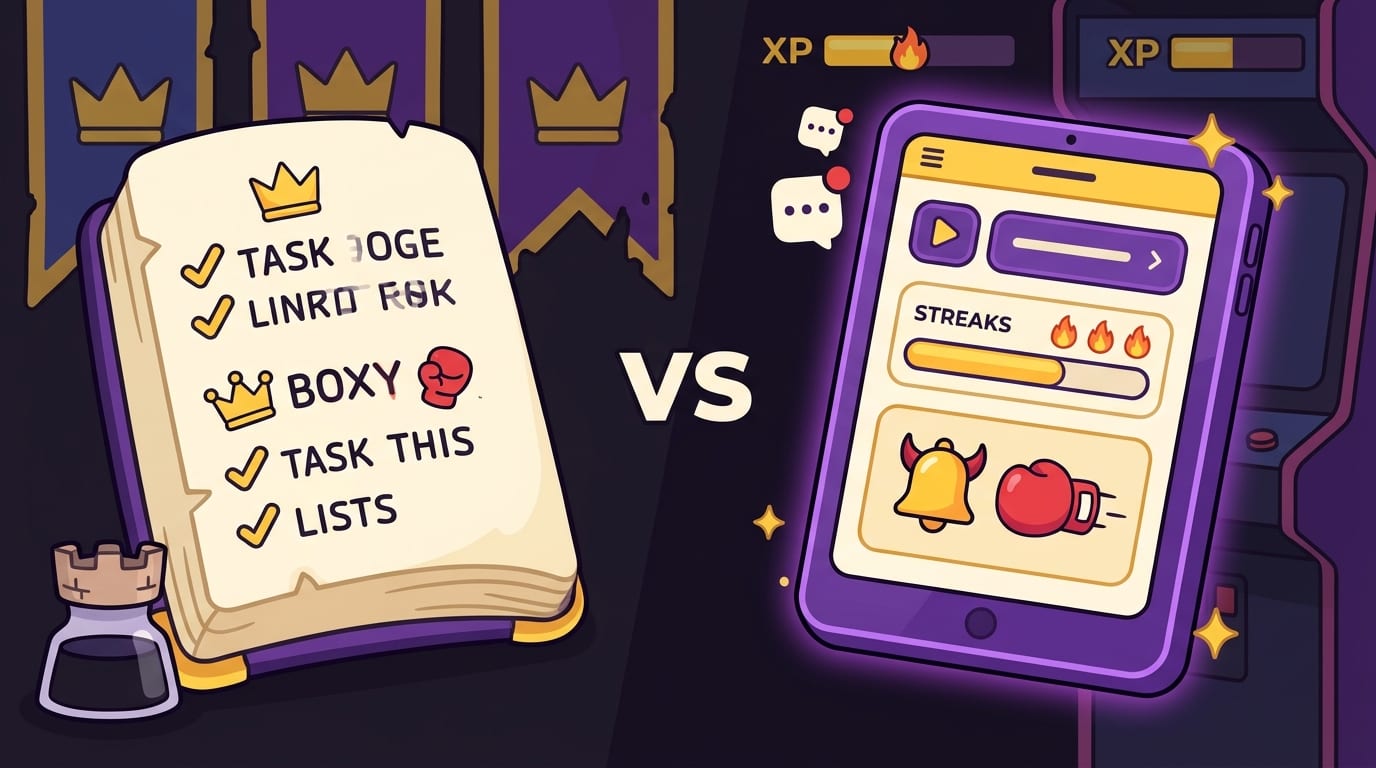
When planning meets distraction, protect the focus block
Even a brilliant planner cannot defend your attention by itself. You can block out 9:00–10:30 for an essay, project proposal, or revision session, then accidentally spend the first 25 minutes checking social media. That is not a planner failure. It is a distraction problem—and it needs its own plan.
Start by making focus blocks specific. Instead of writing “work,” define the result: “draft the introduction,” “solve five practice problems,” or “review the client feedback.” Put tempting sites out of reach during the block, silence nonessential notifications, and decide in advance when you will take a break.
If you work in Chrome and online distractions repeatedly pull you away, BlockChamp can block distracting websites, keywords, or categories while you focus. Its focus features include a master toggle, scheduled blocking for Champion users, and a playful gamification system with XP, levels, badges, and reigns. When you try to visit a blocked site, The King’s Stare-Down serves a funny royal reminder to get back to the task. It is a website blocker, not a planner—but it can help protect the work you scheduled in either format.
You can pair that with a realistic work rhythm. Try one 25-minute focus session followed by a short break, or choose a longer block if your task requires deeper concentration. Keep a scrap page or note nearby for distracting thoughts: “look up printer ink,” “reply to Sam,” or “what is that song from the cooking show?” Write the thought down and return to the task instead of opening another tab.
For more ideas on making concentration work in a screen-filled environment, read these practical reflections on learning to focus in a digital world. If you want a broader set of tools for reducing digital interruptions, explore three apps designed to help conquer digital distraction. The right combination may be a planner, a blocker, and a phone placed far enough away that retrieving it requires a small expedition.
Try a seven-day planner test before you commit
If you still cannot decide, run an experiment instead of debating stationery like a panel of judges. Use a paper planner for one week and a digital planner for the next, or split the week between them. Keep the tasks and planning routine as similar as possible so you are comparing formats rather than comparing a chaotic week with a quiet one.
At the end of each day, rate these questions from one to five:
- Did I remember the commitments that mattered?
- Could I see my next priority quickly?
- Did updating the plan feel easy enough to keep doing?
- Did the format help me stay focused—or give me another reason to check my device?
- Could I find the information I needed without unnecessary effort?
Notice friction, not just enthusiasm. Maybe paper feels calming but is often left in your bag. Maybe digital reminders are useful but too frequent. Maybe you enjoy a notebook for thinking and still need a calendar for appointments. Adjust the setup to solve those specific problems rather than switching tools every time a new productivity video appears.
For extra support building consistency, BlockChamp readers can also explore advice on building better digital habits and how locked modes can support stronger habits. A planner helps you choose what deserves your time. Better digital boundaries can make it easier to give that time to the task you chose.

The verdict: pick the planner you will actually open
Paper or digital planner? Pick paper if writing by hand, seeing your plan on a page, and avoiding screens make your routine easier. Pick digital if reminders, search, shared calendars, and quick edits solve real problems in your day. Choose a hybrid approach if each format has a clear role—and keep the system simple enough that you do not become its unpaid administrator.
Most importantly, do not confuse the planner with the plan. A new notebook will not automatically create priorities, and an app cannot make a deadline disappear through the power of color-coded labels. A short routine—capture commitments, choose priorities, schedule focus, review, and adjust—is what turns either format into a useful tool.
Start with one week. Choose the format that feels easiest to use, set up only what you need, and notice what gets in your way. Then protect the time you set aside for meaningful work. If the internet keeps pulling you off course, use practical boundaries alongside your planner so your schedule has a fighting chance. Your time is the kingdom. Your next focus block is the throne. Go claim it, champ.
Related posts

Generative Ai And Staying Focused At Work

Overcoming Creative Fear And Staying Focused

Curt Steinhorst How To Create A Focus Vault
