
What Is Time Batching

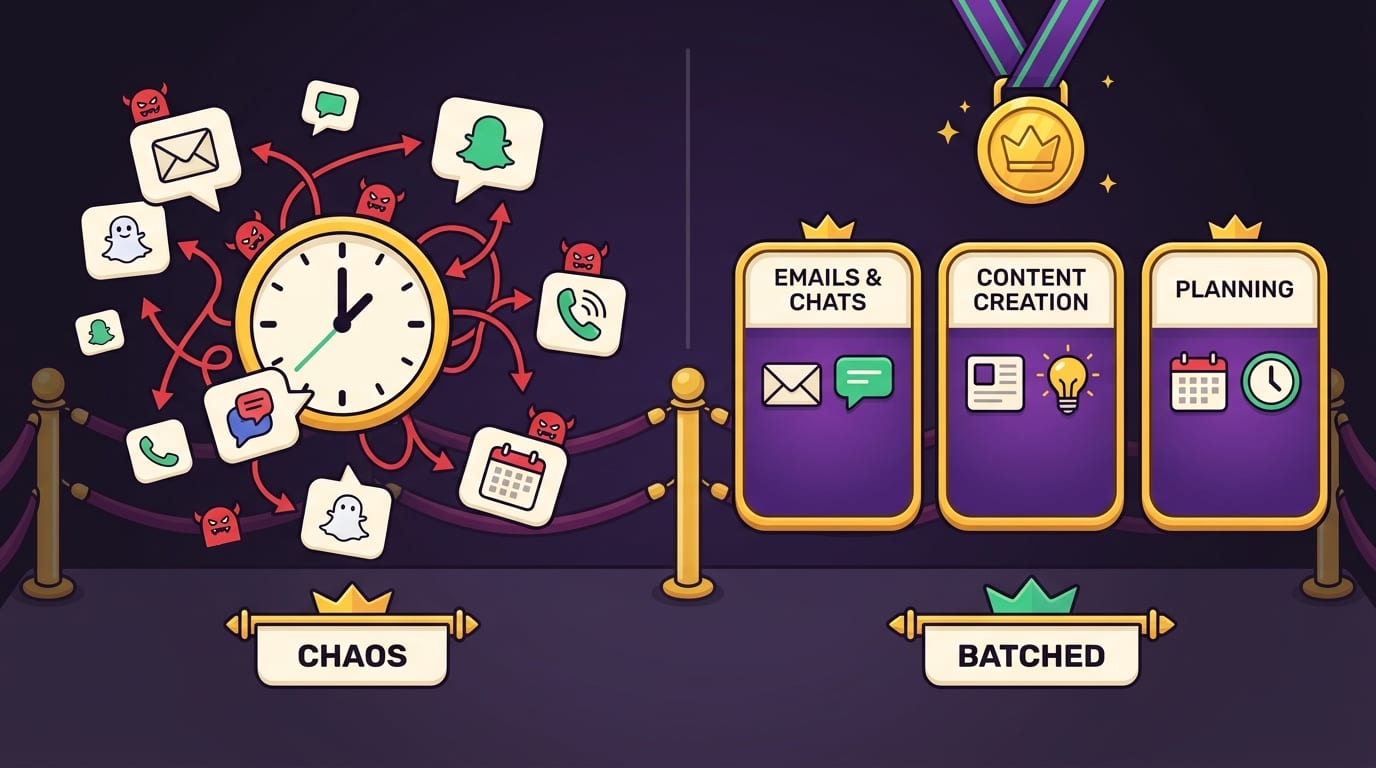
What is time batching? It is the productivity move where you stop letting your day behave like a caffeinated squirrel and start grouping similar tasks into dedicated time blocks. Instead of checking email 47 times, answering Slack every 6 minutes, writing half a paragraph, opening Instagram “for research,” and somehow ending up watching a raccoon steal cat food, you batch similar work together and do it in one focused stretch.
Simple? Yes. Magical? Not exactly. Effective? Absolutely. Time batching works because your brain is not a browser with 96 tabs open, despite your best efforts to live that way. Every time you switch tasks, your attention pays a toll. Time batching reduces that toll by creating protected zones for deep work, admin, communication, errands, study, creative tasks, and even rest. The result: less context switching, fewer decision spirals, and a stronger chance of ending the day feeling like a functioning monarch instead of a defeated office goblin.
In this guide, we’ll break down what time batching is, why it works, how to use it without turning your calendar into a prison spreadsheet, and how tools like BlockChamp can help you defend those batches from the villainous kingdom of YouTube, Reddit, TikTok, news rabbit holes, and “quick” shopping tabs. The King is watching. Lovingly. Judgingly. Productively.
Quick Answers
What Is Time Batching? The No-Fluff Definition
Time batching is a time management strategy where you group similar tasks and complete them during scheduled blocks of time instead of scattering them randomly throughout the day.
For example, instead of checking email whenever a notification pings, you might check and respond to email only at 10:30 a.m. and 4:00 p.m. Instead of doing laundry, paying bills, ordering groceries, and cleaning your desk between work tasks like a chaos wizard, you batch household admin into one Saturday morning block. Instead of making social media posts one by one every day, you create a week’s worth of content in a single focused session.
The idea is not to become a robot. Robots do not need coffee, emotional support snacks, or dramatic sighs. The idea is to reduce the number of times your brain has to change gears. When you batch tasks, you create momentum. You stop asking, “What should I do next?” every 12 minutes. You already know. The calendar has spoken. The royal decree is posted.
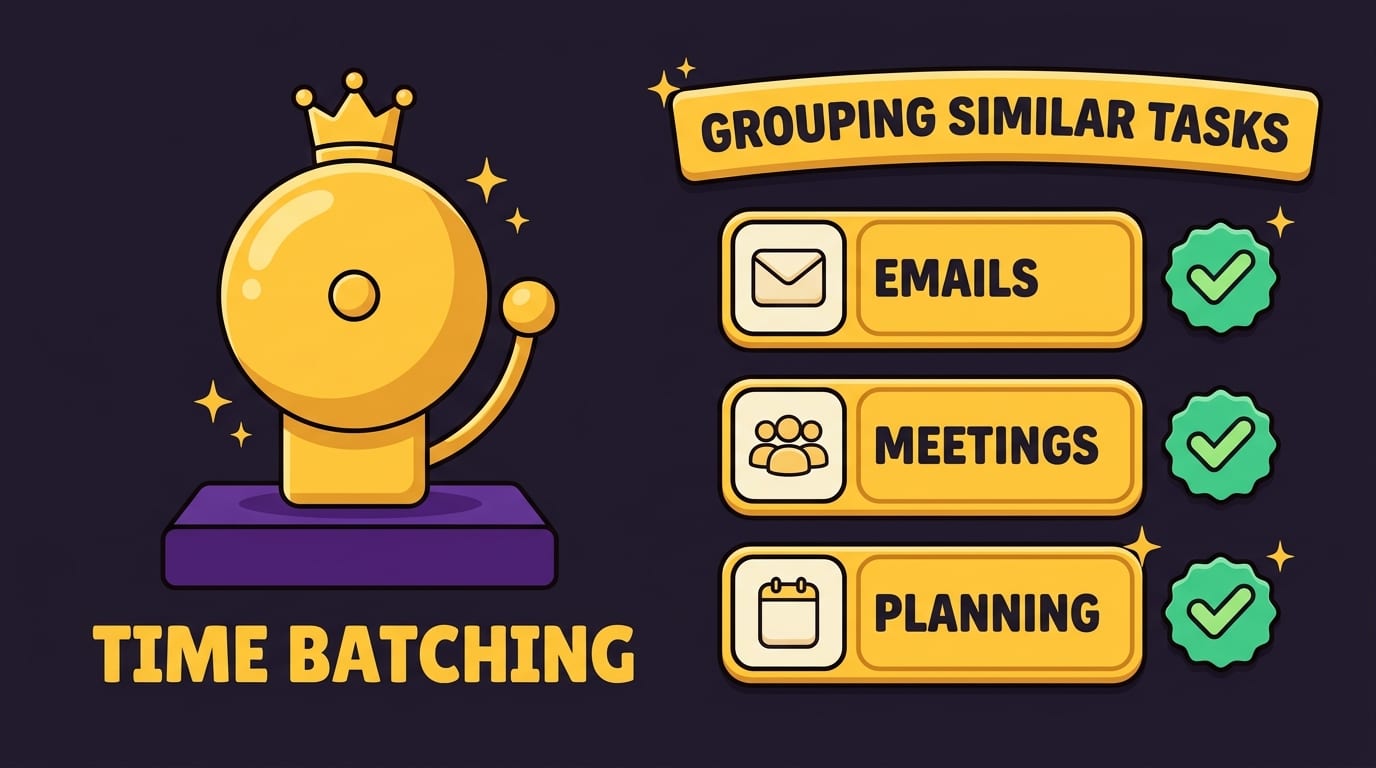
Time batching is closely related to time blocking, but they are not identical twins. Time blocking means assigning specific blocks of time to activities on your calendar. Time batching means grouping similar tasks together before placing them into those blocks. In practice, they work beautifully together: batch your tasks, then block time for each batch. Crown polished. Distractions punched.
Why Time Batching Works: Your Brain Hates Task Ping-Pong
The main enemy time batching fights is context switching, which is the mental cost of moving from one task, topic, tool, or mode of thinking to another. Writing a report uses one mental mode. Responding to a client email uses another. Checking TikTok uses a third mode called “goodbye, frontal lobe.”
Research has repeatedly shown that interruptions and task switching can hurt performance. The American Psychological Association explains that switching between tasks can create measurable “switch costs,” especially when tasks are complex or unfamiliar. You can read their overview on multitasking and task switching for the science behind why your brain is not as smooth at juggling as your ego claims.
Then there is the issue of attention residue. When you move from Task A to Task B, part of your attention often remains stuck on Task A. You are technically writing the proposal, but mentally you are still wondering whether your last email sounded too aggressive because you used a period instead of an exclamation mark. Classic workplace Shakespeare.
Time batching helps because it keeps your brain in the same neighborhood for longer. If you are answering emails, answer emails. If you are writing, write. If you are studying, study. If you are doing errands, do errands. Don’t make your brain sprint between spreadsheet land, inbox swamp, creative mountain, and meme village all before lunch.
There is also a decision fatigue benefit. Every unplanned moment asks you to choose: email or writing? Work or laundry? Invoice or Instagram? Time batching removes many of those micro-decisions. You decide once, ahead of time, and then you follow the plan. This is why batching pairs so well with broader systems like the Make Time daily productivity system, where the goal is to protect your most important work instead of letting your day get mugged by notifications wearing tiny trench coats.
Time Batching vs. Time Blocking: Cousins, Not Clones
People often use “time batching” and “time blocking” interchangeably, but there is a useful distinction.
Time batching answers: “Which similar tasks should I group together?”
Time blocking answers: “When exactly will I do them?”
Let’s say your task list includes:
- Reply to client emails
- Send project update
- Write blog draft
- Review analytics
- Schedule social posts
- Pay software invoices
- Research competitor pages
- Plan next week’s priorities
Time batching groups those into categories:
- Communication batch: client emails, project update
- Creative batch: write blog draft
- Marketing batch: analytics, social scheduling, competitor research
- Admin batch: invoices, weekly planning
Time blocking then gives those groups a home:
- 9:00–11:00 a.m. — Creative writing batch
- 11:15–11:45 a.m. — Communication batch
- 1:00–2:30 p.m. — Marketing batch
- 3:30–4:15 p.m. — Admin batch
The batching decides what belongs together. The blocking decides where it lives. Together, they are a royal productivity sandwich. Delicious, structured, and less likely to collapse into a pile of sauce and regret.
If you want a wider view of how time batching fits with other approaches, check out BlockChamp’s guide to the best time management strategies and tools for the age of distraction. Time batching is powerful, but it becomes even better when paired with prioritization, distraction blocking, and realistic planning.
The Best Tasks to Batch: Stop Sprinkling Chaos Everywhere
Not every task needs batching, but many daily activities become much easier when grouped. The best candidates are tasks that share the same tools, mindset, environment, or energy level.
1. Email and messages
Email is the classic batching target because it pretends to be work while often preventing work. If you answer messages the instant they arrive, you train everyone — including yourself — to treat your attention like a public water fountain. Useful, available, and probably surrounded by pigeons.
Try batching email into two or three windows per day. For example:
- 10:30–11:00 a.m. — Morning replies
- 2:30–3:00 p.m. — Follow-ups and approvals
- 4:30–4:45 p.m. — End-of-day cleanup
This keeps you responsive without letting your inbox wear the crown.
2. Deep work and creative work
Writing, coding, designing, studying, strategy, and problem-solving need uninterrupted attention. These tasks are terrible when squeezed between meetings and notification ambushes. Batch them into larger protected blocks, ideally when your energy is highest.
Not sure when that is? BlockChamp has a helpful guide on finding the best time to work, because your peak focus window may not match someone else’s “5 a.m. cold plunge CEO routine.” Thank heavens.
3. Meetings and calls
Meetings scattered across the day are productivity potholes. One at 9:30, one at 11:00, one at 2:00, and suddenly your whole day becomes meeting confetti. If possible, batch meetings into specific windows or days. For example, keep Tuesday and Thursday afternoons for calls, and protect Monday morning for planning or deep work.
4. Admin tasks
Invoices, filing, scheduling appointments, updating spreadsheets, submitting forms, and other tiny paper-cut tasks are perfect for batching. They rarely require your best creative energy, but they do require enough attention that doing them randomly can fracture your day.
5. Content creation
If you create content, batching is your best friend with a clipboard. Instead of brainstorming on Monday, writing on Tuesday, editing on Wednesday, designing on Thursday, and panic-posting on Friday, you might batch each phase:
- Monday: brainstorm 10 ideas
- Tuesday: draft 3 posts
- Wednesday: edit and schedule
- Friday: review performance
This helps you stay in one creative mode longer and reduces the “what do I post today?” panic dance.
How to Start Time Batching in 7 Steps
Now we get practical. Put on your tiny productivity crown. We ride.
-
Dump every task into one list. Start by writing down everything you need to do this week. Work tasks, personal errands, studying, chores, fitness, bills, planning, messages — all of it. Do not organize yet. Just empty the brain attic.
-
Group similar tasks together. Create categories like communication, deep work, admin, meetings, learning, errands, home, health, and planning. Move tasks into batches based on the mindset or tools they require.
-
Estimate how long each batch needs. Be honest. If email usually takes 45 minutes, do not schedule 12 minutes because you are feeling spiritually optimistic. That is how calendars become fan fiction.
-
Match batches to your energy. Put demanding work during your high-energy hours. Put shallow admin during lower-energy windows. If your brain becomes mashed potatoes after 3 p.m., maybe don’t schedule “write the investor memo” at 4:30.
-
Add batches to your calendar. Make them real. A batch that lives only in your mind is vulnerable to ambush. Calendar blocks create boundaries.
-
Protect the block from distractions. Close extra tabs. Silence notifications. Put your phone elsewhere. Use a website blocker if your willpower has the structural integrity of wet cardboard around social media. This is where BlockChamp shines: turn on Master Focus, block your distraction categories, and let The King guard the gates.
-
Review and adjust weekly. Time batching is not a sacred tablet from Productivity Mountain. If your batches are too long, split them. If they are too short, combine them. If Thursday afternoon is cursed, stop scheduling hard things there.
A strong first week might include just three batches: one communication block, one deep work block, and one admin block each day. Start simple. Complexity is where productivity systems go to wear capes and die.
A Realistic Time Batching Schedule You Can Steal
Here is a sample schedule for a student, freelancer, remote worker, or ambitious human who occasionally loses a duel with the internet.
Morning: protect the royal brain
- 8:30–9:00 — Plan the day and review priorities
- 9:00–11:00 — Deep work batch: writing, studying, coding, analysis
- 11:00–11:30 — Email and messages batch
The morning is often your best chance to make meaningful progress before the world starts throwing tiny flaming requests at you. Use it for the work that actually matters.
Midday: meetings, collaboration, and tactical tasks
- 12:30–1:30 — Meetings or calls
- 1:30–2:30 — Project execution batch
- 2:30–3:00 — Message follow-up batch
This is a good time for collaborative work because other people are awake, caffeinated, and sending calendar invites with suspicious enthusiasm.
Afternoon: admin and cleanup
- 3:00–4:00 — Admin batch: invoices, forms, scheduling, file cleanup
- 4:00–4:30 — Review progress and set tomorrow’s first task
End-of-day planning is underrated. It reduces morning friction and helps you start the next day with momentum instead of opening your laptop and staring at it like it owes you money.
This schedule is not universal. Some people do their best creative work at night. Some have kids, classes, shifts, bosses, or dogs who believe 10:12 a.m. is legally “scream at leaf” time. Adjust the structure to your life. The point is to group similar tasks and defend the important blocks.
The Distraction Problem: Time Batching Fails If Your Tabs Stage a Coup
Time batching is powerful, but it is not magic armor. If you schedule a two-hour writing batch and keep Instagram, YouTube, Reddit, Slack, Gmail, and six news sites open, your focus block becomes a buffet for distractions.
The modern web is engineered to pull attention. Infinite scroll, autoplay, push notifications, trending panels, recommendation algorithms — these are not accidents. They are tiny digital grappling hooks. According to DataReportal’s Digital 2024 Global Overview Report, internet users spend an average of more than six hours per day online globally. That is a lot of time for the algorithm to whisper, “One more video, champ.” Treasonous little whisper.
Research from the University of California, Irvine has also found that after interruptions, it can take significant time for people to return to their original task. Gloria Mark, who has studied workplace interruptions extensively, discusses attention and digital distraction in her work and book resources; you can explore more through Gloria Mark’s research on attention span.
This is why batching needs boundaries. You are not just scheduling work. You are creating a temporary kingdom where only the right tools are allowed inside. During a writing batch, allow your document, notes, and maybe research sources. Block the rest. During an email batch, allow email. During a study batch, allow course materials and block everything that smells like “just a quick break.”
BlockChamp was built for this exact problem. It is a gamified website blocker for Chrome that lets you block distracting sites, keywords, and whole categories like Social Media, Video & Streaming, News, Shopping, Gaming, Gambling, Adult, and AI Distractions. If you try to visit a blocked site during your batch, you do not get a bland error screen. You get The Stare-Down: The King appears, judges your life choices, shows the site you tried to enter, and sends you back to work. Every stare-down survived earns XP. Productivity, but with boxing gloves and royal sass.
Time Batching Examples for Different People
Time batching works best when it fits your real life, not someone’s fantasy calendar where every day starts with meditation, journaling, and a sunrise smoothie blessed by productivity monks.
For students
Students can batch by subject, task type, or energy level. For example:
- Monday evening — Math problem sets
- Tuesday afternoon — Reading and notes
- Wednesday morning — Essay drafting
- Friday afternoon — Review flashcards and practice tests
The key is to separate “learning mode” from “admin mode.” Registering for classes, emailing professors, and organizing files should not constantly interrupt actual study time. If you are studying for exams, block video, social, and gaming sites during study batches. You do not need Twitch open while reviewing organic chemistry unless your goal is to become the Duke of Denial.
For remote workers
Remote work can easily become one long blur of Slack, email, meetings, laundry, snacks, and suspiciously frequent fridge inspections. Batching gives the day shape.
- Morning — deep work and high-priority project tasks
- Late morning — team communication
- Afternoon — meetings and collaborative tasks
- End of day — admin, planning, documentation
Remote workers especially benefit from recurring focus schedules. BlockChamp’s Champion plan includes Focus Schedule, which can automatically activate blocks during recurring work hours. Translation: The King stands guard from 9 to 5 so your workday does not get conquered by YouTube thumbnails making exaggerated faces.
For creators and freelancers
Creators can batch by production stage:
- Idea batch: brainstorm titles, hooks, concepts, outlines
- Creation batch: record videos, write articles, design assets
- Editing batch: revise, cut, polish, proofread
- Publishing batch: upload, schedule, write captions
- Business batch: invoices, outreach, analytics, client updates
This prevents the constant whiplash of creating, editing, posting, replying, and checking analytics in one messy loop. Analytics can be useful, but refreshing numbers every 11 minutes is not strategy. It is anxiety wearing a spreadsheet costume.
Common Time Batching Mistakes, a.k.a. Ways to Trip Over Your Own Crown
Time batching is simple, but humans are creative little chaos engines. Here are the common mistakes to avoid.
Mistake 1: Making batches too long
A four-hour “email batch” is not productivity. It is a cry for help. Start with realistic blocks. For focused work, 60 to 120 minutes is often plenty. For email, 20 to 45 minutes may be enough. For admin, 30 to 60 minutes usually works.
Mistake 2: Ignoring breaks
Your brain needs breaks. A schedule with no breathing room is just a productivity dungeon. Add buffer time between batches, especially if you are switching from deep work to meetings or from creative work to admin.
Mistake 3: Batching everything
Not every task should wait. Urgent issues, true emergencies, and time-sensitive opportunities may need immediate attention. Time batching is a system, not a cult. Use judgment. Keep a small “urgent lane” for genuinely important interruptions.
Mistake 4: Letting notifications remain on
A focus batch with notifications enabled is like trying to nap in a marching band rehearsal. Turn them off. If you cannot trust yourself, use tools. The goal is not heroic willpower. The goal is good design.
Mistake 5: Confusing planning with doing
Planning your perfect batching system can become procrastination in a fancy hat. Spend 20 minutes designing your first version, then use it. Improve it after real-world battle testing.
If you struggle to decide which tasks deserve your best blocks, use a prioritization tool like the Eisenhower Matrix. BlockChamp has a practical breakdown of the Eisenhower Matrix for time management, which helps separate urgent tasks from important ones so your schedule does not become a shrine to other people’s emergencies.
How Time Batching Helps You Stop Wasting Time Online
Time batching gives your internet use a container. That matters because uncontained internet use expands like foam insulation. You check one thing, then another, then suddenly you are reading a comment thread from 2018 between two strangers named “PastaWarrior77” and “TaxFerret.” Nobody planned this. Yet here we are.
Batching can turn online tasks into deliberate sessions:
- Research batch: gather sources for 45 minutes
- Social media batch: respond and post for 20 minutes
- News batch: read headlines for 15 minutes
- Shopping batch: compare and purchase needed items once per week
The trick is to decide the purpose before you open the browser. Are you researching, communicating, publishing, buying, learning, or relaxing? If you cannot name the purpose, the internet will name it for you, and the name will be “doomscrolling until your soul leaves through your eyeballs.”
For more on treating time as a limited resource, not a bottomless snack bowl, read how to save your time like your money. The same idea applies here: budget your attention before the world spends it for you.
BlockChamp helps by making your batching rules harder to break. You can block specific sites like YouTube, Reddit, X/Twitter, or Instagram, or use category blocking to shut down entire distraction zones in one tap. Champion users can also use keyword blocking, which is handy if you keep falling into certain topics. If “crypto,” “celebrity drama,” or “fantasy football rankings” keeps derailing your day, keyword blocking can slam the palace gates.
Time Batching and Deep Work: The Knockout Combo
Deep work needs time. Not scraps. Not “I have 17 minutes before my next meeting.” Real cognitive work requires settling in, loading context, wrestling the problem, and staying with it long enough for your brain to stop whining and start producing.
Cal Newport popularized the concept of deep work, and his ideas have influenced many modern productivity systems. His website offers more on deep work and focused productivity. Time batching supports deep work by putting similar demanding tasks into uninterrupted blocks.
For example, instead of writing a thesis chapter in tiny fragments across the week, batch related work:
- Monday: outline and source review
- Tuesday: draft section one
- Wednesday: draft section two
- Thursday: edit and citations
- Friday: final review
Each block has one job. That clarity matters. When your brain knows the mission, it wastes less energy scanning for alternatives. This is one reason many people find time batching calming: it reduces the background hum of “I should be doing something else.”
And when the urge to escape appears — because it will, probably wearing a TikTok hoodie — BlockChamp can step in. The Master Focus toggle turns blocking on across your chosen sites and categories. Hardcore Lockdown, available for Champion users, adds a cooldown timer or boxing-riddle mini-game before you can turn focus off. Is it ridiculous? A little. Does making yourself repeat The King’s punch combo create just enough friction for the impulse to pass? Very often, yes. Sometimes productivity needs a tiny royal boxing match.
How to Measure Whether Time Batching Is Working
A productivity system should improve your life, not just give you prettier guilt. After trying time batching for a week or two, evaluate it with real signals.
Ask yourself:
- Am I switching tasks less often?
- Am I finishing more important work earlier in the day?
- Do I check email and messages less compulsively?
- Do I feel clearer about what to do next?
- Are my focus blocks protected from distractions?
- Do I end the day with fewer unfinished loose ends?
You can also track basic metrics:
- Number of deep work hours completed
- Number of times you checked email
- Tasks completed per batch
- Distraction attempts during focus blocks
- How often you moved or skipped batches
BlockChamp makes part of this visible through focus hours, reigns, XP, a color-coded focus calendar, and stare-downs survived. Instead of vaguely thinking, “I focused more this week, maybe,” you can see your reign grow and your calendar turn gold. Humans love progress bars. We are simple creatures. Give us XP and suddenly we will defend a focus block like it is the last castle in the realm.
A Simple Time Batching Template for Tomorrow
If you want to start immediately, use this template. No ceremonial robes required, though obviously encouraged.
-
Choose your top priority. Pick the one task that would make tomorrow feel successful.
-
Create one deep work batch. Schedule 60–90 minutes for that priority. Put it early if possible.
-
Create two communication batches. One late morning, one late afternoon. Keep email and messages out of the rest of the day unless your role truly requires instant response.
-
Create one admin batch. Use it for small tasks that otherwise nibble your focus to death.
-
Block your biggest distraction. Pick the one site or category most likely to ruin the plan. Block it during your focus batch.
Here is what that might look like:
- 9:00–10:30 — Deep work: draft proposal
- 10:30–10:50 — Email and Slack
- 11:00–12:00 — Project work
- 1:30–2:15 — Admin tasks
- 4:00–4:20 — Email, messages, tomorrow planning
That is enough. Do not redesign your entire existence by sunrise. Start with one day. Win one day. Then stack another. That is how reigns are built.
Final Verdict: Time Batching Is How You Stop Letting the Day Boss You Around
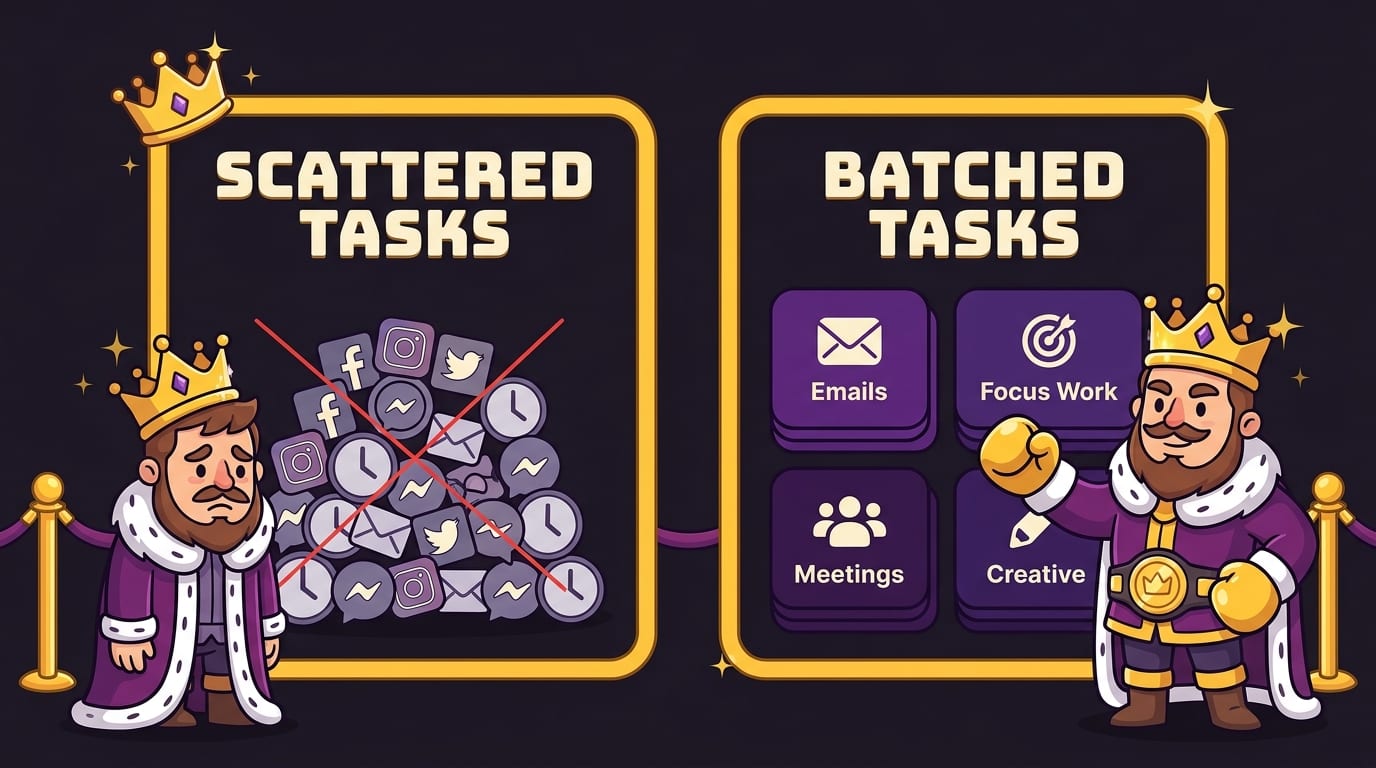
So, what is time batching? It is the habit of grouping similar tasks into dedicated time blocks so you can reduce context switching, protect your attention, and get more meaningful work done without constantly asking your brain to change costumes.
It works because it respects how attention actually behaves. Your focus is not infinite. Your willpower is not a mythical dragon. Your inbox is not your manager unless you let it sit on the throne. By batching communication, deep work, admin, meetings, errands, and creative tasks, you give your day structure and give your brain fewer chances to wander into the swamp.
The real power comes when you combine time batching with distraction defense. Plan the batch, block the distractions, and make the right action easier than the wrong one. If your biggest enemy is the open web — social feeds, streaming sites, news loops, shopping holes, gaming tabs, or AI tools you opened “just to check one thing” — BlockChamp can help you guard those focus blocks with humor, XP, streaks, badges, The Stare-Down, and a cartoon King who is deeply unimpressed by your attempt to visit YouTube during writing time.
Start small tomorrow. Batch your email. Protect one deep work block. Block one distraction. Earn one clean win. Then do it again.
Long live your focus, champ. Defend the throne. Crush the scroll. Become king of your time.
Related posts

Writing Sprint Tips For Focused Output

Paper Or Digital Planner

Generative Ai And Staying Focused At Work
