
Study Habits Tools For Teens

If your teen’s “study session” currently looks like 11 open tabs, one half-finished worksheet, three TikTok breaks, and a mysterious urge to reorganize their pencil case like a tiny office goblin, welcome. You are among friends. The right study habits tools for teens can turn that chaos carnival into an actual routine: planners that make assignments visible, timers that make work less scary, habit trackers that build consistency, and focus tools that keep YouTube from eating the kingdom.
Teens do not need a productivity system that looks like it was designed by a tax accountant trapped in a spreadsheet. They need tools that are simple, visual, flexible, and maybe just dramatic enough to compete with the internet’s circus cannon. This guide breaks down the best study habit tools for teenagers, how to use them, and how to build a routine that survives homework, exams, group chats, sports practice, and the occasional “I forgot there was a quiz” jump scare.
Quick Answers
Why Teens Need Study Habit Tools, Not Just “Try Harder” Speeches
Let’s politely retire the phrase “just focus.” If focusing were that easy, nobody would be opening a new tab to check one thing and waking up 47 minutes later inside a video titled “Man Builds Underground Swimming Pool Using Spoon.” The modern teen is studying inside a distraction machine.
According to Pew Research Center’s 2023 report on teens, social media, and technology, nearly all U.S. teens report using the internet daily, and a large share say they are online almost constantly. That does not mean teens are lazy. It means their attention is being challenged by products engineered to be wildly sticky. The algorithm is not casually suggesting videos. It is wearing a cape and kicking down the door.
Good study tools do three things:
- Reduce decisions: Teens know what to work on next instead of negotiating with their brain like a tiny courtroom drama.
- Lower friction: Starting becomes easier because the first step is obvious.
- Protect attention: Distractions are blocked, delayed, hidden, or made less tempting.
This matters because teens are still developing executive function skills: planning, prioritizing, emotional regulation, and impulse control. The goal is not to create a robot child who color-codes flashcards at sunrise while whispering motivational quotes to a houseplant. The goal is to help teens build repeatable systems that carry them when motivation decides to take a long royal nap.
If you want a broader foundation before picking tools, BlockChamp’s guide to smart study habits to set you up for success is a great companion read. Start with habits, then add tools that reinforce them.
The Core Study Stack: Planner, Timer, Tracker, Blocker
When people search for study habits tools for teens, they often get a giant list of apps, which is about as helpful as throwing spaghetti at a laptop and calling it meal prep. Instead, think in categories. A teen’s study system only needs four core tools to begin:
- A planner to capture assignments, deadlines, tests, and commitments.
- A timer to create focused work blocks and reduce procrastination.
- A habit tracker to make consistency visible.
- A focus blocker to protect attention from distracting websites and apps.
That’s the starter kingdom. No need for a 19-step productivity dashboard named “Operation Academic Thunderbeast.” Keep it simple enough that a tired teen can use it on a Tuesday after school when their backpack contains one banana, two notebooks, and emotional debris.
The key is matching tools to real behavior. If a teen forgets homework exists, start with a planner. If they can start but wander off mentally, add a timer. If they study once and then vanish from the routine like a magician in sweatpants, use a habit tracker. If they are constantly pulled into Reddit, TikTok, YouTube, gaming sites, shopping, or AI rabbit holes, add a blocker like BlockChamp to put The King on guard.
For students who want a curated list of digital options, the BlockChamp roundup of top study focus tools covers useful apps and methods that pair well with the system below.
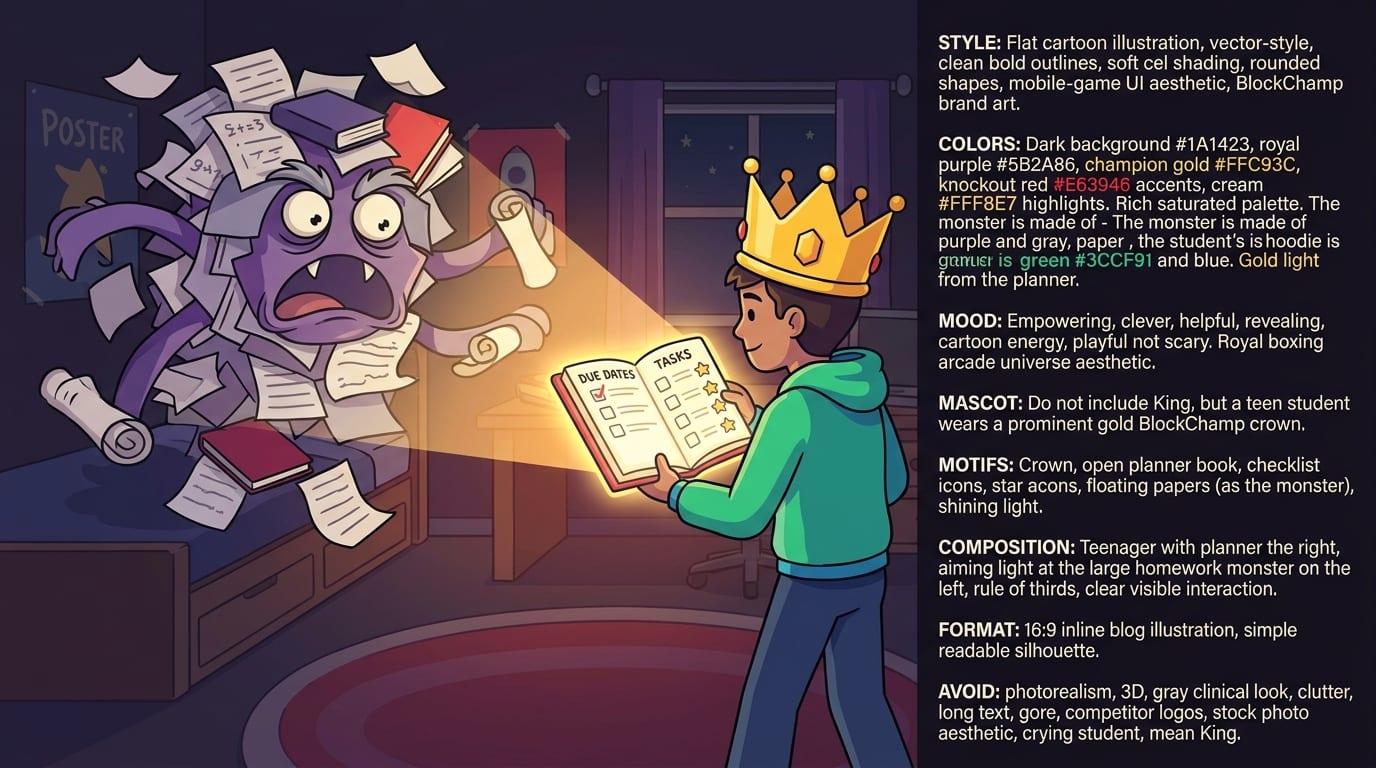
Planner Tools: Make the Invisible Homework Monster Visible
Most teen study disasters begin with invisibility. Not actual ghost stuff. We’re talking invisible deadlines, vague assignments, and “I thought that was due next week” energy. A planner turns chaos into a map.
A teen planner can be digital, paper, or hybrid. The best one is the one the teen will actually use without needing a royal trumpet fanfare. Here are the common options:
- Paper planner: Great for students who like writing things down, doodling, and physically checking boxes. Very satisfying. Tiny dopamine confetti.
- Google Calendar or Apple Calendar: Best for time-specific events like classes, practices, tutoring, tests, and project deadlines.
- Task apps: Todoist, TickTick, Microsoft To Do, or Notion can work well for assignment lists and recurring routines.
- School LMS calendar: Google Classroom, Canvas, Schoology, or similar platforms can be the source of truth if teachers consistently post assignments.
The real trick is teaching teens to separate three types of information:
- Events: Things that happen at a specific time, like “Math test Friday at 10.”
- Deadlines: Things due by a date, like “Essay due Monday.”
- Work blocks: Planned time to make progress, like “Wednesday 4:30–5:15 outline essay.”
Many students only write the deadline, which is like putting “climb mountain” on a calendar and forgetting ropes, snacks, oxygen, and pants. A better system includes the work before the deadline.
A simple weekly planning ritual for teens
Once a week, ideally Sunday evening or Monday after school, teens should spend 10 minutes doing this:
- Open the school portal and check every class.
- Write down tests, quizzes, projects, essays, and major assignments.
- Break big assignments into smaller steps.
- Choose 3–5 study blocks for the week.
- Mark one lighter catch-up block for unfinished work.
Example: instead of “History project due Friday,” write:
- Monday: Pick topic and find 3 sources.
- Tuesday: Create outline.
- Wednesday: Build slides.
- Thursday: Practice presentation.
- Friday: Submit and strut responsibly.
That last part is optional, but confidence does improve posture.
Timer Tools: Pomodoro, Focus Sprints, and the Anti-Dread Button
Timers are magical because they make studying finite. “Study biology” sounds like a swamp. “Study biology for 25 minutes” sounds like a small swamp with a bridge and maybe snacks. That’s progress.
The popular Pomodoro Technique uses focused work intervals, often 25 minutes, followed by short breaks. The method is simple, which is why it has survived the productivity internet’s tendency to turn everything into a 42-tab lifestyle cult. The official Todoist guide to the Pomodoro Technique explains how timed sessions can reduce mental resistance and improve consistency.
For teens, the timer length should match the task and energy level:
- 10 minutes: Great for starting when motivation is hiding under the bed.
- 20–25 minutes: Ideal for homework, reading, flashcards, and problem sets.
- 40–50 minutes: Better for older teens doing deeper work, essays, coding, or exam review.
- 5-minute reset: Useful after school before starting homework: water, snack, desk clear, no phone spiral.
Timers also help teens avoid one of the classic traps: fake studying. That’s when a student sits near homework and absorbs nothing, like a houseplant in a hoodie. A timer creates a clear mission: for this block, do one task. Not five. Not “get my life together.” One task.
The 3-round focus sprint
Here’s a practical timer routine that works well for teenagers:
- Round 1: 20 minutes on the easiest task to build momentum.
- Break: 5 minutes away from the screen if possible.
- Round 2: 25 minutes on the hardest or most important task.
- Break: 5–10 minutes. Move around. Refill water. Do not enter the TikTok swamp.
- Round 3: 20 minutes finishing, reviewing, or preparing for tomorrow.
Pair this with a website blocker and the whole thing becomes much stronger. If YouTube is blocked during the sprint, the teen does not need to “use willpower” every 90 seconds. The gate is closed. The royal guards are chewing gum and judging intruders.
Habit Trackers: Turn Consistency Into a Tiny Video Game
Habit trackers are useful because teens need feedback. Not a lecture. Feedback. The brain likes visible progress, streaks, levels, checkmarks, badges, and “hey, I’m actually doing this” evidence. That is why games are sticky, fitness apps use streaks, and your language app gets weirdly emotional when you miss Spanish practice.
Research on behavior change often highlights the value of cues, repetition, and rewards. The habit loop framework explained by James Clear is a helpful way to think about it: cue, routine, reward. For studying, the cue might be “after snack at 4:15,” the routine is “two focus sprints,” and the reward is checking off the tracker, earning XP, or taking a guilt-free break.
Teen habit trackers can be extremely simple:
- A wall calendar with an X for each day they complete one study block.
- A notes app checklist with daily habits.
- A habit tracking app with streaks and reminders.
- A spreadsheet if your teen enjoys spreadsheets, which is rare but majestic.
Start with only two or three habits. If the tracker contains 17 habits, it becomes a guilt museum by Thursday. Good starter habits include:
- Plan tomorrow’s top 3 tasks.
- Complete one focused study block.
- Review notes for 10 minutes.
- Pack backpack before bed.
- Keep phone away during homework.
BlockChamp adds a game-like layer to this idea for web focus. Teens earn XP for focus time, survive stare-downs when they hit blocked sites, build reigns, unlock badges, and climb ranks from Peasant of Procrastination toward King of Your Time. Is it slightly ridiculous? Yes. Does the brain enjoy ridiculous progress bars more than stern lectures? Also yes.
Website Blockers: Because Willpower Is Not a Wi-Fi Plan
Among all study habits tools for teens, a website blocker is one of the most practical because it changes the environment. Instead of asking a teen to resist social media, streaming, shopping, gaming, and “just one quick search” all afternoon, blocking tools remove the temptation during study time.
This is not about punishment. It is about design. The Common Sense Media report on young people’s smartphone use shows how deeply phones and digital platforms are woven into teens’ daily lives. Even responsible students can get pulled off track when every app is shouting, blinking, buzzing, and waving snacks from across the room.
A good website blocker for studying should be easy to set up and hard enough to bypass that impulse scrolling loses momentum. That’s where BlockChamp fits nicely. It is a gamified Chrome website blocker that lets teens block specific sites, keywords, or whole distraction categories like Social Media, Video & Streaming, News, Shopping, Gaming, Gambling, Adult, and AI Distractions.
For a teen doing homework on a laptop, a simple setup might look like this:
- Block YouTube, TikTok, Reddit, Instagram, and Discord during homework hours.
- Turn on Social Media and Video categories during study blocks.
- Use the Master Focus Toggle before starting a timer.
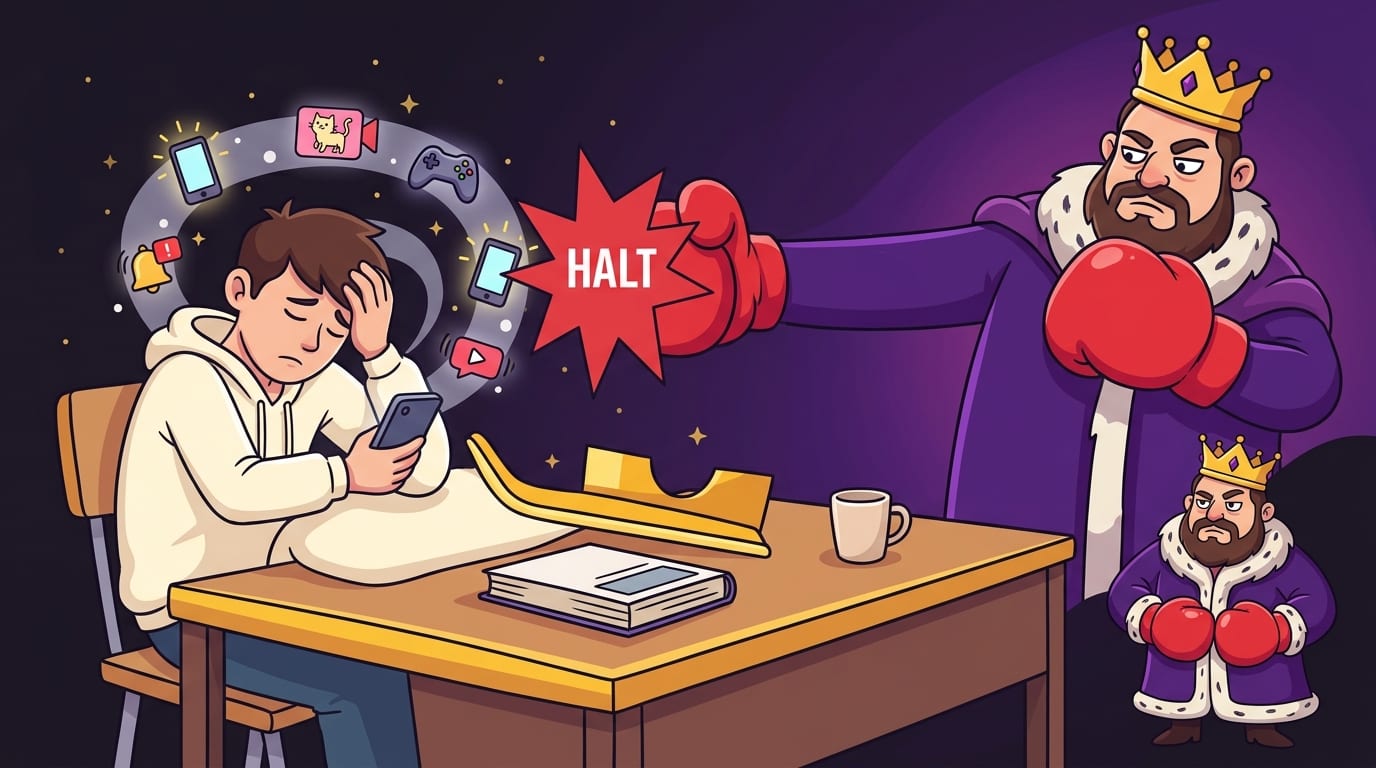
- Let BlockChamp’s Stare-Down page interrupt any sneaky tab-opening attempts.
The Stare-Down is exactly what it sounds like: The King appears, unimpressed, to stop the attempted distraction. It is funnier than a blank “access denied” page and more memorable than another boring blocker dashboard. Teens are more likely to stick with tools that feel engaging rather than punitive. Long live the roast.
If your teen struggles specifically with concentration during study sessions, this related guide on how to stay focused while studying goes deeper into practical focus strategies.
Note-Taking and Review Tools: Stop Collecting Notes Like Decorative Napkins
Taking notes is not the same as learning. Many teens write down everything, highlight half the page, and then wonder why the material evaporated like a wizard’s grocery list. Good note-taking tools help students process, organize, and review information.
There are several useful methods:
- Cornell notes: Divide the page into notes, cues, and summary. Great for lectures and textbook chapters.
- Outline notes: Use headings and bullets to structure concepts. Best for history, literature, and science.
- Mind maps: Visual connections between ideas. Excellent for big-picture learners.
- Flashcards: Best for active recall, vocabulary, formulas, dates, and definitions.
Digital tools like Google Docs, Notion, OneNote, Quizlet, and Anki can help, but the method matters more than the app. A teen can have the fanciest note-taking system in the kingdom and still learn nothing if they never review it.
The study upgrade is active recall. Instead of rereading notes, teens should cover the answer and try to retrieve it from memory. For example:
- Turn headings into questions.
- Use flashcards for definitions and formulas.
- Explain a concept out loud like teaching a confused raccoon.
- Do practice problems without looking at examples.
Spaced repetition also helps. Rather than cramming for four hours the night before a test, teens review material in shorter sessions across multiple days. The American Psychological Association’s study advice on learning strategies highlights the benefits of spacing and self-testing over passive review. Translation: rereading your notes while slowly turning into a blanket burrito is not the peak of academic science.
Environment Tools: The Desk, the Phone, and the Snack Situation
Study habits tools for teens are not only apps. The physical study environment matters too. A teen’s brain takes cues from surroundings. If the desk is covered with laundry, snack wrappers, old worksheets, and a random cable no one can identify, the brain receives a clear message: “We live in a side quest.”
Helpful environment tools include:
- A clean study surface: Not perfect. Just enough room for laptop, notebook, and water.
- A phone parking spot: Across the room, in another room, or with a parent during focus blocks.
- Noise control: Noise-canceling headphones, instrumental music, white noise, or a quiet room.
- Supplies station: Pens, charger, calculator, sticky notes, and index cards nearby.
- Lighting: Bright enough to stay alert. Dungeon lighting is for goblins and dramatic movie villains.
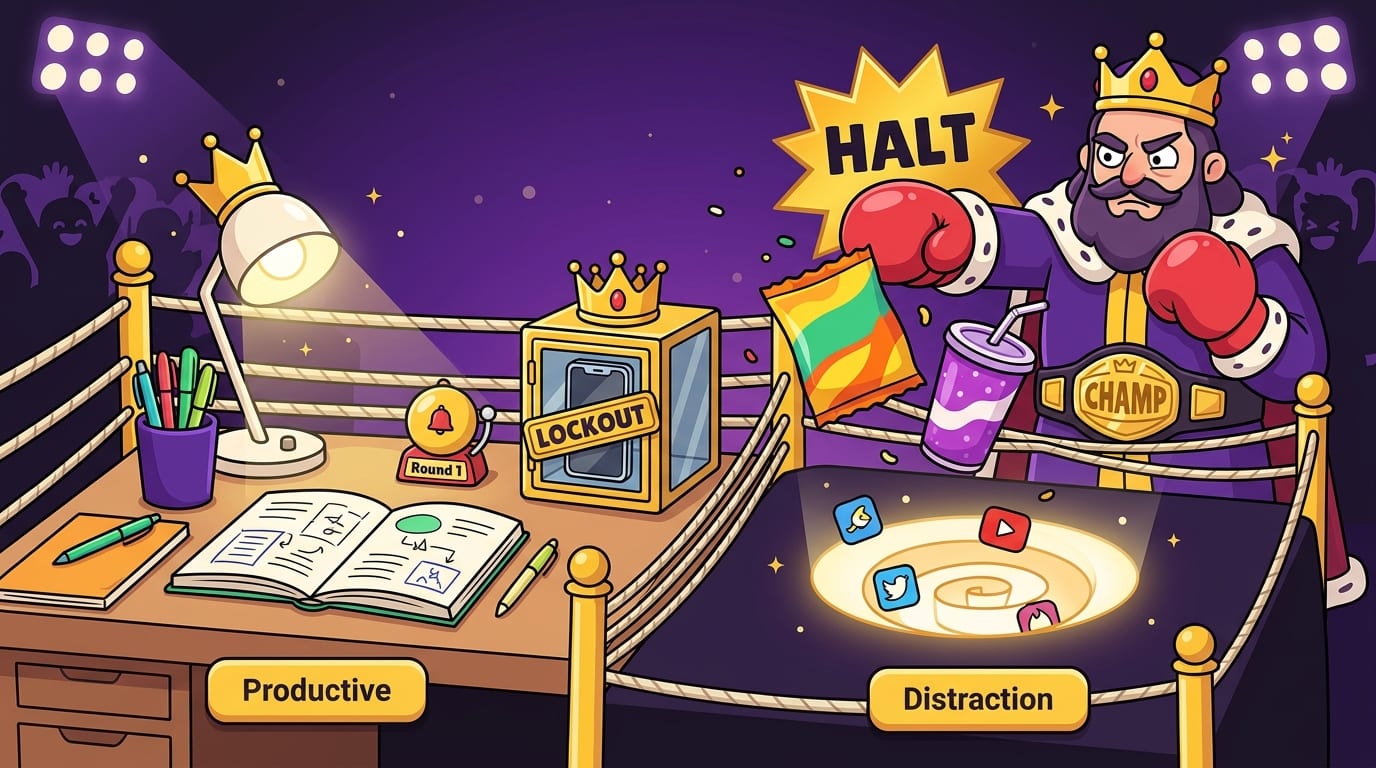
One powerful move is creating a “study launch pad.” This is a small setup that makes starting automatic: planner open, water ready, browser tabs closed, BlockChamp on guard, timer set. The fewer things a teen has to decide, the easier it is to start.
Parents can help without turning into the Homework Police Department. Instead of hovering, ask setup questions:
- “What are your top two tasks tonight?”
- “When is your first focus block?”
- “Do you want your phone out of the room until the timer ends?”
- “What site usually distracts you first?”
The last question is gold. Every teen has a usual suspect. Maybe it’s YouTube. Maybe it’s Discord. Maybe it’s online shopping for shoes they cannot afford. Once the villain is named, it can be blocked. The crown demands order.
How to Build a Teen Study Routine That Actually Sticks
Tools are only useful when they fit inside a routine. A timer sitting unused is just a tiny digital egg. A planner nobody opens is a guilt rectangle. A blocker that is never turned on is The King asleep on the throne, snoring in royal lowercase.
Here is a realistic after-school routine for teens:
- Decompress for 20–30 minutes: Snack, move around, talk, breathe. Do not expect instant homework mode after seven hours of school.
- Check the planner: Pick the top 2–3 tasks, not everything in the universe.
- Set the environment: Clear desk, charge laptop, put phone away, open needed tabs only.
- Turn on focus protection: Use BlockChamp or another website blocker to shut down the usual distractions.
- Run two focus sprints: 20–25 minutes each with a short break between.
- Review and reset: Check off completed tasks and write tomorrow’s first task.
The secret is making the routine small enough to repeat. A teen who studies for 45 focused minutes five days a week will usually outperform a teen who plans a heroic four-hour cram session and then collapses into a pile of panic and granola bar dust.
For college-bound teens or older students juggling bigger workloads, BlockChamp’s guide to the best study tools for college students can help bridge the gap between high school routines and more independent study systems.
Common Teen Study Problems and the Tool That Fixes Each One
Not every teen needs the same study setup. The best tools depend on the actual problem. Here is a quick diagnostic, minus the clipboard and fluorescent lighting.
Problem: “I forget what I have to do.”
Use a planner and a weekly review. Assignments need one home. If tasks are scattered across sticky notes, screenshots, memory, and panic, something will escape like a raccoon through a dog door.
Problem: “I can’t get started.”
Use a 10-minute timer. The goal is not to finish. The goal is to begin. Starting often reduces dread because the monster becomes smaller once you poke it with a pencil.
Problem: “I study but don’t remember anything.”
Use active recall tools: flashcards, practice quizzes, self-testing, and teaching the material out loud. Rereading is comfortable, but comfort is not always learning. Sneaky little academic trap.
Problem: “I keep getting distracted online.”
Use a website blocker during study sessions. BlockChamp is especially useful for teens who respond to humor, streaks, XP, and visible progress. When a blocked site triggers The King’s Stare-Down, the interruption becomes funny and effective instead of gloomy and shamey.
Problem: “I do well for two days, then stop.”
Use a habit tracker and reduce the routine. Make the daily minimum laughably doable: one 20-minute block, one planner check, one review session. Consistency beats dramatic academic fireworks.
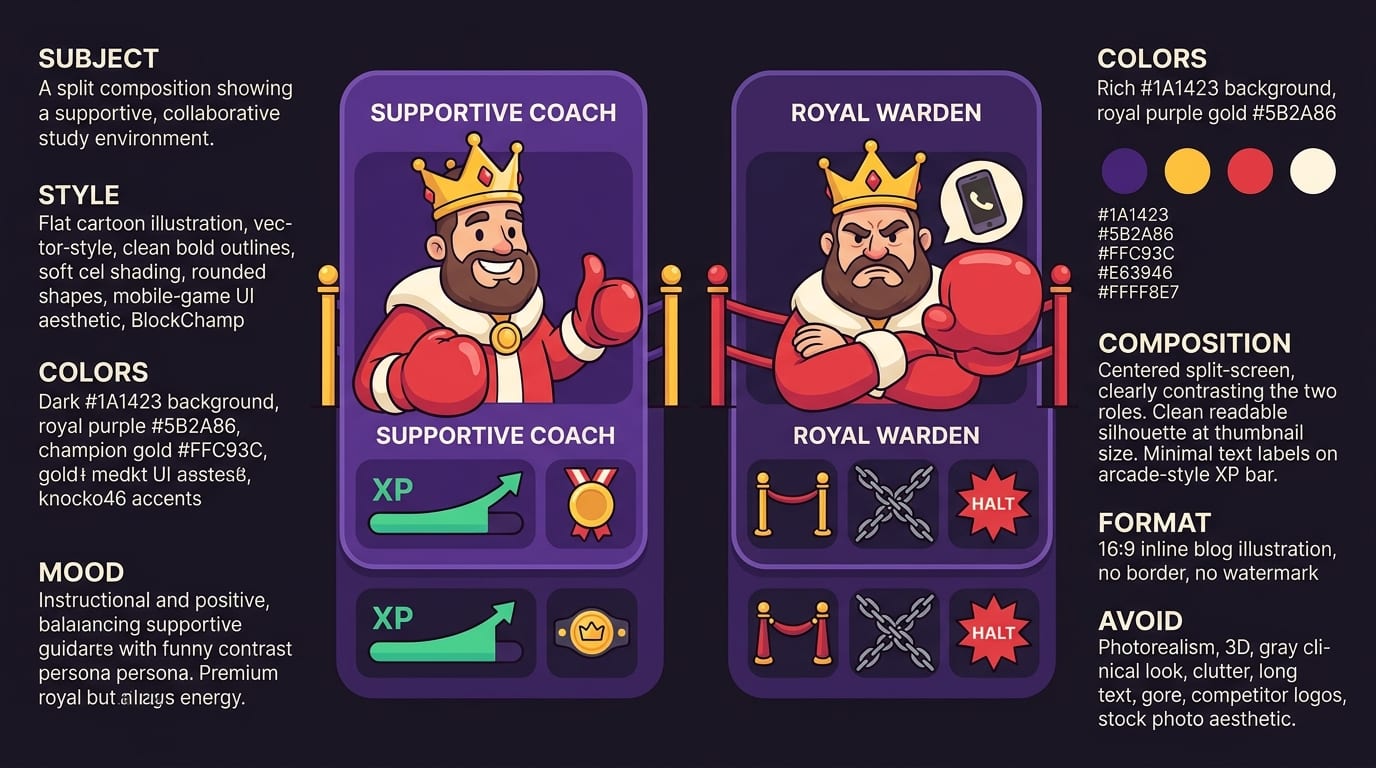
A Parent-Friendly Setup Plan: Support Without Becoming the Royal Warden
Parents and guardians can help teens build study habits, but the vibe matters. Too much control creates resistance. Too little structure creates chaos. The sweet spot is collaborative scaffolding: support the system while giving the teen ownership.
Try this setup conversation:
- “What time of day do you focus best?”
- “Which class feels most chaotic right now?”
- “What distracts you most during homework?”
- “Do you want a paper planner, digital planner, or both?”
- “What would make studying less miserable?”
Then build a small trial system for one week. Not forever. One week. Teens are more willing to test tools when it does not feel like signing a productivity blood contract.
A strong one-week experiment could look like this:
- Use a planner every school day.
- Complete one 25-minute focus sprint before entertainment.
- Block top distraction sites during homework using BlockChamp.
- Track completed study days on a calendar.
- Review what worked on Sunday.
Parents can celebrate effort, not just grades. “You protected four study blocks this week” is often more useful than “Why wasn’t this an A?” Grades matter, sure. But the habit is the machine that produces better grades over time. Praise the machine. Oil the machine. Do not yell at the machine while it is still being assembled.
The Best Study Habit Tools for Teens Are the Ones They’ll Actually Use
Here is the royal truth: the perfect study system does not exist. The best study habits tools for teens are simple, repeatable, and suited to the teen’s real life. A planner helps them see the battlefield. A timer helps them start. A habit tracker helps them keep going. A focus blocker protects the castle gates from TikTok, YouTube, Reddit, and the infinite scroll goblin army.
Start small. Pick one planner, one timer method, one habit to track, and one distraction to block. Run the system for a week. Adjust. Then build from there. That is how teens become more consistent without needing to transform into productivity monks who wake at 5 a.m. to alphabetize their ambitions.
If online distractions are the main villain, put BlockChamp on guard in Chrome. Teens can block distracting sites and categories, earn XP for focused time, build a reign, unlock badges, and get roasted by The King when they try to sneak into a blocked site. It is focus with a crown, boxing gloves, and just enough sass to work.
Ready to defend the throne and crush the scroll? Visit BlockChamp, set your study distractions on the block list, and let The King help your teen become champion of not getting distracted. Long live the homework. Okay, maybe not long live homework. But long live finishing it faster.
Related posts

Finding Focus For Fiction Writing

Learning To Focus In A Digital World As A Creative

Finding Focus For Personal Growth
