
Productivity Tools Improve Workflow

Your workflow is not “fine.” It is probably a tiny circus wearing a productivity hat. One tab has your task list. Another has your calendar. Slack is coughing notifications into your eyeballs. Email is doing jazz hands. And somewhere, somehow, YouTube has convinced you that “one quick tutorial” requires watching a man restore a rusty axe for 47 minutes.
This is exactly why productivity tools improve workflow: they reduce chaos, automate boring steps, clarify priorities, and protect your attention from the digital goblins. But here is the catch, champ: tools only help when they fit into a real system. Downloading seven apps and calling it “optimization” is not a workflow. That is just hoarding with better branding.
In this guide, we will break down how productivity tools improve workflow in a practical, non-corporate, please-do-not-make-me-attend-another-webinar way. You will learn which tools actually matter, how to combine them into a sane workflow, where automation belongs, how to prioritize without needing a monk robe, and how focus tools like BlockChamp help defend your time from the scroll dragons.
Quick Answers
Why Productivity Tools Improve Workflow: The Boring Truth With a Fancy Crown
At their best, productivity tools are not about squeezing every second out of your day like a sad little efficiency lemon. They are about reducing friction. A good tool makes the right action easier, the wrong action harder, and the next step obvious enough that your brain does not file a complaint with management.
Workflows usually break in four places:
- Capture: tasks, ideas, requests, and deadlines enter from too many places.
- Prioritization: everything feels urgent, so you become a panic-powered raccoon.
- Execution: distractions interrupt deep work before momentum appears.
- Review: nobody checks what worked, what failed, or why the same task has been “almost done” since the Bronze Age.
Productivity tools improve workflow by creating a structure around those weak points. A task manager captures work. A calendar protects time. Automation tools move information between systems. Collaboration platforms reduce “where is that file?” treasure hunts. Focus tools block digital traps before your attention sprints into traffic.
This matters because context switching is expensive. Research from the American Psychological Association on multitasking explains that shifting between tasks can reduce efficiency and increase mental load. Translation: every time you bounce between a report, Slack, email, and “just checking Instagram,” your brain has to reload the whole kingdom. It is not multitasking. It is tab-flavored tax.
The Workflow Stack: Tools That Actually Deserve a Seat at the Table
A strong productivity setup does not need 19 apps, three dashboards, and a Notion template named “Ultimate Life Command Center 7.0.” Start with a simple stack. Your workflow should answer five questions:
- Where do tasks go?
- Where does time go?
- Where does communication happen?
- What can be automated?
- How do you protect focus?
For most people and teams, that means five categories of tools:
- Task management: Asana, Todoist, Trello, ClickUp, Notion, Linear, or Jira.
- Calendar and scheduling: Google Calendar, Outlook Calendar, Calendly, Motion, or Reclaim.
- Communication: Slack, Microsoft Teams, email, Loom, or project comments.
- Automation: Zapier, Make, native app automations, or recurring templates.
- Focus protection: website blockers, notification controls, Pomodoro timers, and deep work routines.
The magic is not in the apps themselves. The magic is in the handoffs. If a client request comes through email, where does it go next? If a task is urgent, how does it get scheduled? If a project is blocked, who gets notified? If you are supposed to write for two hours, what stops you from wandering into Reddit’s swamp of opinions?
That last point is where BlockChamp earns its crown. As a gamified website blocker for Chrome, BlockChamp helps you block distracting websites, categories, and keywords so your work session does not get body-slammed by TikTok, YouTube, shopping sites, news spirals, or AI distraction rabbit holes. It turns “I should focus” into “The King is on guard, and I am not throwing away my reign for a meme.” Ridiculous? Yes. Effective? Also yes.
If you are building a team stack, you may also like our deeper guide on productivity tools for team collaboration, which covers how shared systems prevent everyone from working in separate little productivity caves.
Task Management: Get the Goblins Out of Your Head
Your brain is a magnificent idea machine and a terrible filing cabinet. If you rely on memory to manage tasks, deadlines, and follow-ups, you are basically asking a squirrel to run operations. Task management tools improve workflow by creating one trusted place for work to live.
A good task system should do three things:
- Capture every commitment quickly.
- Clarify the next action.
- Show what matters now versus later.
The key is to avoid vague tasks. “Website stuff” is not a task. It is a haunted fog. “Draft homepage hero copy,” “Send pricing page feedback to Maya,” and “Compress product screenshots” are tasks. They have verbs. They can be completed. They do not require a wizard.
Use labels or tags sparingly. If your task manager has 43 labels, congratulations, you have created a digital spice rack nobody understands. Keep categories obvious: Deep Work, Admin, Waiting, Today, This Week, Client, Personal. If you work with a team, define what each status means. “In progress” should not mean “I thought about it in the shower.”
Here is a simple setup that works for solo workers, students, and small teams:
- Inbox: raw tasks and ideas you have not processed yet.
- Today: the few tasks you genuinely intend to complete today.
- This Week: important tasks that are coming soon but not today’s problem-child.
- Waiting: tasks blocked by someone else.
- Done: completed work, because seeing progress is motivational rocket fuel.
Review your task list once daily. Not 47 times. Not every time you feel mildly uncomfortable. Once in the morning or at the end of the day is enough. Decide your top priorities, schedule deep work blocks, and then stop fiddling with the system like it is a productivity fidget spinner.
Prioritization: Stop Treating Every Task Like It Has a Tiny Crown
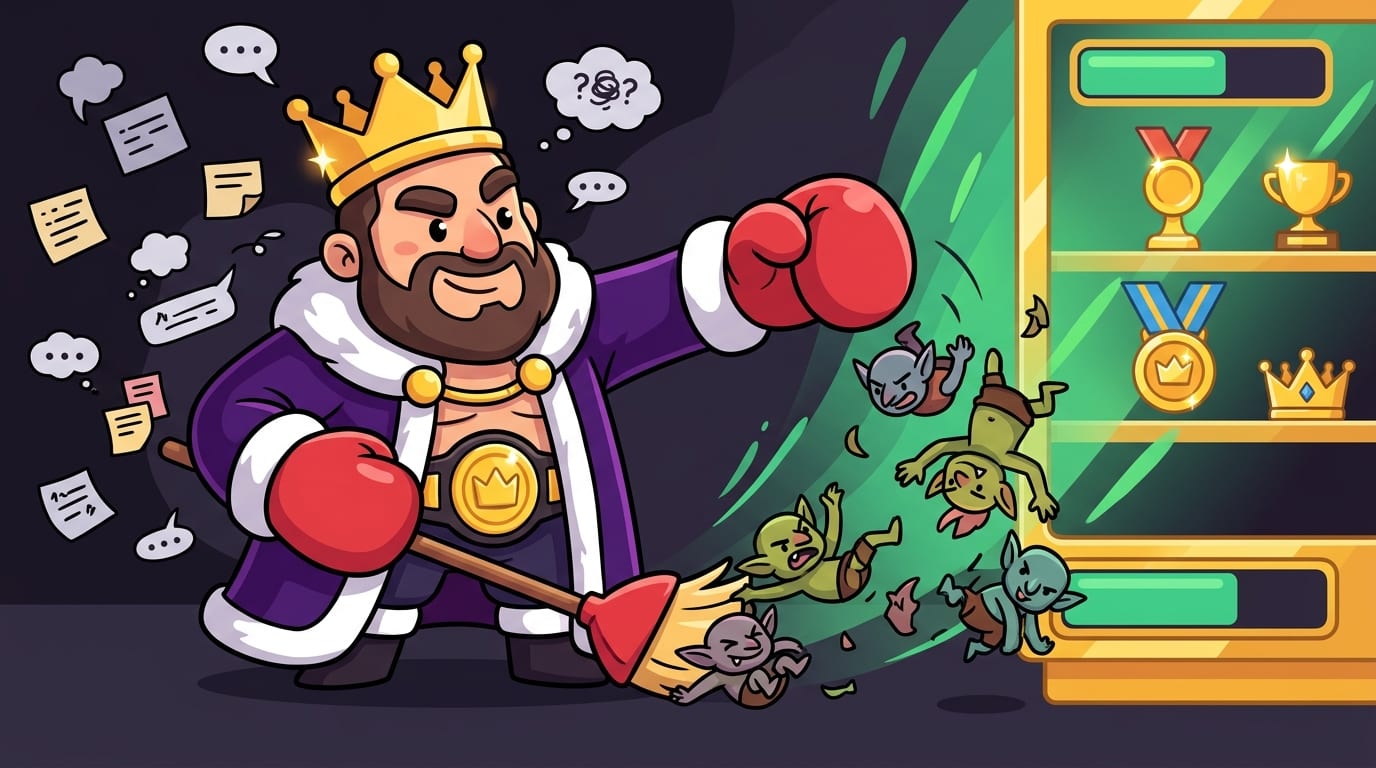
One reason productivity tools improve workflow is that they help separate important work from loud work. Loud work screams. Important work often sits quietly in the corner wearing sensible shoes. If you only respond to the loudest thing, your day becomes a notification democracy, and the notifications always vote for chaos.
Prioritization tools and frameworks help you decide what deserves attention. You do not need to tattoo the Eisenhower Matrix on your forearm, but it helps to understand the basic idea: sort tasks by urgency and importance.
- Urgent and important: do it now.
- Important but not urgent: schedule it.
- Urgent but not important: delegate or limit it.
- Neither: delete it, ignore it, or launch it into the productivity dungeon.
For daily planning, try the “Big 3” method. Choose three outcomes that would make the day successful. Not 12. Not a heroic scroll of doom. Three. For example:
- Finish the client proposal.
- Review analytics and identify next week’s content priorities.
- Complete 45 minutes of study for the certification exam.
Then schedule those first. Use your calendar like a bodyguard, not a decorative wall calendar your aunt gave you. If deep work matters, it gets a block. If admin matters, it gets a block. If rest matters, yes, champ, it also gets a block. Your nervous system is not a rental scooter.
For teams, priority levels should be visible inside your project management tool. Add due dates, owners, and context. Avoid mystery assignments like “Can someone handle this?” That is not collaboration. That is task hot potato.
According to Asana’s Anatomy of Work research, workers spend a huge amount of time on “work about work” such as searching for information, switching between apps, and chasing status updates. Clear prioritization reduces that sludge. Less sludge, more crown.
Automation: Let the Robots Carry the Buckets
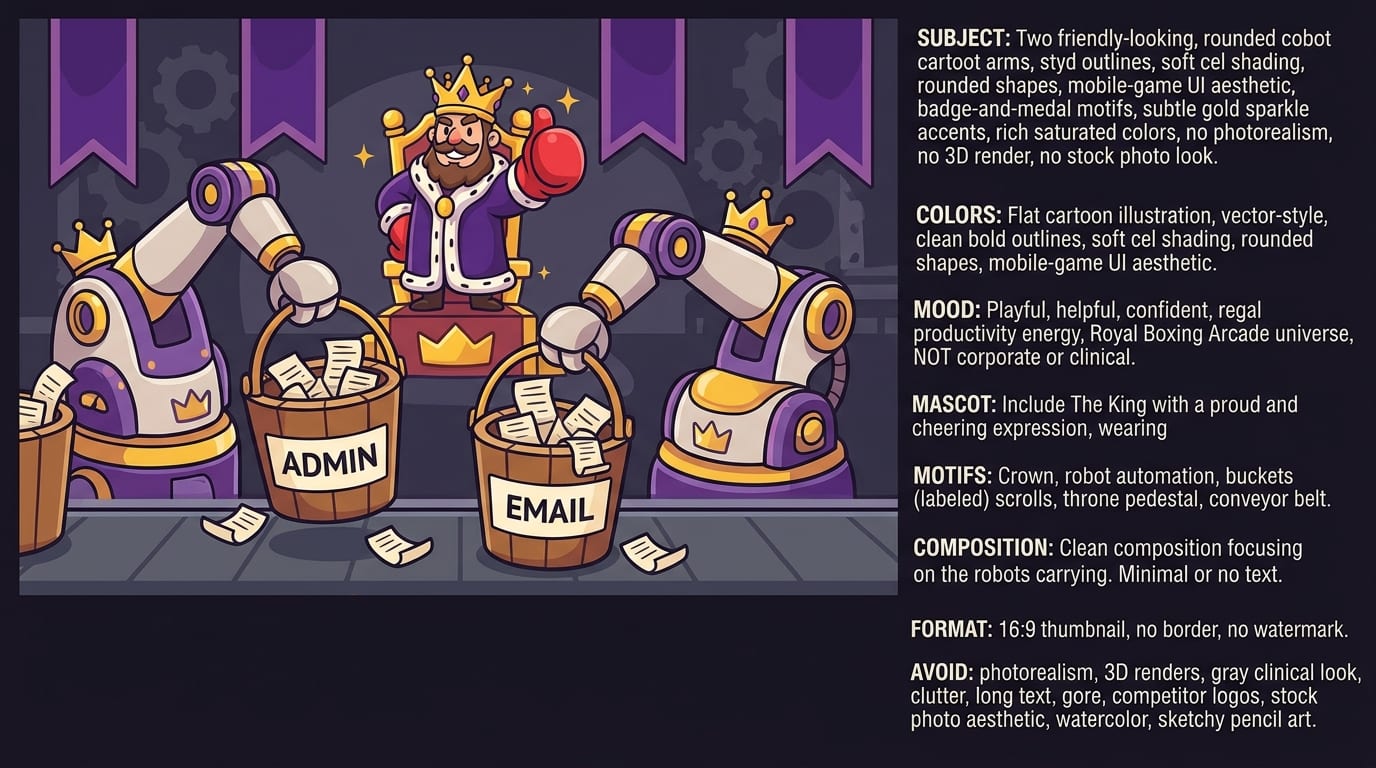
Automation is where productivity tools improve workflow in the most deliciously obvious way: they remove repetitive work. If you do the same tiny admin task every week, automate it. If you copy information from one app to another like a medieval scribe with Wi-Fi, automate it. If your workflow depends on remembering 17 manual steps, automate at least some of them before your brain starts a union.
Good automation examples include:
- Creating a task automatically when a form is submitted.
- Sending Slack reminders before project deadlines.
- Adding calendar events from booked calls.
- Moving completed tasks into a reporting spreadsheet.
- Creating recurring checklists for weekly reviews, publishing workflows, or client onboarding.
- Sending a follow-up email when a deal changes stage in a CRM.
Zapier’s guide to automation is a useful starting point if you want ideas for connecting apps without hiring a developer or summoning a spreadsheet demon. Their overview of workflow automation explains how automation reduces manual handoffs and saves time across common business processes.
But beware: automation should support a clear process, not cover up a bad one. Automating chaos just creates faster chaos. Before you build automations, map the workflow manually:
- What triggers the process?
- What information is required?
- Who owns the next step?
- What happens when something is blocked?
- How do you know the process is complete?
Once the workflow is clean, automate the boring bits. Start small. One useful automation beats a giant system nobody trusts. The goal is not to become a robot overlord. The goal is to stop wasting attention on copy-paste goblin labor.
Focus Tools: Because Your Browser Is a Carnival With Teeth
Task managers tell you what to do. Calendars tell you when to do it. But focus tools protect the actual doing. This is the part most productivity advice politely ignores, because it is easier to recommend “set better intentions” than to admit your browser is a casino wearing business casual.
The modern internet is engineered to hijack attention. Infinite scroll, autoplay, algorithmic recommendations, push notifications, personalized feeds, outrage bait, and little red badges all exist to keep you engaged. The Nielsen Norman Group’s analysis of infinite scrolling explains how endless feeds can encourage continuous consumption and make it harder for users to reach natural stopping points. In normal human language: the scroll does not want you to leave. It has snacks.
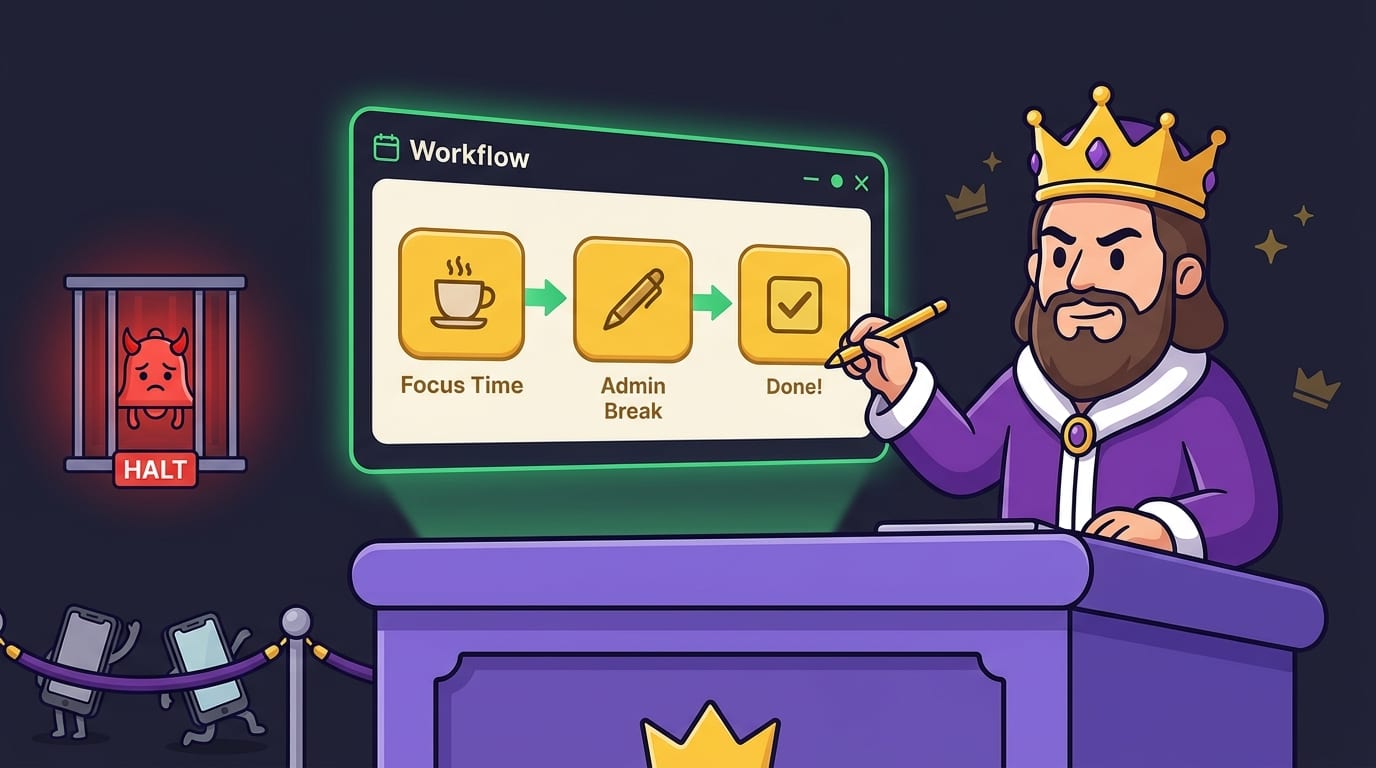
This is why website blockers improve workflow so dramatically. They remove the negotiation. Instead of asking yourself, “Should I check X/Twitter for two minutes?” you hit a blocked page and get redirected back to reality. BlockChamp makes that moment entertaining instead of miserable. When you try to visit a blocked site, The King gives you a full-screen Stare-Down, shows the site you attempted to enter, and nudges you back to work. Every survived Stare-Down earns XP. It is accountability with a crown and boxing gloves.
For serious focus sessions, BlockChamp can help you block:
- Social media sites like Instagram, Facebook, TikTok, Reddit, and X/Twitter.
- Video and streaming sites like YouTube, Netflix, Twitch, and Hulu.
- News sites that turn “quick check” into doomscroll stew.
- Shopping sites when “research” becomes buying another water bottle for your emotional support water bottle.
- Gaming, gambling, adult, and AI distraction categories.
If you are curious how blocking distractions changes real life, our post on how blocking apps for a month improved mood and productivity digs into the benefits of removing digital temptation from your daily environment.
Pro tip: use blocking in combination with time blocking. For example, set a 9:00–11:00 writing block, turn BlockChamp on, block social/video/news categories, and keep only the tools needed for the task. That is not willpower. That is designing the battlefield so your enemy shows up wearing roller skates.
Team Workflows: Make Collaboration Less Like Herding Caffeinated Geese
Productivity tools improve workflow for individuals, but they can transform teams when used properly. The problem is that many teams adopt tools without agreeing on rules. Then every tool becomes another place to lose information. Slack has part of the decision. Email has the attachment. The project board has an outdated task. Someone’s brain has the real deadline. Wonderful. Very stable. Definitely not a flaming carriage.
Team workflows need shared expectations. Decide:
- Where project tasks live.
- Where decisions are documented.
- Which channel is for urgent communication.
- How updates should be formatted.
- When meetings are necessary and when async updates are better.
Use project management tools to make ownership visible. Every task should have one owner. Not “the team.” Not “marketing.” One human. If three people own a task, nobody owns it. The task will wander the kingdom eating deadlines.
Use communication tools intentionally. Slack or Teams are great for quick alignment, but terrible as permanent knowledge bases. Important decisions should move into project docs, task comments, or shared knowledge bases. Otherwise, your team becomes archaeologists digging through chat history for the phrase “final final approved v2.”
Buffer’s remote work resources offer practical advice on asynchronous communication and team norms, especially for distributed teams. Remote and hybrid teams need even cleaner workflows because hallway conversations are not there to patch broken processes.
And yes, focus matters for teams too. A team culture that expects instant replies all day destroys deep work. Create “focus hours” where messages can wait, meetings are avoided, and everyone gets permission to actually produce. Pair that with distraction blockers and you have a civilized kingdom instead of a notification jousting tournament.
Build a Daily Workflow That Does Not Require Superhuman Discipline
Here is a practical daily workflow you can steal like a productivity raccoon in a tiny mask. It works for students, freelancers, creators, remote workers, and anyone whose day currently begins with “I’ll just check my phone” and ends with “How is it Tuesday again?”
1. Capture everything in one inbox
Start by getting tasks out of your head. Use one task manager, not six. If something comes through email, chat, or a meeting, turn it into a task if it requires action. If it does not require action, archive it, document it, or send it to the void.
2. Choose your Big 3
Pick three meaningful outcomes for the day. These should be tied to actual progress, not just busyness. “Answer email” may be necessary, but “send final proposal to client” is an outcome.
3. Time block your priorities
Put your Big 3 on the calendar. Give deep work your best energy window. For many people, that is morning. For night owls, it may be later. The point is to protect your prime brain hours from low-value tasks.
4. Arm your focus tools
Before the work block starts, turn on your website blocker. In BlockChamp, that means flipping the Master Focus Toggle to “On Guard” and letting The King patrol the gates. If you are a Champion user, you can use Focus Schedule to activate blocks automatically during work hours. Beautiful. The throne runs on autopilot.
5. Work in focused sprints
Try 50 minutes of work followed by 10 minutes of break, or a classic 25/5 Pomodoro if your attention span is currently a damp paper towel. During the sprint, do one task. Not one task plus email. Not one task plus Discord. One task. Noble. Shocking. Legal in most jurisdictions.
6. Review and reset
At the end of the day, review what got done, what moved, and what needs attention tomorrow. This is where tools compound. Your task manager stays clean, your calendar gets realistic, and your brain stops trying to hold every loose thread like a stressed octopus.
If you want a non-tool boost for focus, movement helps too. We covered this in how exercising improves your focus, because sometimes the best productivity upgrade is not another app—it is taking your body out of chair prison.
Common Productivity Tool Mistakes: Tiny Traps in Fancy Shoes
Even great tools can make workflows worse when used badly. Here are the classic mistakes, plus how to dodge them like The King dodging a peasant’s excuse.
Using too many tools
If every category has three apps, your workflow will collapse under its own cleverness. Choose a small stack and make it reliable. One task tool. One calendar. One main communication tool. One focus protection system. Add more only when there is a real gap.
Confusing planning with progress
Color-coding a dashboard is not the same as doing the work. Planning helps, but only when it leads to execution. If you spend more time adjusting your productivity system than using it, you have become the court jester of optimization.
Ignoring notifications
Notifications are workflow termites. Turn off non-essential alerts. Batch email. Mute noisy channels. Let your tools inform you when needed, not poke you every 11 seconds like a toddler with a juice box.
Not reviewing the system
A workflow needs maintenance. Once a week, ask: What slowed me down? What repeated task can be automated? What distracted me? Which tasks got stuck? What should be removed? Small weekly improvements beat dramatic productivity makeovers that last until lunch.
Depending entirely on willpower
Willpower is useful, but it is not a workflow. If distracting sites are always one click away, you will eventually click. Not because you are weak. Because you are human, and the internet has a billion-dollar attention economy wearing brass knuckles. Use blockers, schedules, app limits, and environment design. Defend the throne.
For a bigger reset, you might enjoy our article on how a digital detox retreat can improve productivity. You do not need to flee to a cabin forever, but stepping away from constant stimulation can show you just how noisy your default workflow has become.
How to Measure Whether Your Workflow Is Actually Improving
Productivity tools improve workflow only if your actual results improve. The tool stack should make work clearer, faster, calmer, or more consistent. If not, it is just expensive wallpaper.
Track a few simple metrics:
- Completion rate: how many planned priority tasks are finished each week?
- Cycle time: how long does work take from request to completion?
- Focus hours: how much uninterrupted time do you get for important work?
- Context switches: how often do you jump between apps or tasks?
- Blocked distractions: how often are you attempting to visit sites during focus time?
- Stress level: does the workflow feel calmer or like a spreadsheet wearing a panic mask?
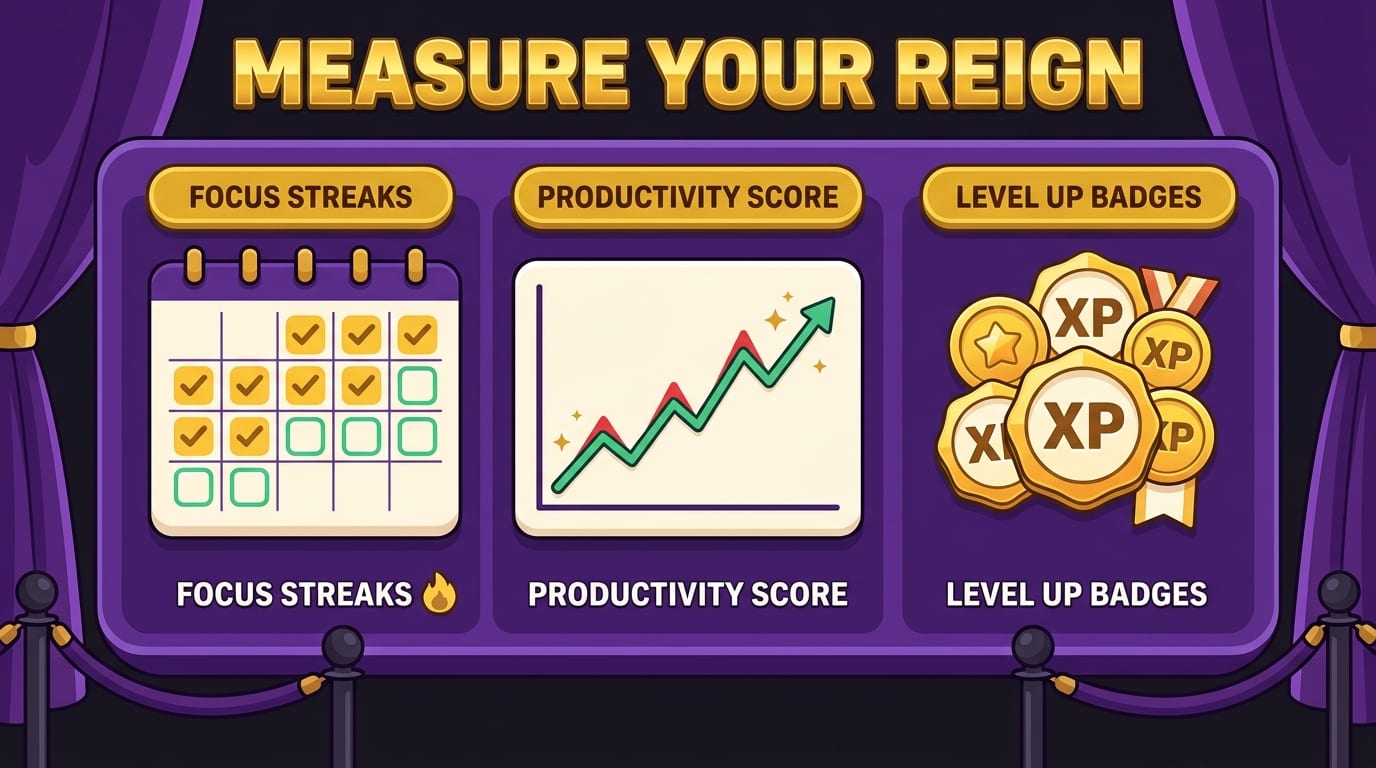
BlockChamp helps make focus measurable through focus hours, XP, reigns, Stare-Downs survived, calendars, badges, and leaderboard rankings. That matters because invisible progress is hard to maintain. When you can see that you stayed focused for three hours, survived five blocked-site attempts, and kept a seven-day reign alive, your brain gets evidence that the system is working. Also, badges. We are simple creatures. Shiny digital trophies slap.
For teams, measure workflow health by missed deadlines, meeting load, duplicate work, and time spent searching for information. If everyone knows what matters, where work lives, and when they can focus, productivity becomes less heroic and more repeatable. That is the goal. Heroes are tired. Systems drink water and go to bed on time.
The Best Workflow Is the One You Will Actually Use
Here is the royal decree: the best productivity system is not the fanciest one. It is the one you will use consistently. Productivity tools improve workflow when they reduce decisions, protect attention, and make progress visible. They fail when they become another source of clutter.
Start with the basics:
- Capture tasks in one place.
- Choose clear priorities.
- Schedule deep work.
- Automate repetitive steps.
- Protect focus with blockers and notification rules.
- Review weekly and adjust like a sensible monarch.
If distractions are the weak spot in your workflow, do not try to out-discipline the entire internet. That is like entering a boxing ring against 900 raccoons with marketing budgets. Use a tool built for the fight. BlockChamp helps you block distracting websites on Chrome, stay accountable with XP and reigns, and get roasted back to work by The King when you try to sneak into the scroll kingdom.
So, build the workflow. Arm the tools. Automate the boring stuff. Defend your focus. And when your browser tries to lure you into a 40-minute “quick break,” let The King stare it down.
Long live your focus, champ. Go make your workflow worthy of a crown.
Related posts

Finding Focus For Fiction Writing

Learning To Focus In A Digital World As A Creative

Finding Focus For Personal Growth
