
Screen Cortisol Spike

Your brain was not built to calmly process 47 notifications, three Slack pings, a breaking news alert, a TikTok about raccoons stealing cat food, and an email that begins “just circling back.” That tiny internal panic you feel after too much screen chaos? That may be what people mean when they talk about a screen cortisol spike: a stress-response surge triggered or amplified by digital overload.
To be clear, your phone is not literally sneaking into your adrenal glands wearing a tiny villain cape. Cortisol is a normal hormone your body uses to respond to stress, wake up in the morning, regulate energy, and keep you alive when life gets spicy. But certain screen habits—doomscrolling, late-night blue-light marathons, constant alerts, conflict-heavy feeds, work messages at 10:43 p.m.—can push your nervous system into “the kingdom is under attack” mode.
This guide breaks down how to detect a screen cortisol spike, what symptoms to watch for, which digital triggers are most likely to poke the stress dragon, and practical habits to lower your stress without tossing your laptop into a lake. We’ll also show how tools like BlockChamp, a gamified website blocker for Chrome, can help you knock out the worst digital stress triggers before they turn your brain into soup with Wi-Fi.
Quick Answers
What Is a Screen Cortisol Spike?
A screen cortisol spike is not an official medical diagnosis. It’s a useful shorthand for the stress response that can happen when device use overloads your attention, emotions, sleep cycle, or sense of control. Cortisol rises naturally throughout the day, especially in the morning, and changes in response to stress. According to the Cleveland Clinic’s overview of cortisol, cortisol affects metabolism, inflammation, blood pressure, sleep-wake rhythm, and the body’s stress response.
When screen use becomes intense, unpredictable, emotionally charged, or nonstop, your brain can interpret it as stress. The content may be virtual, but your nervous system is very much real. Your body doesn’t always distinguish neatly between “I am being chased by a bear” and “my boss sent ‘we need to talk’ with no punctuation.” Rude? Yes. Biologically inconvenient? Also yes.
Common screen-related stressors include:
- Rapid notification bursts that interrupt focus repeatedly
- Doomscrolling through negative news or conflict-heavy social feeds
- Late-night device use that disrupts sleep timing
- Work messages outside office hours
- Constant app switching that makes your attention feel shredded
- Comparison-heavy social media that triggers anxiety or inadequacy
- High-stimulation content like short videos, gambling, gaming, or endless shopping feeds
The core problem is not “screens are evil.” Screens are tools. They help us work, learn, connect, create, and occasionally watch a capybara sit in a hot spring, which is basically public health. The issue is when screen use becomes unbounded and reactive. That’s when your brain starts acting like a royal guard who heard one twig snap and now wants to launch the trebuchets.
Signs You Might Be Having a Screen Cortisol Spike
You don’t need a lab coat, a clipboard, or a dramatic montage to notice when screen use is stressing you out. Most people can detect a screen cortisol spike through patterns in their body, mood, and behavior. The trick is paying attention before you hit “feral goblin with a browser history” mode.
Physical symptoms
After intense screen use, especially social media, work chat, news, or late-night scrolling, you may notice:
- Tight shoulders, jaw clenching, or tension headaches
- Racing heart or shallow breathing
- Eye strain, dry eyes, or blurred vision
- Restlessness, fidgeting, or inability to sit still
- Fatigue that somehow coexists with feeling wired
- Upset stomach or appetite changes
- Trouble falling asleep after “just checking one thing” for 90 minutes
The sleep piece is a big one. The American Academy of Sleep Medicine notes that screen exposure at night can interfere with sleep, especially when devices delay bedtime or increase alertness. Their healthy sleep habits guidance recommends keeping electronics out of the bedroom and protecting a consistent sleep routine. Translation: your phone should not be the royal jester performing TikTok dances beside your pillow at midnight.
Mental and emotional symptoms
A screen cortisol spike can also show up as mood chaos. You might feel:
- Irritable after checking notifications
- Anxious after reading news or social feeds
- Overwhelmed by too many tabs, tasks, and messages
- Unable to focus on simple work
- Compelled to keep checking even when it feels bad
- Mentally foggy, scattered, or emotionally fried
If you close an app feeling worse than when you opened it, that’s data. Not moral failure. Data. Your nervous system has submitted a complaint form in triplicate.
The Sneaky Digital Triggers That Spike Stress
Not all screen time hits the same. Two hours of writing, coding, designing, or learning may feel completely different from two hours of rage-scrolling comments under a news post titled “Everyone Is Furious Again.” The trigger matters.
1. Notifications: tiny stress confetti
Notifications are interruptions dressed as information. Each ping demands a decision: ignore, check, respond, worry, forget what you were doing, remember what you were doing, then repeat until your brain files for workers’ compensation.
Research from the University of California, Irvine has found that workplace interruptions can increase stress and frustration. You can explore interruption and attention research through Gloria Mark’s work on interrupted work, which has become highly influential in discussions about digital attention. The practical takeaway: every interruption has a switching cost. Your brain pays the toll.
2. Doomscrolling: cortisol’s favorite buffet
Doomscrolling combines uncertainty, negativity, novelty, and helplessness. That is basically a stress smoothie. News matters, of course. Being informed is good. Marinating in global catastrophe at 1:12 a.m. while your toothbrush sits abandoned? Less good.
If news is your trigger, try setting a fixed news window: 15 minutes in the morning or afternoon from reliable sources. No bedtime news. No “one more update.” The dragon has had enough snacks.
3. Social comparison: the highlight-reel ambush
Social media can connect people, but it can also shove your normal Tuesday next to someone’s luxury vacation, perfect abs, startup exit, engagement photos, and “casual” kitchen that costs more than a castle. Even if you logically know it’s curated, your emotions may still react.
The U.S. Surgeon General’s advisory on social media and youth mental health highlights concerns around social comparison, sleep disruption, and excessive use, especially among younger users. Adults are not immune either. We just pretend we’re fine while refreshing LinkedIn like a raccoon with a briefcase.
4. Late-night screen use: the sleep thief in glowing armor
Even when content is pleasant, late-night screen use can delay sleep and keep your mind activated. Blue light can affect circadian rhythm, but the bigger villain is often behavioral: you simply stay up too late because the internet never reaches a natural ending. There is no final boss. Only another recommended video.
If you want more digital wellness context, BlockChamp has a deeper breakdown on how screen time affects mental health, including how device habits can influence mood, attention, and sleep.
How to Detect Your Personal Screen Cortisol Spike Pattern
The goal is not to diagnose yourself with “phone goblin syndrome.” The goal is to spot patterns. Which screens, sites, apps, times, and behaviors reliably leave you tense, wired, or grumpy enough to duel a toaster?
Start with a 7-day screen stress audit
For one week, track your screen use and stress signals. Keep it simple. No spreadsheet palace required, unless spreadsheets bring you joy, in which case: reign on, Excel monarch.
Use these four questions three times per day:
- What have I used most in the last few hours?
- How does my body feel right now?
- How does my mood feel right now?
- What was I doing right before I felt stressed, wired, or foggy?
Rate your stress from 1 to 10. Add quick notes like “news before bed,” “Slack explosion,” “YouTube rabbit hole,” “Instagram comparison spiral,” or “opened Reddit and entered the swamp.” After a week, patterns usually pop out like a poorly timed notification.
Track the moment after you close the screen
A useful clue is your post-screen state. After using a site or app, ask:
- Do I feel calmer or more agitated?
- Do I feel energized or drained?
- Do I feel informed or overwhelmed?
- Do I want to do my actual task, or flee into another tab?
- Did I lose track of time?
If a specific site repeatedly leaves you stressed, that site belongs on your “royal suspect list.” BlockChamp can help here by letting you block specific sites, entire categories like Social Media, News, Video, Shopping, Gaming, Gambling, Adult, or AI Distractions, and—on Champion—keywords that appear in URLs, page titles, or page content. If “news,” “casino,” “meme,” or “drama” keeps baiting your brain, The King can stand guard.
For a practical walkthrough on tracking your habits, read BlockChamp’s guide to monitoring screen time usage. Measurement is not punishment. It’s reconnaissance. The kingdom needs maps.
Step-by-Step: How to Reduce a Screen Cortisol Spike
Now for the good stuff: what to actually do when screens keep launching stress fireworks in your skull. These steps work best when combined. Think of them as a royal defense system, but with fewer moats and more browser settings.
Step 1: Create a “no ambush” morning
Your first 30 minutes set the tone. If you wake up and immediately inhale notifications, outrage, emails, and someone’s gym selfie captioned “no excuses,” your nervous system starts the day in combat boots.
Try this instead:
- Keep your phone away from the bed
- Do not check news or social media for the first 30 minutes
- Get light exposure, water, and movement before screens
- Write down your top task before opening your laptop
This is not about becoming a monk who levitates above Wi-Fi. It’s about giving your brain a clean runway before the internet parks a clown car on it.
Step 2: Batch notifications like a civilized ruler
Turn off nonessential alerts. Then check messages at set times. For example: 9:30 a.m., 12:30 p.m., 3:30 p.m., and 5:00 p.m. If your job requires faster response, create VIP exceptions for truly urgent channels and mute the rest.
Use “Do Not Disturb” modes aggressively. Your attention is not a public park. It is a throne room. Not everyone gets to barge in waving a tiny red badge.
Step 3: Block the highest-stress sites during focus hours
This is where BlockChamp is unusually handy. Instead of relying on willpower—the emotional equivalent of using a pool noodle as a castle wall—you can block your known triggers during work, study, or wind-down hours.
With BlockChamp for Chrome, you can:
- Block specific sites like YouTube, Reddit, X/Twitter, Instagram, or shopping sites
- Use category blocking for entire distraction zones, such as Social Media, Video, News, Shopping, Gaming, Gambling, Adult, or AI Distractions
- Turn on Master Focus so blocks are active and your “reign” begins
- Earn XP, levels, badges, and streaks for staying focused
- Get stopped by The Stare-Down if you try to visit a blocked site
The Stare-Down is not some sad gray error page. It’s a full-screen royal intervention where The King judges your attempted distraction and sends you back to work. It’s funny, slightly humiliating, and weirdly effective. Exactly the energy needed when your hand types “reddit.com” before your brain approves the mission.
Step 4: Use a shutdown ritual after intense screen sessions
When you finish a stressful screen session, don’t jump straight into another stimulation pit. Give your body a transition cue. Try a two-minute reset:
- Stand up and look at something far away.
- Relax your jaw and shoulders.
- Take five slow breaths, extending the exhale.
- Write the next physical action you need to take.
- Close unnecessary tabs like a tab-slaying champion.
This tells your nervous system, “The battle is over. The inbox cannot hurt us right now.”
Build a Lower-Stress Screen Environment
You can’t out-discipline a chaotic environment forever. Eventually, the chaos wins, puts on your crown, and starts ordering nachos. The smarter move is to design your screen environment so calm focus becomes the default.
Make your home screen boring
Move stressful apps off the first screen. Remove social apps from your dock. Delete apps you only use in self-destructive raccoon mode. Put calming, useful tools where your thumb naturally goes: notes, calendar, music, maps, reading, meditation, or a habit tracker.
On desktop, clean your bookmarks bar. If your browser opens to news, social media, or a chaos portal disguised as a homepage, change it. Start with a blank page, task list, or calendar.
Design friction into your worst habits
Friction is your friend. Not all friction. Shoes full of gravel? Bad. Friction before compulsive scrolling? Excellent.
Add friction by:
- Logging out of high-trigger sites after each use
- Removing saved passwords for distracting platforms
- Blocking sites during work hours
- Using grayscale mode on your phone
- Putting your phone in another room during deep work
- Setting app limits that actually lock, not just politely whisper
BlockChamp’s Champion plan adds Hardcore Lockdown, which is perfect if your willpower tends to collapse under the phrase “just five minutes.” When you try to turn focus off, Hardcore Lockdown can force a cooldown timer or a three-round boxing riddle before you surrender. That delay matters. Many urges fade if you make them wait outside the throne room for 60 seconds.
Create screen-free recovery zones
Stress reduction is not only about removing bad screen time. It’s also about replacing it with activities that actually restore you. Walking, cooking, stretching, reading physical books, calling a friend, cleaning one tiny area, or staring dramatically out a window like a Victorian poet all count.
If you need ideas that are more exciting than “sit quietly and become dust,” check out BlockChamp’s list of screen-free activities. Your nervous system deserves hobbies that do not require a charger.
Emergency Protocol: What to Do During a Screen Cortisol Spike
Sometimes you catch the spike mid-chaos. Your chest is tight, your tabs are multiplying, your group chat is exploding, and the algorithm is feeding you emotional nachos. Here’s a quick protocol.
The 90-second royal reset
- Name it: “This is a stress response. I am not required to keep scrolling.”
- Stop input: Close the app or tab. If needed, shut the laptop lid.
- Breathe out longer: Inhale for four, exhale for six. Repeat five times.
- Unclench: Drop shoulders, relax jaw, open hands.
- Move: Walk, stretch, or do ten air squats like a confused but determined knight.
- Choose one next action: Write it down. Then do only that.
This works because it interrupts the loop: stimulus, stress, more checking, more stress. You are not trying to solve your whole life in 90 seconds. You are reclaiming the steering wheel from the notification gremlins.
Use the “one-tab rule”
When stressed, reduce complexity. Keep one tab open for the task at hand. Close or save everything else. If you need multiple resources, use a temporary folder or reading list. Visual clutter can feel like mental clutter, and mental clutter loves inviting cortisol to brunch.
Swap scrolling for discharge
Stress creates energy. Scrolling traps it. Discharge it instead through movement: walk around the block, do pushups against a desk, stretch your hips, shake out your hands, or clean the nearest surface for three minutes. You’ll feel ridiculous. Good. Ridiculous is better than doomscrolling your way into becoming a haunted chair.
Long-Term Habits That Keep Cortisol From Throwing a Screen Party
Reducing a screen cortisol spike is not about one heroic detox weekend where you delete every app, announce your rebirth, and return three days later because someone sent you a meme. Long-term calm comes from repeatable habits.
Set digital office hours
Define when you are available and when you are not. This is especially important for remote workers, freelancers, founders, and students whose work and personal life share the same glowing rectangle.
Try boundaries like:
- No work email before 8:30 a.m.
- No Slack after 6:00 p.m. unless urgent
- No news after dinner
- No social media until after the first deep work session
- No screens in bed, because bed is for sleep, not becoming a blue-lit goblin scholar
For more low-pressure ways to cut back, BlockChamp’s guide on how to reduce screen time without stress is a helpful companion. The goal is sustainable change, not digital boot camp with sad trombones.
Schedule focus blocks
Use time blocks for deep work or study: 45, 60, or 90 minutes. During that block, block your top distractions. If you use BlockChamp Champion, recurring schedules can automatically activate blocks during your chosen days and hours. That means fewer decisions, fewer temptations, and fewer “how did I end up watching a 23-minute video about medieval soup?” incidents.
Pair the block with a clear task: “Write introduction,” “Review lecture notes,” “Finish client draft,” “Code login screen,” or “Read chapter 4.” Vague focus goals create escape hatches. Specific goals lock the gate.
Reward consistency, not perfection
Perfection is brittle. Consistency is stronger. If you slip and scroll, don’t declare the day ruined and move into the swamp. Reset. One blocked temptation, one focused hour, one calmer evening—all count.
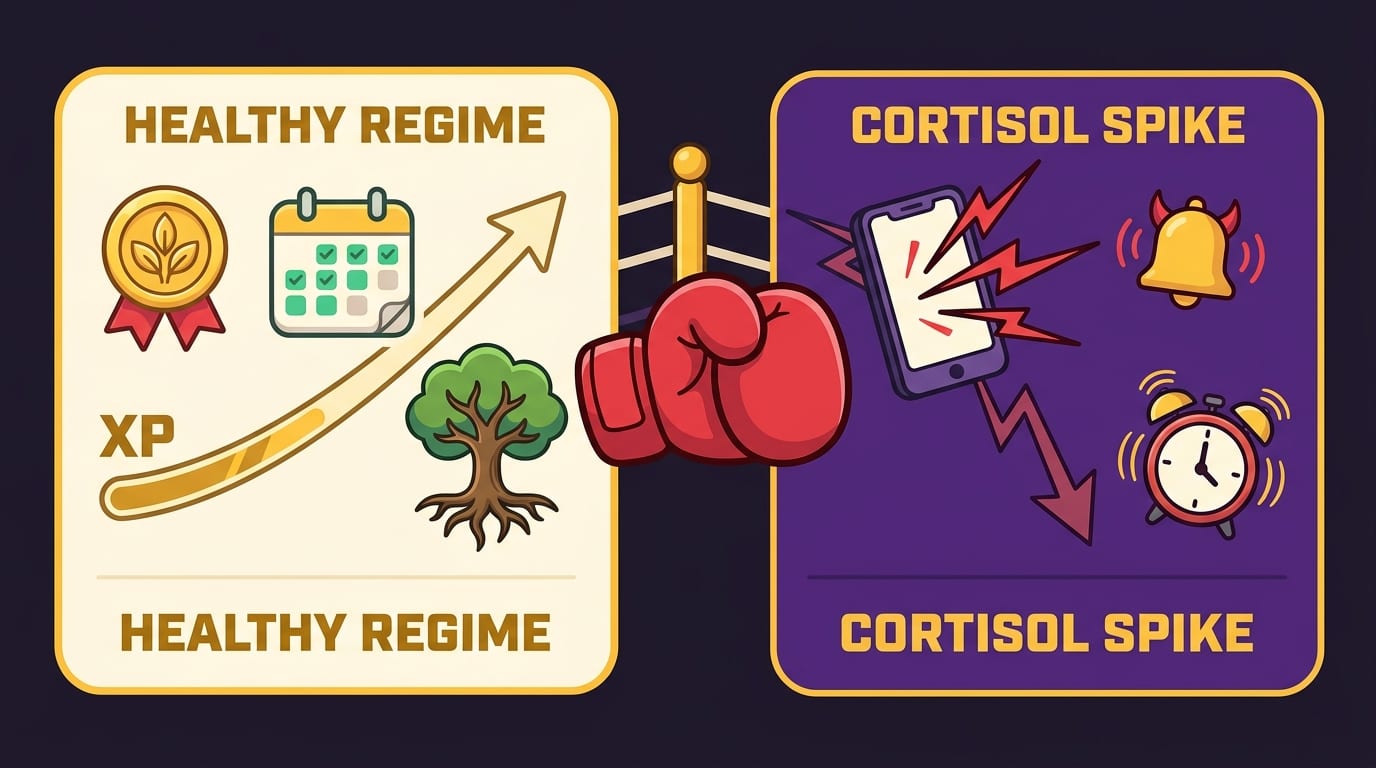
This is why BlockChamp’s gamification works so well for screen stress. Every focused minute earns XP. Every survived Stare-Down earns XP. Every day your blocks stay active builds your reign. The system rewards progress, not sainthood. You start as a Peasant of Procrastination and climb toward becoming BLOCK CHAMP—King of Your Time. Dramatic? Yes. More motivating than a spreadsheet titled “failures”? Absolutely.
When to Take Screen Stress Seriously
Most screen-related stress can be improved with boundaries, better sleep habits, notification control, and blocking high-trigger sites. But if you are experiencing persistent anxiety, panic symptoms, insomnia, depression, or stress that interferes with daily life, it’s wise to talk with a healthcare professional. A website blocker is a tool, not a therapist in a crown.
Also, consider whether screens are masking other stressors: workload, loneliness, financial pressure, academic overload, conflict, burnout, or lack of recovery time. Sometimes the screen is the trigger. Sometimes it’s the escape hatch. Sometimes it’s both, because life enjoys plot twists.
Reliable health resources like the American Psychological Association’s stress resources can help you understand stress more broadly, including how chronic stress affects the body and what coping strategies are supported by evidence.
One useful rule: if a screen habit repeatedly makes your life smaller, your sleep worse, your mood darker, or your work harder, it deserves attention. Not shame. Attention. Shame just makes people hide in another tab.
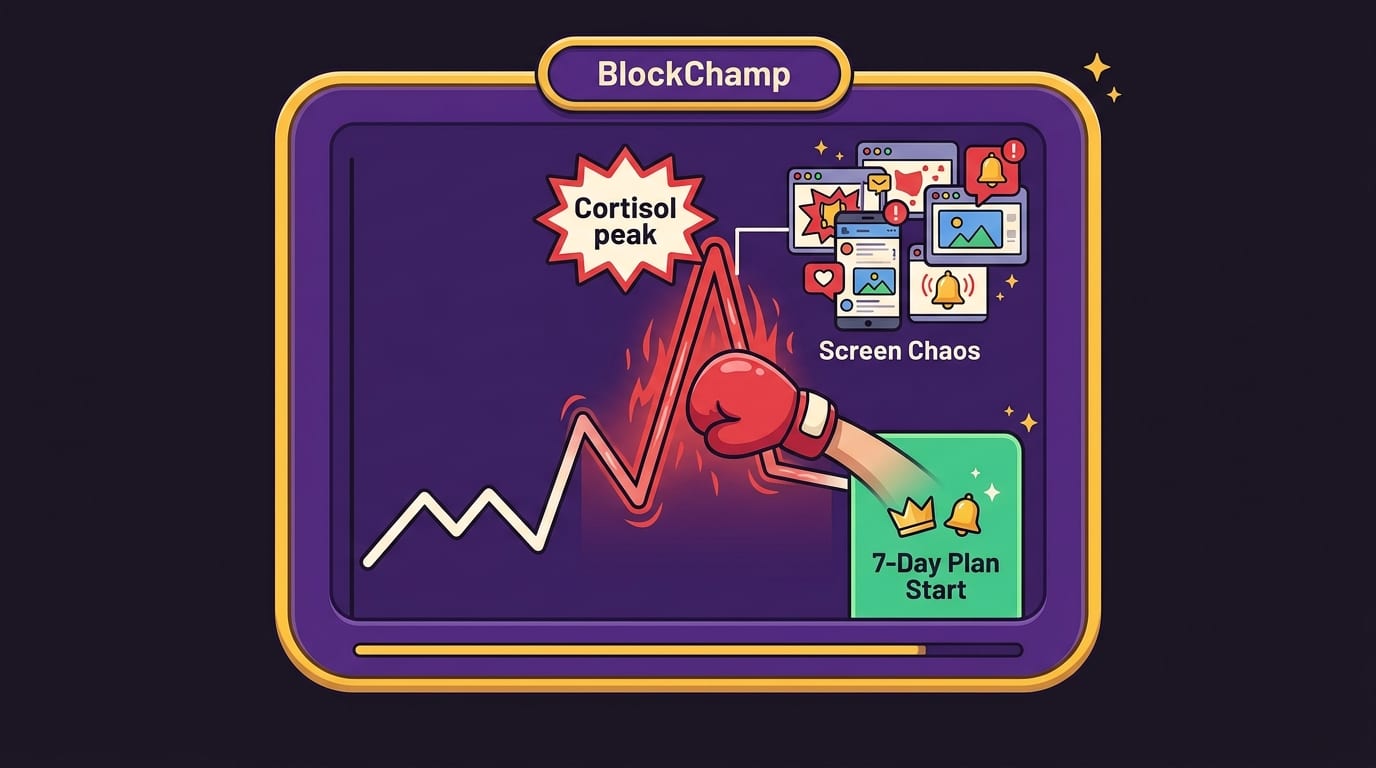
A Practical 7-Day Plan to Lower Screen Cortisol
Want a simple plan? Here’s a one-week reset that doesn’t require moving to a cabin or communicating exclusively via carrier pigeon.
Day 1: Audit your triggers
Track stress before and after major screen sessions. Identify your top three stress-triggering sites, apps, or behaviors.
Day 2: Kill nonessential notifications
Turn off alerts for social media, shopping, news, games, and anything that does not need immediate attention. Keep calls or messages from key people if needed.
Day 3: Block your worst distraction window
Use BlockChamp to block your top trigger sites during your most vulnerable time: morning procrastination, afternoon slump, or late-night scroll zone. Start with one category or up to three sites on the free tier.
Day 4: Protect bedtime
Create a 30-minute screen-free wind-down. Charge your phone away from your bed. If that feels impossible, start with 10 minutes. The King respects tiny victories. He will still roast you, but respectfully.
Day 5: Add a recovery replacement
Pick one screen-free activity that actually feels good: walk, stretch, sketch, cook, clean, read, call someone, or sit outside. Replace one scrolling session with it.
Day 6: Create a focus ritual
Before work or study, write one task, open only needed tabs, activate blocking, and work for 45 minutes. Then take a real break away from the screen.
Day 7: Review and upgrade your defenses
Look at what helped. Which blocks reduced stress? Which alerts were unnecessary? Which times need stronger boundaries? If you need more armor, consider BlockChamp Champion for unlimited sites, all categories, keyword blocking, recurring schedules, and Hardcore Lockdown.
If your screen time feels especially stubborn, BlockChamp also has a useful roundup of five ways to fix screen time without turning your life into a productivity prison.
Final Thoughts: Defend the Throne, Calm the Brain
A screen cortisol spike is your body waving a tiny flag that says, “Hey champ, this digital situation is getting a bit spicy.” It might show up as tension, irritability, racing thoughts, bad sleep, scattered focus, or the mysterious urge to check six apps while avoiding one important task. Relatable. Annoying. Fixable.
The solution is not to hate screens. Screens are part of modern life. The solution is to stop letting every app, feed, ping, and algorithm march into your attention like it owns the castle. Detect your triggers. Track your patterns. Remove unnecessary notifications. Block your most stressful sites during vulnerable hours. Build screen-free recovery into your day. Protect sleep like it’s the royal treasury.
And when willpower starts wearing a fake mustache and sneaking toward YouTube, bring in backup. BlockChamp helps you block distracting websites, categories, and keywords while turning focus into a game with XP, levels, badges, reigns, leaderboards, and The King’s gloriously judgmental Stare-Down. It’s practical stress reduction with boxing gloves and a crown. As nature intended.
Long live your focus. Defend the throne. Crush the scroll. And if your cortisol starts throwing a screen party, politely escort it out of the kingdom.
Related posts

Finding Focus For Fiction Writing

Learning To Focus In A Digital World As A Creative

Finding Focus For Personal Growth
