
How To Prioritize

If you searched “how to prioritize,” there is a decent chance your to-do list has become a tiny paper dragon breathing fire on your calendar. Everything feels important. The inbox is yelling. Slack is tap dancing. Your brain is whispering, “Maybe we should reorganize the spice rack instead.” Classic.
Here’s the good news: prioritization is not a personality trait reserved for CEOs, monks, and that one friend who meal-preps in glass containers. It is a repeatable decision system. You can learn how to prioritize tasks, decide what matters, protect your focus, and stop treating every notification like a royal command from the productivity gods.
This guide gives you practical frameworks, decision rules, time-boxing tips, and a simple daily planning process you can use today. No motivational fog machine. No “just hustle harder” nonsense. Just useful methods for choosing the right work, doing it at the right time, and blocking the nonsense that keeps ambushing your kingdom.
Quick Answers
Why Prioritization Feels Hard: Your Brain Is Not Broken, the Arena Is Rigged
Before we sharpen the priority sword, let’s admit the obvious: modern work is noisy. Your priorities are competing against email, group chats, social media, news feeds, meetings, “quick questions,” and the suspiciously urgent need to check whether that actor was also in that other show. Spoiler: they were.
Research on interruptions shows that distractions are expensive. A well-known study from the University of California, Irvine found that after people are interrupted, it can take an average of about 23 minutes to return to the original task. You can read more about the research from Gloria Mark and colleagues on interrupted work. That is not a tiny speed bump. That is your focus carriage being dragged into a ditch by raccoons.
Meanwhile, digital platforms are built to capture attention. The DataReportal Digital 2024 Global Overview Report shows that people spend huge amounts of time online and on social platforms every day. Even if your willpower is wearing a tiny crown, it is still fighting billion-dollar distraction machines.
That is why learning how to prioritize is not just about making a prettier task list. It is about making decisions before the internet makes them for you. The strongest prioritizers do three things well:
- They separate important work from loud work.
- They schedule their best energy for their most valuable tasks.
- They remove temptations from the battlefield before the battle begins.
If that last one sounds suspiciously like website blocking, yes. We are absolutely going there. A priority plan without distraction control is like building a castle with the drawbridge permanently down and a sign that says, “Free snacks inside.”
Step 1: Dump Every Task Out of Your Brain Like a Bag of Goblins
The first rule of prioritization: you cannot prioritize what you have not captured. If tasks are floating around in your head, they will all feel equally urgent because your brain is a dramatic little town crier. “Remember the invoice! Remember the exam! Remember laundry! Remember that one email from Thursday! Doom! Doom!”
Start with a full task dump. Open a notebook, document, task app, or the back of a napkin if you enjoy living dangerously. Write down everything currently pulling at your attention. Do not organize yet. Do not judge. Do not color-code. This is not the royal art gallery. This is a goblin inventory.
Include:
- Work projects and deadlines
- School assignments or study topics
- Admin tasks like bills, forms, and emails
- Personal errands
- Health and household tasks
- People you need to reply to
- Ideas you do not want to lose
Once everything is visible, you will immediately feel less haunted. That is because vague mental clutter becomes concrete. Concrete tasks can be sorted. Ghost tasks just rattle chains in your skull at 2:17 a.m.
For each task, add two quick notes: the desired outcome and the next action. For example, “finish presentation” is vague and slightly cursed. Better: “Send finalized Q3 presentation to Maya by Friday” and “Draft slide outline.” Prioritization gets easier when tasks have clear edges.
Step 2: Use the Impact-Effort Matrix, a Fancy Name for “Is This Worth It?”
The impact-effort matrix is one of the simplest ways to learn how to prioritize work without needing a spreadsheet the size of a medieval tapestry. You compare each task by two factors:
- Impact: How much does this matter if completed?
- Effort: How much time, energy, or complexity does it require?
Then place tasks into four buckets:
- High impact, low effort: Do these first. These are quick wins. Tiny dragons, big treasure.
- High impact, high effort: Schedule these. This is your deep work, your real crown-building work.
- Low impact, low effort: Batch these. Useful, but do not let them nibble the whole day.
- Low impact, high effort: Delete, delegate, delay, or dramatically banish.
For example, suppose you are a student. Reviewing the exact topics your professor said will be on the exam is high impact. Rewriting your notes in seven colors while watching “study with me” videos is probably lower impact, even if it feels productive and looks majestic on Instagram.
If you are a freelancer, sending a proposal to a high-fit lead is high impact. Tweaking your portfolio font for three hours may be low impact unless your current font is Comic Sans, in which case the kingdom has bigger problems.
This framework helps because it forces you to ask, “What actually moves the outcome?” Not “What feels easiest?” Not “What is yelling at me?” Not “What lets me avoid the scary thing while pretending to be busy?” We see you, inbox refreshers.
Step 3: Add Urgency Without Letting It Wear the Crown
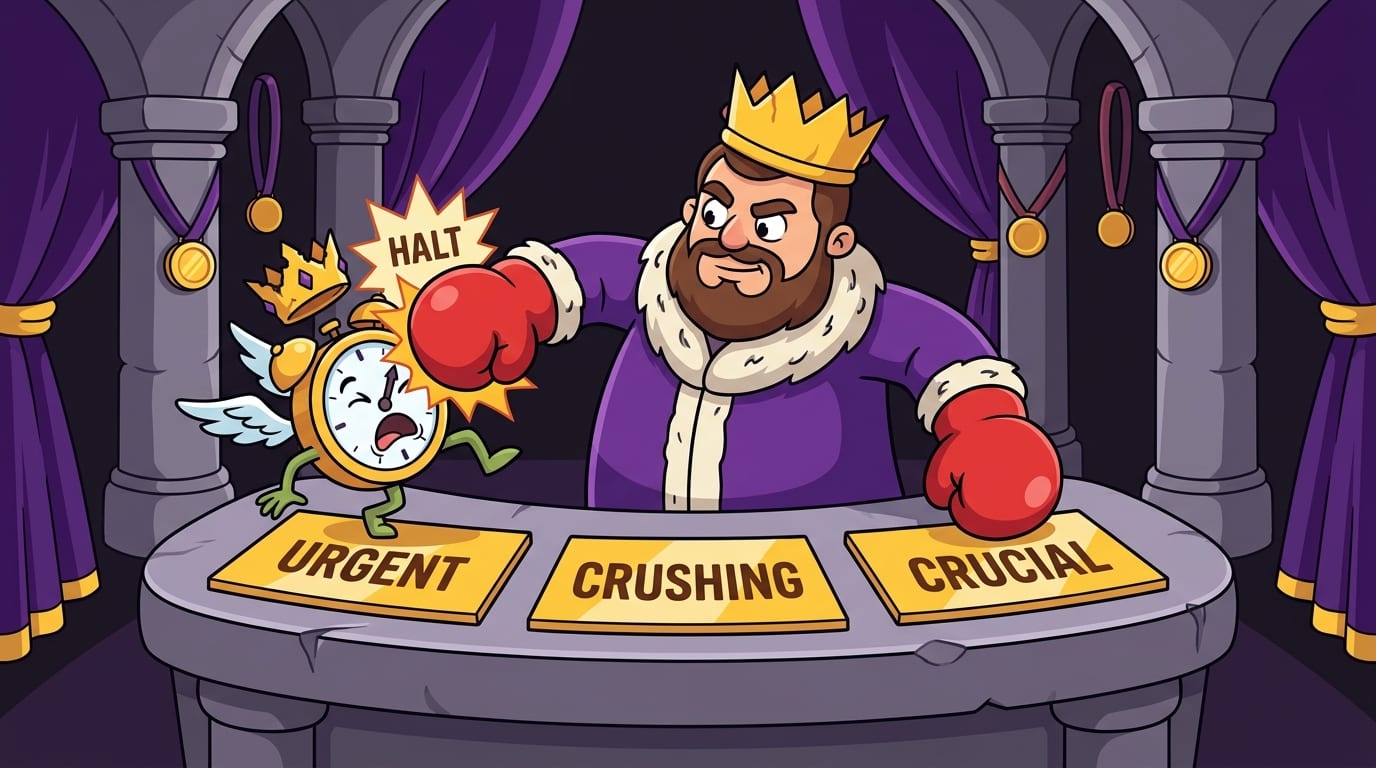
Urgency matters. Deadlines are real. Taxes, exams, client deliverables, and dentist appointments do not care about your vibes. But urgency alone is a terrible king. If you only do what is urgent, your days become a series of small fires, and you become the tired little firefighter with a questionable lunch.
A better method is the Eisenhower Matrix, popularized through Stephen Covey’s work and often associated with President Dwight D. Eisenhower. It sorts tasks by importance and urgency:
- Important and urgent: Do now.
- Important but not urgent: Schedule.
- Urgent but not important: Delegate or minimize.
- Not urgent and not important: Delete or ignore.
The magic lives in the “important but not urgent” category. That is where long-term progress lives: studying before panic week, building a portfolio, exercising, planning strategy, writing, learning, saving money, improving systems. This work rarely screams. It just quietly determines whether your future self sends you a thank-you note or a strongly worded complaint.
According to McKinsey research on workplace effectiveness and organizational strain, employees often face overloaded environments where work design and expectations affect performance and wellbeing. Translation: if everything is urgent, nothing is strategic. Also, everyone needs a nap and maybe a biscuit.
Each morning, label your top tasks using this question: “If I do this, does it reduce future chaos or create meaningful progress?” If yes, it deserves serious attention, even if it is not currently screaming in a flaming helmet.
Step 4: Pick a Daily Top Three, Because Your To-Do List Is Lying to You
Most people overestimate what they can do in one day because calendars look spacious until reality enters wearing muddy boots. A daily list of 19 priorities is not a plan. It is a wish scroll.
Instead, choose a Daily Top Three:
- One task that creates the most important progress.
- One task that protects a deadline or commitment.
- One task that reduces friction for tomorrow.
This gives your day a spine. Everything else becomes secondary. You may still do more, but you are no longer letting random tasks wrestle your attention in the town square.
Here is a simple example for a remote worker:
- Finish and send client strategy draft.
- Review analytics before 2 p.m. meeting.
- Prep tomorrow’s first work block before logging off.
And for a student:
- Complete 90-minute chemistry problem set.
- Email professor about essay feedback.
- Create flashcards for Friday’s quiz.
Notice what is not included: “check TikTok for one educational video and wake up three hours later knowing how raccoons wash grapes.” Distractions are not priorities just because they are nearby.
If you struggle to choose your Daily Top Three, ask: “If I could only finish three things today and still call the day a win, what would they be?” That question slices through clutter like a tiny productivity guillotine.
Step 5: Time-Box Your Priorities So They Do Not Expand Like a Sofa Goblin
Parkinson’s Law says work expands to fill the time available. Give a task all day, and it may politely consume all day, burp, and ask for dessert. Time-boxing fixes that by assigning tasks a specific start time, end time, and focus container.
Instead of “work on essay,” write: “9:00–10:30 a.m. draft essay introduction and first argument.” Instead of “catch up on admin,” write: “3:30–4:00 p.m. process invoices and reply to priority emails.” A task without a time box is a blob. A time-boxed task is a target.
Time-boxing works especially well when combined with your natural energy rhythm. If you are sharpest in the morning, protect that time for high-impact work. If you become a sentient potato after lunch, schedule lighter tasks there. For a deeper dive into matching tasks to your energy, read BlockChamp’s guide to finding the best time to work.
Try this daily structure:
- Deep Work Block 1: Your hardest, highest-impact priority.
- Admin Block: Email, messages, quick approvals, scheduling.
- Deep Work Block 2: Secondary priority or project progress.
- Shutdown Block: Review, plan tomorrow, clear loose ends.
If you are new to time-boxing, start small. A single 45-minute protected block can change your day. You do not need to become a productivity monk immediately. The robe is optional. The focus is not.
Step 6: Use the 2-Minute Rule Without Letting Tiny Tasks Coup the Throne
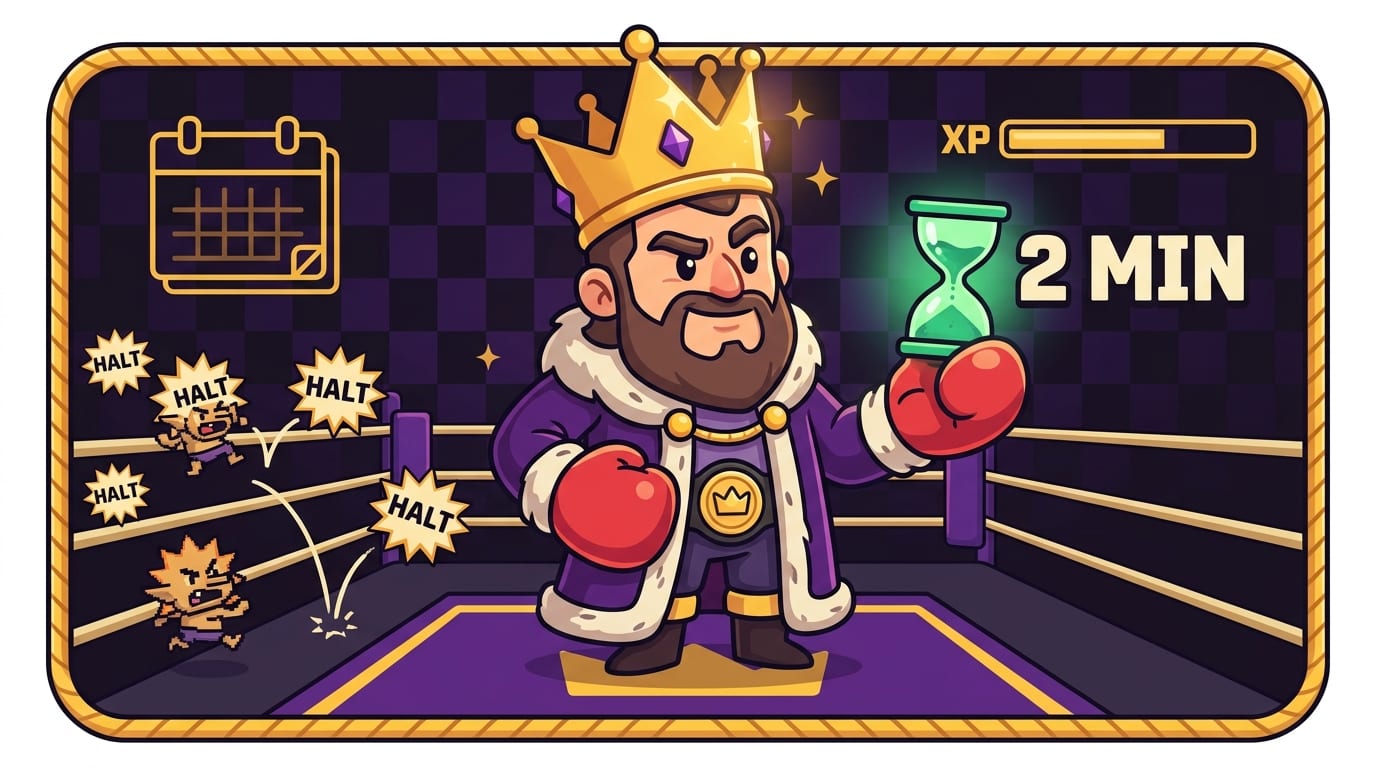
The 2-minute rule is simple: if a task takes less than two minutes, do it immediately. It is great for small friction points: replying “yes,” filing a document, putting a meeting on the calendar, tossing the suspicious fridge item that has achieved sentience.
But there is a trap. Tiny tasks can become a swarm. If you spend your best hour doing 24 tiny things, you may feel productive while avoiding the one priority that actually matters. Congratulations, you polished the drawbridge while the dragon ate accounting.
Use the 2-minute rule in designated windows, not constantly. For example:
- At the start of the day, clear only urgent tiny blockers.
- After a deep work block, process quick tasks for 10 minutes.
- At shutdown, handle small loose ends so tomorrow starts clean.
For a practical breakdown, check out BlockChamp’s guide on how to use the 2-minute rule without getting eaten by microtasks. The goal is momentum, not letting tiny chores overthrow the royal court.
Step 7: Create Decision Rules Before Your Motivation Wanders Off
Decision fatigue is real. The more choices you force yourself to make, the more likely your brain is to pick the easiest option. And the easiest option is often “open YouTube for research,” followed by “watch a man build a swimming pool out of mud for 47 minutes.”
Good prioritizers use decision rules. These are pre-made rules that reduce daily negotiation. Think of them as royal decrees, except instead of taxing peasants, they protect your attention.
Try these:
- If a task affects a deadline in the next 72 hours, it gets reviewed during morning planning.
- If a task takes longer than 30 minutes, it must be scheduled, not left on a vague list.
- If a request does not support my current goals, I will say no, delay it, or renegotiate scope.
- If I open a distracting site during focus time, I close it immediately and return to the task.
- If I feel stuck, I define the next physical action instead of “thinking about it” in a fog.
Decision rules are powerful because they turn discipline into design. You are no longer relying on a heroic mood. You are building rails. Beautiful, boring rails. The kind your future self rides into a calmer kingdom.
This is also where tools help. BlockChamp lets you block distracting websites, keywords, and categories during work sessions. If your rule is “no social media before 5 p.m.,” you can make that rule real by putting The King on guard. Try visiting Reddit during focus time and you get The Stare-Down: a full-screen royal roast reminding you not to trade your reign for a meme. It is accountability with a crown and boxing gloves. Surprisingly effective. Slightly humiliating. In a good way.
Step 8: Protect Priorities by Removing Distractions, Not Just Resisting Them
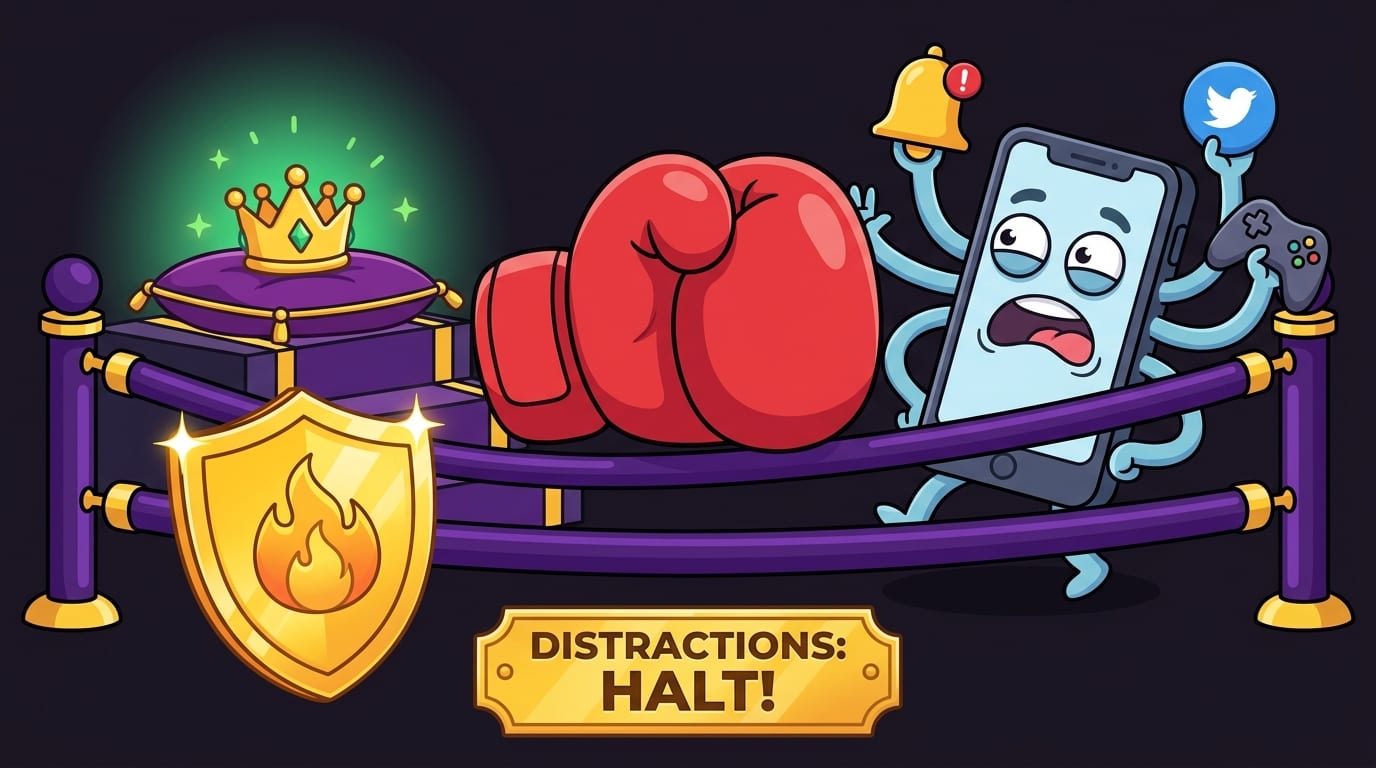
Willpower is useful, but it is not a business plan. If your priority is writing a report while every addictive site is one browser tab away, you are forcing your brain to win the same fight 80 times. That is not discipline. That is scheduling a boxing match against an octopus.
Environment design beats heroic resistance. The American Psychological Association’s overview of multitasking research explains that switching between tasks can reduce efficiency and increase cognitive costs. In plain English: every “quick check” taxes your brain. The tax collector is wearing sneakers and carrying push notifications.
To protect your priorities, create a focus perimeter:
- Close unused tabs before deep work.
- Put your phone in another room or use app limits.
- Turn off non-essential notifications.
- Use a website blocker during priority blocks.
- Keep only the tools needed for the current task open.
This is where BlockChamp fits naturally into the prioritization system. It is a gamified website blocker for Chrome that lets you block specific sites like YouTube, Reddit, TikTok, or X; block entire categories like Social Media, Video, News, Shopping, Gaming, Gambling, Adult, and AI Distractions; and keep your focus streak, or “reign,” alive while you work.
The fun part is that BlockChamp does not just block you with a sad gray wall. When you try to visit a blocked site, The King catches you with The Stare-Down, shows the site you tried to enter, and sends you back to work. Every stare-down survived earns XP. Every focused day builds your reign. You are not merely avoiding distractions. You are leveling up like a tiny productivity gladiator.
If you want a broader set of systems for protecting time in the distraction age, BlockChamp also has a guide to the best time management strategies and tools for the age of distraction.
Step 9: Learn to Say No Without Writing a Shakespearean Apology
Prioritization is not only deciding what to do. It is deciding what not to do. This is where many people panic and begin composing a 600-word apology for declining a meeting that should have been an email wearing a fake mustache.
Saying no does not have to be rude. It just has to be clear. Try these scripts:
- “I can’t take this on this week without delaying X. Which should take priority?”
- “I’m focused on Y right now, so I can revisit this next Tuesday.”
- “That sounds useful, but it is outside my current priorities.”
- “I can help with a smaller version: I can review the outline, but not write the full draft.”
The trick is to connect your no to a priority. You are not rejecting the person. You are protecting the plan. Big difference. One sounds like a villain. The other sounds like an adult with a calendar and boundaries. Majestic.
If you work with a team, make priorities visible. Share your top projects, deadlines, and capacity. A lot of workplace chaos happens because everyone privately assumes their request is your main quest. Spoiler: your quest log is full.
For focus at work specifically, BlockChamp’s article on how to stay focused at work with an attention charter is a useful companion. An attention charter is basically a team-level agreement about when to communicate, when to focus, and when not to throw notification confetti into everyone’s brain.
Step 10: Review Weekly, Because Priorities Rot Like Forgotten Bananas
Your priorities are not carved into stone tablets carried down from Mount Productivity. They change. Deadlines move. Projects evolve. People send new requests. Your energy shifts. Also, life occasionally throws a chair.
A weekly review keeps your plan honest. Spend 30 minutes once a week answering these questions:
- What moved forward this week?
- What did I avoid, and why?
- What deadlines are coming in the next two weeks?
- Which tasks no longer matter?
- What is the highest-impact work for next week?
- Where did distractions steal time?
This review is not a guilt ceremony. No productivity candles required. It is a reset. You are looking at reality and adjusting the map.
Use your weekly review to prune your task list. Delete stale tasks. Reword vague tasks. Move someday ideas out of the active list. If everything stays on the list forever, the list becomes a haunted museum of good intentions.
Also review your distraction patterns. Did you keep losing time to news? Block the News category during work blocks. Did shopping sites mysteriously appear during stressful tasks? Block Shopping. Did AI tools become “research” when you were actually avoiding writing? Block AI Distractions during drafting sessions and use them later during editing. Yes, even useful tools can become tiny velvet traps.
A Simple Priority Planning Template You Can Use Tomorrow
Here is a practical daily template for how to prioritize without needing a 14-step ritual, a perfect notebook, or a productivity influencer’s desk lamp.
Morning Priority Setup: 10 Minutes
- Scan your task dump and calendar.
- Identify deadlines in the next 72 hours.
- Choose your Daily Top Three.
- Time-box your most important task into your highest-energy period.
- Block distractions before starting.
During the Day: Stay on the Rails
- Work from your calendar, not your mood.
- Batch messages instead of checking constantly.
- Use 2-minute tasks only inside planned windows.
- When interrupted, write down where you left off before switching.
- If a new task appears, add it to the list instead of instantly obeying it.
Shutdown: 10 Minutes
- Mark completed priorities.
- Move unfinished important work to a specific time tomorrow.
- Capture loose tasks.
- Choose tomorrow’s first focus block.
- Close tabs. Let the kingdom sleep.
This template works because it separates deciding from doing. Most people try to prioritize while already overwhelmed, which is like choosing a battle strategy while being chased by bees. Decide before the chaos. Then execute.
Common Prioritization Mistakes That Quietly Punch Your Calendar
Even smart people make priority mistakes. Sometimes especially smart people, because they can justify anything with impressive vocabulary. Let’s expose the usual suspects.
Mistake 1: Confusing Busy With Valuable
Busy feels noble. Valuable creates results. If a task does not support a goal, reduce risk, meet a commitment, or build future capacity, question it. Not every task deserves a throne.
Mistake 2: Keeping Everything in the Active List
Your active list should contain work you might realistically do soon. Someday ideas need a separate place. Otherwise, your list becomes a psychological junk drawer full of batteries, receipts, and one mysterious key.
Mistake 3: Starting With Email
Email is other people’s priorities arriving in costume. Sometimes it matters. Often it hijacks your morning before your real work gets a glove up. Consider doing one meaningful task before opening the inbox.
Mistake 4: Not Estimating Time
A list with no time estimates is fantasy literature. Add rough estimates: 15 minutes, 45 minutes, 2 hours. You will quickly see whether your plan fits inside an actual human day.
Mistake 5: Leaving Distractions Unblocked
If you know a site repeatedly derails you, do not rely on noble intention. Block it during focus blocks. Let BlockChamp’s King stand guard while you do the work. The algorithm has an army. You deserve at least one cartoon royal boxer on your side.
Final Round: Prioritization Is a System, Not a Mood
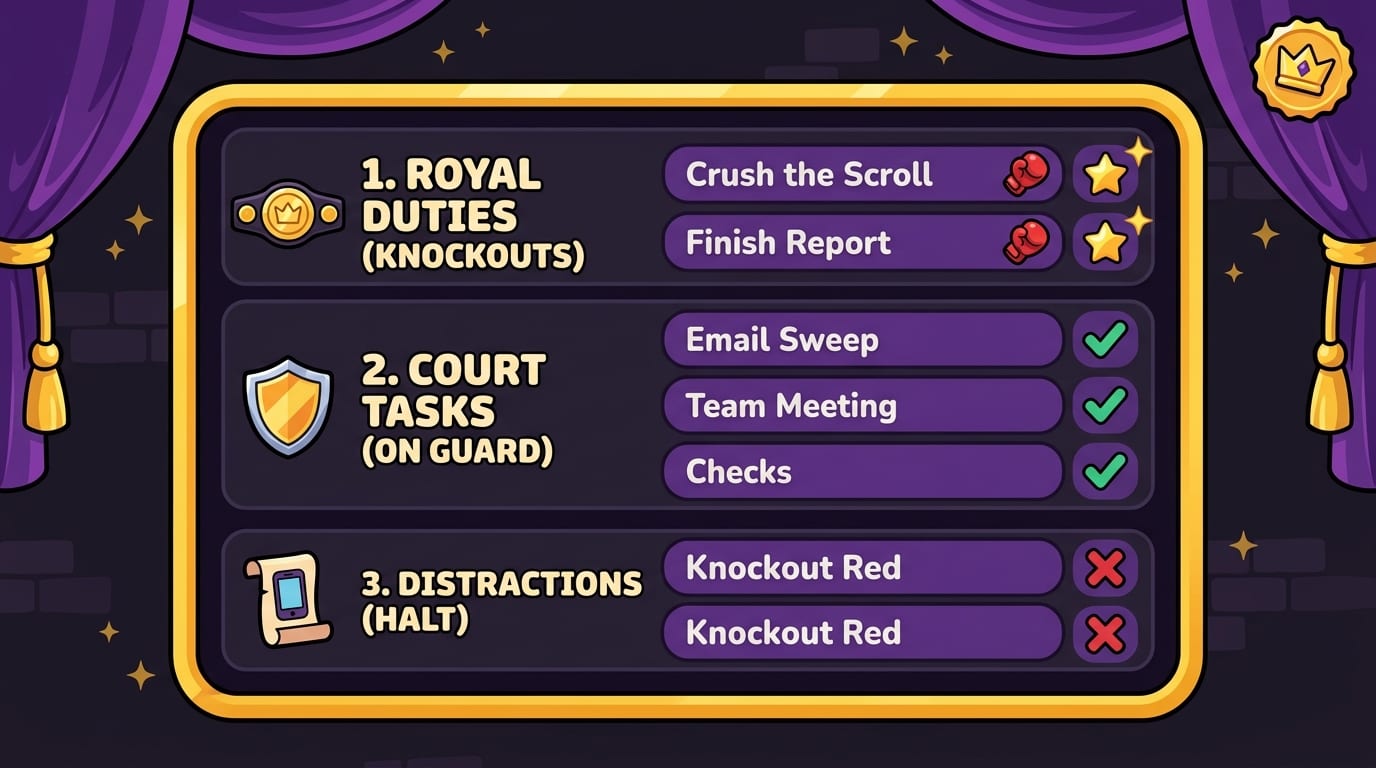
Learning how to prioritize is really learning how to protect what matters. You capture everything, sort by impact and urgency, choose a Daily Top Three, time-box your work, create decision rules, say no with dignity, and review weekly. That is the system. No magic. No productivity fairy. Just repeated, practical decisions.
And because the modern internet is a glitter cannon aimed directly at your attention span, do not stop at planning. Build a focus environment that backs up your priorities. Close tabs. Silence notifications. Block the sites that keep stealing your crown.
If you want help defending the throne, try BlockChamp for Chrome. You can block distracting websites and categories, earn XP for focused time, build your reign, survive The King’s Stare-Down, and turn “not wasting the day online” into something that feels suspiciously like winning a game.
Your priorities do not need more wishful thinking. They need a plan, a time box, and maybe a tiny royal boxer yelling “HALT” when you try to open YouTube mid-task.
Long live your focus, champ. Now pick the next important thing and knock it out.
Related posts

Writing Sprint Tips For Focused Output

Paper Or Digital Planner

Generative Ai And Staying Focused At Work
