
Fight Distraction With A Digital Declutter

Your browser is not a workspace. It is a carnival with spreadsheets hiding somewhere behind the cotton candy machine. If you want to fight distraction with a digital declutter, you do not need to move to a cabin, delete the internet, and communicate exclusively by carrier pigeon. You need a cleaner digital environment, smarter boundaries, and a few focus habits that make distraction less convenient than doing the actual work.
Digital clutter is sneaky. It is not just the 47 tabs, the inbox screaming like a medieval village bell, or the apps you downloaded during one brief “new me” phase in 2021. It is the tiny friction points that keep pulling your attention sideways: notification badges, saved-but-never-read articles, random subscriptions, autoplay videos, algorithmic feeds, and that one shopping cart you keep visiting like it owes you emotional closure.
The good news: digital decluttering is not about becoming a productivity robot with a standing desk and a suspiciously organized Notion dashboard. It is about designing your online kingdom so your attention does not get mugged every six minutes. Let’s clean the castle, sharpen the gloves, and build a focus system that actually survives contact with real life.
Quick Answers
What Does It Mean to Fight Distraction With a Digital Declutter?
To fight distraction with a digital declutter means removing, organizing, blocking, or reducing the digital inputs that hijack your attention. It is the digital equivalent of clearing your desk before a big project, except your desk contains Instagram, YouTube, Slack, Gmail, Reddit, Amazon, breaking news, fantasy football, and a mysterious folder named “final_final_ACTUAL_FINAL.”
Digital decluttering is not just “delete some apps.” It includes:
- Cleaning up your inbox so email stops being a slot machine with invoices.
- Reducing browser tabs and bookmarks so your brain is not juggling flaming swords.
- Turning off non-essential notifications.
- Blocking distracting websites during work or study hours.
- Unsubscribing from feeds, newsletters, and apps that no longer serve you.
- Creating friction between you and your worst distraction habits.
- Building repeatable routines that protect deep work.
The goal is not a perfect minimalist setup that looks good in a YouTube thumbnail. The goal is fewer attention leaks. If your digital life currently feels like a raccoon got into a filing cabinet, that is fine. We start with the raccoon. Then we take back the throne.
This matters because attention is a finite resource. Research from the University of California, Irvine found that interruptions can create meaningful switching costs, and people often compensate for interruptions by working faster, which increases stress and frustration. You can read more about interruption research from Gloria Mark and colleagues’ study on interrupted work. Translation: every “quick check” has a hidden tax. The crown is leaking gold coins.
Start With an Attention Audit: Find the Sneaky Little Goblins
Before you declutter, you need to know what is actually stealing your focus. Most people guess wrong. They say, “I waste time on my phone,” but the real culprit might be opening email every twelve minutes, checking Slack out of anxiety, or using YouTube “for research” and waking up inside a video about restoring antique lawnmowers. We have all been there. The lawnmowers were majestic.
Run a simple attention audit for two or three days. Do not try to fix anything yet. Just observe your current habits like a tiny detective with a clipboard.
Track these five things
- Top distraction sites: Which websites do you open automatically?
- Trigger moments: When do you get distracted? Boredom, stress, hard tasks, fatigue, waiting?
- Device patterns: Is the distraction happening on your laptop, phone, tablet, or all of the above like an unholy alliance?
- Time windows: Are mornings clean but afternoons chaotic? Do evenings become a doomscroll buffet?
- Emotional payoff: What are you getting from the distraction: novelty, escape, reassurance, social connection, procrastination camouflage?
You can use screen time reports, browser history, app usage dashboards, or plain old pen and paper. The point is to identify your “boss enemies.” For many people, the big categories are social media, video and streaming, news, shopping, gaming, gambling, adult content, and AI chat tools that start useful and end with “write me a sea shanty about tax deductions.”
If you want a deeper dive into why the internet feels built to pull you off course, BlockChamp has a related guide on how to avoid digital distractions without becoming a cave wizard. It pairs nicely with this audit because awareness comes first, then the royal hammer.
Declutter Your Inbox Before It Declutters Your Soul
Email is where focus goes to wear a tiny suit and pretend it is productivity. You open your inbox “just to check one thing,” and suddenly you are reading a coupon from a store you visited once in 2018. This is how kingdoms fall.
A digital declutter should start with email because inbox clutter creates constant open loops. Every unread message whispers, “Maybe I am important.” Usually it is not. Usually it is a brand announcing a seasonal sale with the emotional intensity of a royal birth.
The 30-minute inbox reset
- Search and destroy: Search for obvious senders you never read, then unsubscribe or delete in bulk.
- Create three folders: “Action,” “Waiting,” and “Archive.” Do not build a 29-folder bureaucracy. You are not founding a digital empire of paperwork.
- Process, don’t browse: For each email, decide: reply, schedule, archive, delete, or move to Action.
- Use filters: Route receipts, newsletters, notifications, and updates away from the main inbox.
- Set email windows: Check email two or three times per day instead of letting it nibble your attention like a caffeinated goat.
According to McKinsey research on workplace communication, knowledge workers have historically spent a significant chunk of their workweek managing email and searching for information. Even if your personal number differs, the principle holds: unmanaged communication tools become attention treadmills.
Try this rule: if an email does not require action, it does not deserve prime real estate in your inbox. Archive aggressively. Delete with the confidence of The King rejecting a peasant’s request to browse Reddit during tax season.
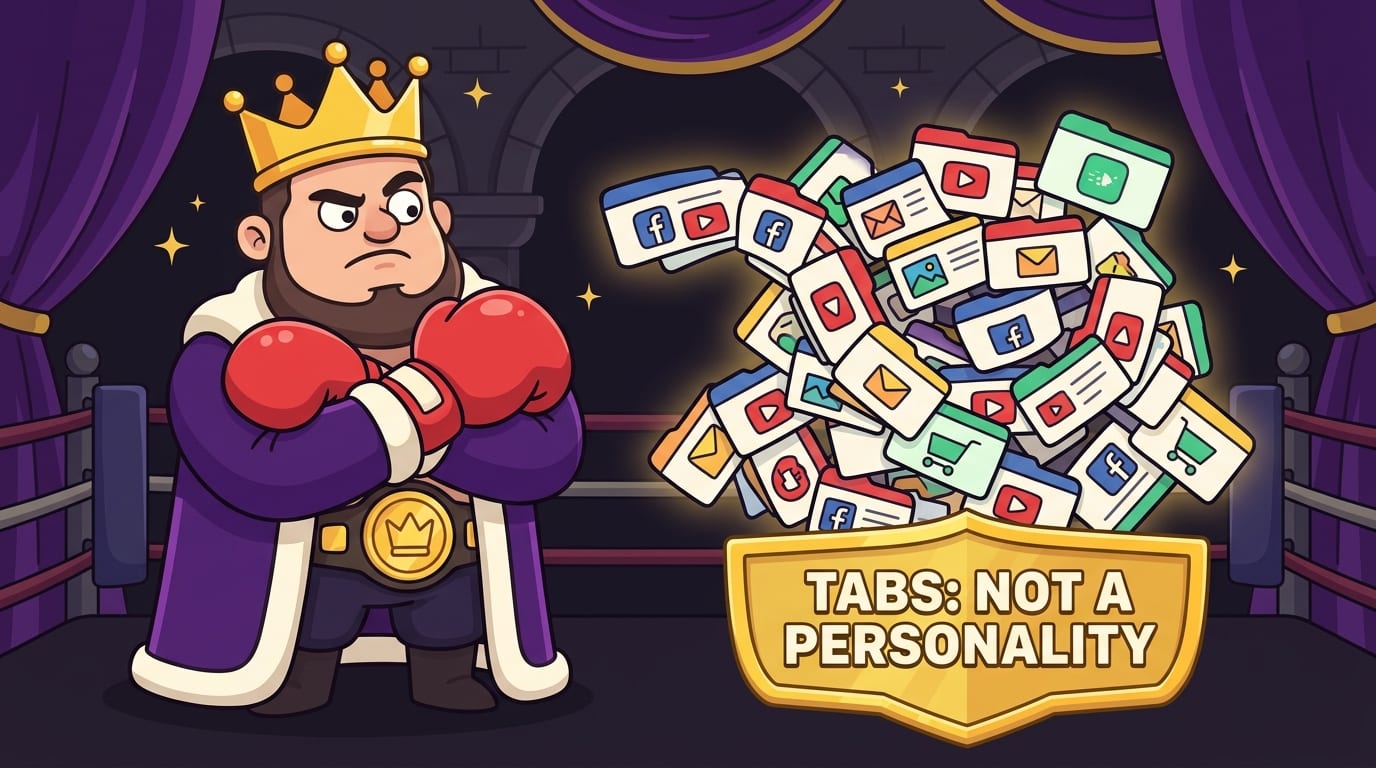
Clean Your Browser: Tabs Are Not a Personality Type
Your browser is the battlefield. If you want to fight distraction with a digital declutter, your tabs, bookmarks, extensions, and start page need discipline. Not monk-level discipline. Just enough that Chrome does not look like a dragon hoard made of half-read articles.
Open tabs create mental residue. Even when you are not looking at them, they represent unfinished decisions. “Read this.” “Buy that.” “Reply here.” “Finish this tutorial.” “Learn Spanish.” “Compare air fryers.” Congratulations, your browser has become a guilt aquarium.
Use the one-window rule
Keep one browser window for your current work. If you need research tabs, group them or save them to a read-later app. When the task ends, close the group. A finished task should not leave digital confetti everywhere.
Make your new tab boring on purpose
A distracting start page can derail you before you type a single URL. Remove news widgets, trending content, suggested articles, and visual clutter. Your new tab should be calm. Think “quiet library,” not “Vegas lobby with a search bar.”
Audit your extensions
Extensions can be helpful, but too many create clutter, security risks, and visual noise. Remove anything you do not actively use. Keep tools that support your goals: password manager, grammar checker, calendar helper, and, naturally, a website blocker when your willpower is flimsier than a paper crown in the rain.
This is where BlockChamp fits neatly into the digital declutter strategy. Instead of relying on vibes and noble intentions, you can block specific distracting websites, block entire categories like Social Media or Video & Streaming, and use the Master Focus Toggle to put The King “On Guard.” When you try to visit a blocked site, you get The Stare-Down: a full-screen royal judgment scene that basically says, “Nice try, champ. Back to work.” It is focus protection with jokes, XP, and a cartoon boxer king. Productivity should have more crowns.
App Decluttering: Delete the Tiny Chaos Machines
Apps are not neutral. Many are designed to pull you back with badges, streaks, reminders, alerts, recommendations, and “you have memories” notifications from photos you took near a sandwich. If an app’s business model depends on your attention, assume it has tiny grappling hooks.
The average person uses a limited number of apps regularly but keeps many more installed. Data.ai’s mobile reports frequently show heavy app usage and rising time spent on mobile globally; you can explore broader trends in data.ai’s State of Mobile report. The practical takeaway is simple: phones and app ecosystems are very good at keeping us engaged. Your job is to make them less delicious to your distractible brain.
The app court trial
Put every app on trial. Dramatic? Yes. Effective? Also yes. Ask:
- Have I used this in the last 30 days?
- Does this app help me create, learn, connect, manage, or rest?
- Does it mostly trigger comparison, impulse buying, doomscrolling, or time soup?
- Could I use the website version instead to add friction?
- Would deleting this make my life quieter?
Then sort apps into four groups:
- Keep: Essential tools you use intentionally.
- Move: Useful but distracting apps moved off the home screen.
- Limit: Apps with time limits or scheduled access.
- Delete: Apps that mostly make you feel like a soggy French fry.
For social apps you cannot fully delete, remove them from your phone and use them only on desktop during planned windows. That extra friction is powerful. If you use Chrome, BlockChamp can guard the desktop side by blocking the sites during focus sessions. The phone app roadmap is coming, but for now, even making your laptop less chaotic can dramatically improve study and work sessions.
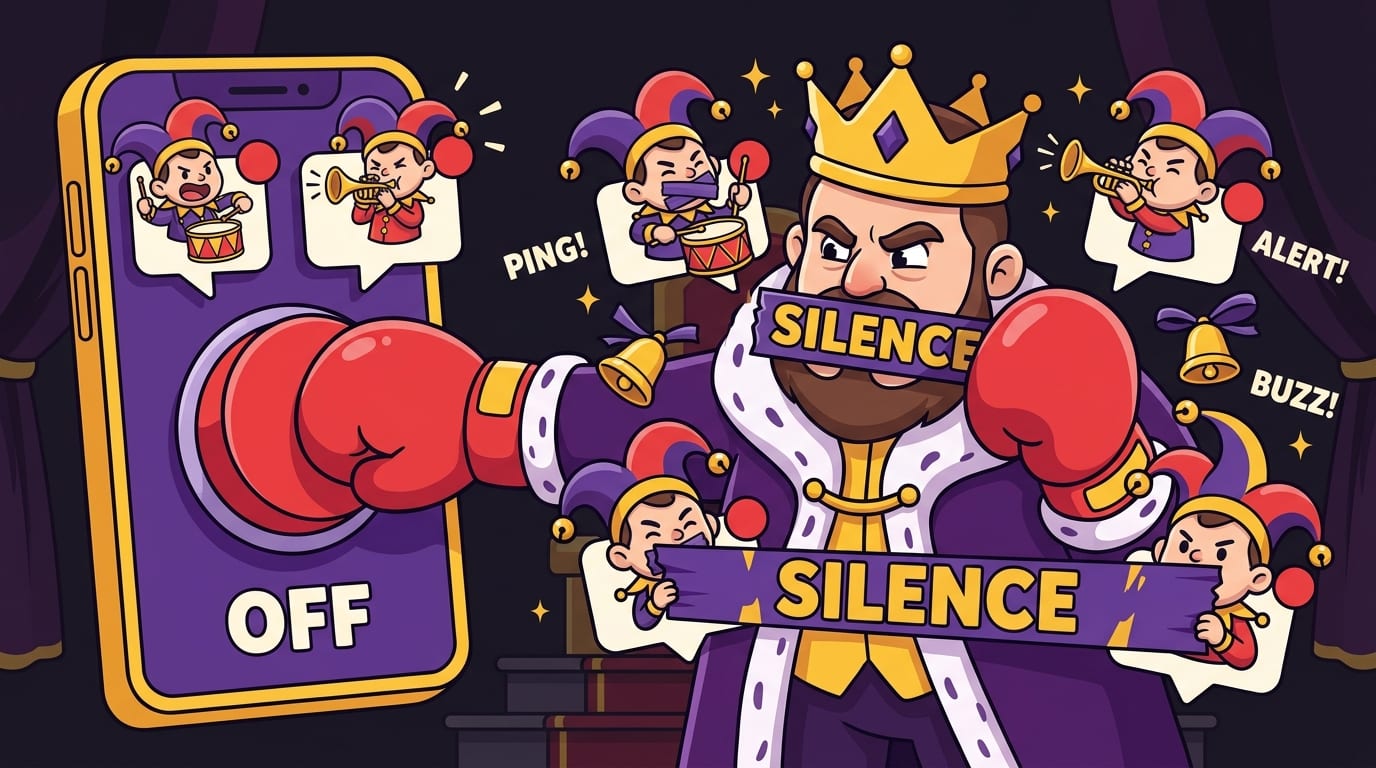
Notifications: The Court Jesters Must Be Silenced
Notifications are interruptions wearing tiny hats. Some are useful. Most are nonsense in a tuxedo. Every ping says, “Stop being a sovereign adult and look at me.” No, little rectangle. The throne is occupied.
One of the fastest ways to fight distraction with a digital declutter is to turn off nearly all non-human, non-urgent notifications. The fewer things that can summon you, the more control you have over your attention.
Use the notification hierarchy
Sort notifications into three levels:
- Immediate: Calls from family, calendar reminders, security alerts, true emergencies.
- Batch: Email, team chat, project updates, banking notifications.
- Never: Likes, recommendations, trending news, shopping promos, “someone posted for the first time in a while.” Good for them. Still no.
On your phone, use Focus modes or Do Not Disturb schedules. On your computer, disable browser notification permissions for websites. If a site asks to send notifications, treat it like a raccoon asking for your house keys.
The American Psychological Association has discussed how constant technology use and digital stress can affect wellbeing; their broader reporting on stress and technology is worth exploring through the APA’s stress resources. You do not need a PhD to notice the effect, though. A day with fewer pings feels less like being chased by bees.
If FOMO is the reason you keep notifications on, read BlockChamp’s guide to fighting distraction and overcoming FOMO. Spoiler: the group chat will survive if you answer after lunch. Probably. If not, they need hobbies.
Build a Website Blocking System, Not a Willpower Shrine
Willpower is useful, but it is not a strategy. It is more like a matchstick in a wind tunnel. If your plan is “I simply won’t check TikTok/YouTube/Reddit/news today,” the algorithm just put on boxing gloves and laughed.
A better approach is environmental design. Make the distraction unavailable when you need focus. That is not weakness. That is strategy. Professional athletes do not keep cupcakes in their gym bag and call it mental toughness. They design their environment to support the outcome.
What to block during focus sessions
- Social media sites: Instagram, TikTok, X/Twitter, Facebook, Reddit, LinkedIn if it becomes “career-flavored scrolling.”
- Video platforms: YouTube, Netflix, Twitch, streaming sites, highlight rabbit holes.
- News sites: especially if you “check headlines” and return 40 minutes later with blood pressure made of thunder.
- Shopping sites: Amazon, Temu, fashion apps, deal sites, “research” that mysteriously becomes buying socks.
- Gaming and gambling sites: anything that turns five minutes into a boss battle with your schedule.
- AI distractions: yes, even AI tools can become procrastination if you are prompting instead of producing.
BlockChamp makes this easy because you can block by site, keyword, or category. Free users can block up to three sites and enable two categories, which is plenty to start punching your biggest distractions in the nose. Champion users get unlimited sites, all eight categories, keyword blocking, recurring schedules, and Hardcore Lockdown. That last one matters because when you try to turn focus off, you may have to wait through a cooldown or complete The King’s boxing riddle. It is hard to impulsively doomscroll when a royal cartoon boxer makes you earn your surrender. Delightfully annoying. Deeply effective.
If you want more strategy around training your brain to resist temptation, check out mental gymnastics for resisting digital distractions. It explains why resistance gets easier when you practice it like a skill instead of treating every slip as a personal failure.
Create Focus Zones: Time Blocks for the Royal Brain
Decluttering removes distractions. Focus zones tell your brain what to do with the space you just created. Without a clear plan, an empty schedule becomes a playground for procrastination goblins.
A focus zone is a protected block of time for one type of work. Not “be productive.” That is too vague. Your brain hears that and immediately goes looking for snacks. A good focus zone sounds like:
- “Write 800 words of the essay introduction.”
- “Finish slides 4–10 for the client deck.”
- “Study organic chemistry reactions for 45 minutes.”
- “Edit the podcast episode until the first rough cut is done.”
- “Process invoices and update the spreadsheet.”
The simple focus-zone formula
- Choose one task.
- Set a timer for 25, 45, or 60 minutes.
- Turn on your blocker.
- Put your phone out of reach or in another room.
- Work until the timer ends.
- Take a real break: stand, stretch, drink water, stare out a window like a thoughtful medieval monarch.
The Pomodoro Technique is popular because it gives focus a container. If you prefer longer deep work blocks, go for it. Cal Newport’s concept of deep work has helped many people think about distraction-free concentration; his overview of Deep Work is a useful starting point. The specific timer length matters less than the ritual: same cue, same boundaries, same protected attention.
BlockChamp’s Focus Schedule can support this if you are a Champion user. Set recurring hours, like Monday to Friday from 9 a.m. to noon, and The King stands guard automatically. No daily negotiation. No “I’ll turn it on after one quick scroll.” The throne opens on schedule.
Declutter Your Information Diet Before Your Brain Becomes Soup
Digital clutter is not only apps and tabs. It is also information intake. Newsletters, podcasts, feeds, videos, Discord servers, Substacks, group chats, industry reports, “must-read” threads, and 19 productivity influencers explaining the exact morning routine that will turn you into a billionaire falcon.
Information is useful until it becomes avoidance. Consuming more advice can feel productive while quietly replacing action. You do not need another 40-minute video on how to start writing. You need to start writing. The King has spoken; the quill awaits.
Use the three-bucket information diet
- Core inputs: Essential sources for your work, study, or personal growth. Keep these.
- Joy inputs: Entertainment that genuinely restores you. Keep some, schedule it intentionally.
- Noise inputs: Content that leaves you anxious, scattered, jealous, angry, or weirdly convinced you need a $900 backpack. Cut it.
Unsubscribe from newsletters you skip three times in a row. Leave communities you never participate in. Mute accounts that spike your stress. Save articles only if you schedule time to read them. Otherwise your read-later list becomes a haunted library.
For a healthier relationship with downtime, BlockChamp has a thoughtful piece on digital distraction and the power of rest. Rest is not failure. Rest is maintenance. Doomscrolling until your soul buffers is not rest; it is just fatigue with Wi-Fi.
Make Decluttering a Weekly Habit, Not a One-Day Exorcism
A giant digital declutter feels amazing, but clutter grows back. Like weeds. Or group chats. Or tabs about air fryers. The trick is maintenance. Small weekly resets prevent your digital life from becoming a haunted attic again.
The 20-minute weekly digital reset
Pick one day and schedule a short reset. Friday afternoon works well because it gives your next week a cleaner runway. Sunday evening works too, if you enjoy preparing for Monday like a responsible wizard.
- Clear downloads: Delete or file everything in your downloads folder.
- Close tabs: Save only what has a real next action.
- Process inbox: Empty or reduce your inbox to action items.
- Review calendar: Block focus zones for the coming week.
- Update blockers: Add any new distraction sites that caused trouble.
- Check screen time: Look for patterns without self-roasting into oblivion.
- Clean desktop: If your desktop looks like a file tornado, restore order.
Use this reset to improve your system, not punish yourself. If you got distracted by a new website, add it to your block list. If your focus sessions failed after 3 p.m., schedule lighter work then. If email kept interrupting you, tighten your email windows. This is how you turn experience into better design.
BlockChamp’s gamification helps here because it rewards consistency. Every focused day, every minute of focus, every stare-down survived, and every reign contributes to XP and progress. You are not just “trying to be better.” You are leveling up. Tiny dopamine, but pointed in the right direction. Very royal. Very useful.
Common Digital Declutter Mistakes That Make the Goblins Stronger
Digital decluttering sounds simple, but there are traps. Avoid these and you will save yourself a lot of dramatic sighing.
Mistake 1: Trying to declutter everything at once
If you attempt to clean your inbox, phone, files, tabs, photos, subscriptions, notes app, calendar, and entire personality in one afternoon, you will burn out and end up watching “minimalist desk setup” videos instead. Start with one area. Win there. Then expand the kingdom.
Mistake 2: Organizing distractions instead of removing them
Putting distracting apps into a folder named “Distractions” is cute, but if you open the folder every ten minutes, you have built a tiny shrine. Delete, block, limit, or add friction. Organization alone is not protection.
Mistake 3: Keeping “just in case” clutter
Most saved articles, apps, bookmarks, and files are not future treasures. They are indecision fossils. If you have not needed it in months and it is easy to find again, let it go.
Mistake 4: Confusing rest with passive consumption
There is nothing wrong with entertainment. The problem is when every break becomes algorithmic quicksand. A real break should leave you more refreshed, not vaguely irritated and unsure why you know celebrity divorce details.
Mistake 5: Relying only on self-control
Self-control fluctuates with sleep, stress, hunger, and mood. Systems are sturdier. Use blockers, schedules, notification settings, app limits, and physical distance from your phone. You are not weak; the internet is extremely talented at being a nuisance.
For a gentler angle on finding offline satisfaction again, read enjoying the small things over digital distraction. Sometimes the best declutter is remembering that life exists outside the glowing rectangle. Shocking development, we know.
A Practical 7-Day Digital Declutter Plan
If you want to take action this week, here is a simple plan. No incense. No monk robes. Just practical steps to fight distraction with a digital declutter and reclaim your attention one day at a time.
Day 1: Audit your distractions
Track your top distracting websites, apps, and times of day. Do not judge the data. Just collect it. You are the royal investigator.
Day 2: Clean your inbox
Unsubscribe from at least 10 senders. Create Action, Waiting, and Archive folders. Set two or three email windows for tomorrow.
Day 3: Fix your browser
Close unnecessary tabs. Remove unused extensions. Simplify your new tab page. Install a website blocker if you do not already have one.
Day 4: Block your biggest distractions
Add your top three distraction sites to BlockChamp or turn on category blocks for the worst offenders. Start with Social Media and Video & Streaming if you are unsure. The usual suspects are usually guilty.
Day 5: Silence notifications
Turn off non-essential notifications on phone and desktop. Disable browser notifications from websites. Leave only the alerts that genuinely matter.
Day 6: Create focus zones
Schedule two protected work or study blocks. Choose one task for each. Turn on blocking, move your phone away, and work until the timer ends.
Day 7: Review and tighten
Check what worked. What still pulled you off track? Add new blocks, adjust schedules, and plan your weekly reset. Celebrate your progress. The King would raise a glove.
Repeat this plan whenever your digital life starts looking like a raccoon convention. The first pass gives you relief. The second pass gives you control. The third pass starts to feel like identity: you are someone who protects your attention.
Final Bell: Clear the Clutter, Defend the Throne
To fight distraction with a digital declutter, you do not need a perfect life, a silent cabin, or a personality transplant. You need fewer attention traps, cleaner systems, and a bit of friction between you and the habits that keep stealing your day.
Start small. Clean the inbox. Close the tabs. Delete the chaos apps. Silence the court jesters. Block the websites that keep body-slamming your focus. Then build focus zones so your reclaimed attention has somewhere useful to go.
And if you want your digital declutter to come with XP, badges, streaks, category blocking, a leaderboard, and a cartoon royal boxer who stares you down when you try to sneak onto YouTube, give BlockChamp a try. It is a gamified website blocker for Chrome built to make focus feel less like punishment and more like winning a title fight.
Long live your focus. Defend the throne. Crush the scroll. And please, for the love of the crown, close those 47 tabs.
Related posts

Finding Focus For Fiction Writing

Learning To Focus In A Digital World As A Creative

Finding Focus For Personal Growth
