
Avoid Digital Distractions

You sit down to do one simple task. One. Tiny. Task. Then your phone buzzes, your browser winks at you, YouTube whispers “just one video,” and suddenly you’re 47 minutes deep into a man restoring a rusty waffle iron from 1932. Majestic? Yes. Productive? Absolutely not. If you want to avoid digital distractions, you don’t need more guilt, more willpower sermons, or a productivity guru yelling “discipline” from a rented Lamborghini. You need a system that makes distraction harder, focus easier, and your attention less available to every app wearing a tiny clown hat.
Digital distractions are not a personal failure. They are a design feature. Social platforms, streaming sites, shopping apps, news feeds, games, and even “useful” AI tools are built to keep you clicking, scrolling, refreshing, and “checking one thing” until your day has been mugged in an alley. The good news: you can fight back. Not by becoming a cave monk with no Wi-Fi, but by building practical routines, using device controls, designing your environment, and installing a few digital castle walls around your attention.
This guide breaks down how to avoid digital distractions in real life: during work, studying, creative sessions, remote work days, and those dangerously fragile moments when your brain says, “Maybe Reddit has solved my life problems.” Spoiler: it has not. Let’s defend the throne.
Quick Answers
Why Digital Distractions Keep Winning Like Tiny Algorithm Goblins
Before we start swinging the productivity sword, it helps to understand what you’re fighting. Digital distractions work because they exploit normal human wiring: novelty, social reward, uncertainty, curiosity, and convenience. Your brain loves new information. The internet provides infinite new information. That is a bad combo, like giving a raccoon a credit card.
Research from the American Psychological Association on multitasking shows that switching between tasks creates mental costs. Even when you think you’re “just checking” a notification, your brain has to disengage from one task, process the new input, then rebuild context when you return. That context rebuild is where your focus gets drop-kicked.
Meanwhile, platforms are optimized for retention. Infinite scroll, autoplay, red notification badges, algorithmic recommendations, “people also viewed,” and streak systems are all designed to keep your attention inside the app. According to DataReportal’s Digital 2024 Global Overview Report, people globally spend hours per day online, with social media alone taking a significant chunk of daily attention. That doesn’t mean the internet is evil. It means attention is valuable, and everyone wants a bite.
The biggest trap is that most digital distractions feel harmless in the moment. One message. One video. One headline. One “quick” search for whether penguins have knees. They do, by the way. Sort of. But the damage isn’t just the minute you spend; it’s the attention residue you drag back into your real task. If your mind is still arguing with a comment thread, your spreadsheet is now haunted.
To avoid digital distractions, stop treating them as random accidents. Treat them as opponents. Name them. Contain them. Block their entry points. The kingdom does not need open borders with TikTok at 9:17 a.m.
Start With a Distraction Audit: Catch the Culprits Wearing Fake Mustaches
You can’t fix what you refuse to measure. A distraction audit is a simple way to identify where your attention actually leaks. Not where you think it leaks. Everyone says, “I waste a little time on social media.” Then the screen-time report arrives like a royal tax collector: four hours and twelve minutes. Treason.
For three days, track the interruptions that pull you away from important work. Keep it lightweight. No need for a leather-bound monk journal unless that’s your thing. Use a notes app, paper, or a simple spreadsheet.
Track these five things
- Trigger: What started the distraction? A notification, boredom, hard task, stress, hunger, curiosity?
- Destination: Where did you go? YouTube, Instagram, X/Twitter, Reddit, news, shopping, AI chatbot, email?
- Duration: How long did it last? Guess if you must, but be honest. The King sees all.
- Cost: What did it interrupt? Deep work, studying, writing, meeting prep, sleep?
- Pattern: When does it happen most? Morning, afternoon slump, late night, before deadlines?
After three days, look for repeat offenders. Most people discover they don’t have “a distraction problem” in general. They have two or three specific traps. Maybe YouTube eats your lunch break and then your afternoon. Maybe news sites hijack your mornings. Maybe LinkedIn pretends to be professional while quietly feeding you career panic nachos.
Once you identify your top distractions, use friction. Block them during focus hours. Log out. Remove shortcuts. Turn off notifications. Move apps off your home screen. If the distraction is browser-based, a Chrome website blocker like BlockChamp can help you block specific sites, entire categories like Social Media or Video & Streaming, and even keywords if you’re using Champion features. Instead of relying on heroic willpower, you build a moat. A funny moat. With a royal boxer yelling at intruders.
If your audit reveals that digital overwhelm is bigger than simple procrastination, you might also like our guide on how to avoid digital burnout. Burnout and distraction often travel together like two raccoons in a trench coat.
Build a Focus Routine Before the Internet Builds Your Day for You
If you start your day by opening your phone, your brain immediately enters reactive mode. Messages, notifications, headlines, comments, emails, and algorithmic sludge all rush the throne room. You haven’t chosen your priorities yet, but the internet has chosen several for you. Rude.
A focus routine creates a predictable runway into concentration. It tells your brain: “We are not available for nonsense right now.” The routine does not need to be dramatic. No gong required. Although a gong would be excellent.
A simple 10-minute anti-distraction startup ritual
- Write the mission: Pick one main task for the next work block. Make it specific: “Draft introduction and first two sections,” not “work on blog.”
- Clear the battlefield: Close unrelated tabs, apps, and documents. Your browser should not look like a centipede.
- Set your focus window: Choose 25, 50, or 90 minutes depending on the task and your energy.
- Block obvious traps: Activate website blocks for social media, video, news, shopping, gaming, or whatever your audit exposed.
- Make distractions inconvenient: Put your phone away, silence notifications, and keep only the tools needed for the task.
Routines work because they reduce decision fatigue. You don’t waste mental energy negotiating with yourself every morning. You simply run the play. Athletes warm up. Musicians tune instruments. Focused people close 28 cursed tabs and tell YouTube to sit in the corner.
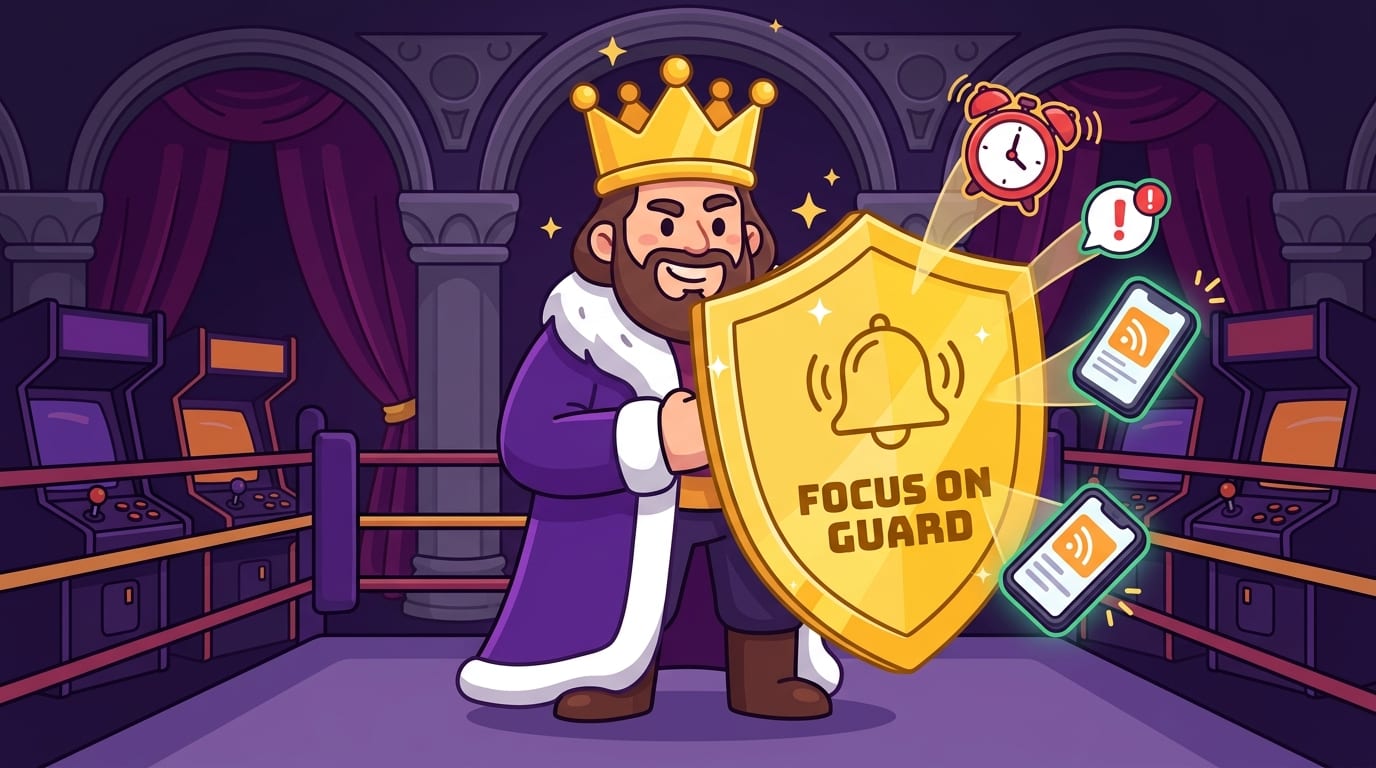
If you use BlockChamp, this is where the Master Focus Toggle becomes your royal “on guard” switch. Turn it on, and your selected sites and categories are blocked. Every focused minute earns XP, your reign grows, and if you try to visit a blocked site, The King gives you the Stare-Down. It’s accountability, but wearing boxing gloves and a crown. Frankly, more productivity tools should threaten your tab with medieval energy.
For deeper mental training, check out our post on training your brain to resist digital distractions. Think of it as attention push-ups, but without gym socks.
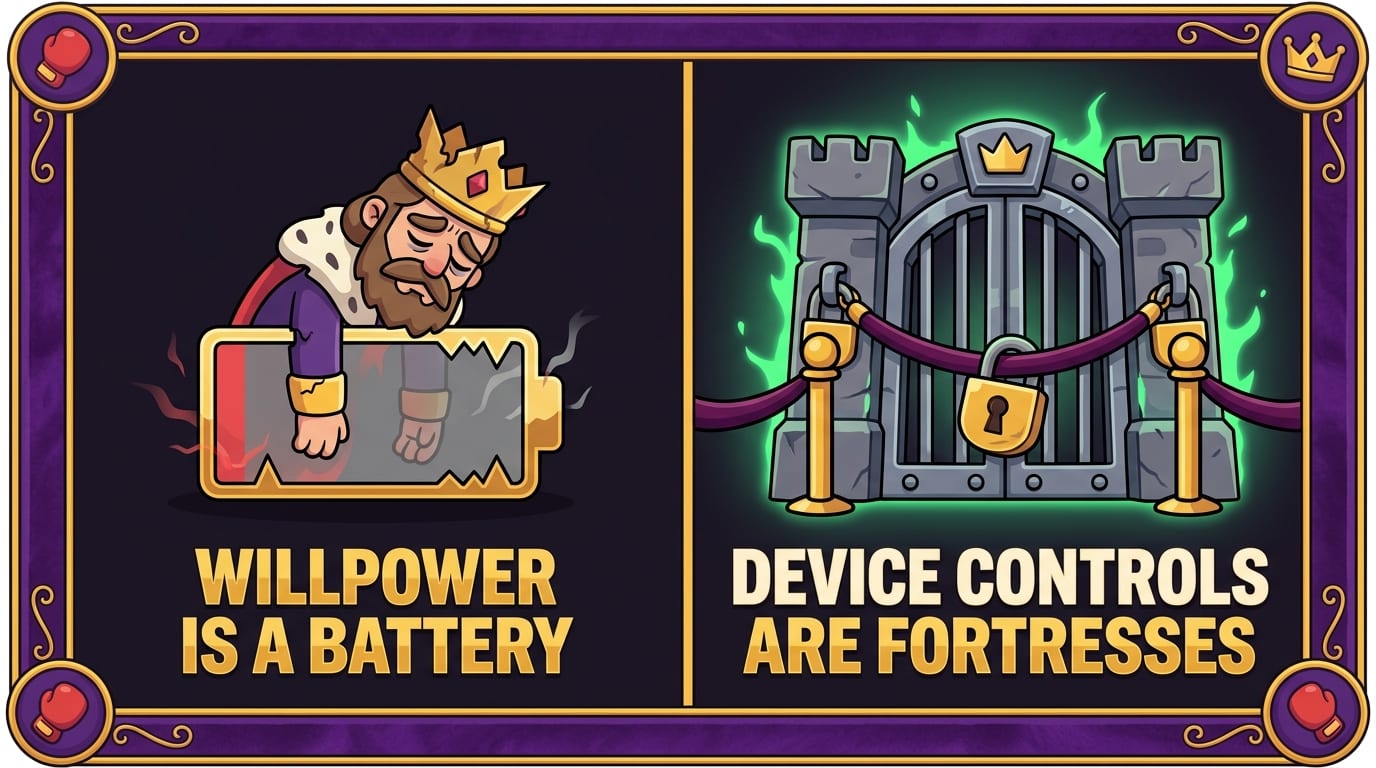
Use Device Controls: Because Willpower Is a Battery, Not a Superpower
Willpower is useful, but it gets tired. After a long day of decisions, stress, meetings, studying, chores, and pretending you understand someone’s “quick question,” your self-control drops. That’s when digital distractions attack. They wait until your brain is wearing pajama pants.
Device controls reduce the number of battles you have to fight. This is not weakness. This is strategy. A castle has walls not because the king lacks confidence, but because barbarians exist.
Phone settings that actually help
- Turn off non-essential notifications: Keep calls, calendar alerts, and truly important messages. Kill the rest. Your pizza app does not need emergency access to your nervous system.
- Use Focus modes: iOS and Android both offer modes that silence apps during work, sleep, driving, or personal time.
- Remove addictive apps from your home screen: If you need them, search manually. That tiny pause matters.
- Set app limits: Use built-in screen-time tools to cap social media, games, shopping, and video apps.
- Go grayscale: Removing bright colors can make your phone less rewarding. Less candy store, more tax form.
For your browser, use a website blocker during work or study hours. This matters because many distractions sneak in through desktop browsing. You may not open TikTok on your phone, but YouTube, Reddit, news sites, Discord, shopping tabs, and “research” rabbit holes are one autocomplete away.
BlockChamp is built for this exact battlefield. You can block by site for specific villains like youtube.com or reddit.com, or use category bundles to block whole gangs of distractions at once. Social Media, Video & Streaming, News, Shopping, Gaming, Gambling, Adult, and AI Distractions can all be controlled. Free users can block up to three sites and two categories; Champion users unlock unlimited sites, all categories, keyword blocking, schedules, Hardcore Lockdown, and sync across devices.
The goal is not to make your devices useless. The goal is to make them serve your intentions instead of ambushing them. Your laptop should be a workshop, not a carnival with spreadsheets.
Schedule Distraction Time So Your Brain Stops Starting Riots
Trying to avoid digital distractions does not mean banning fun forever. That usually backfires. If your brain believes it will never again enjoy memes, sports highlights, group chats, or a video essay about why medieval peasants had better vacation policies, it will rebel. Loudly. Possibly with snacks.
Instead, schedule distraction time deliberately. This turns digital entertainment from a leak into a container. You can enjoy it without letting it colonize your day.
Try the “later list” technique
During a focus session, whenever you feel the urge to check something, write it down instead of doing it. Examples:
- Check basketball score
- Look up new headphones
- Reply to group chat meme
- Search “do penguins have knees” again for emotional closure
Then, during a planned break, review the list. You’ll notice something hilarious: half the urges no longer matter. They were just mental burps. For the ones that do matter, handle them intentionally during your break.
This works especially well with time blocks. For example:
- 9:00–10:30: Deep work, distractions blocked
- 10:30–10:45: Break, messages allowed
- 10:45–12:00: Focus block, social/video/news blocked
- 12:00–12:30: Lunch and guilt-free scrolling
Guilt-free is the key phrase. Digital distractions become more seductive when they feel forbidden and sneaky. If you schedule them, you remove the drama. You’re not “failing”; you’re following the plan.
BlockChamp’s Focus Schedule feature for Champion users fits neatly here. You can set recurring hours, like Monday through Friday from 9 a.m. to 5 p.m., so blocks activate automatically. No morning negotiation. No “I’ll turn it on after one video.” The King stands guard on schedule, because apparently he has better time management than most of us.
Design Your Workspace Like a Tiny Attention Fortress
Your environment is either helping you focus or selling you out. If your desk has your phone, open snacks, three devices, clutter, a game controller, and twelve browser tabs, your attention is surrounded. It’s not a workspace; it’s a distraction buffet.
Good workspace design reduces visual and digital temptation. It also creates cues that tell your brain what mode you’re in. Context matters. If your couch is for Netflix, don’t expect your brain to become a spreadsheet samurai there without protest.
Make your physical space boring in the best way
- Keep your phone out of arm’s reach, preferably in another room.
- Use headphones or ambient sound to signal focus mode.
- Keep only task-related materials on your desk.
- Put a notepad nearby for random thoughts so they don’t become browser searches.
- Use a visible timer to make the session feel finite and winnable.
Your digital workspace deserves the same treatment. Use separate browser profiles if needed: one for work, one for personal browsing. Remove bookmarks to distracting sites. Disable autoplay where possible. Close email when doing deep work. If a tab is not serving the current mission, exile it from the kingdom.
Remote workers and students especially need strong boundaries because the same device often holds everything: lectures, essays, spreadsheets, messages, entertainment, shopping, and existential dread. A laptop can be a library, office, theater, casino, mall, and nonsense machine. Without boundaries, the nonsense machine wins.
If you’re exploring a broader reset, our article on whether a digital detox is right for you can help you decide whether you need a short break, a full reset, or just better guardrails.
Master Focus Techniques That Make Distraction Less Tempting
Blocking distractions is powerful, but focus also needs a positive structure. If your task feels vague, huge, or emotionally gross, your brain will escape to something easier. Digital distractions often appear when the work is unclear, boring, difficult, or scary. In other words: when it is work.
Use focus techniques that reduce friction and create momentum.
1. The Pomodoro Technique
Work for 25 minutes, then take a 5-minute break. After four rounds, take a longer break. This is great for studying, admin work, and tasks you’ve been avoiding because they smell faintly of responsibility.
Its strength is psychological: 25 minutes feels doable. You don’t need to commit to three heroic hours. You just need one round. One bell. One tiny conquest.
2. The 50/10 method
Work for 50 minutes, break for 10. This is better for tasks requiring deeper immersion, like writing, coding, analysis, design, or studying complex material. It gives your brain enough time to enter flow without feeling like you’re chained to a productivity treadmill.
3. The 90-minute deep work block
For serious concentration, try one 90-minute block per day. Cal Newport popularized the idea of deep work, and his writing on focused productivity at Cal Newport’s official site is a useful rabbit hole that is actually productive. Mostly. Don’t turn it into procrastination wearing a blazer.
During deep work, define the output before you begin. “Study biology” is too vague. “Complete chapter review questions 1–20 and summarize cell respiration” is a mission. Your brain needs a target, not a fog machine.
4. The two-minute entry
If you’re resisting a task, commit to just two minutes. Open the document. Write one sentence. Read one page. Solve one problem. Starting reduces emotional resistance. Often, the hardest part is crossing the moat.
Pair these methods with website blocking for best results. Focus techniques tell you what to do; blockers prevent escape routes. That combo is how you avoid digital distractions without having to wrestle your own brain every six minutes.
Replace the Habit, Don’t Just Remove the Website
Here’s the sneaky truth: distractions serve a purpose. You may use them to avoid boredom, stress, loneliness, uncertainty, fatigue, or difficult emotions. If you only remove the website without addressing the need, your brain will find a replacement distraction. Congratulations, you blocked Instagram and became obsessed with checking the weather in six cities.
To avoid digital distractions long term, replace the habit loop:
- Cue: What triggers the urge?
- Routine: What do you usually do?
- Reward: What do you get from it?
For example, if the cue is mental fatigue and the routine is scrolling TikTok, the reward might be novelty and relief. A better replacement could be a five-minute walk, stretching, making tea, or listening to one song. If the cue is uncertainty during a hard task, the replacement might be writing the next tiny step instead of escaping.
According to James Clear’s explanation of habit change, behavior shifts become easier when you make bad habits harder and good habits easier. This is exactly why blocking, scheduling, and environmental design work. They don’t rely on you becoming a flawless productivity robot. They change the path of least resistance.
BlockChamp adds another useful ingredient: reward. Every focused minute earns XP. Every blocked-site attempt you survive earns more. Your reign grows. Your badges stack. Your focus calendar turns gold. Instead of “I’m depriving myself,” the story becomes “I’m leveling up.” That identity shift matters. You’re not just avoiding distractions; you’re becoming the person who protects their attention.
For a softer angle on reducing screen dependence, read our post about enjoying the small things over digital distraction. Sometimes the antidote to another tab is literally sunlight, coffee, and noticing that birds are absurd little dinosaurs.
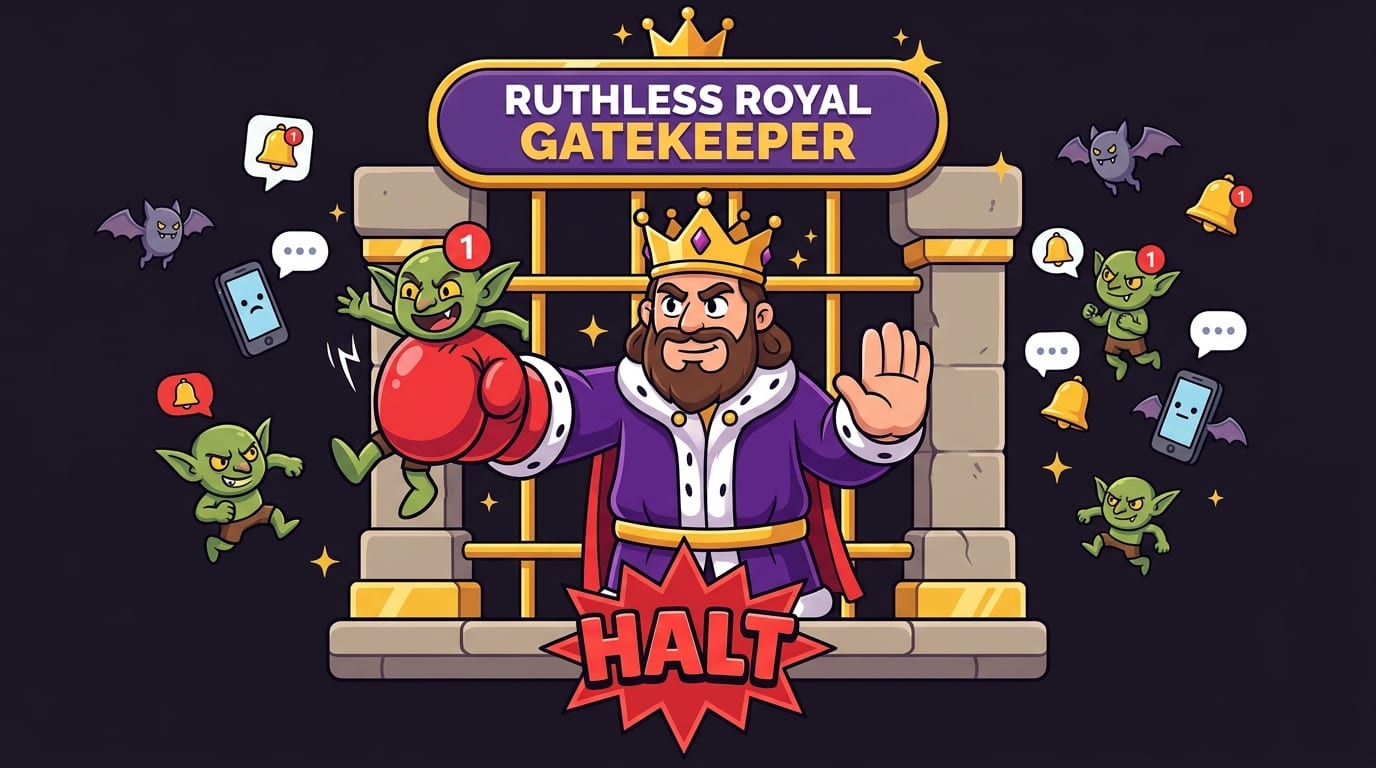
Handle Notifications Like a Ruthless Royal Gatekeeper
Notifications are attention pickpockets. They seem small, but they create constant micro-interruptions. Even if you don’t open the alert, your mind has already turned toward it. A notification is basically someone tapping your brain on the shoulder while you’re carrying soup.
A report from RescueTime on workplace communication and task switching highlights how frequently people switch between communication tools and focused work. In modern work, the problem isn’t just social media. It’s Slack, Teams, email, calendar pings, project management updates, comment notifications, and the sacred “quick question” that is never quick.
To reduce notification damage, create tiers:
- Immediate: Phone calls from key people, urgent work channels, calendar alerts.
- Batch: Email, team messages, project updates, non-urgent DMs.
- Never: Social likes, promotional alerts, app suggestions, news alerts, “someone posted for the first time in a while.” Good for them. Still no.
Batch communication two to four times per day if your role allows it. For example, check messages at 10:30, 1:30, and 4:30. Tell colleagues when you’re doing focused work. Use status messages like “Deep work until 11:00 — will reply after.” This sets expectations and reduces the guilt of not instantly responding.
For personal notifications, be merciless. Turn off anything that does not help you live, work, learn, or maintain meaningful relationships. Your attention is not a public park. It is private royal property. Trespassers will be stared down.
Use Social Media Without Letting It Put a Tiny Crown on Itself
Social media is not automatically bad. It can help you connect, learn, promote work, find opportunities, and laugh at raccoon videos after a rough day. The problem is unbounded use. If you enter without a purpose, the feed gives you one: keep scrolling until your soul becomes room-temperature pudding.
To avoid digital distractions from social media, define your reason before opening an app. Are you posting? Replying to messages? Checking a specific account? Researching? Relaxing for ten minutes? Cool. Do that. Then leave. Don’t wander the feed like a medieval peasant searching for meaning in a cabbage field.
Try these guardrails:
- Use social media in scheduled windows, not between every task.
- Delete apps from your phone and use desktop only if mobile is the main trap.
- Unfollow accounts that trigger comparison, outrage, or compulsive checking.
- Disable algorithmic notifications and email digests.
- Set a timer before opening the app.
If your social media use is more about human connection than mindless scrolling, be intentional about that. Comment thoughtfully. Message a friend. Arrange a real conversation. Our post on embracing human connection over digital distraction explores how to choose relationships over endless feeds without becoming a hermit with suspicious soup habits.
And when you need serious focus? Block it. Not forever. Just during the hours when your future self would appreciate not being sabotaged by a dancing sandwich video.
Create an Emergency Plan for “I’m About to Waste an Hour” Moments
Even with good systems, weak moments happen. You get tired. A task gets hard. You feel restless. You open a new tab and your fingers type the forbidden URL before your values have put on pants. This is normal. The key is having an emergency plan ready before the impulse hits.
The 60-second reset
- Stop and take one slow breath. Annoyingly simple. Annoyingly effective.
- Name the urge: “I want to check YouTube because I’m avoiding this paragraph.”
- Write the next physical action: “Open notes and outline three bullet points.”
- Set a five-minute timer and work only until it rings.
- If the urge is still strong, take a real break away from the screen.
This creates space between impulse and action. Most urges rise, peak, and fade if you don’t feed them immediately. The fancy term is urge surfing, but we can call it “not letting the goblin drive.”
BlockChamp’s Hardcore Lockdown is designed for exactly these moments. If you try to turn focus off, Champion users can require a cooldown timer or a three-round boxing riddle before surrendering. That sounds ridiculous because it is. Ridiculously useful. The extra 30 to 60 seconds creates friction, wakes up your decision-making brain, and gives the impulse time to lose steam. Also, having to repeat The King’s boxing combo to access Reddit is the kind of accountability society has been missing.
The point is not perfection. The point is recovery. If you slip, reset quickly. Don’t turn one distraction into a whole lost afternoon because “the day is ruined.” That’s not logic; that’s procrastination in a fake mustache again.
Make Focus Visible, Rewarding, and Slightly Addictive—in a Good Way
One reason digital distractions are powerful is that they provide instant feedback. Likes, views, messages, badges, streaks, progress bars, recommendations—these all create little reward loops. Traditional productivity often feels invisible. You studied for an hour and nothing exploded into confetti. Rude design.
To avoid digital distractions consistently, make focus rewarding too. Track your focused hours. Mark successful days on a calendar. Celebrate streaks. Give yourself visible proof that your effort is stacking up.
This is where gamification can be genuinely helpful when it supports the right behavior. BlockChamp turns focus into progression: XP for focus minutes, daily bonuses when blocks stay active, 5 XP for every Stare-Down survived, rank titles from Peasant of Procrastination to BLOCK CHAMP, badges for milestones like First Knockout and 7-Day Reign, plus a leaderboard for those who enjoy friendly competition and mild public glory.
That may sound playful, but the psychology is serious. Feedback helps habits stick. Progress bars reduce ambiguity. Streaks create continuity. Badges give you milestones. A calendar makes time visible. And The King roasting you when you try to open a blocked site? That adds a little emotional punctuation. Sometimes you don’t need a productivity report. You need a cartoon monarch saying, “Nice try, peasant.”
If you’re someone who responds to games, competition, humor, or identity, use that. Don’t force yourself into a boring system because some spreadsheet wizard on the internet said adults must suffer. Make focus fun enough that you come back tomorrow.
Your Practical 7-Day Plan to Avoid Digital Distractions
Let’s turn all this into a simple plan. No 84-step productivity labyrinth. No laminated vision board unless you’re into that. Just one week of practical changes.
Day 1: Audit
Track distractions for one day. Note triggers, sites, times, and costs. Do not judge. You are a scientist with a clipboard, not a disappointed wizard.
Day 2: Remove notifications
Turn off non-essential notifications on your phone and computer. Keep only what is truly useful or urgent.
Day 3: Block your top three traps
Use a website blocker to block your biggest distractions during focus hours. If you’re on Chrome, try BlockChamp and let The King guard the gate.
Day 4: Create a morning focus routine
Before opening messages or social apps, complete one focused block on your most important task. Even 25 minutes counts.
Day 5: Schedule distraction windows
Pick specific times for social media, news, messages, or entertainment. Enjoy them without guilt, then stop when the window ends.
Day 6: Redesign your workspace
Move your phone away, close extra tabs, clean your desk, and create a repeatable focus setup.
Day 7: Review and adjust
Look at what worked. Which blocks helped? Which urges stayed strong? What time of day was hardest? Adjust your system instead of blaming yourself.
After seven days, keep the pieces that worked and strengthen them. Add focus schedules. Increase block lists. Try longer deep work sessions. Build your reign one day at a time.
Conclusion: Your Attention Deserves a Crown
To avoid digital distractions, you don’t need to disappear into the woods, throw your phone into a lake, or develop the self-control of a marble statue. You need better defaults. Block the obvious traps. Schedule your focus. Silence the pings. Build routines. Replace the emotional reward of scrolling with healthier breaks. Make your progress visible. And when your brain tries to sneak into YouTube “for research,” have a system ready to bonk that impulse on the helmet.
Digital distractions are powerful because they are engineered, convenient, and rewarding. So your defense should be engineered, convenient, and rewarding too. That’s the whole BlockChamp philosophy: make focus feel like winning. Block distracting websites, earn XP, build your reign, survive The King’s Stare-Down, and become the champion of not being distracted.
If you’re ready to stop donating your best hours to the algorithm goblin, visit BlockChamp, install the Chrome extension, pick your opponents, and put The King on guard. Your tabs have been running the kingdom long enough. Time to take the crown back, champ.
Related posts

Be Present And Reduce Digital Distractions

Reclaim Your Attention And Focus On What Matters

Understanding And Adapting To Different Work Styles
