
Avoid Digital Burnout

Your brain was not designed to process 47 Slack pings, 12 browser tabs, breaking news, three group chats, a calendar reminder, a “quick” TikTok, and the emotional weight of an unread email from Tuesday. Yet here we are, champ: glowing rectangle in hand, attention in a headlock. If you want to avoid digital burnout, you do not need to throw your laptop into a lake or become a candle-making hermit in the woods. You need better boundaries, smarter defaults, and a few gloriously practical systems that stop your devices from treating your nervous system like a trampoline.
Digital burnout happens when your screen time stops feeling useful and starts feeling like a tiny casino strapped to your face. It is not just “being online a lot.” It is the drained, twitchy, foggy feeling that comes from constant stimulation, endless context switching, and never letting your brain fully clock out. The good news? You can recover. Even better, you can build a healthier relationship with technology without quitting the internet entirely. Because let’s be honest: the internet has maps, recipes, payroll portals, and videos of raccoons stealing cat food. Civilization depends on some of this nonsense.
This guide will show you how to avoid digital burnout with practical screen limits, notification boundaries, restorative habits, better work rhythms, and focus tools like BlockChamp when your willpower starts wearing a tiny paper crown and sobbing in the corner.
Quick Answers
What Digital Burnout Actually Feels Like: The Sneaky Brain Goblin
Digital burnout is a form of mental and emotional exhaustion caused by prolonged, poorly bounded technology use. It often builds slowly. One week you are “just checking messages.” Three months later, your brain has the texture of overcooked oatmeal and you are refreshing three apps without remembering why you opened your phone.
Common signs include:
- Feeling tired after being online, even if you were “just relaxing”
- Difficulty focusing on one task without checking something else
- Irritability when notifications arrive, but anxiety when they do not
- Headaches, eye strain, poor sleep, or tension from long screen sessions
- A creeping sense that you are always behind, even after hours of “catching up”
- Using screens to recover from screen fatigue, which is like treating a sunburn with a flamethrower
The problem is not technology itself. Technology is a tool. A hammer can build a house; it can also smash your thumb. The trouble starts when every app, platform, and inbox competes to become your default mental habitat. According to the American Psychological Association’s Stress in America reporting, many adults describe ongoing stress tied to news consumption and digital information overload. Add algorithmic feeds, work chat, and the pressure to be instantly reachable, and you have a perfect recipe for fried attention à la mode.
If you want to avoid digital burnout, the first royal decree is this: stop treating all screen time as equal. A focused hour writing, studying, designing, or learning is not the same as an hour doomscrolling through strangers arguing about soup. One builds your kingdom. The other lets raccoons run the treasury.
Step One: Audit Your Screen Time Without Turning It Into a Shame Parade
Before you fix your digital habits, you need to know where your time is going. Not in a guilt-heavy, “look what you’ve done, peasant” way. More like a detective dusting for fingerprints at the scene of a productivity crime.
Start by tracking your screen use for three normal days. Do not change anything yet. Just observe. Check your phone’s screen time report, browser history, app usage stats, or any built-in digital wellbeing dashboard. Look for patterns:
- Which apps or websites eat the most time?
- When do you reach for them: morning, mid-task, late night, after stress?
- Which screen activities leave you energized?
- Which leave you feeling like a damp sock with Wi-Fi?
This matters because digital burnout is often less about total hours and more about uncontrolled switching. A student can spend five hours productively studying online and feel fine. The same student can spend one hour bouncing between TikTok, Discord, YouTube, texts, and panic-Googling “how to become focused overnight” and feel mentally mauled.
Research from the University of California, Irvine has found that interruptions and task switching can significantly affect stress and focus; Gloria Mark’s work on attention and workplace interruptions is a useful starting point, summarized in resources like this study on interrupted work. Translation: every tiny “just checking” moment has a cognitive tax. Your brain pays it. The algorithm does not send a thank-you card.
Once you identify your biggest attention thieves, sort them into three buckets:
- Useful and necessary: work tools, school portals, banking, calendars, actual communication.
- Enjoyable in moderation: streaming, gaming, social media, news, shopping, hobby browsing.
- Mostly draining: doomscrolling, rage-reading, compulsive checking, “I opened this app and lost 42 minutes to furniture I do not need.”
Your goal is not to delete joy. Joy is legal in the kingdom. Your goal is to stop the draining bucket from pretending it is rest.
Set Screen Limits That Work in Real Life, Not Fantasy Productivity Land
Healthy screen limits should feel like guardrails, not prison bars. If your plan is “I will never use social media again,” your brain will laugh, put on a tiny jester hat, and open Instagram at 11:43 p.m. A better plan is specific, realistic, and tied to your actual day.
Try these screen limit strategies:
- Use time windows: “Social apps only from 6:00–6:30 p.m.” is clearer than “less social media.”
- Set device-free anchors: no phone for the first 30 minutes after waking, during meals, or one hour before bed.
- Create focus blocks: 45–90 minutes of distraction-free work, then a real break.
- Define entertainment ceilings: one episode, one match, one scroll session with a timer. Not “until my soul evaporates.”
- Keep screens out of recovery rituals: walks, stretching, showers, journaling, cooking, or staring dramatically out a window like a Victorian ghost.
The trick is to decide before the craving hits. Once you are tired, stressed, or bored, your decision-making ability gets about as regal as a raccoon in a Burger King crown. That is where environmental design helps. Put the phone in another room. Log out of distracting sites. Use browser profiles. Install a website blocker. Add friction.
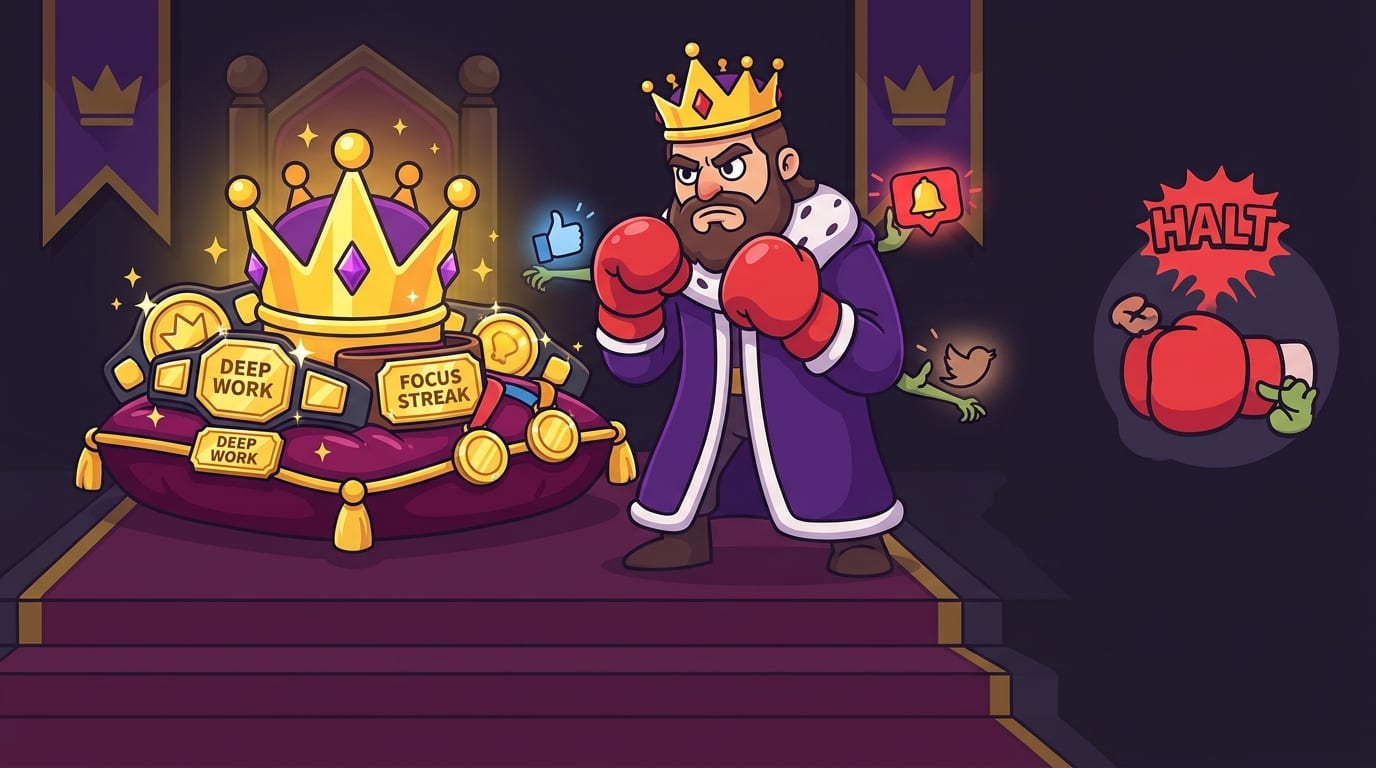
This is exactly where BlockChamp earns its crown. You can block specific sites like YouTube, Reddit, or X/Twitter, or use category bundles for Social Media, Video & Streaming, News, Shopping, Gaming, Gambling, Adult, and AI Distractions. Instead of manually fencing off every digital goblin one by one, you pick the opponents and let The King stand guard. If you try to sneak into a blocked site, you get The Stare-Down: a full-screen royal judgment scene that says, in spirit, “Nice try, champ. Back to work.” Weirdly effective. Mildly humiliating. Surprisingly delightful.
If you want more philosophical fuel for cutting down without disappearing from modern society, read our post on unmediated experience and digital minimalism. It is about remembering that life also happens outside the scroll. Shocking, we know.
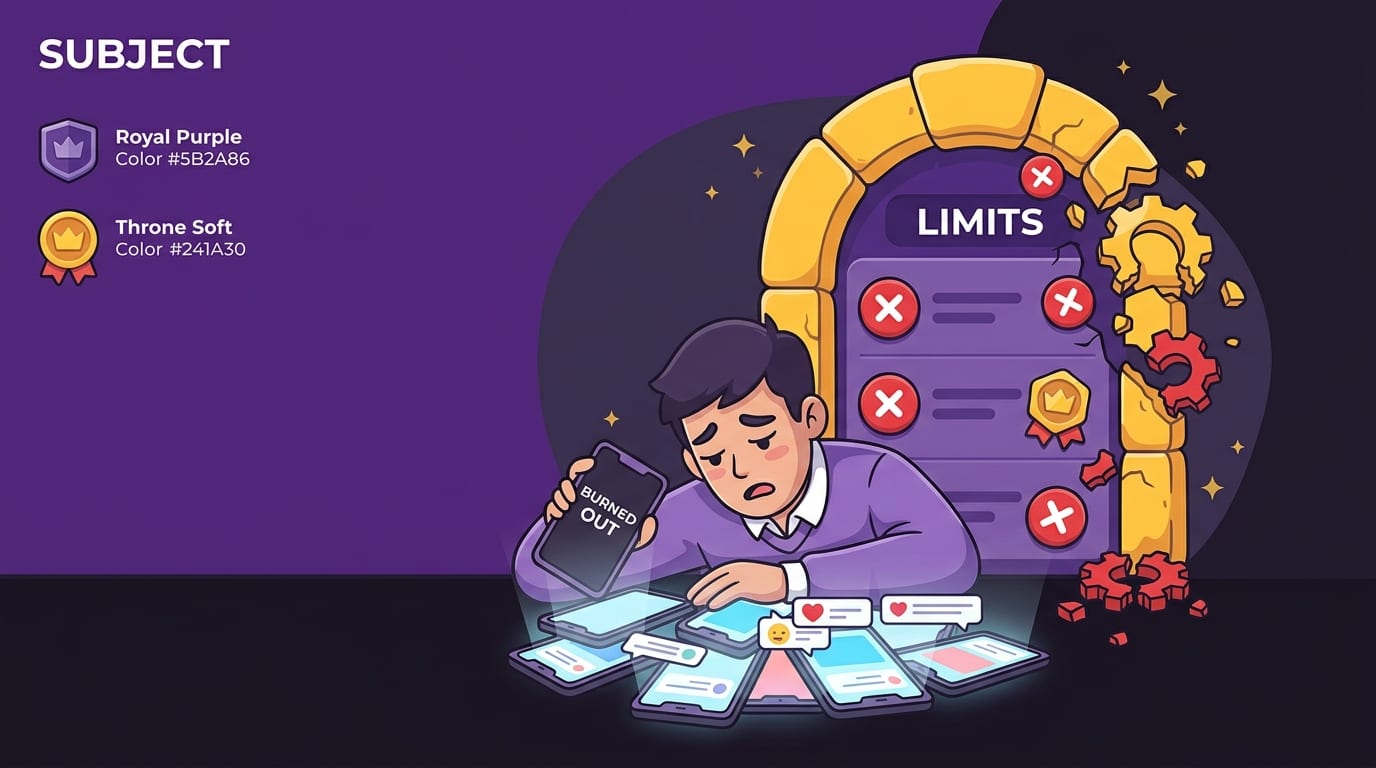
Notification Management: Stop Letting Apps Yell “Squire!” Every 11 Seconds
Notifications are tiny attention invoices. Every ping says, “Pay me now.” Most of them are not urgent. Many are not even useful. Some are just an app clearing its throat because engagement metrics demand a sacrifice.
To avoid digital burnout, you need to demote notifications from royal messengers to peasants with clipboards. They can wait outside the throne room.
Do a notification purge
Open your phone and computer settings. For each app, ask: “Does this need to interrupt me in real time?” Be ruthless. Keep immediate notifications for things that are genuinely time-sensitive, such as calls from family, calendar alerts, banking security, delivery updates if needed, and work tools during work hours. Turn off the rest.
Especially consider disabling:
- Social media likes, comments, follows, and “someone posted for the first time in a while” nonsense
- News alerts unless your job requires them
- Shopping promotions and price-drop traps
- Game reminders, streak nags, and “your kingdom needs you” alerts from apps that are not BlockChamp and do not have a boxing king
- Email push notifications, unless you work in emergency sandwich logistics
Batch your communication instead. Check email two or three times daily. Check messaging apps at planned intervals. For work chat, set status expectations: “Deep work 9–11, replies after.” This is not rude. This is professional attention hygiene. A clean focus kingdom has fewer screaming pigeons.
Major platforms understand that attention is under siege. Even Apple’s Focus modes and Android’s Digital Wellbeing tools now include features to reduce interruptions. Use them. The default settings were not handed down from Mount Productivity. You may change them.
Build Restorative Breaks: Your Brain Is Not a Microwave Burrito
One of the sneakiest causes of digital burnout is fake rest. You finish a work session on your laptop and “take a break” by opening your phone. Your eyes keep staring at pixels. Your brain keeps processing novelty. Your posture remains a question mark. Then you wonder why you still feel tired. Champ, you did not rest. You changed screens. That is not a break; that is a costume change.
Restorative breaks reduce cognitive load instead of adding more. They give your visual system, nervous system, and attention circuits a chance to recover. Try these:
- Take a 10-minute walk without headphones
- Stretch your neck, shoulders, wrists, and hips
- Look out a window or at distant objects to relax your eyes
- Make tea or coffee without checking your phone while the kettle performs its tiny opera
- Write down the next task on paper before returning to your screen
- Do breathing exercises: inhale for four, exhale for six, repeat for two minutes
- Talk to a human face-to-face, preferably one who is not an avatar with sunglasses
The CDC/NIOSH guidance on computer workstations highlights the importance of breaks, posture, and reducing strain during computer use. Your body is part of your productivity system. Ignore it long enough and it will file a rebellion.
A good rule: after every 60–90 minutes of screen-heavy work, take at least 5–10 minutes away from screens. If you are deep in burnout territory, make that 15. Do not negotiate with the goblin that says, “But what if I relax by reading comments?” The goblin has no medical license.
For more recovery ideas, our guide to self-care strategies for digital overwhelm goes deeper into simple rituals that calm the nervous system without requiring a luxury spa, a Himalayan salt wall, or a subscription box full of moss.
Protect Deep Work Like It Is the Crown Jewels
Digital burnout is not only caused by too much entertainment. It can also come from shallow work overload: too many tabs, too many meetings, too many messages, too many half-finished tasks glaring at you like unpaid parking tickets.
Deep work is focused, uninterrupted effort on cognitively demanding tasks. It is where studying, writing, coding, designing, planning, and problem-solving actually happen. It also feels increasingly rare because the modern internet keeps throwing confetti grenades into your attention span.
To protect deep work, create a repeatable ritual:
- Pick one task: Write it clearly. “Study chapter 4” beats “be productive.”
- Set a time box: Choose 45, 60, or 90 minutes.
- Clear your workspace: Close unrelated tabs. Put your phone away. Remove snack wrappers unless they are structural support.
- Block obvious distractions: Social media, streaming, shopping, news, and whatever site keeps mugging your attention.
- Start before you feel ready: Motivation often arrives after action. Lazy little diva.
- End with a checkpoint: Write what you finished and what comes next.
BlockChamp makes this easier because the Master Focus Toggle arms your blocks with one switch. Pro users can set recurring Focus Schedules, so blocks auto-activate during work or study hours. That means you do not have to wake up every morning and heroically decide not to become a YouTube archaeologist. The system decides for you. The King stands guard. Your job is to do the work and collect the XP.
And yes, XP matters. Habit change is easier when progress is visible. BlockChamp rewards focus minutes, focused days, stare-downs survived, reigns, levels, badges, and leaderboard progress. It turns “I did not waste my afternoon” into something you can actually see. Tiny dopamine, meet useful behavior. Long live the crown.
Create Digital Boundaries for Work, Study, and Home Life
One major reason people struggle to avoid digital burnout is boundary collapse. Work messages follow you to dinner. School portals haunt your weekend. Social feeds invade bedtime. Your phone becomes office, classroom, mall, theater, casino, diary, newsstand, and emotional support brick. No wonder your brain is tired. It lives in a 24-hour airport terminal.
Healthy boundaries make each digital space serve a defined purpose. Start with these:
Boundary 1: Separate work and personal browsing
Use different browser profiles for work, school, and personal life. Keep bookmarks, logins, and extensions organized by role. If your work profile has no social shortcuts, you remove a huge amount of temptation. If your personal profile has no work email, you stop “just checking one thing” at 9:47 p.m. like a cursed productivity vampire.
Boundary 2: Set office hours for communication
If your job or school allows it, define response windows. For example: email at 10 a.m., 1 p.m., and 4 p.m.; chat replies between focus blocks; no work notifications after 6 p.m. unless something is truly urgent. Put these expectations in your status or team norms. You are not ignoring people. You are preventing your brain from becoming a group project.
Boundary 3: Give entertainment a home
Streaming, gaming, and social media are not evil. The King is stern, not joyless. But entertainment becomes burnout fuel when it leaks into every empty moment. Give it a container: after dinner, after studying, weekends, or a planned break. Make leisure intentional instead of accidental.
Boundary 4: Make bedtime sacred
The National Sleep Foundation recommends reducing screen exposure before bed, and its sleep tips emphasize consistent routines and healthier sleep environments. Blue light, emotional stimulation, and endless feeds can all interfere with winding down. Charge your phone outside the bedroom if possible. If that feels impossible, at least keep it across the room and use grayscale or bedtime mode.
If you are interested in taking a more structured break from digital overload, our post on why digital fasting is the new detox explains how short, intentional tech fasts can reset your habits without requiring you to delete your entire existence.
Replace Doomscrolling With “Low-Stimulation Joy”
One reason people fall into digital burnout is that screens become the default answer to every feeling. Bored? Scroll. Tired? Scroll. Anxious? Scroll harder. Waiting in line? Scroll like a medieval scribe paid by the thumb movement. But many screen habits do not actually satisfy the need underneath.
When you catch yourself reaching for a draining app, ask: “What am I really looking for?”
- If you need rest, try lying down, stretching, or walking.
- If you need connection, text one person directly or call a friend.
- If you need stimulation, try music, a puzzle, drawing, cooking, or reading a physical book.
- If you need escape, watch one planned episode instead of falling into a feed designed to never end.
- If you need comfort, do something sensory: tea, blanket, shower, sunlight, breathing, petting a dog who definitely deserves it.
Low-stimulation joy is any enjoyable activity that does not bombard you with infinite novelty. It helps your brain downshift. Think walking, journaling, cleaning while listening to calm music, making food, reading, sketching, gardening, exercising, or having a conversation without checking your phone mid-sentence like a distracted little duke.
This is also where “app dieting” helps. You do not need to ban every digital product. You can consciously choose which tools deserve your attention and which ones are just glitter-covered traps. We wrote more about that in The App Diet: how to consciously consume digital applications. It is basically meal planning for your attention, minus the sad desk salad.

Use Friction as a Feature, Not a Failure
People often think self-control means effortlessly wanting the right thing all the time. Adorable. Completely false. Self-control is mostly about making good choices easier and bad choices more annoying. Friction is your friend. Friction is the moat around your focus castle.
Here are practical ways to add healthy friction:
- Remove distracting apps from your home screen
- Log out of social media after each session
- Use long, annoying passwords stored in a manager so impulse logins are slower
- Keep your phone in another room during focused work
- Turn your phone to grayscale during work hours
- Block distracting websites during your most vulnerable times
- Use scheduled shutdowns or app limits to create a stopping point
BlockChamp is basically friction with a crown and boxing gloves. Free users can block up to three sites and enable two distraction categories, with full gamification included. Champion users get unlimited blocked sites, all eight categories, keyword blocking, recurring schedules, syncing, and Hardcore Lockdown. Hardcore Lockdown is the anti-impulse boss battle: if you try to turn focus off, you must wait through a cooldown timer or complete The King’s boxing-riddle mini-game before surrendering. By the time you finish proving you really want to open Reddit, the craving often passes. That is not punishment. That is design.
This matters because burnout prevention is not about having perfect discipline. It is about building an environment where your tired future self does not have to fight a thousand tiny battles. Give Future You a shield. Maybe a crown. Definitely fewer tabs.
Try a 7-Day Plan to Avoid Digital Burnout
If you want a practical reset, try this seven-day plan. It is simple, realistic, and does not require you to announce a dramatic “I am leaving the internet forever” post that you then check every seven minutes.
- Day 1: Track without judgment. Review your screen time and identify your top three draining apps or sites.
- Day 2: Turn off nonessential notifications. Keep only what truly needs immediate attention.
- Day 3: Create two screen-free anchors. Try the first 30 minutes after waking and the last 60 minutes before bed.
- Day 4: Block your biggest distractions during one focus block. Use BlockChamp or your preferred tool to protect 60–90 minutes.
- Day 5: Replace one scroll session with low-stimulation joy. Walk, read, cook, stretch, or call someone.
- Day 6: Batch communication. Check email and messages at set times instead of constantly.
- Day 7: Review and refine. What helped? What felt too strict? Adjust your limits so they are sustainable.
The review step is crucial. A digital burnout plan should evolve with your life. Exam week may require stronger website blocking. Vacation may require looser rules. A remote-work sprint may need recurring focus schedules. The goal is not purity. The goal is sustainability. You are building a kingdom, not performing productivity theater for invisible LinkedIn knights.
If you feel deeply overstimulated already, pair this plan with ideas from how to reclaim calm from digital mental overstimulation. Burnout recovery works best when you reduce incoming noise and add genuine recovery at the same time. Less chaos in, more calm out. Revolutionary stuff, apparently.
How to Know Your Digital Boundaries Are Working
You will know your new habits are working when your relationship with technology feels more intentional and less possessed. You may still use screens a lot, especially for work or school, but you will feel less hijacked by them.
Look for these signs:
- You can start tasks without needing a 20-minute warm-up scroll
- You check your phone because you chose to, not because your thumb staged a coup
- You sleep better or wind down more easily
- You feel less mentally cluttered after work or study sessions
- You enjoy online entertainment more because it is intentional, not compulsive
- You recover faster after stressful digital days
- You have more time for offline activities that actually refill your tank
Do not expect perfection. You will still have weird scroll spirals. You will still open a tab and forget why. You may still watch one video and emerge 38 minutes later knowing how medieval armor was cleaned. That is fine. The point is to notice sooner, recover faster, and build systems that keep one slip from becoming a full royal collapse.
BlockChamp’s reign system is useful here because it rewards consistency without demanding sainthood. Every focused minute earns XP. Every focused day strengthens your reign. Every blocked-site temptation survived becomes a tiny win instead of a shame spiral. And when The King catches you trying to sneak into a distraction, the roast is part of the recovery. “Caught. Back to work.” No drama. No doom. Just a quick jab and a reset.
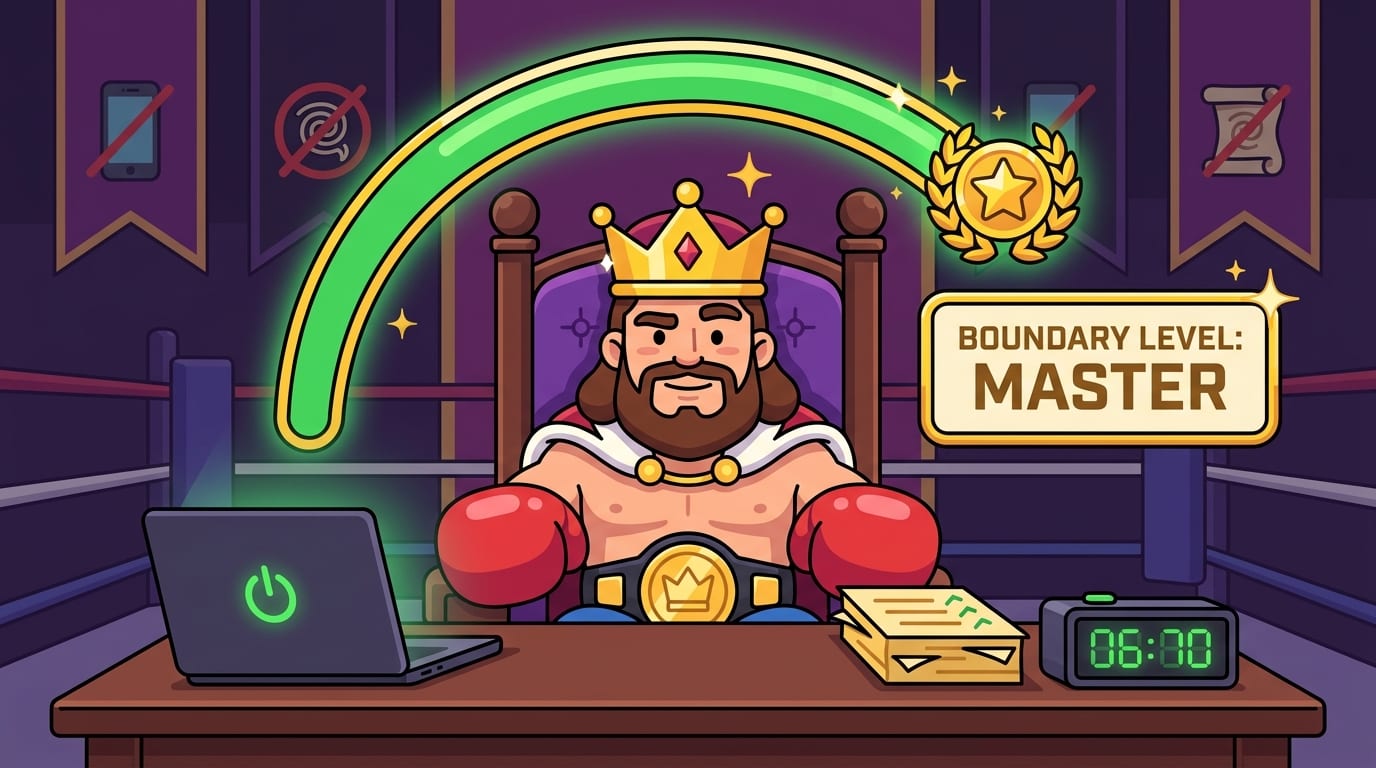
Conclusion: Defend the Throne, Crush the Scroll
To avoid digital burnout, you do not need to hate technology. You need to stop letting it run the kingdom. Set screen limits that fit your life. Turn off noisy notifications. Take real breaks away from screens. Protect deep work. Create boundaries between work, entertainment, and rest. Replace doomscrolling with activities that actually restore you. And when willpower gets wobbly, use tools that make focus easier instead of relying on heroic self-control every five minutes like a productivity gladiator with bad Wi-Fi.
Digital wellbeing is not about becoming perfectly optimized. It is about feeling human again. Clearer. Calmer. Less twitchy. More in charge. The internet can stay in your life, but it does not get to sit on the throne wearing your crown.
If distracting websites are one of your biggest burnout triggers, give BlockChamp a try. Block your top time-wasters, let The King guard your focus, earn XP for staying on track, and turn “I should really stop scrolling” into a game you can actually win. Long live your focus, champ. Now close the chaos tab and go reclaim your reign.
Related posts

Writing Sprint Tips For Focused Output

Paper Or Digital Planner

Generative Ai And Staying Focused At Work
