
Work Time Management Tips

Your workday is not “too short.” It is being mugged in a digital alley by Slack pings, surprise meetings, inbox goblins, “quick” research tabs, and one innocent-looking YouTube thumbnail titled something like “Man Builds Underground Castle With Spoon.” That is why good work time management tips are not fluffy productivity confetti. They are armor.
The goal is not to become a robot who color-codes breathing breaks and refers to lunch as “fuel intake.” The goal is simpler: know what matters, protect time for it, reduce distractions, and review your day before chaos puts on a tiny crown and declares itself king.
Below are practical, battle-tested work time management tips you can use today whether you are working from home, studying, freelancing, managing a team, or trying to survive office life without becoming emotionally attached to your calendar app. We will cover prioritization, focused work blocks, distraction control, routines, reviews, tools, and the tiny behavioral tricks that make all of this stick. Long live your focus.
Quick Answers
1. Start With a Tiny Daily Plan, Not a 47-Tab Life Rebrand
The first mistake people make with time management is trying to manage everything. They open a planner, make a majestic list of 22 tasks, assign each one a heroic little checkbox, then immediately get ambushed by email and spend the rest of the day replying, reacting, and wondering why their soul feels like a loading spinner.
Good time management starts with a daily plan that is small enough to survive contact with reality. Before you open email, chat, social media, or the “urgent but actually vague” pile, decide what a successful day looks like.
Try this five-minute morning planning routine:
- Write down every task on your mind.
- Circle the top three outcomes that would make the day successful.
- Pick one “crown jewel” task: the thing that matters most.
- Block time for that task before the day gets noisy.
- Choose one thing you will deliberately ignore until later.
That last step is underrated. Time management is not only choosing what to do. It is choosing what not to do yet. The inbox can wait. The low-stakes admin task can wait. The urge to reorganize your desktop folders into “Desktop_Final_ActuallyFinal_v3” can definitely wait.
If your work involves unpredictable demands, your daily plan still matters. You are not carving commandments into stone tablets. You are setting a compass direction. When interruptions happen, you can return to the plan instead of letting the day become a productivity soup with no spoon.
Research from Atlassian on workplace distractions has highlighted how interruptions and context switching eat into productive time. A simple daily plan gives you a home base. Without it, every notification feels like a royal decree. Spoiler: most are just peasants yelling.
2. Prioritize Like a Ruthless but Polite Monarch
Not all tasks deserve equal treatment. Some tasks move projects forward, generate revenue, improve relationships, or prevent future disasters. Other tasks mostly make you feel busy, which is productivity’s sneakiest little scam.
One of the most useful work time management tips is to separate tasks by impact and urgency. You do not need a complicated system. Use this simple four-bucket method:
- Do first: Important and urgent tasks that need action today.
- Schedule: Important but not urgent tasks that create long-term progress.
- Delegate or simplify: Urgent but lower-value tasks someone else can handle or that can be done faster.
- Delete or defer: Low-value tasks that do not deserve prime brain real estate.
The danger zone is the urgent-but-not-important bucket. These tasks wear fake mustaches and pretend to be priorities. They include random meeting requests, “can you just…” messages, unnecessary status updates, and reports nobody reads except one spreadsheet goblin named Craig.
To prioritize better, ask three questions:
- What task would make everything else easier or less necessary?
- What task has the biggest consequence if ignored?
- What task requires my best energy, not my leftover crumbs?
Then put the answer on your calendar. A priority that is not scheduled is just a wish wearing business casual.
If you struggle to see where your time actually goes, using time tracking for a week can be painfully illuminating. Not forever. Just long enough to expose the villains. BlockChamp has written more about this in how using a time tracker can increase your productivity, which pairs nicely with prioritization because you cannot defend your time if you do not know who keeps stealing the royal silverware.
3. Use Focus Blocks: Give Your Brain a Moat
Focus does not happen because you whispered “deep work” into a latte. It happens when you protect a clear block of time from interruption and give your brain one job.
A focus block is a scheduled period dedicated to one type of work. It can be 25 minutes, 50 minutes, 90 minutes, or whatever length fits your energy and role. The magic is not the exact duration. The magic is the boundary.
Here are three practical focus block formats:
The 25/5 Sprint
Work for 25 minutes, take a 5-minute break. This is great for tasks you avoid, admin work, studying, and getting started when your motivation is hiding under the bed eating crackers.
The 50/10 Power Block
Work for 50 minutes, break for 10. This works well for writing, analysis, design, coding, planning, or anything that needs real concentration but not a full cave-dwelling transformation.
The 90-Minute Deep Work Session
Use this for your hardest, most valuable work. Turn off notifications, close irrelevant tabs, block distracting websites, and tell people you are unavailable unless the building is on fire or someone brought free tacos.
Cal Newport’s concept of deep work has become popular because it reflects a brutal truth: knowledge work requires sustained attention. If you are constantly switching between tasks, you are not “multitasking.” You are making your brain sprint between rooms while carrying soup. The American Psychological Association’s research summary on multitasking notes that task switching can reduce efficiency and increase mental load. Translation: your brain is not a browser with infinite tabs. It is a dramatic little organ that needs boundaries.
During focus blocks, make the rules obvious:
- One task or one project theme only.
- No email unless email is the focus block.
- No chat unless required for the task.
- No “quick checks” of social media, news, shopping, sports, or whatever your personal goblin portal is.
- Keep a scratchpad nearby for random thoughts so you do not chase them.
This is where BlockChamp can become your royal guard. With BlockChamp for Chrome, you can block distracting websites by site, category, or keyword, then turn on the Master Focus Toggle when your work block begins. If you wander toward Reddit, YouTube, TikTok, shopping sites, news, or AI distractions when you should be working, The King gives you the full-screen Stare-Down and sends you back to the task. It is time management with boxing gloves. Elegant? Slightly unhinged? Effective? Yes.
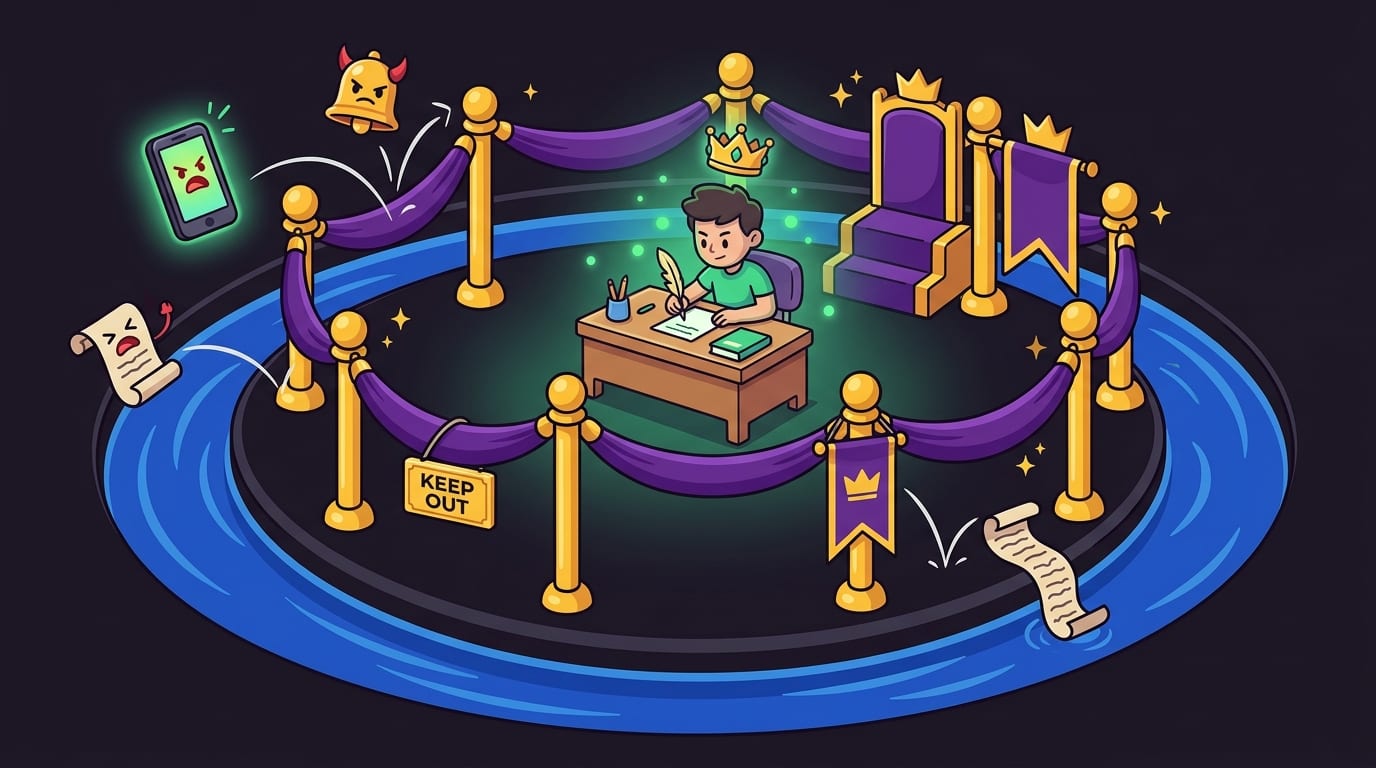
4. Reduce Digital Distractions Before They Start Swinging
Distraction control is not about having more willpower. Willpower is unreliable. It starts the day wearing armor and ends the day ordering snacks while watching raccoons steal cat food. Your environment needs to do more of the work.
Modern apps are designed to pull attention. Infinite scroll, autoplay, notifications, algorithmic feeds, red badges, and “recommended for you” sections are not accidents. They are tiny attention hooks. According to DataReportal’s Digital 2024 Global Overview Report, people spend huge portions of daily life online, with social platforms taking a major share of attention. The point is not “internet bad.” The point is that your workday is competing with professional distraction machines.
Use a layered approach:
- Turn off non-essential notifications on desktop and phone.
- Keep only necessary work tabs open during focus blocks.
- Move distracting apps off your phone home screen.
- Use separate browser profiles for work and personal browsing.
- Block websites that repeatedly hijack your day.
- Set specific times for email and messages instead of checking constantly.
If social media is your main productivity dragon, read BlockChamp’s guide on how to limit time on social media. It digs into practical limits without pretending you will suddenly become a forest monk who communicates only through handwritten letters and meaningful eye contact.
For workplace environments, distraction blocking can also be a team productivity tool. If your company struggles with employees losing time to streaming, gambling, shopping, or social feeds during work hours, the guide on how to block websites in the workplace explains the practical side. The key is to balance focus with trust. Nobody wants a surveillance dungeon. People do want fewer digital trapdoors.
BlockChamp is useful here because it keeps blocking simple and non-creepy. It runs on your computer, focuses on blocking distractions, and does not sell your browsing history. Plus, instead of a boring “blocked” page, it delivers The King’s judgment. Sometimes the productivity system you need is a cartoon royal boxer saying, “Nice try, peasant.” The heart wants what it wants.
5. Batch Similar Tasks So Your Brain Stops Changing Costumes
Every task has a mental setup cost. Writing a proposal, answering email, joining a meeting, analyzing data, reviewing design feedback, and planning next week all require different mental modes. When you bounce between them all day, your brain has to keep changing costumes backstage. Eventually it trips over a feather boa and forgets why you opened the spreadsheet.
Batching means grouping similar tasks together and doing them in dedicated blocks. Instead of checking email 37 times, check it three times. Instead of taking random calls whenever possible, create call windows. Instead of doing admin crumbs all day, create an admin block.
Common task batches include:
- Email and messages: 20–30 minutes, two or three times per day.
- Meetings: Cluster them in specific parts of the day when possible.
- Creative work: Protect morning blocks if that is when your brain has the least soup in it.
- Admin: Expense reports, forms, updates, scheduling, and other tiny paper dragons.
- Learning or research: Save articles, videos, and docs for one planned research block.
Batching also helps reduce the “while I’m here” trap. You open email to reply to one client, then suddenly you are cleaning your inbox, reading newsletters, checking shipping updates, and investigating whether standing desks are a scam. Forty minutes vanish. The throne is empty. The King is disappointed.
To make batching easier, create start and stop rituals. For email, open your inbox with a clear rule: reply, archive, schedule, or add to task list. No wandering. For meetings, keep an agenda and end with decisions and next actions. For deep work, close messaging apps and turn on your website blocker. Build the doorway so your brain knows what room it has entered.
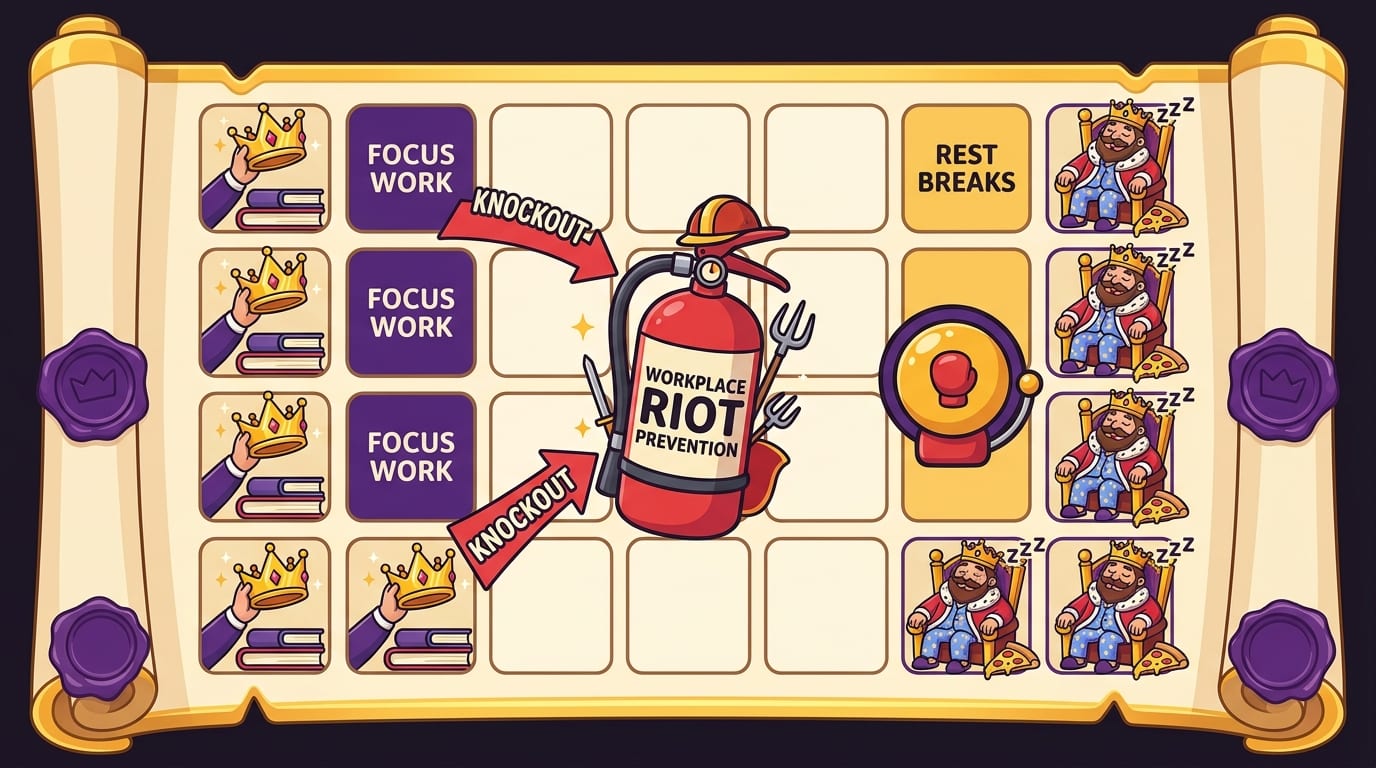
6. Put Breaks on the Calendar Before Your Brain Starts a Riot
Time management is not about squeezing every minute until it squeaks. You are not a productivity toothpaste tube. Breaks are part of the system.
Without planned breaks, your brain will invent unplanned ones. Usually bad ones. “I’ll just check Instagram for two minutes” becomes 28 minutes of watching strangers organize pantries. “I’ll read one news headline” becomes doomscrolling through global catastrophe like a medieval town crier with Wi-Fi.
Planned breaks work better because they are intentional, time-limited, and actually restorative. The best breaks do not look like your work. If your job is screen-heavy, do not spend every break staring at a smaller screen like a tech goblin nesting doll.
Try these better break options:
- Walk outside for five to ten minutes.
- Stretch your neck, shoulders, wrists, and hips.
- Drink water like a responsible land mammal.
- Do a quick tidy of your desk.
- Look out a window and let your eyes relax.
- Write down any mental clutter before returning to work.
Breaks also protect decision-making. The longer you push without recovery, the more tempting low-effort distractions become. That is when you start bargaining with yourself: “I worked hard, therefore I deserve 11 minutes of TikTok.” Fine, maybe after work. During work, that is how the scroll army breaches the gate.
There is also a sleep connection. If you regularly sacrifice rest and end the day exhausted, time management gets harder tomorrow. BlockChamp’s article on bedtime scrolling explains how late-night screen habits can sabotage your energy. A tired brain is a distractible brain. A distractible brain is basically a raccoon in a tiny business suit.
7. Manage Meetings Before They Multiply Like Office Gremlins
Meetings are not inherently evil. Some are useful. Many are just calendar barnacles. If you want better work time management, meetings need rules.
Before accepting or scheduling a meeting, ask:
- What decision needs to be made?
- Could this be an email, document comment, or short voice note?
- Who truly needs to attend?
- What is the agenda?
- What will happen if we do not meet?
If the answer is “we just need to sync,” beware. “Sync” can mean “we have no agenda, but we enjoy gathering in rectangles.” A useful meeting has a purpose, an owner, and a next action. Without those, it becomes a time swamp with screen sharing.
Try these meeting rules:
- Default to 25 or 50 minutes instead of 30 or 60.
- Require an agenda for recurring meetings.
- End every meeting with owners and deadlines.
- Create meeting-free blocks for deep work.
- Cancel recurring meetings that no longer have a clear purpose.
Microsoft’s research into modern work has repeatedly shown that digital overload, meetings, and after-hours communication can strain productivity and wellbeing. Their Work Trend Index is worth browsing if you want data-backed context on how work patterns are changing. The short version: calendars are crowded, attention is fragmented, and the kingdom needs fewer ceremonial gatherings.
If you cannot control your meeting schedule completely, protect the edges. Put a 15-minute buffer after heavy meetings to capture notes and next steps. Avoid scheduling deep work immediately after emotionally draining calls. And if possible, batch meetings into half-days so you do not pepper your whole week with interruption confetti.
8. Build Routines That Remove Tiny Decisions
One underrated time management secret: decisions are expensive. The more you decide repeatedly, the more mental energy you burn before the real work even starts. Routines reduce decision fatigue by making good behavior automatic.
You do not need a cinematic morning routine involving sunrise journaling, imported tea, and a cold plunge while chanting stock tickers. Start with practical routines that directly support work.
Morning Startup Routine
- Review calendar.
- Choose top three outcomes.
- Schedule your first focus block.
- Turn on distraction blocking.
- Open only the tools needed for the first task.
Midday Reset Routine
- Check progress against top three priorities.
- Move unfinished tasks intentionally, not emotionally.
- Take a real break.
- Set the next focus block.
Shutdown Routine
- Write down what you completed.
- Capture loose tasks.
- Choose tomorrow’s first priority.
- Close work tabs and apps.
- Stop pretending you will “just finish one more thing” at 9:47 p.m.
Routines are especially powerful when paired with visible progress. This is one reason BlockChamp leans into gamification. Every minute of focus earns XP. Every focused day builds your reign. Surviving a blocked-site temptation earns points instead of shame. That turns time management from “ugh, discipline” into “wait, I can level up?” Your brain likes progress bars. We are all just sophisticated pigeons with laptops.
If you use BlockChamp’s Focus Schedule as a Champion user, you can have blocks automatically activate during recurring work hours. That means your workday starts with The King already on guard, robe flapping, gloves ready, spiritually prepared to uppercut TikTok into the moat.

9. Review Your Week: The Crown Needs a Mirror
Daily planning helps you aim. Weekly review helps you improve. Without review, you repeat the same mistakes with fresh stationery.
A weekly review does not need to be dramatic. Set aside 20–30 minutes at the end of the week and answer these questions:
- What did I finish that mattered?
- Where did my time actually go?
- What interrupted me most often?
- Which tasks kept getting pushed?
- What should I stop doing, simplify, or delegate?
- What are the top priorities for next week?
This is where time tracking, focus calendars, and blocker stats become useful. Not because you need to obsess over every minute like a spreadsheet dragon guarding coins, but because patterns reveal truth. Maybe mornings are your best creative window. Maybe meetings keep slicing your day into productivity deli meat. Maybe your “research” block is secretly YouTube wearing a fake lab coat.
BlockChamp’s calendar and focus-hour counters help make invisible time visible. You can see which days stayed golden, when your reign held, and how many stare-downs you survived. That feedback loop matters. Productivity improves faster when you can see the score.
For a broader look at how people spend and manage work time, RescueTime’s productivity research and reports often provide useful context on digital work habits. Use data as a flashlight, not a whip. The goal is to learn, adjust, and get back in the ring.
10. Use Tools, but Do Not Build a Productivity Throne Out of Apps
Tools can help. Tools can also become procrastination wearing a monocle. If you spend more time configuring your productivity system than doing your work, the system has staged a coup.
A strong time management stack should be simple:
- A calendar for time blocks and meetings.
- A task manager or notebook for priorities.
- A notes app for project details and ideas.
- A timer for focus sessions.
- A distraction blocker for digital boundaries.
That is it. You do not need 14 dashboards, three AI assistants, and a kanban board for deciding whether to buy oat milk. Keep your tools boring where boring helps, and fun where fun increases consistency.
This is BlockChamp’s sweet spot: it makes the hard part, resisting distractions, feel less like punishment and more like a game. The free tier lets you block up to three sites and two categories while still giving you XP, levels, badges, reigns, calendar tracking, leaderboard competition, and The Stare-Down with voice lines. Champion unlocks unlimited sites, all eight categories, keyword blocking, schedules, sync, and Hardcore Lockdown with either a cooldown timer or the boxing riddle.
That boxing riddle is delightfully ridiculous in the best way. If you try to turn focus off during a weak moment, The King can make you repeat a three-round glove combo before surrendering. Is it silly? Yes. Does silly work because it creates friction and gives the impulse time to fade? Also yes. Sometimes the difference between “productive afternoon” and “I watched an hour of people reviewing keyboards” is one well-placed speed bump.
If you want to test the kingdom for yourself, you can visit BlockChamp and install the Chrome extension. Start with your top three distraction sites. Let The King handle the heckling.
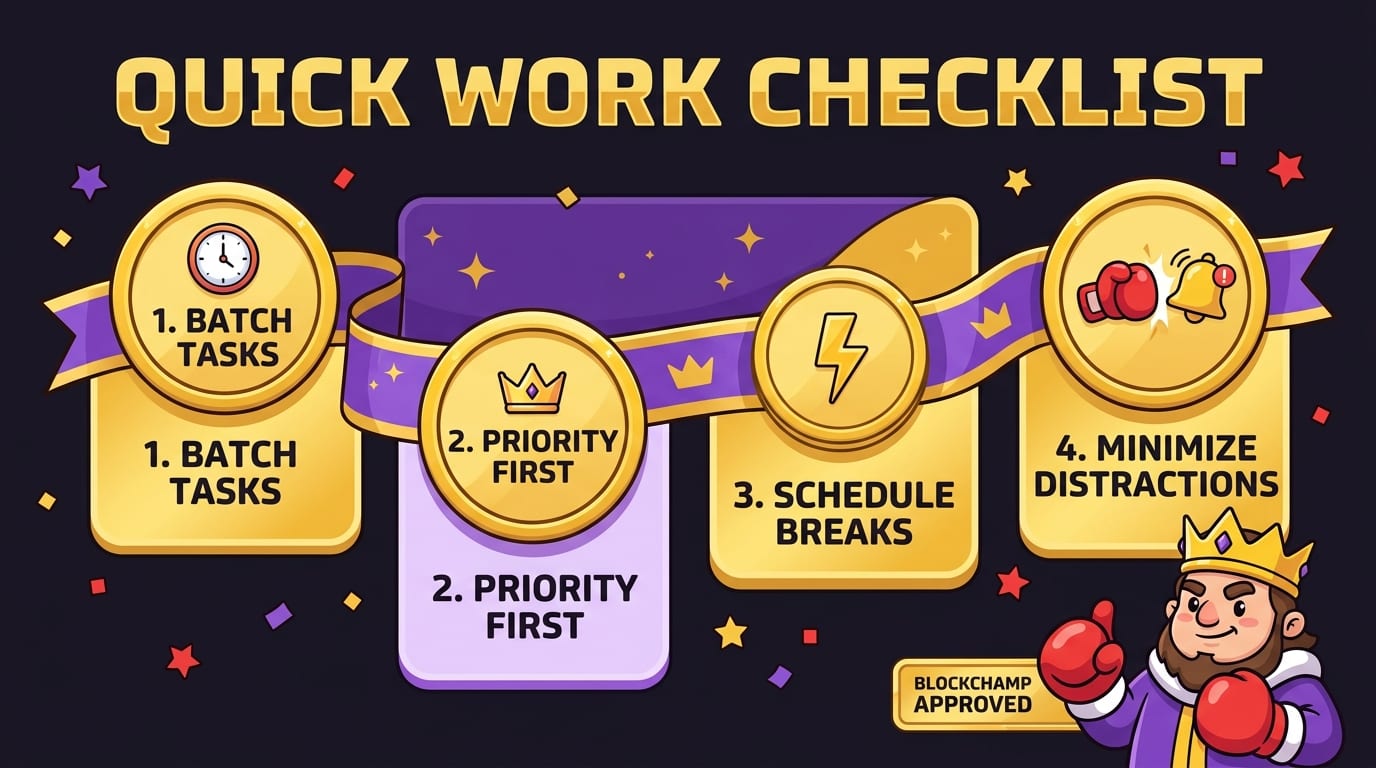
Quick Work Time Management Checklist for Tomorrow
If you are thinking, “Great, but my brain has already opened a new tab called Overwhelm,” here is the short version. Use this tomorrow:
- Before checking messages, choose your top three outcomes.
- Schedule one 50-minute focus block for your most important task.
- Block your biggest distraction sites during that block.
- Batch email into two or three windows instead of constant checking.
- Take one real break away from screens.
- End the day by writing tomorrow’s first priority.
That is enough. Do not try to become the final boss of productivity in one morning. Better time management is built through repeatable moves. Plan, prioritize, focus, block distractions, review, adjust. Then do it again.
Final Round: Become King of Your Workday
The best work time management tips are not complicated. They are just hard to practice in a world designed to steal your attention one ping, scroll, tab, and “quick check” at a time.
So keep the system simple. Plan your day before the noise starts. Prioritize the work that actually matters. Protect focus blocks like they are crown jewels. Batch shallow tasks. Take real breaks. Review your week. Use tools that reduce friction instead of creating a new hobby called “organizing the organization system.”
And when distractions come charging at the gates, do not rely on noble intentions alone. Noble intentions are adorable. They also fold instantly when YouTube recommends “Penguin Befriends Traffic Cone.” Put a guard on the throne.
BlockChamp helps you knock out distracting websites, stay consistent with XP and reigns, and laugh at yourself when The King catches you trying to wander into the scroll mines. It is a website blocker for people who want focus to feel like winning, not like sitting in a beige room with a sad productivity pamphlet.
Start small. Block the biggest time thief. Run one focused work block. Survive one Stare-Down. Earn a little XP. Defend the throne.
Long live your focus, champ.
Related posts

Finding Focus For Fiction Writing

Learning To Focus In A Digital World As A Creative

Finding Focus For Personal Growth
