
Overwhelmed At Work

If you feel overwhelmed at work, congratulations: you are officially participating in modern employment, a thrilling obstacle course where emails reproduce like rabbits, meetings appear without warning, and your to-do list looks like it has been training for a heavyweight title fight. One minute you are calmly opening your laptop. The next, Slack is pinging, your calendar is on fire, your boss needs “just a quick thing,” and somehow you are reading a 37-comment thread about whether the spreadsheet should be named “Final_FINAL_v6.”
Feeling overwhelmed at work is not a personal failure. It is often a systems problem, a boundaries problem, a priority problem, or a “why did I open Reddit during a stressful task and now I live there?” problem. The good news: overwhelm can be managed. Not with magical productivity fairy dust, but with practical habits, ruthless prioritization, better time protection, and a few tools that guard your attention like a tiny royal bouncer.
This guide breaks down how to stop feeling buried, regain control of your day, and build a work rhythm that does not make your nervous system scream into a decorative mug.
Quick Answers
First: What Does “Overwhelmed at Work” Actually Mean?
Being overwhelmed at work usually means your perceived demands are bigger than your perceived capacity. Translation: your brain looks at the pile of tasks, deadlines, messages, decisions, and interruptions and says, “Absolutely not, bestie.”
Work overwhelm can show up in a few sneaky ways:
- You jump between tasks but finish very little.
- You avoid important work because it feels too big to start.
- You check email or chat constantly, hoping clarity will magically appear. Spoiler: it does not.
- You feel tired even before the day really begins.
- You work longer hours but feel less productive.
- You procrastinate with “productive-looking” tasks, like reorganizing folders instead of writing the report due tomorrow.
The American Psychological Association regularly reports work as a major source of stress for adults, and its Stress in America research highlights how stress affects health, attention, mood, and daily functioning. Meanwhile, Microsoft’s Work Trend Index has documented the growing weight of digital debt: the mountain of emails, chats, meetings, and notifications that workers are expected to process while also doing actual work. Bold strategy, workplace. Very bold.
The first move is to stop treating overwhelm as a character flaw. You are not “bad at work.” You are probably dealing with too many inputs, unclear priorities, and too little protected focus time. That is fixable. Crown still available.
The Overwhelm Audit: Find the Real Beast Under the Bed
Before you try to fix everything, identify what kind of overwhelm you are dealing with. Otherwise you will slap random productivity hacks on the problem like stickers on a leaking boat. Cute, but damp.
Do a 10-minute overwhelm audit. Grab a notebook, doc, or sticky note that has not yet lost the will to live. Write down every work-related thing currently taking up mental space. Do not organize it yet. Just dump it out.
Sort Your Stress Into Four Buckets
Once everything is out of your head, sort each item into one of these categories:
- Tasks: Things you need to do, like “finish proposal” or “update client deck.”
- Decisions: Choices you need to make, like “which vendor?” or “what should the campaign angle be?”
- Communication: Replies, follow-ups, approvals, meetings, and “circling back,” the official mating call of corporate life.
- Unclear blobs: Vague stress monsters like “fix onboarding,” “figure out Q3,” or “deal with analytics.”
The unclear blobs are usually the loudest. They feel huge because they are undefined. “Fix onboarding” is scary. “List the top five onboarding complaints and propose two changes by Friday” is doable. Still annoying, perhaps, but doable.
Once you can see the mess, you can manage the mess. You cannot prioritize fog. You can prioritize tasks.
Prioritize Like a Ruthless Little Monarch
When you are overwhelmed at work, everything feels urgent. But “urgent” is often just “loud wearing a fake mustache.” The trick is separating what truly matters from what is merely yelling.
Use a simple priority filter: impact, urgency, and ownership.
- Impact: What moves goals, revenue, clients, grades, deadlines, or team progress?
- Urgency: What has a real deadline or consequence if delayed?
- Ownership: Is this actually your responsibility, or did someone toss it into your kingdom like a flaming raccoon?
Then label each task:
- Do today: High impact, real urgency, clearly yours.
- Schedule: Important but not immediate.
- Delegate or clarify: Needs someone else, shared ownership, or more information.
- Delete or ignore: Low-value noise pretending to be work.
The “Top Three” Rule
Every morning, choose three meaningful outcomes for the day. Not 17. Not “everything because I am a productivity dragon.” Three.
Good examples:
- Draft the first version of the client proposal.
- Review and approve the landing page copy.
- Prepare talking points for tomorrow’s stakeholder meeting.
Bad examples:
- Catch up on everything.
- Be productive.
- Stop feeling like a haunted inbox.
Your brain needs finish lines. “Be productive” is not a finish line; it is a motivational poster with commitment issues.
If you work remotely or hybrid, prioritization becomes even more important because the boundary between work and life can turn into a sad puddle. For more structure, BlockChamp has a helpful guide on how to stay focused when working from home, especially if your “office” is also where snacks, laundry, and suspiciously comfortable couches live.
Break Big Tasks Into Tiny, Non-Terrifying Pieces
Overwhelm loves vague tasks. Your brain hates them because it cannot tell where to begin. “Build presentation” sounds like climbing a mountain in office shoes. “Open slides and create a rough outline” sounds like something a human can do before lunch.
Use the next-action method. For every intimidating task, ask: “What is the very next visible action?”
Examples:
- Instead of “write report,” try “create report outline with five headings.”
- Instead of “fix website,” try “list the three pages with the highest bounce rate.”
- Instead of “handle client issue,” try “write a two-sentence summary of the problem and send it to support.”
- Instead of “plan launch,” try “create launch checklist draft with dates missing.”
This works because starting is often the hardest part. Once momentum begins, the task becomes less like a dragon and more like a mildly rude lizard.
Use the 15-Minute Entry Ramp
If you are avoiding a task, commit to just 15 minutes. Set a timer. Your only job is to begin, not finish. After 15 minutes, you can stop, continue, or dramatically stare out a window like a misunderstood genius.
Most of the time, you will keep going because the psychological resistance has dropped. Starting shrinks the monster. This is also why distractions are so dangerous when you are overwhelmed: they offer instant relief right before deep work starts to feel possible. One tab of YouTube becomes six videos, two comment sections, and a sudden interest in medieval bread ovens. We have all been there. The algorithm wears a tiny villain cape.

Protect Focus Time Like It Is the Crown Jewels
You cannot think deeply if your attention is being tackled every three minutes. Research from the University of California, Irvine has long shown that interruptions can be costly, with studies on workplace interruption and attention highlighting how difficult it is to return to a task after being disrupted. You can explore related work from researcher Gloria Mark through her research on attention and digital distraction.
Focus time is not a luxury. It is where the important work happens. Meetings, messages, and admin are part of work, sure. But if your whole day is reactive, you become a very tired human notification processor. Beep boop, burnout.
How to Create Real Focus Blocks
Try this simple structure:
- Block 60 to 90 minutes for one important task.
- Close email and chat, or set yourself to do-not-disturb.
- Put your phone out of reach, ideally somewhere requiring actual leg movement.
- Open only the tabs needed for the task.
- Write the goal at the top of your page: “By the end of this block, I will…”
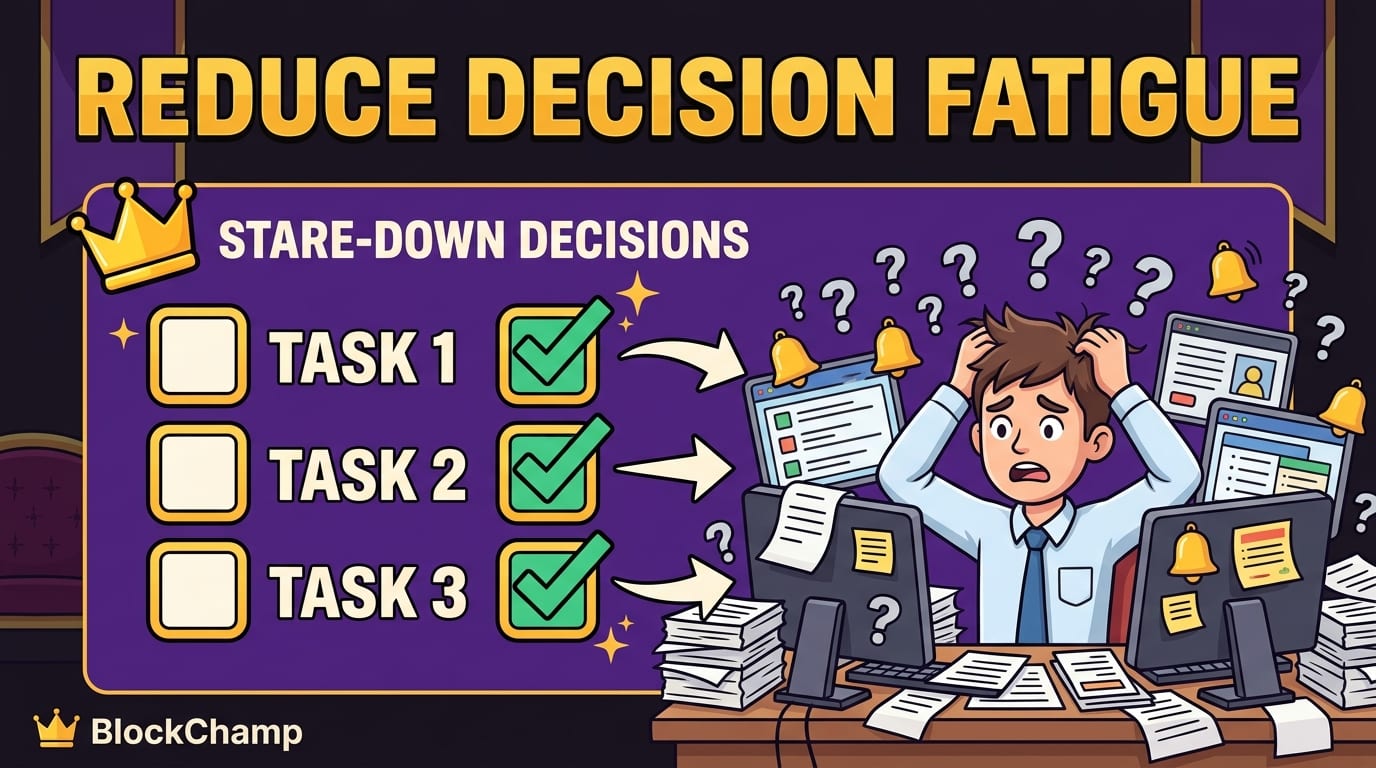
If distracting websites are your personal tiny demons, use a website blocker during focus blocks. This is where BlockChamp fits naturally into the battle plan. It lets you block specific sites, keywords, or whole categories like Social Media, Video, News, Shopping, Gaming, Gambling, Adult, and AI Distractions. Flip the Master Focus Toggle to “On Guard,” and The King stands watch while you work. Try to sneak into a blocked site and you get The Stare-Down: a full-screen royal judgment moment reminding you that your 12-day reign is not worth sacrificing for “just one quick scroll.”
Is it silly? Yes. Does silly work? Often, yes. Especially when the alternative is another gray productivity tool quietly judging you like an accountant in a thunderstorm.
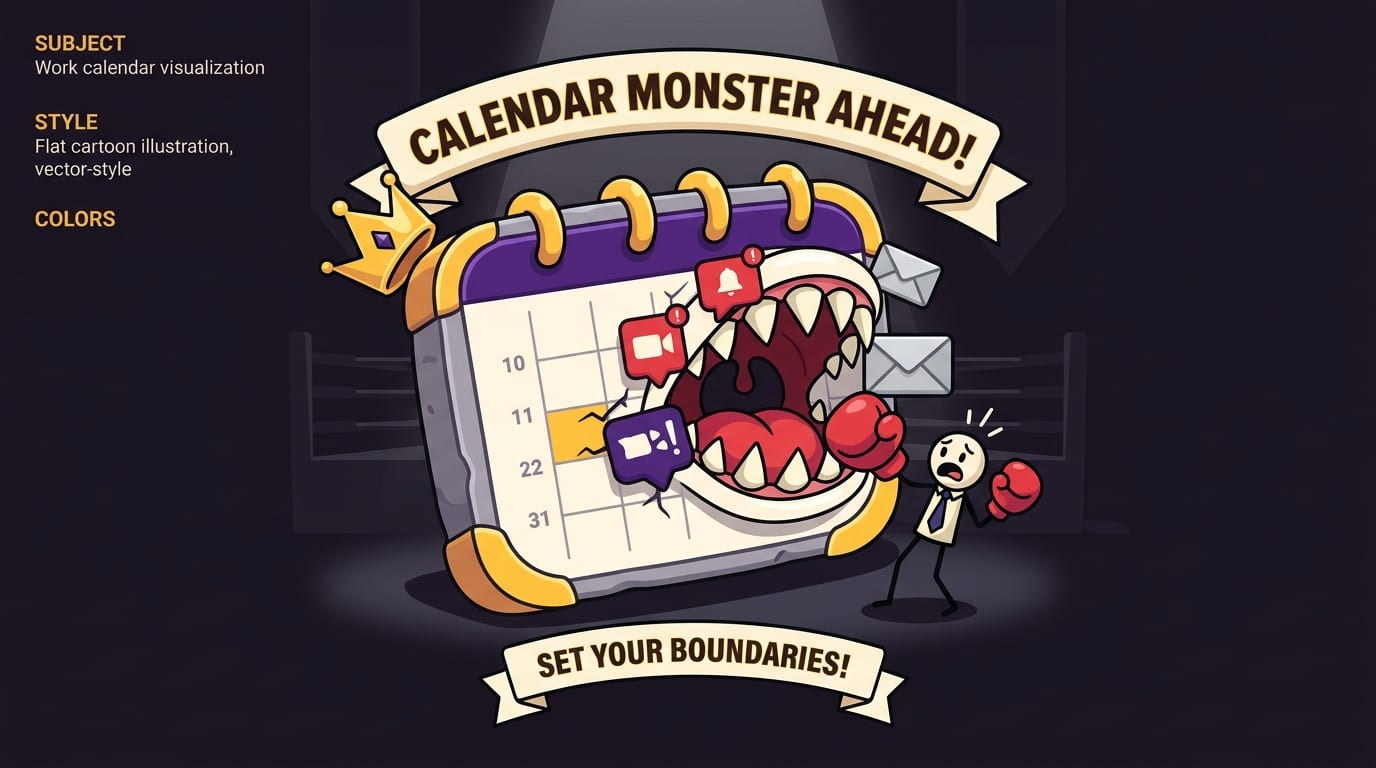
Set Boundaries Before Your Calendar Eats You
If you are overwhelmed at work, your calendar might be part of the crime scene. Meetings expand. “Quick syncs” multiply. Someone schedules a brainstorming session at 4:30 p.m. on Friday, which should be illegal in at least seven kingdoms.
Boundaries are not about being difficult. They are about making work sustainable and protecting the conditions required to do good work.
Useful Boundary Scripts That Do Not Sound Like a Villain
Try these scripts when your workload is too much:
- “I can take this on, but I’ll need to move X to next week. Which should be the priority?”
- “I’m at capacity today. I can review this tomorrow afternoon.”
- “Can we clarify the deadline and expected outcome before I start?”
- “This seems important. Who is the final decision-maker?”
- “I have focus time blocked then. Could we move this meeting to later?”
Notice the magic: you are not saying “no” like a bridge troll. You are giving trade-offs. Managers and teammates often do not see your full workload unless you show it to them. Make capacity visible.
For hybrid teams, boundaries get extra spicy because work can spill across locations, devices, and time zones. If that is your arena, you may like BlockChamp’s post on how to thrive in a hybrid work environment, which covers routines and communication habits that keep the chaos goblins contained.
Tame Digital Distractions, Because Your Brain Is Not a Pop-Up Window
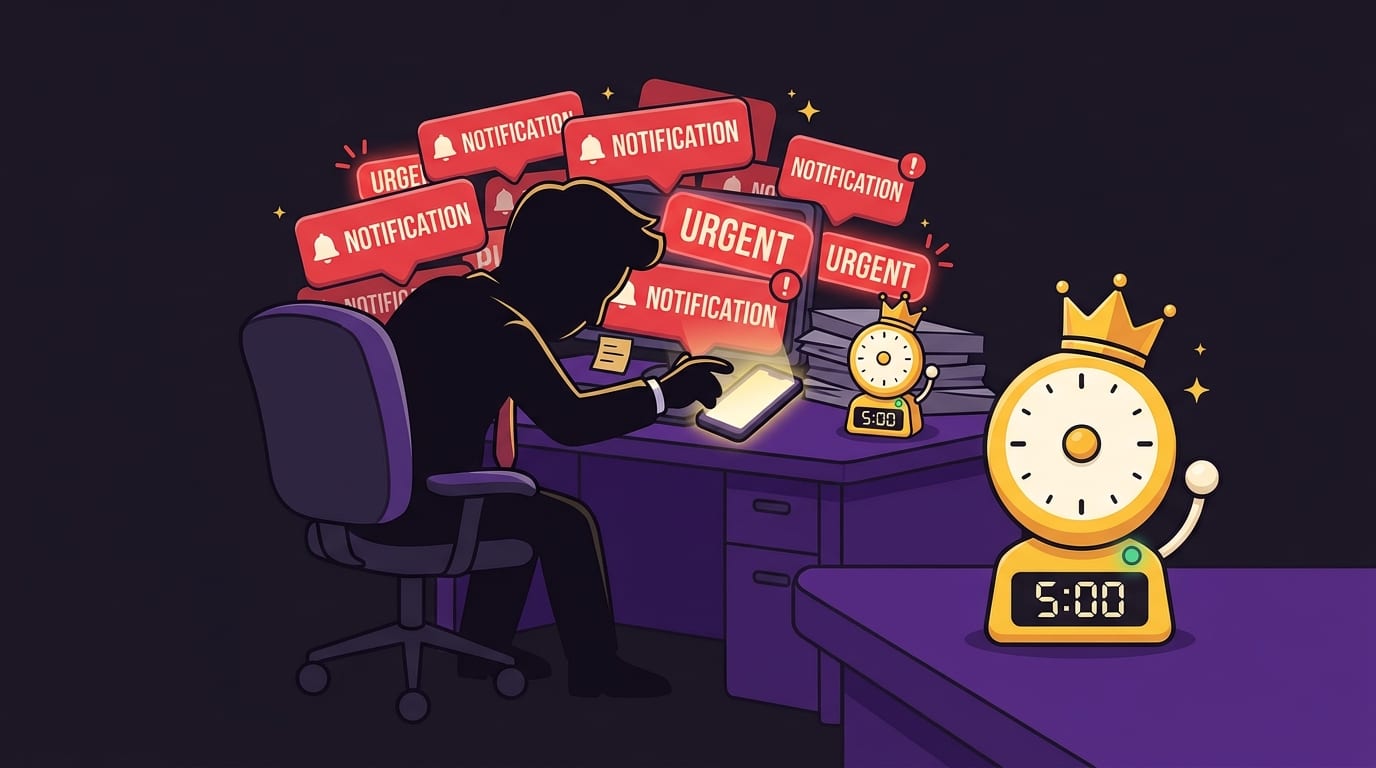
Digital distractions are a major reason people feel overwhelmed at work. They do not just waste time; they fragment attention. A few minutes on social media can turn into a mental fog machine. You return to the task technically present, spiritually lost.
According to Asana’s Anatomy of Work research, workers spend a significant amount of time on “work about work” like status updates, searching for information, switching apps, and managing communication rather than skilled work itself. Add personal distractions on top, and your day becomes a tab-juggling circus. No wonder you feel overwhelmed. You are doing work, tracking work, discussing work, recovering from work, and occasionally watching a raccoon wash grapes.
Create a Distraction Defense System
Use layered defenses instead of relying on willpower alone. Willpower is great until stress arrives wearing boxing gloves.
- Remove temptation: Log out of distracting accounts during work hours.
- Hide triggers: Remove bookmarks and shortcuts to time-wasting sites.
- Batch communication: Check email and chat at set times instead of constantly.
- Block distraction categories: Use BlockChamp to block entire categories like Social Media or Video during deep work.
- Make escape harder: If you are a Champion user, BlockChamp’s Hardcore Lockdown can require a cooldown timer or a three-round boxing riddle before you turn focus off. Yes, a boxing riddle. Productivity has entered its arcade era.
The goal is not to become a joyless productivity monk who communicates only through calendar invites. The goal is to reduce impulsive context switching so your brain can actually finish things.
Use Time Management That Matches Real Human Energy
Classic time management advice often assumes you are a robot with a planner. You are not. You are a human with energy waves, emotions, interruptions, and possibly a snack drawer with suspicious influence over your decisions.
Instead of planning your day only around time, plan around energy. Put hard thinking tasks where your brain is strongest. For many people, that is morning. For others, it is late afternoon after caffeine performs its tiny jazz concert.
Try the 3-Part Workday
Divide your day into three zones:
- Deep work zone: Your highest-energy block for the most important task.
- Collaboration zone: Meetings, messages, reviews, and team decisions.
- Admin zone: Email cleanup, documentation, scheduling, low-stakes tasks.
This reduces decision fatigue. You are not asking “What should I do now?” every 20 minutes. You have a rhythm. A tiny kingdom constitution, if you will.
Time blocking can be especially useful here. Cal Newport popularized the concept of deep work, and his writing on focused success in a distracted world explains why sustained concentration is becoming rarer and more valuable. The short version: if you can protect attention, you gain an unfair advantage. Not evil unfair. More like “wearing armor in a pillow fight” unfair.
BlockChamp’s Pro Focus Schedule supports this beautifully by automatically activating blocks on recurring days and hours, such as Monday through Friday from 9 a.m. to 12 p.m. If you know mornings are for deep work, let The King stand guard automatically. Your future self will bow respectfully.
Reduce Decision Fatigue With Checklists and Defaults
Decision fatigue is sneaky. By noon, your brain may already be exhausted from tiny choices: which email to answer, which task to start, whether to attend that meeting, what doc to open, how to phrase “per my last email” without summoning a legal curse.
Defaults reduce cognitive load. They make good behavior easier.
Build a Simple Daily Startup Checklist
Use the same 5-minute startup routine every workday:
- Check calendar for fixed commitments.
- Review your task list.
- Choose your top three outcomes.
- Block one deep work session.
- Turn on distraction protection, such as BlockChamp’s Master Focus Toggle.
That is it. No 14-step ceremony involving imported notebooks and a productivity gong. Simple wins because simple gets repeated.
Create Shutdown Rituals Too
End your day with a shutdown ritual so your brain stops carrying work around like a cursed backpack.
- Write down what you finished.
- List open loops for tomorrow.
- Pick the first task for the next workday.
- Close your work tabs.
- Log off. Actually log off. The kingdom can survive one evening.
If you struggle to stop working, overwhelm may be mixing with workaholic habits. BlockChamp has a relevant read on how to tell if you might be a workaholic, which is useful if your laptop has started feeling less like a tool and more like a clingy dragon.
Ask for Help Before You Become a Human Smoke Alarm
Many people wait too long to ask for help because they do not want to look incapable. But asking early is a professional skill, not a weakness. The earlier you raise risks, the easier they are to solve.
If you are overwhelmed at work, talk to your manager or team lead with specifics. Do not just say, “I’m drowning,” even if emotionally accurate and possibly accompanied by dramatic bubbles. Bring a clear snapshot:
- Here are my current priorities.
- Here are the deadlines.
- Here is what is at risk.
- Here are two options for trade-offs.
Example:
“I’m currently working on the client proposal, the onboarding updates, and the Q2 report. The proposal is due Thursday and has the highest client impact. If the Q2 report also needs to be done this week, I’ll need help with the onboarding updates or approval to move them to next Tuesday. What would you prefer?”
This makes you look organized, not helpless. You are bringing the map, not just yelling that the castle is on fire.
Also, if the overwhelm is persistent and affecting sleep, health, mood, or daily functioning, consider talking to a mental health professional or employee assistance program if available. Productivity tips help with workload management; they are not a substitute for care when stress becomes chronic.
Build Recovery Into the Day, Not Just the Weekend
You cannot sprint all day and expect your brain to politely regenerate at 6 p.m. Recovery needs to happen in small doses throughout the day. Otherwise, you end up revenge-scrolling at night because your brain is desperately trying to reclaim autonomy. Very relatable. Not very restful.
Try micro-recovery habits:
- Take a 5-minute walk after a deep work block.
- Look away from the screen and relax your eyes.
- Drink water before you become a raisin with deadlines.
- Do a one-minute breathing reset before switching tasks.
- Eat lunch away from your desk at least a few times per week.
The World Health Organization recognizes stress as a common response to demanding situations and emphasizes coping strategies, support, and healthy routines. Work stress is not solved by pretending you are invincible. Even kings need lunch.
Recovery is not laziness. It is maintenance. Race cars take pit stops. Your brain deserves at least the same respect as a tire.
A Practical “Overwhelmed at Work” Reset Plan for Tomorrow
Let’s turn this into an actual plan. Not a vague “do better” plan. A real one. Tomorrow, try this:
- Do a brain dump: Write every task, worry, and deadline in one place.
- Sort the list: Tasks, decisions, communication, unclear blobs.
- Pick your top three: Choose three meaningful outcomes for the day.
- Break the scariest task: Define the next visible action.
- Block one focus session: 60 to 90 minutes, one task only.
- Guard your attention: Turn on do-not-disturb, close extra tabs, and use BlockChamp to block your biggest digital traps.
- Batch messages: Check email and chat at planned times if your role allows it.
- Communicate trade-offs: If new work appears, ask what should move.
- Shutdown cleanly: Write tomorrow’s first task before logging off.
If that seems too much, start with only steps 1, 3, and 6. Dump the chaos, choose the top three, and protect one focus block. That alone can change the feel of your day.
For broader remote-work routines, you can also read BlockChamp’s practical list of top work-from-home tips. Because sometimes the difference between “productive professional” and “feral pajama goblin” is a few solid systems.
Final Round: You Are Not Behind, You Are Overloaded
Feeling overwhelmed at work does not mean you are lazy, weak, or secretly bad at your job. It usually means too many demands are competing for too little attention, with unclear priorities and digital distractions tap-dancing on top. A truly cursed sandwich.
The way out is not to work harder forever. It is to work clearer. Audit the chaos. Prioritize ruthlessly. Break big tasks into tiny actions. Protect focus time. Set boundaries. Reduce distractions. Recover like a person who owns a nervous system, because you do.
And when the internet tries to lure you away from the thing you actually need to finish, put a guard on the gate. BlockChamp can help you block distracting sites, build focus streaks, earn XP, and let The King roast you back to work when your fingers wander toward YouTube, Reddit, or the news doom-pit. It is focus with a crown, boxing gloves, and just enough sass to keep you honest.
Start small tomorrow. One list. Three priorities. One protected focus block. Defend the throne, champ. Your workday may be chaotic, but it does not get to wear the crown.
Related posts

Finding Focus For Fiction Writing

Learning To Focus In A Digital World As A Creative

Finding Focus For Personal Growth
