
How Creators Overcome Digital Temptations

Creators rarely lose an afternoon to one dramatic decision. More often, it vanishes in tiny installments: check a comment, answer a message, look up one reference, watch a tutorial, and somehow end up comparing vintage lamps on a site you did not know existed. Learning how creators overcome digital temptations is less about becoming immune to the internet and more about building a workday that makes the next good choice easier.
That matters because creative work needs more than an open laptop and a powerful beverage. It needs attention, space to experiment, and enough uninterrupted time to follow an idea past its awkward first draft. The good news: you do not have to move to a cave or throw your phone into a dramatic lake. You can set boundaries, shape your digital environment, and make focus rewarding enough to repeat.
Quick Answers
Why digital temptations hit creators especially hard
Creators use the internet as both workshop and neighborhood. A designer might need to check a reference, then see a message from a client. A writer may look up one fact and pass a dozen headlines along the way. A video creator may open YouTube to research a format and leave an hour later knowing everything about a stranger’s kitchen renovation.
This is not simply a willpower problem. Digital tools bundle useful work and easy entertainment into the same screen. Notifications invite us to respond. Feeds keep offering fresh material. A task that feels uncertain or difficult can make the next quick distraction look extremely appealing. The tempting tab promises an immediate reward; creative work often asks you to tolerate uncertainty before it pays off.
Frequent task switching also has a cost. Research from the American Psychological Association discusses how shifting between tasks can slow work and increase mistakes, especially when tasks are complex. You can read its overview of the psychology of multitasking. The practical lesson is not “never look at another tab.” It is to stop making your attention re-decide what to do every thirty seconds.
There is a further wrinkle: creators often feel they must stay visible online to stay relevant. Publishing, community engagement, and research may genuinely be part of the job. But “being available” can quietly expand until it eats the hours meant for making the work worth sharing. The trick is to separate creation time from distribution time, rather than asking your brain to write, promote, reply, and resist a meme at once.
How creators overcome digital temptations: make focus concrete
“I should focus more” sounds noble, but it is not a plan. Focus improves when you decide what the session is for, how long it lasts, and what counts as progress. Pick one visible outcome: sketch three concepts, draft 500 rough words, edit the opening minute, or organize the reference images for one project.
Keep the outcome small enough to begin. “Finish my portfolio” can make anyone’s brain sprint toward the nearest snack-shaped distraction. “Choose two projects and write a one-sentence description for each” is less glamorous, but it is clear and achievable. Creative momentum often arrives after starting, not before. The muse is welcome to visit; she does not get to hold up production while looking for parking.
Try a 25- or 50-minute focus block followed by a short break. The exact interval is not sacred. If you are deep in a useful stretch, you can continue; if you are struggling, a timer gives the session a manageable edge. At the beginning, write the next action on a note. When you drift, that note becomes a small signpost back to the work.
- Define one deliverable. Choose an outcome you can recognize when the timer ends.
- Prepare the workspace. Open the files and references you need before the session starts.
- Park unrelated thoughts. Keep a “later” list for errands, ideas, and tempting searches.
- End with a handoff. Write the next action so tomorrow’s start is easier.
For example, a freelance illustrator might set a 45-minute block to explore three color palettes, not “work on the client project.” If a new idea or unrelated task pops up, it goes on the later list. At the end, the illustrator has something specific to review and a clear next step: test the strongest palette on the second composition.
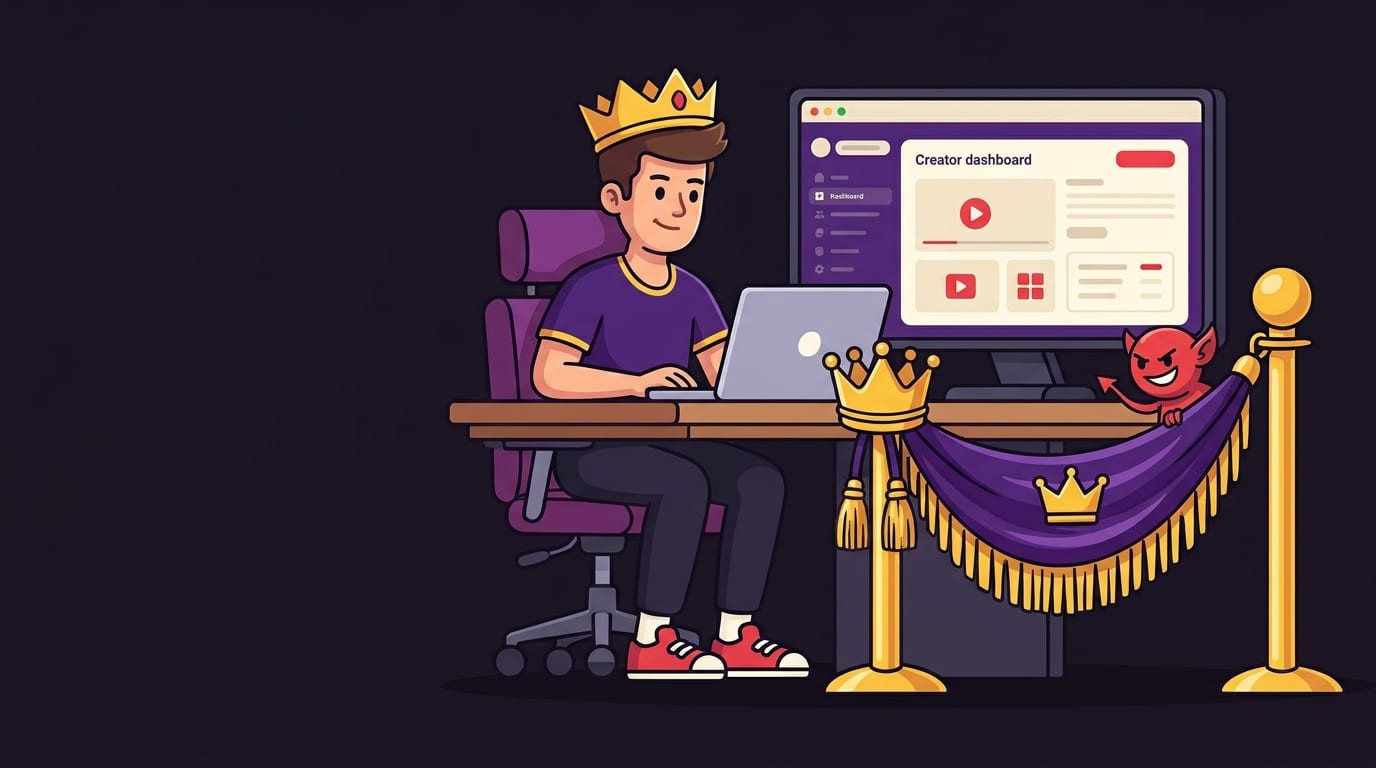
Give tempting websites a velvet rope
When a distraction is one click away, every visit becomes a tiny negotiation. “I’ll just check for a second” is an impressive legal argument, especially when delivered by a brain that has already opened a shopping tab. Reducing access during work sessions removes some of those negotiations before they begin.
Start with the websites that repeatedly interrupt your creative work. You do not need to block the entire internet. Maybe your main culprits are social feeds, video recommendations, news, online shopping, or community forums. Close the loop: if a site is needed for a project, decide in advance when and why you will use it. “Check one tutorial to learn how to mask this object” is bounded. “Open YouTube and see what happens” is a voyage of uncertain duration.
For Chrome users, BlockChamp offers a gamified way to block distracting websites, keywords, and categories. Its master focus toggle arms your blocks, and category bundles can restrict whole kinds of distractions without manually assembling a list site by site. The free version supports up to three individual sites and two categories, which is enough for many people to test whether a little friction helps.
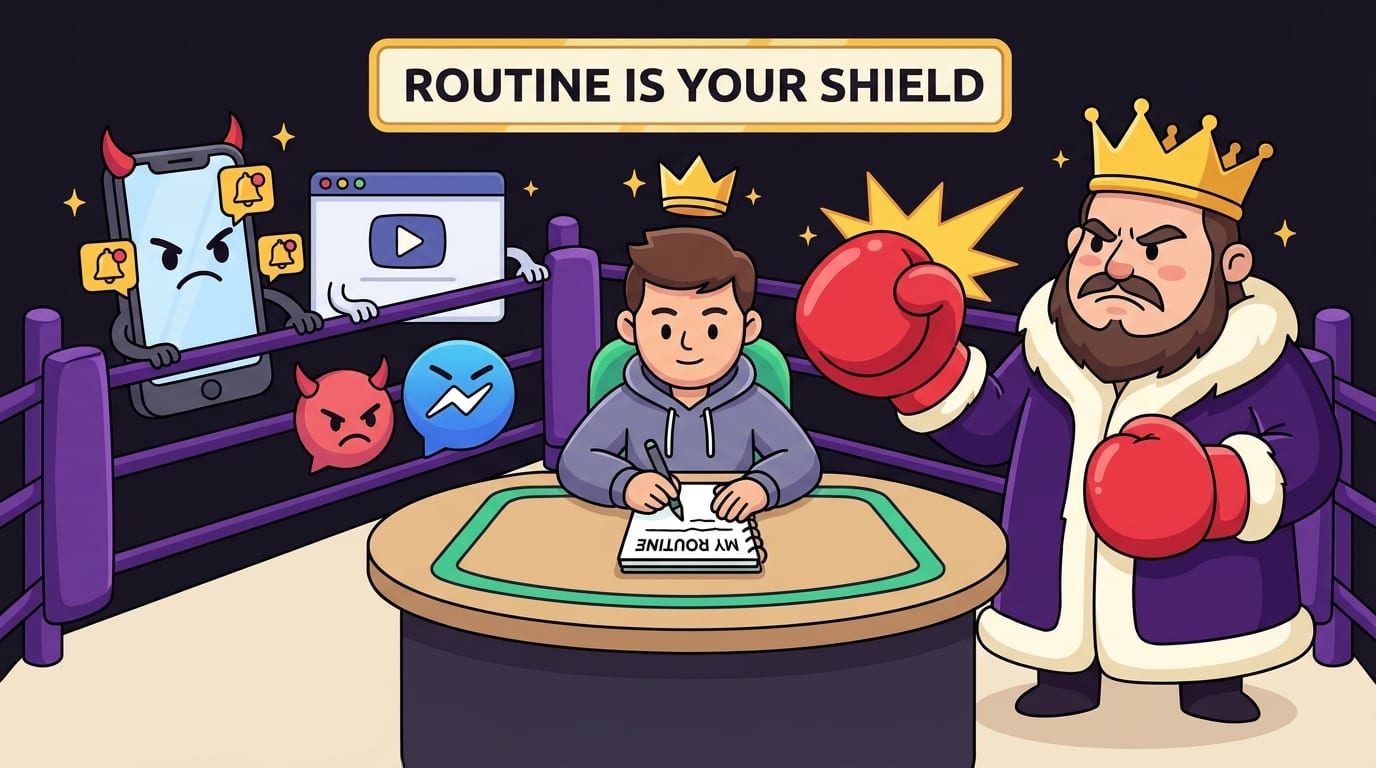
BlockChamp also makes a blocked visit feel less like a blank wall and more like a playful interruption. The Stare-Down shows The King, the royal boxer mascot, judging your attempted detour. It is a humorous reminder to return to the task, not a diagnosis of your character. Some people find a light, memorable nudge easier to live with than a stern gray warning. Your browser has enough gray boxes already.
If you want a broader set of tactics, see BlockChamp’s guide to apps that help conquer digital distraction. The best tool is not the one with the most intimidating settings; it is the one that fits your actual workday and that you will keep using.
Separate making from checking, posting, and replying
Creators often have legitimate reasons to visit platforms that are also distraction machines. Social media can be a publishing channel, a community space, a research source, and a bottomless feed wearing four different hats. Rather than treating every platform visit as forbidden, assign it a job and a time.
Try dividing the day into modes. During creation mode, draft, design, compose, edit, or build. During communication mode, reply to clients and collaborators. During publishing mode, schedule or post finished work. During research mode, gather references with a defined question in mind. These do not need to be four separate calendar appointments every day; even a simple distinction can help.
Batch low-effort checks into one or two windows. For example, a creator could check comments and messages at 11:30 a.m. and 4 p.m., while keeping notifications muted during a morning writing block. If a client needs to reach you urgently, agree on a genuine emergency channel. Constantly monitoring every platform is not the same as being professional. It is often just working as an unpaid receptionist for every app on your screen.
Make the boundary visible. Set your status to unavailable, close messaging tabs, or use a dedicated browser profile for making work. Keep the publishing tools and the entertainment feed from sharing the same easy doorway where possible. A practical rule might be: open the platform to publish a finished item, then leave when the task is done. No wandering the feed “for context” unless context is the task.
Design a routine that survives low motivation
Routines help because they reduce the number of decisions required to begin. A creator does not need a perfect morning ritual involving twelve candles and a handwritten vow to the algorithm. A repeatable sequence of three or four small actions is enough: clear the desk, open the project file, write the session goal, start the timer.
Use a start-up cue that is easy to repeat. It could be the same playlist, a cup of tea, a specific desk lamp, or a short walk before opening your work. Over time, the cue can become a signal that it is time to begin. The environment will not magically produce excellent ideas, but it can help you stop waiting for motivation to arrive in a limousine.
Give breaks a little structure, too. A short walk, stretching, water, or looking out of a window gives your attention a change of pace without dropping you into a feed. If you do use your phone during a break, choose the activity before you pick it up. “I’m calling my sister” has an endpoint. “I’m checking my phone” is an invitation for seven apps to make competing campaign speeches.
Creators working from a digital planner can experiment with a paper notebook for the session’s task list, or do the reverse if paper gets lost under a mysterious pile of cables. BlockChamp’s article on paper versus digital planners can help you think through which format better supports your planning style. The aim is not to pick a morally superior notebook. It is to keep planning from becoming another screen-based detour.
Use boundaries and environment design, not shame
A distraction does not mean you are lazy or secretly doomed to become a person who watches clips forever. It often means the work is difficult, the next step is unclear, you are tired, or the tempting option is extremely accessible. Treat the moment as useful information. Ask, “What was I avoiding?” and “What would make the next step easier?”
If you keep drifting from a blank document, perhaps the task is too broad. If you repeatedly check messages, maybe you are worried about a deadline or unclear about when you will reply. If you open a feed whenever a project becomes challenging, consider adding a short reset break or breaking the project into smaller steps. Changing the conditions is usually more useful than scolding yourself for having a human brain.
Environmental design means making the desired action easier and the unwanted action less convenient. Place your project file in the foreground. Sign out of distracting accounts during a focus block. Move a phone out of arm’s reach. Turn off nonessential notifications. Block the sites that most reliably derail you. These interventions are small, but they prevent the same impulse from getting a front-row seat on every round.
Creators may also find it helpful to define a daily “good enough” target. A writer’s target could be one rough section; a photographer’s, a first edit of ten images; a musician’s, a focused hour on a difficult passage. This gives the day a finish line. Without one, work can expand indefinitely, while breaks become the only activity with a clear stopping point—or, depending on the feed, no stopping point at all.
Make focus rewarding, not merely restrictive
Blocking distractions can help protect your attention, but a boundary alone does not make a creative session feel satisfying. Build in a visible reward for showing up. Record focus blocks completed, mark milestones on a calendar, or share progress with a trusted collaborator. The goal is not to turn every hour into a competition. It is to make effort visible, especially when the finished project is still weeks away.
Gamified progress can be motivating for people who enjoy goals and milestones. BlockChamp awards XP for focus time and maintaining active blocks, while reigns, badges, and levels make consistency easier to see. Resisting a blocked site can also earn XP. The key is that these signals should support the real work, not become a new dashboard you check every few minutes. A progress bar is a helpful coach; it should not become the star of the show.
For a stronger barrier against impulsive quitting, BlockChamp’s Champion plan includes Hardcore Lockdown. Depending on the selected mode, turning focus off requires waiting through a cooldown or completing a short boxing-riddle game. That pause can interrupt the automatic “I’ll just switch it off” moment and give the urge time to pass. It is an optional tool, not a test of virtue; use it if extra friction suits your habits.
For more on adding a deliberate pause to digital habits, read the guide to locked mode and building better digital habits. If your main challenge is feeling present while devices are nearby, BlockChamp also explores ways to reduce digital distractions and be more present.

Build a digital workspace that supports your creative brain
Creators should not have to choose between using digital tools and protecting their attention. The useful question is which tools belong in the current session. Keep a short list of the apps and sites you need for the task, and close the rest. If research is essential, save references in a dedicated folder or document rather than keeping a dozen tempting tabs open like a tiny, chaotic museum.
Use browser profiles or separate windows to create a clearer boundary between work and personal browsing. A work profile can hold client accounts, project tools, and research bookmarks. A personal profile can hold entertainment and shopping logins. This does not make the feeds less compelling, but it introduces a moment where you have to choose to cross into the other space.
Set a finish routine, too. Save the work, note the next action, close unnecessary tabs, and decide when you will check messages again. A clean ending reduces the mental clutter that can otherwise follow you into your evening. It also makes the next session less intimidating: instead of beginning with “Where was I?” you begin with a specific instruction left by your past self, who is briefly behaving like a competent assistant.
For more ideas tailored to creative work, BlockChamp’s article on learning to focus in a digital world as a creative explores the challenge of doing concentrated work inside tools designed for constant connection. Take the advice that fits your craft. A video editor’s workflow and a novelist’s workflow will differ; both can benefit from fewer unnecessary interruptions.
A practical one-week plan to reclaim creative attention
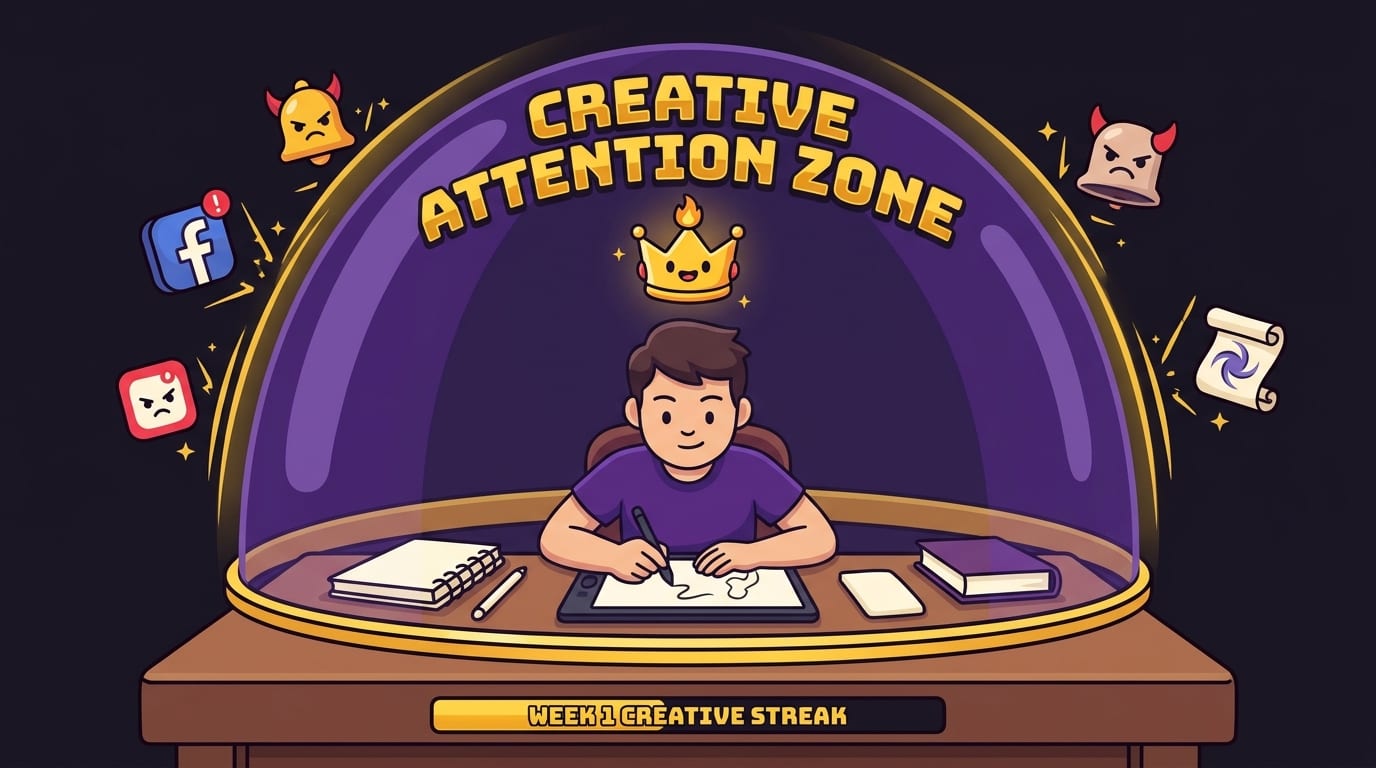
You do not need to rebuild your whole life on Monday morning. Try a small experiment for one week, then adjust based on what actually happens. The point is to learn which temptations interrupt your work and which boundaries make it easier to return.
- Day one: notice the pattern. For one work session, write down what interrupts you and what you were doing just before it happened. Do not judge the list. It is reconnaissance, not a courtroom exhibit.
- Day two: choose one priority. Pick a specific creative deliverable and define the first physical action, such as opening a document and drafting a rough paragraph.
- Day three: create one focus block. Set a manageable timer, silence nonessential alerts, and keep a later list for unrelated thoughts.
- Day four: add friction. Move your phone away, close distracting tabs, or block your most tempting sites during the session.
- Day five: batch communication. Choose two or three times to check messages and feeds instead of checking continuously.
- Day six: review the evidence. Notice what helped, what felt unrealistic, and where you still lost time. Keep the useful parts; edit the rest.
- Day seven: set a repeatable routine. Choose a start cue, a focus block length, and one reward or progress marker you will use next week.
If a day goes sideways, do not scrap the plan because your streak has a tiny dent. Reset with one short block and one clear task. The goal is not perfect focus forever. It is to make returning to your work easier, faster, and more ordinary.
Protect the work that makes you a creator
Understanding how creators overcome digital temptations starts with a simple shift: stop asking attention to survive an endless series of temptations unaided. Decide what you are making, separate creation from checking and posting, build small routines, and add friction to the sites that repeatedly pull you away. Then reward consistency instead of demanding a flawless record.
Your creative work deserves time that is not chopped into scraps by every notification and recommended video. Start with one focus block today. Close the tabs that are not helping, write down the next action, and give the work a fair chance before the feed gets another audition.
If a playful website blocker would help you defend that time, explore BlockChamp. Its categories, focus toggle, reigns, XP, and royal Stare-Down are designed to make focus feel less like punishment and more like a game you can actually stick with. Keep the crown on, champ. The next good idea might be one uninterrupted hour away.
Related posts

Reclaiming Quality Time

Healthy Tech Habits Kids

Can Children Resist Screens A Couples Home Experiment
