
How Constraints Boost Creativity And Focus

If you want to understand how constraints boost creativity and focus, picture a blank page. Endless possibilities. Infinite directions. Total freedom. Beautiful, right? Wrong. It is also a psychological swamp where good ideas go to wear tiny cement shoes.
Now picture this: “Write a 500-word story about a detective, a missing sandwich, and a suspicious pigeon. You have 30 minutes.” Suddenly your brain wakes up, puts on a cape, and starts working. Why? Because constraints give your mind something to push against. They narrow the battlefield. They stop your attention from wandering into the foggy kingdom of “maybe I should reorganize my desktop folders by emotional aura.”
Constraints are not creativity’s enemy. They are creativity’s boxing coach. They make you sharper, faster, and less likely to wander into YouTube “just for research” and emerge three hours later knowing how medieval trebuchets work. Useful? Maybe. On task? Absolutely not, champ.
In this guide, we’ll break down the research-backed reasons constraints improve creative thinking, how limits help you focus, and how to set the right boundaries without turning your life into a productivity prison. We’ll also cover practical ways to use time limits, tool limits, content limits, and distraction blockers like BlockChamp to defend the throne of your attention.
Quick Answers
Why Total Freedom Turns Your Brain Into Soup
We love the idea of total creative freedom. “No rules! No limits! Just vibes!” It sounds glamorous until you actually sit down to create something and your brain presents you with 4,000 options, most of them terrible.
This is the paradox of choice. When there are too many possible paths, decision-making becomes exhausting. Instead of creating, you evaluate. Instead of writing, you compare fonts. Instead of starting your business plan, you watch a video called “10 Morning Routines of Billionaires” and decide the real issue is your lack of a walnut desk.
Research on choice overload has repeatedly shown that too many options can reduce satisfaction and make decisions harder. A famous study by psychologists Sheena Iyengar and Mark Lepper found that shoppers were more likely to buy jam when presented with fewer options rather than a huge selection. You can read more about the study in this summary from Iyengar and Lepper’s research on choice overload.
Creativity works similarly. When the field is wide open, your mind has to spend energy deciding what matters. A good constraint removes some of those decisions so you can use your mental horsepower on the actual work.
Think of constraints like rails on a bowling lane. Without rails, the ball may go anywhere, including into the snack bar. With rails, the ball still moves freely, but toward a useful target. The crown remains on your head. The nachos remain safe.
How Constraints Boost Creativity and Focus: The Brainy Bit Without the Lab Coat
So, how constraints boost creativity and focus in actual brain terms? They improve performance by reducing cognitive load, sharpening attention, increasing urgency, and forcing deeper problem-solving.
Your working memory is limited. It can only hold so much at once before it starts dropping plates like a nervous waiter. When you remove unnecessary choices, your brain can devote more capacity to generating, testing, and improving ideas.
Constraints also activate what psychologists often call “creative problem solving.” If you cannot use the obvious route, your brain starts searching for alternative routes. This is why limited budgets, fixed formats, short deadlines, and strict rules can produce surprisingly original work. Your brain says, “Fine, if we can’t use the front door, we’ll enter through the chimney wearing tap shoes.”
A study published in the Academy of Management Journal found that constraints can increase creativity when they encourage people to search more broadly for solutions. The key is that constraints should be challenging but not crushing. A little pressure can make diamonds. Too much pressure makes pancakes.
Another useful concept is Parkinson’s Law, often summarized as “work expands to fill the time available.” Give yourself all day to write one email and somehow it becomes a four-act opera involving seven drafts, two snack breaks, and a spiritual crisis. Give yourself 12 minutes and suddenly you become Shakespeare with a keyboard shortcut.
Constraints help because they tell your brain:
- What not to think about
- What tools are allowed
- How long the effort should take
- What the output must look like
- Where your attention should stay
That clarity is focus fuel. It turns creative work from “wander around the meadow until inspiration lands on your shoulder” into “enter the arena, throw punches, leave with something usable.” Much better. Fewer metaphorical bees.
The Sweet Spot: Constraints Should Be Tight, Not Terrifying
Not all limits are helpful. “Write a novel in one hour using only the letter Q” is not a creative constraint. It is a cry for help.
The best constraints create structure without strangling possibility. They should reduce noise, not eliminate agency. A useful limit gives you enough room to explore but enough direction to avoid floating into outer space wearing productivity slippers.
Good constraints usually have three qualities:
- They are clear: You know exactly what is allowed and what is off-limits.
- They are relevant: They support the goal instead of becoming random obstacles.
- They are temporary: You can use them for a session, project, or sprint, then adjust.
For example, “Write a blog outline in 20 minutes using only five main sections” is useful. It limits time and structure while still letting you think. “Write the perfect blog post immediately and become the Mozart of SEO before lunch” is not useful. That is just anxiety wearing a fake mustache.
Similarly, “Block social media during 9am to 12pm creative work” is useful. It protects your attention. “Never use the internet again and communicate only through carrier pigeon” may be charming, but your clients will have concerns.
If you’re exploring the relationship between focus and creative output, BlockChamp has a related piece on expressing creativity through focused work that pairs nicely with this idea: creativity needs space, but it also needs protection. Like a tiny royal garden. With a moat. And maybe a dragon for TikTok.
Time Constraints: Deadlines Are Annoying Little Miracles
Time limits are among the simplest and most powerful constraints. They create urgency, reduce overthinking, and force you to choose. When used well, a deadline is not a punishment. It is a creative boxing bell: ding ding, champ, start swinging.
The trick is to use time constraints at the right scale. Huge deadlines like “finish the project by next month” can feel too abstract. Your brain hears that and says, “Excellent. We shall begin next month.” Tiny deadlines are better because they create immediate action.
Try these time-based constraints:
- 10 minutes to brainstorm 20 ideas
- 25 minutes to draft one section
- 45 minutes to solve one design problem
- 90 minutes for deep work with no switching tasks
- One afternoon to build the ugly first version
The goal is not perfection. The goal is momentum. Perfection can wait outside the throne room until it learns manners.
The Pomodoro Technique, which typically uses 25-minute focus sessions followed by short breaks, is popular because it creates a manageable container. According to Todoist’s guide to the Pomodoro Technique, short timed sessions help reduce procrastination by making tasks feel less intimidating. You are not “writing the report.” You are “doing one 25-minute round.” That feels winnable.
For creative work, time constraints are especially helpful during early drafts. Set a timer and produce volume before judgment. Write bad ideas. Sketch ugly wireframes. Make the first chorus weird. The first version is allowed to look like a raccoon assembled it in a thunderstorm. You can refine later.
Tool Constraints: Fewer Apps, Better Ideas
Modern work has too many tools. Notes apps, design apps, AI apps, messaging apps, project apps, calendar apps, and that one productivity app you downloaded at midnight because a man on LinkedIn said it changed his mitochondria.
Tools can help, obviously. But every tool adds decisions: Where should I start? Which template should I use? Should I learn this new feature? Why is there a dashboard for my dashboard?
Tool constraints reduce that chaos. Instead of using everything, pick a tiny toolkit for a specific creative session.
Examples:
- Write only in a plain text editor for the first draft.
- Design with only two fonts and three colors.
- Brainstorm on paper before opening any app.
- Record a demo using only your phone and one microphone.
- Use one AI prompt, then stop generating and start editing.
These limits prevent tool-hopping, which is procrastination wearing a professional blazer. You feel productive because you are “setting up your workflow,” but the actual output remains missing, presumed eaten by tabs.
This is one reason BlockChamp includes category blocking and keyword blocking. If your creative session does not require social media, streaming, news, shopping, gaming, gambling, adult content, or AI distraction tools, you can shut those doors before the goblins arrive. Free users can block up to three sites and two categories; Champion users can block unlimited sites and all eight categories. Simple. Royal. Slightly smug.
Need to work on a script without checking YouTube? Block it. Writing a thesis and Reddit keeps calling you like a cursed flute? Block it. Doing client work and suddenly “research” becomes “ranking every Marvel villain by emotional availability”? The King sees you, peasant.
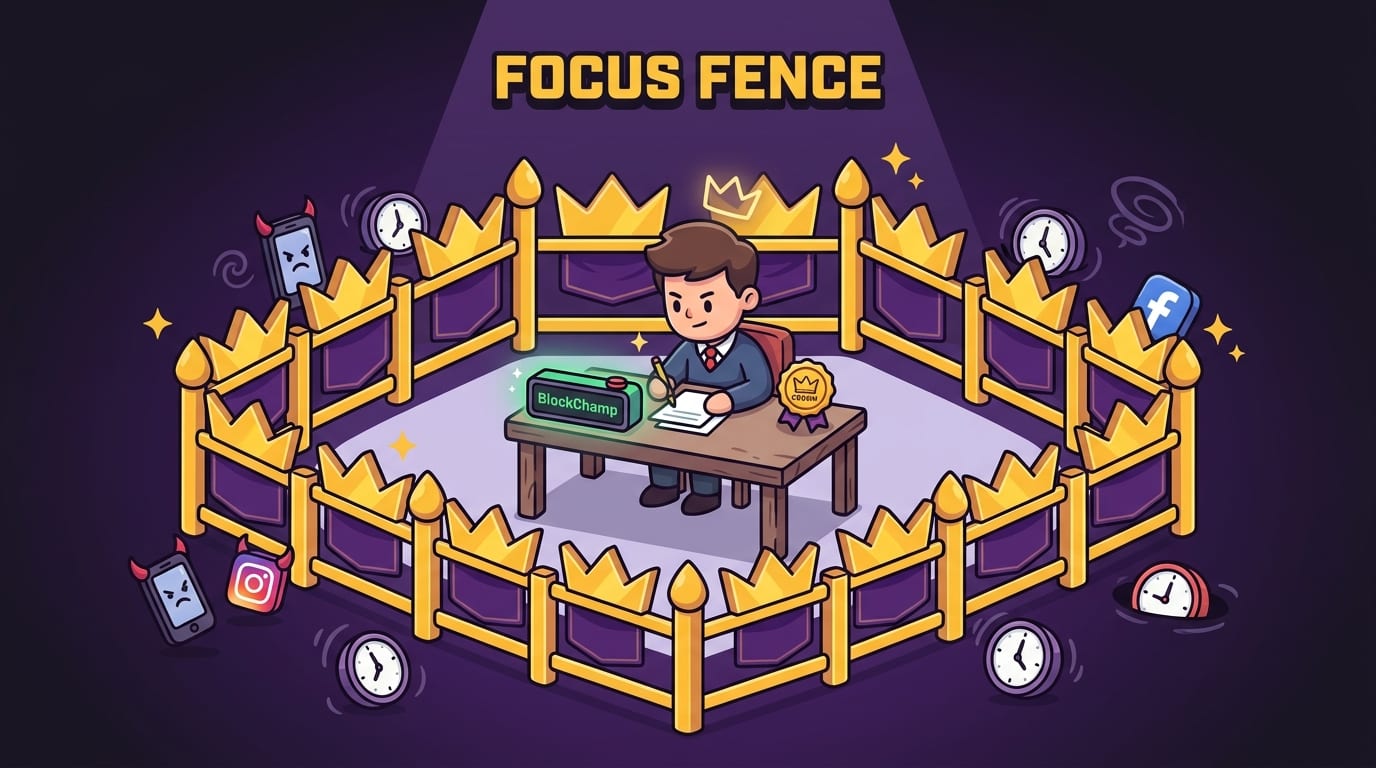
Attention Constraints: Your Focus Needs a Fence
Creative focus is fragile because attention is constantly being auctioned off by the internet. Social platforms, news feeds, streaming sites, and shopping apps are not neutral little websites sitting quietly in the corner. They are engineered to pull you back.
The average person is interrupted constantly, and it takes time to regain deep focus after a distraction. Research from the University of California, Irvine has found that after interruptions, it can take people a significant amount of time to return to the original task. You can explore more of Gloria Mark’s work on attention and digital distraction through UC Irvine’s research on attention and interruptions.
That is why attention constraints matter. You are not weak because you get distracted. You are human, and the internet is a carnival cannon aimed at your frontal lobe.
Attention constraints include:
- Working with one browser tab open
- Turning off notifications during creative blocks
- Putting your phone in another room
- Blocking distracting websites before you start
- Using full-screen mode while writing or designing
- Setting a “no input before output” rule: create first, consume later
That last one is powerful. “No input before output” means you do not check email, social media, news, or feeds until you have created something. A paragraph. A sketch. A lesson plan. A proposal. A line of code. Anything. You earn consumption after contribution. The peasants may scroll later.
BlockChamp makes this kind of attention constraint easier because it turns blocking into a game. You arm your blocks with the Master Focus Toggle, build your reign, earn XP for focused time, and get a full-screen Stare-Down if you try to sneak into a blocked site. It is a little like having a royal bouncer for your attention span, except he wears boxing gloves and judges you theatrically.
Creative Constraints: Weird Rules Make Better Ideas
Some of the best creative work comes from unusual rules. Haikus have syllable limits. Sonnets have strict structures. Films have budgets. Songs have time signatures. Logos must work in black and white. Tweets used to have 140 characters, and somehow an entire civilization learned to compress rage into tiny packets.
Creative constraints force specificity. Instead of “make something cool,” you say:
- Write a landing page using only 300 words.
- Create a logo that works at favicon size.
- Design a room using only thrifted items.
- Compose a song with only four chords.
- Film a short video in one location with no cuts.
- Explain a complex topic to a 12-year-old.
Each rule narrows the playground. And weirdly, the playground becomes more fun.
If you’re stuck, try adding one artificial constraint. Yes, artificial. Fake rules can still be useful. The brain does not care whether the wall is made of stone or cardboard if it helps define the game.
Here are a few constraint prompts to steal like a noble bandit:
- The tiny budget: How would I solve this with $0?
- The speed round: What would I create in 15 minutes?
- The beginner test: How would I explain this to someone brand new?
- The opposite rule: What if I had to do this without my usual method?
- The format swap: Could this be a checklist, comic, diagram, or story?
- The one-tool rule: What if I could use only one app or medium?
These constraints push your thinking sideways. Sideways is where the good goblins live.
For another angle on why stepping away from endless stimulation helps ideas emerge, read BlockChamp’s post on why boredom boosts creativity. Boredom is basically a blank room where your brain starts redecorating. Sometimes it needs that.
Environmental Constraints: Design Your Kingdom So Focus Wins by Default
Willpower is overrated. Not useless, but definitely overrated. If your environment is a buffet of distractions, relying on willpower alone is like defending a castle with a pool noodle.
Environmental constraints are changes you make around you so focus becomes easier and distraction becomes harder. The best part? They work while you are tired, grumpy, and operating at 37% battery.
Try these environmental constraints:
- Keep your phone outside your workspace.
- Use a separate browser profile for work.
- Remove bookmarks for distracting sites.
- Set your homepage to your current project dashboard.
- Work at a clean desk with only the materials needed.
- Use headphones or focus music to create an audio boundary.
- Schedule deep work during your highest-energy hours.
Music can also act as a constraint by shaping your mental environment. Instrumental tracks, brown noise, lo-fi beats, or familiar playlists can reduce the temptation to seek novelty elsewhere. BlockChamp has a useful related article on how music can make you more productive if you want to tune your kingdom before battle.
Sleep is another underrated environmental constraint. When you are exhausted, every distraction becomes louder. Your self-control drops. Your brain starts treating “check Instagram” like a survival instinct. The National Heart, Lung, and Blood Institute notes that sleep affects learning, focus, decision-making, and emotional regulation; their overview on sleep deprivation and deficiency is worth a look if your bedtime has become “whenever the algorithm releases me.”
If your focus has been especially wobbly lately, don’t just blame your discipline. Check your environment. Check your sleep. Check whether your desk currently contains three mugs, two receipts, and a mysterious cable that belongs to no known device. The kingdom may need tidying.
Information Constraints: Stop Feeding the Idea Monster Forever
Research is important. Learning is good. Input matters. But endless input can become avoidance. You convince yourself you need one more article, one more tutorial, one more expert thread, one more 47-minute video from a guy standing in front of a bookshelf arranged by credibility.
At some point, more information does not improve the work. It delays the work.
Information constraints are rules that limit how much you consume before creating. They are especially helpful for writers, designers, students, founders, and anyone who uses “research” as a socially acceptable hiding place.
Try these:
- Read only three sources before drafting.
- Take notes for 30 minutes, then write from memory.
- Use one trusted reference instead of ten mediocre ones.
- Set a research cutoff time.
- Separate research days from creation days.
The goal is not ignorance. The goal is conversion. Turn input into output. Otherwise your brain becomes a warehouse full of unopened idea boxes.
This is where blocking can get surprisingly useful. If your research keeps sliding into social feeds, video rabbit holes, or AI prompt spirals, set a constraint before you start. For example: “For the next 90 minutes, I can access my research documents and industry sources, but not YouTube, Reddit, TikTok, or AI chat tools.”
With BlockChamp’s category blocking, that becomes easier. You can block Social Media, Video & Streaming, News, Shopping, Gaming, Gambling, Adult, and AI Distractions depending on your weak spots. If a specific term derails you, Champion users can use keyword blocking too. Yes, even “meme.” Especially “meme.” The meme goblin is powerful.
A Practical Constraint System You Can Use Today
Enough theory. Let’s build a simple system for using constraints to improve focus and creativity without becoming a joyless spreadsheet gargoyle.
Step 1: Define the output
Before you start, state the thing you will produce. Not the activity. The output.
- Bad: “Work on my essay.”
- Better: “Write a messy 700-word draft of the introduction.”
- Bad: “Do branding.”
- Better: “Create three logo concepts in black and white.”
- Bad: “Study.”
- Better: “Complete 25 flashcards and explain one concept out loud.”
Output gives the session a finish line. Without it, you are just wandering around the productivity forest wearing a tiny backpack.
Step 2: Pick one time constraint
Choose a session length. For creative work, 25, 45, or 90 minutes usually works well. Short enough to start. Long enough to matter.
If you are avoiding the task, go shorter. Ten minutes is allowed. Ten minutes is not pathetic. Ten minutes is a battering ram against inertia.
Step 3: Pick one tool constraint
Decide what tools you can use before you begin. This prevents mid-session tool shopping.
Example: “For this draft, I can use Google Docs and my outline only.” Or: “For this design round, I can use Figma, two colors, and one font family.” Simple. Clean. The King approves.
Step 4: Pick one distraction constraint
Identify the likely escape hatch. Is it YouTube? Reddit? X/Twitter? Shopping? News? AI chat? Your inbox? Block or remove it before the session starts.
This is the moment where BlockChamp shines. Turn on the Master Focus Toggle, set your opponents, and let The King stand guard. If you try to break into a blocked site, the Stare-Down reminds you what you came to do. Each resisted attempt earns XP, because apparently your self-control can have a scoreboard now. Excellent.
Step 5: Review, then loosen or tighten
After the session, ask:
- Did the constraint help me start?
- Did it help me finish something?
- Was it too loose, too tight, or just right?
- What distraction still got through?
- What should I change next time?
Constraints are adjustable. You are not signing a medieval treaty. You are experimenting until your creative system becomes easier to repeat.
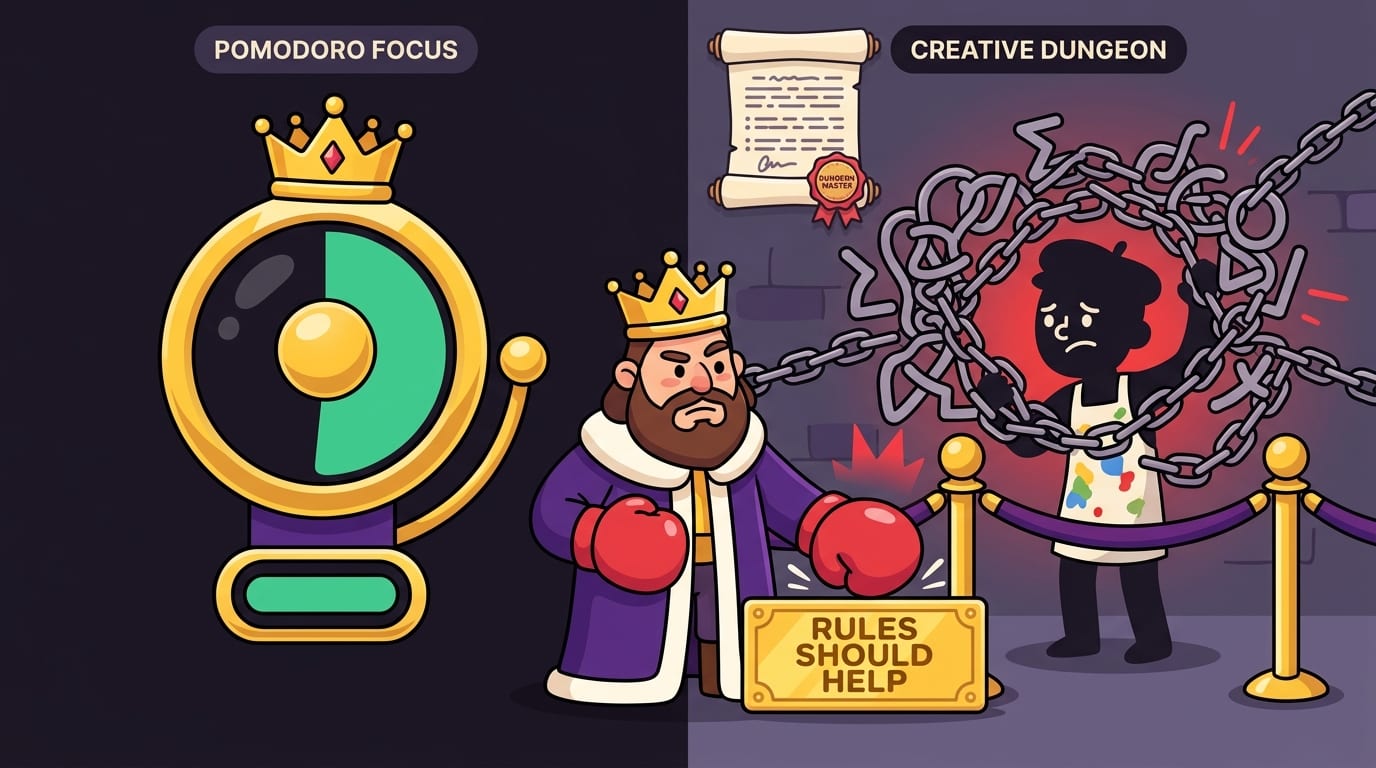
Common Mistakes: When Constraints Go Full Dungeon Master
Constraints are powerful, but they can backfire if you use them badly. The goal is productive pressure, not creative suffocation.
Avoid these mistakes:
- Adding too many rules: If you need a 14-page manual to start your focus session, you have built a tiny bureaucracy.
- Using punishment as motivation: Shame is a terrible long-term coach. It yells a lot and forgets leg day.
- Confusing restriction with clarity: A good constraint supports the goal. A random restriction just makes things weird.
- Never changing the constraint: What works for brainstorming may not work for editing, studying, or strategic planning.
- Blocking useful tools: Don’t block resources you genuinely need. The point is to remove distractions, not sabotage the mission.
Also, don’t use constraints as an excuse to avoid quality forever. A rough draft is great. A rough final deliverable is less great, unless your brand is “haunted printer.” Use constraints to generate and focus, then give yourself a separate editing or refining phase.
That distinction matters. Creation and evaluation are different modes. During creation, constraints help you produce. During evaluation, constraints help you improve. For example, after drafting freely for 45 minutes, set a new constraint: “Cut 20% of the words” or “Make every headline clearer.” Different round, different gloves.
Why Gamified Constraints Stick Better
One reason people abandon productivity systems is that they feel like chores. Gray dashboards. Sad charts. Vague guilt. The vibe of a dentist waiting room with Wi-Fi.
Gamification changes the emotional texture of focus. Progress becomes visible. Effort earns rewards. Streaks create identity. Challenges become less like punishment and more like a quest. You are not merely “not checking Reddit.” You are defending a reign. Tiny difference? Maybe. Powerful difference? Absolutely.
Research on gamification suggests that game elements can improve motivation when they support meaningful goals, feedback, and progress. For a broad academic overview, see this paper on gamification and motivation in digital contexts published in Computers in Human Behavior.
This is the philosophy behind BlockChamp. The constraint is simple: block the distracting sites and categories that steal your attention. But the experience is playful. You earn XP for focus time, gain levels, unlock badges, build your reign, and climb the Hall of Champions. If you try to access a blocked site, The King delivers a dramatic Stare-Down instead of a boring error page. On every second stare-down, he may roast you out loud. Productivity, but with theatrical royal bullying. As nature intended.
Champion users can also enable Hardcore Lockdown, which adds a cooldown timer or a boxing-riddle mini-game before turning focus off. That tiny delay matters because many distractions are impulse-based. If you have to wait, solve a mini challenge, or consciously surrender your reign, the impulse often fades. The scroll monster loses its snack.
Conclusion: Put Creativity in a Ring, Then Let It Swing
Constraints do not make you less creative. They give your creativity something to fight, climb, squeeze through, and transform. They reduce decision fatigue. They sharpen attention. They create urgency. They make the first move easier. And in a world where distractions are professionally engineered to kidnap your brain, that matters.
The secret is not to trap yourself in a joyless productivity dungeon. The secret is to set smart, temporary, useful limits:
- Limit the time so you start faster.
- Limit the tools so you stop fiddling.
- Limit the inputs so you create before consuming.
- Limit distractions so focus has a fighting chance.
- Limit the format so your ideas become concrete.
If you want to experience how constraints boost creativity and focus in your own work, run a simple experiment today. Pick one project. Set a 45-minute timer. Use only the tools you need. Block your top distraction. Produce one imperfect thing.
Then do it again tomorrow. That is how a reign begins.
And if your biggest creative constraint is “I keep opening YouTube, Reddit, TikTok, news, shopping sites, and seventeen tabs of nonsense while pretending to work,” let BlockChamp stand guard. Block the distractions, earn XP, survive the Stare-Down, and become king of your time. Long live your focus, champ. Now go make the thing.
Related posts

Remaining Focused As An Entrepreneur

Finding Focus As A Professor And Author

Wellbeing Tools Reduce Stress
