
Finding Focus To Build Creative Projects

Finding focus to build creative projects sounds noble and cinematic until your “quick inspiration search” becomes 47 minutes of watching a raccoon steal cat food on YouTube. Creative work has a sneaky problem: it needs curiosity, research, wandering, and playful thinking… but those same ingredients can turn into a buffet of distraction if you do not guard the gates like a tiny medieval bouncer with excellent cheekbones.
If you are trying to write a book, launch a podcast, design a game, build a portfolio, compose music, start a newsletter, code an app, or finish that “definitely almost done” personal project from 2021, focus is not a personality trait you either have or lack. It is a system. A repeatable environment. A set of boring-but-powerful habits wrapped in enough dopamine to keep your brain from staging a coup.
This guide gives you practical strategies for finding focus to build creative projects without turning into a productivity monk who only eats almonds and speaks in calendar invites. We will cover how to cut distractions, structure creative sessions, protect momentum, use tools like BlockChamp when the internet gets feral, and keep making progress even when motivation wanders off wearing sunglasses.
Quick Answers
Why Creative Projects Are So Easy to Avoid, Even When You Love Them
Creative projects are weird little beasts. You can love the idea, care deeply about the outcome, and still avoid the actual work like it is holding a clipboard and asking about your extended warranty.
Part of the problem is ambiguity. Creative work often lacks a clear finish line. “Write chapter three” is fuzzier than “send invoice.” “Make the design better” is basically a haunted swamp. When your brain cannot see the next step, it looks for relief. And relief often arrives disguised as social media, news, email, online shopping, or checking whether your favorite productivity YouTuber has uploaded a new video about how to stop watching productivity videos. The irony has muscles.
Another issue is emotional risk. Creative projects carry identity weight. If the project matters, then working on it means facing the possibility that it might not be good yet. That little word “yet” is important, but your nervous system may ignore it and scream, “Danger! Open Reddit immediately!”
Research on attention also backs up what creators feel daily: interruptions are expensive. Gloria Mark, a researcher who studies digital distraction, has found that people often switch attention rapidly during computer work, and it can take significant time to fully return to a task after an interruption. Her work is summarized in resources like the American Psychological Association’s discussion of shrinking attention spans and digital distraction. Translation: every “tiny check” is a raccoon in the pantry.
So if you struggle with focus, you are not broken. You are a human trying to do meaningful work inside a casino built by attention engineers. The goal is not to become superhuman. The goal is to stop handing your crown to every blinking notification peasant that wanders by.
Step One: Define the Project So Your Brain Stops Screaming Into a Pillow
The first move in finding focus to build creative projects is making the project less foggy. Foggy projects create foggy sessions. Foggy sessions create “I’ll just check Instagram first.” Then boom: your novel remains unwritten, but you now know that someone from high school bought a suspiciously large plant.
Before your next focus session, write a one-sentence project definition:
“I am building [specific thing] for [specific audience or purpose] by [specific date or milestone].”
Examples:
- “I am writing a 10,000-word guide for freelance designers who want better clients by the end of the month.”
- “I am creating a 12-track beat tape to publish on Bandcamp before summer.”
- “I am building a simple budgeting app prototype for college students by the next hackathon.”
- “I am designing a portfolio site that gets me interviews for junior UX roles within six weeks.”
Now break that project into visible chunks. Not “work on podcast.” That is a cursed phrase. Try “outline episode 1,” “write intro script,” “record 10-minute test,” “choose cover art direction,” and “publish trailer.” Creative momentum improves when the next action is so clear that your brain has fewer excuses to wiggle away like a greased ferret.
If you want a deeper dive on how creative people can balance output, energy, and attention, the BlockChamp post on productivity, procrastination, and focus for creatives is a useful companion. It tackles the specific flavor of procrastination that shows up when your work is personal, messy, and not easily reduced to checkboxes.
Build a Focus Ritual: The Tiny Ceremony That Tells Your Brain “We Make Now”
A focus ritual is a short, repeatable sequence that marks the beginning of creative work. It does not need incense, chanting, or a velvet cape, though frankly nobody is stopping you. The point is to create a reliable transition from normal life into build mode.
Your brain loves cues. When you repeat the same setup before deep work, the ritual becomes a mental doorway. Eventually, sitting down with the same playlist, drink, timer, workspace, and first task starts to mean: “Ah yes, time to create. Summon the pixels.”
Try this five-minute ritual:
- Clear your desk of anything unrelated to the project.
- Write today’s single creative objective on paper or in a notes app.
- Set a timer for 25, 45, or 90 minutes depending on your energy.
- Open only the tools needed for the session.
- Turn on website blocking before you begin.
That final step matters. Willpower is great until the first hard sentence, broken layout, ugly sketch, confusing bug, or awkward chorus lyric. Then the internet starts whispering: “Psst. Come look at one harmless tab.” Harmless tab, my royal foot.
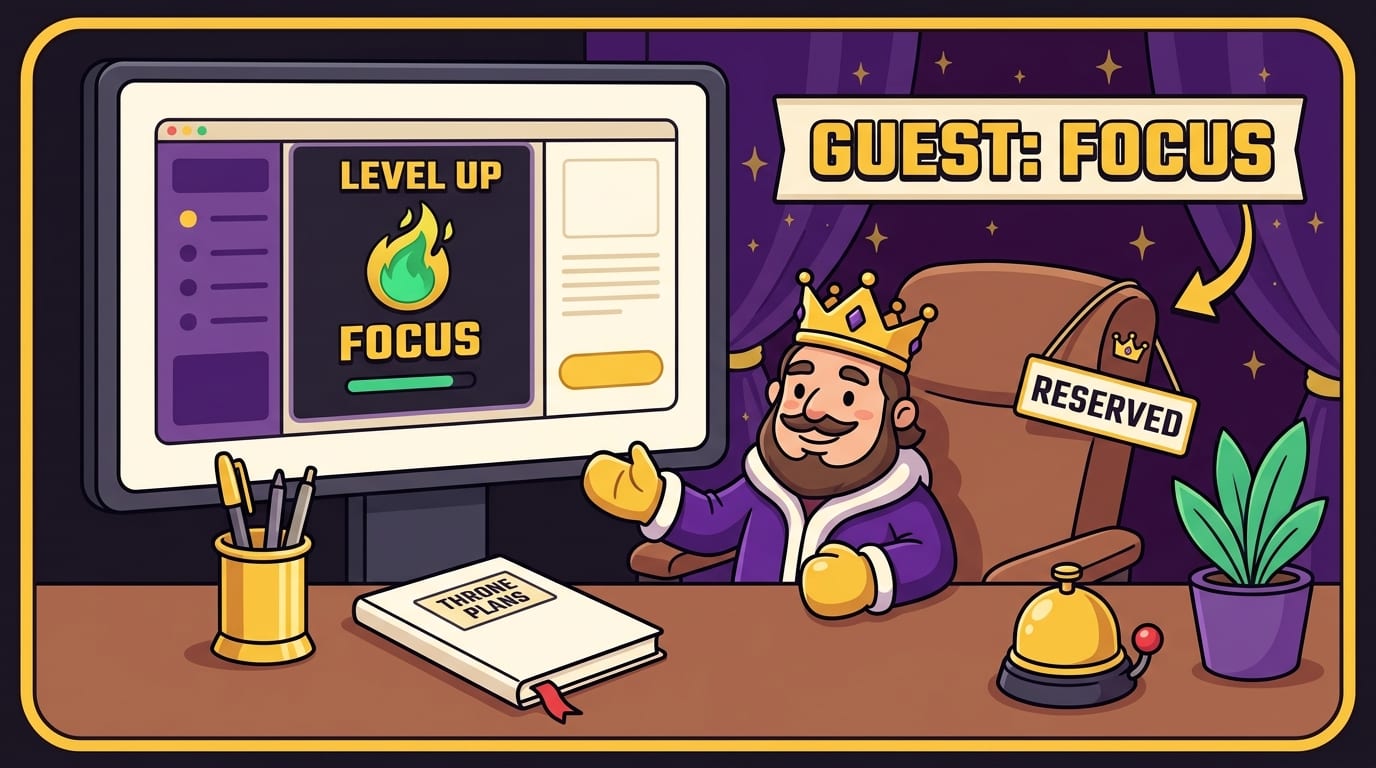
This is where a website blocker can become part of the ritual rather than a punishment. BlockChamp is built for this exact moment. Flip the Master Focus Toggle to “On Guard,” block the categories that usually ambush you, and let The King stand at the gates while you work. If you try to wander into YouTube, Reddit, TikTok, X, shopping, news, or other creative quicksand, BlockChamp throws up The Stare-Down: a full-screen royal judgment scene that basically says, “Really? In front of the crown?” It is funny, but it also breaks the trance.
The trick is to make starting automatic. Do not wait to “feel focused.” Start the ritual, arm the gates, and let focus catch up like a slightly out-of-shape squire jogging behind the horse.
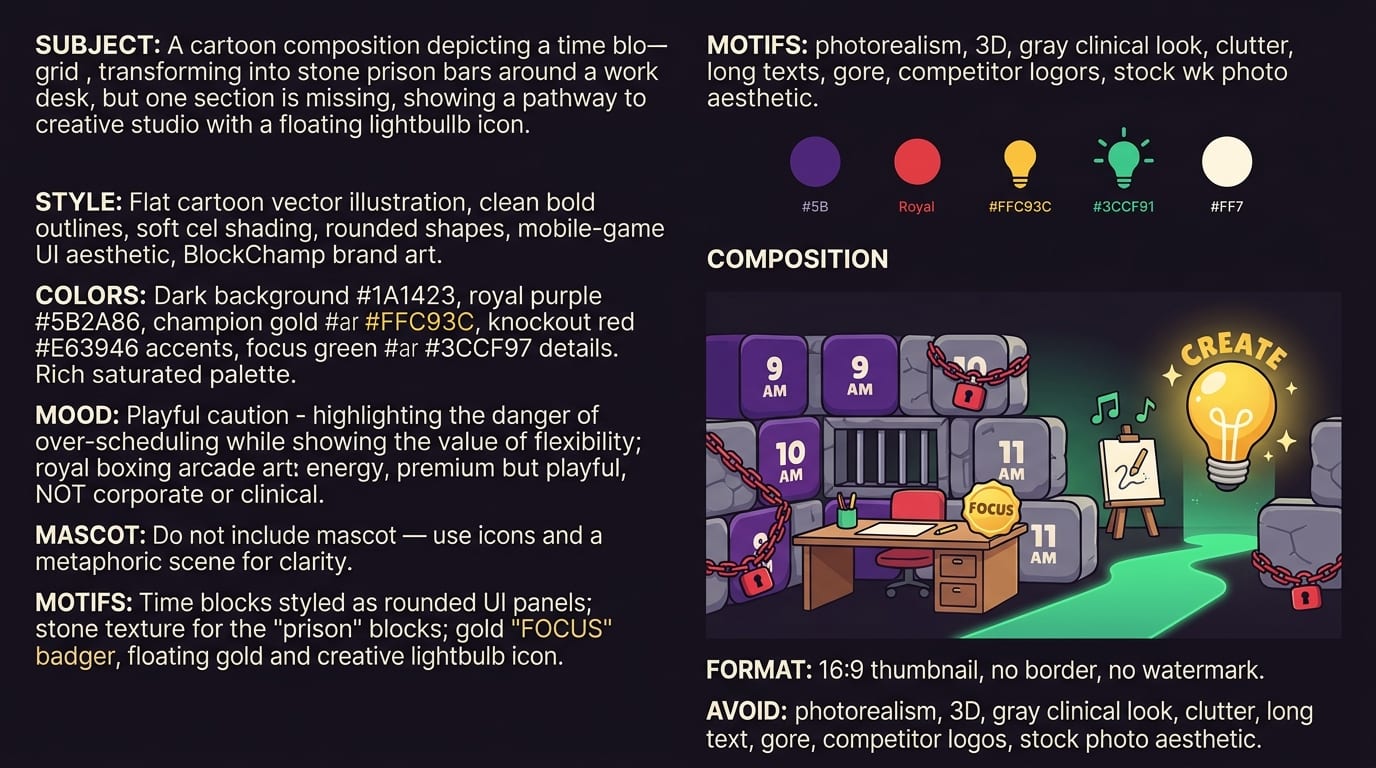
Use Time Blocks, But Do Not Build a Productivity Prison
Time blocking works because it gives your creative project a reservation on your day. Without a reserved slot, creative work gets shoved behind urgent nonsense: emails, errands, laundry, admin, and that one notification that says “Your cloud storage is 93% full,” which somehow feels like a national emergency.
Cal Newport popularized the idea of deep work: focused, cognitively demanding effort performed without distraction. His writing on deep work and attention is especially relevant for creators because high-quality creative output usually requires depth, not just time spent near a laptop while emotionally scrolling.
But here is the caveat: do not schedule your creative life like a robot wedding planner. Overly rigid systems collapse the first time life gets spicy. Instead, use flexible time blocks:
- Anchor blocks: 60-120 minute sessions reserved for your most important project.
- Maintenance blocks: 20-45 minute sessions for editing, organizing, uploading, or cleaning up files.
- Capture blocks: 10-15 minutes to dump ideas, references, and rough thoughts so they do not interrupt deeper work later.
- Recovery blocks: actual breaks, walks, meals, naps, and screen-free time because you are a mammal, not a toaster.
A practical weekly structure might look like this:
- Monday, Wednesday, Friday: 90-minute creation block before checking social media.
- Tuesday: 45-minute revision block after work.
- Thursday: 30-minute research capture block.
- Saturday: 2-hour build sprint with all distractions blocked.
- Sunday: 20-minute review and planning session.
If you work remotely or juggle writing/reporting-style projects, you might also like this guide to finding focus for remote writing and reporting. The tactics translate nicely to creators who need to manage research, communication, and production without letting the browser become a clown car.
Cut Distractions at the Source, Not After They Have Already Punched You
Most focus advice starts too late. It tells you to resist distractions after they appear. That is like waiting until a raccoon is wearing your crown before deciding to install a door.
Instead, identify and remove your top distraction sources before your session begins. Start with the obvious villains:
- Social media feeds
- Video and streaming sites
- News sites
- Shopping tabs
- Gaming platforms
- Chat apps and community servers
- AI tools you use for “research” but somehow turn into prompt playgrounds
The data on digital distraction is not exactly comforting. According to DataReportal’s Digital 2024 Global Overview Report, the average internet user spends hours online every day, with social platforms taking a major share of attention. That does not mean social media is evil. It means it is powerful. So do not bring a pool noodle to a sword fight.
Make a “distraction blacklist” for each project. For example, if you are writing, your blacklist might include YouTube, Reddit, X, news, email, and analytics dashboards. If you are designing, maybe it is Dribbble, Pinterest, Instagram, and shopping sites. If you are coding, maybe it is Hacker News, Discord, and “just one Stack Overflow rabbit hole” that ends in existential fog.
BlockChamp makes this simple by letting you block specific sites, keywords, and entire categories. Free users can block up to three sites and enable two categories, which is enough to start knocking out the biggest goblins. Champion users can use unlimited sites, all eight categories, keyword blocking, recurring schedules, and Hardcore Lockdown when impulse control needs a royal bodyguard with boxing gloves.
The beauty of category blocking is speed. Instead of manually adding every social app like you are assembling a villain scrapbook, you can toggle Social Media or Video & Streaming and get back to work. The goal is not to make the internet disappear forever. The goal is to make the wrong internet unavailable during the right hours.
Create a Session Plan: The Anti-Flailing Blueprint
Creative sessions fail when you enter them with vague hope instead of a plan. Hope is lovely. Hope also checks email for 35 minutes.
A strong creative session plan answers four questions:
- What will I make or improve?
- What counts as “done enough” for today?
- What tools and references do I need open?
- What distractions are banned until the session ends?
Here is a simple template you can copy:
- Session length: 60 minutes
- Objective: Draft the landing page hero section and feature bullets
- Done enough: One rough version written, not perfect
- Allowed tools: Google Doc, brand notes, competitor screenshots folder
- Blocked: Social media, YouTube, news, email, shopping
- First action: Write 10 bad headlines without editing
Notice “done enough.” This is critical. Creative people often get stuck because they confuse making with judging. Early drafts, sketches, demos, and prototypes are supposed to be lumpy. A first draft is not a royal portrait; it is a potato wearing a crown. You can refine later. First, make the potato.
During the session, keep a “parking lot” note. Any unrelated thought goes there:
- “Check plugin pricing”
- “Look up camera lens”
- “Reply to Sam”
- “Find better font”
- “Why do ducks have such confidence?”
You are not ignoring those thoughts forever. You are refusing to let them hijack the throne. At the end of the session, review the parking lot and decide what actually matters. Spoiler: less than your brain claimed while trying to escape work.
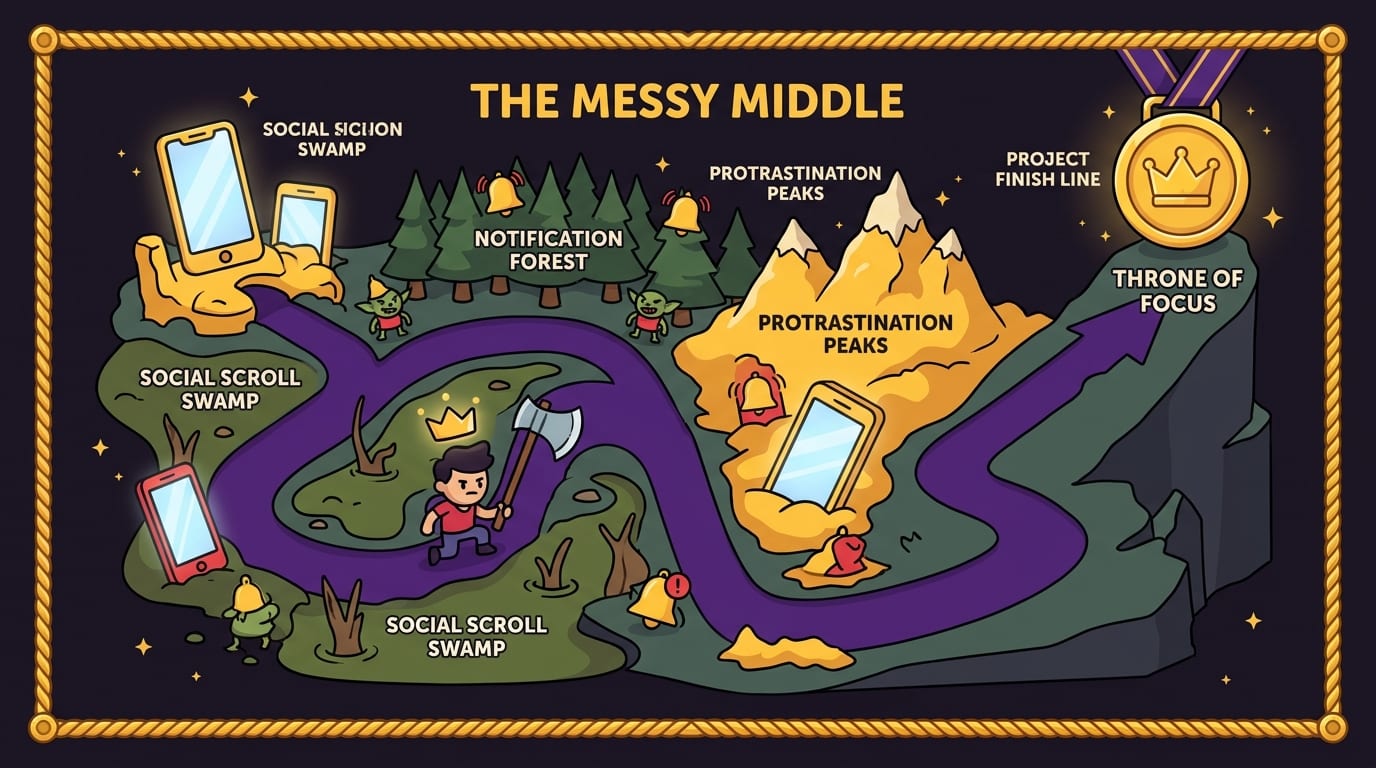
Protect the Messy Middle, Where Motivation Goes to Buy Cigarettes
Every creative project has a honeymoon phase. The idea is shiny. The mood board glows. Your notebook smells like destiny. Then comes the messy middle, where the project is too developed to feel new but too unfinished to feel rewarding. This is where many projects go to become digital fossils.
Finding focus to build creative projects means designing for the messy middle before you arrive there. Do not rely on motivation. Motivation is a flaky wizard. Build continuity instead.
Use these tactics:
- End with a breadcrumb: Before you stop, write the next exact action. Example: “Tomorrow, rewrite the second paragraph and add the client example.”
- Track visible progress: Use word counts, completed screens, recorded minutes, shipped components, edited scenes, or sketch batches.
- Keep a project log: After each session, write what you did, what felt hard, and what comes next.
- Lower the re-entry cost: Leave files organized, tabs closed, and the next task obvious.
- Celebrate tiny wins: Your brain repeats what gets rewarded. Give it a treat, champ.
This is one reason gamified focus can work well for creative people. BlockChamp rewards consistency with XP, levels, badges, reigns, focus calendars, and stare-downs survived. You are not just “trying not to waste time.” You are building a visible record of defending your creative hours. That matters because creative progress is often invisible until suddenly it is not.
Behavior design research has long shown that rewards, cues, and friction can shape habits. For a practical behavioral science angle, Behavioral Scientist publishes accessible research-backed articles on decision-making, habits, and motivation. The short version for creators: make the good behavior easier, the bad behavior harder, and the progress more visible. Congratulations, you are now basically a wizard with a spreadsheet.
If you are interested in turning digital resistance into a habit instead of a daily cage match, read BlockChamp’s article on locked mode for building better digital habits. It explains why adding a little friction at the right moment can save you from impulse decisions that feel brilliant for six seconds and terrible afterward.
Use Research Without Letting It Become Fancy Procrastination
Research is essential for many creative projects. It is also one of the sneakiest forms of procrastination because it feels productive. You are not avoiding the project; you are “gathering references.” For four hours. Across 92 tabs. While slowly becoming a browser goblin.
The fix is to separate research from creation. Do not mix them unless the task truly requires it.
Try this workflow:
- Research sprint: Set a timer for 30-60 minutes. Collect references, quotes, examples, screenshots, or links.
- Selection pass: Choose only the best 5-10 pieces of material. Delete or archive the rest.
- Creation block: Turn off research access and make something using the material already collected.
- Question list: If you hit a knowledge gap, write it down instead of immediately searching.
- Follow-up sprint: Research only the questions that remain important after the creation block.
This prevents the infinite “input loop,” where you consume more and more information but never produce the thing. Input is fuel. At some point, you must stop sniffing gasoline and drive the car.
For example, if you are building a YouTube channel, you might research titles, thumbnails, audience questions, and competitor formats for 45 minutes. Then block YouTube and social media for 90 minutes while scripting your first episode. If you are designing a brand identity, gather visual references first, then block Pinterest and Instagram while sketching. If you are writing an essay, collect sources, then write from notes instead of browsing live.
The goal is not ignorance. It is controlled curiosity. Curiosity on a leash. A stylish leash, perhaps velvet, because we are classy in this kingdom.
Design Your Environment Like Focus Is a Guest You Actually Want to Stay
Your environment either supports focus or quietly pickpockets it. This includes your physical workspace, browser setup, phone settings, desktop clutter, and even the people around you.
Start with physical cues:
- Keep only project-related materials on your desk.
- Use headphones, even without music, as a “do not disturb” signal.
- Put your phone across the room or in another room during deep work.
- Use a dedicated notebook or document for the project.
- Keep water nearby so “hydration” does not become a kitchen expedition.
Then clean your digital workspace:
- Close unrelated tabs before beginning.
- Use separate browser profiles for work and play if needed.
- Turn off nonessential notifications.
- Keep project files in one obvious folder.
- Use a blocker for known trouble sites during scheduled work blocks.
Notifications deserve special disrespect. A Microsoft Work Trend Index report has repeatedly highlighted how meetings, messages, and digital overload fragment modern work. Creators feel this too, even outside corporate environments. Every ping asks your brain to abandon the fragile little bridge it was building.
If you share space with other humans, communicate your focus blocks. Use plain language: “I’m working on my project from 9 to 10:30. Unless something is on fire or legally interesting, I’ll respond after.” You can be kind and firm. You are not rejecting people. You are protecting the work you keep saying matters.
Make Focus Sustainable: Burnout Is Not a Badge, Your Majesty
There is a dangerous myth that serious creators must grind endlessly. This is nonsense wearing a motivational hoodie. Sustainable focus requires recovery. Your brain needs downtime to consolidate ideas, solve problems in the background, and avoid turning into soup.
Rest is especially important for creative insight. You have probably had ideas arrive in the shower, on a walk, while washing dishes, or during the exact moment you were not trying to force them. That is not magic. It is the brain continuing to process while attention relaxes.
Build recovery into your creative system:
- Take short breaks between deep sessions.
- Go for walks without audio sometimes.
- Sleep like it is part of the project, because it is.
- Use low-stimulation hobbies to reset your attention.
- Schedule non-creative admin separately so it does not pollute making time.
Also, avoid measuring your worth by daily output. Some days produce pages, mockups, tracks, features, or edits. Other days produce clarity, one fixed problem, or the wisdom to delete a bad idea. That still counts. The crown remains on your head, even if slightly crooked.
If you are trying to balance ambition with sanity, BlockChamp’s post on productivity, focus, and balance for creatives explores how to make progress without letting your project consume your entire nervous system like a cursed Tamagotchi.
A Practical 7-Day Focus Plan for Creative Projects
Let’s turn all of this into a simple one-week plan. No 37-step productivity temple. Just enough structure to start winning.
Day 1: Name the Kingdom
Define the project in one sentence. Choose a measurable milestone for the next seven days. For example: “Draft 2,000 words,” “finish three logo concepts,” “record two demos,” or “build the login screen prototype.” Set up your project folder, notes, and task list.
Day 2: Identify the Goblins
List your top five distractions. Be honest. If YouTube is your downfall, write YouTube. If your “research” always turns into AI prompt surfing, write that too. Add your worst offenders to BlockChamp or another blocking setup. Toggle relevant categories during work blocks.
Day 3: Run One Clean Session
Do one 45-90 minute session with a clear objective, timer, and blocked distractions. Keep a parking lot note. When you finish, write what you completed and the next step. This is your first brick. Admire brick. Brick good.
Day 4: Separate Research From Making
Do a focused research sprint, then a creation sprint. Do not browse during creation unless the task absolutely requires it. If you catch yourself drifting, write the question down and return to the work.
Day 5: Add Friction to Quitting
Set a focus schedule or create a recurring calendar block. If you are using BlockChamp Champion, consider Hardcore Lockdown. The cooldown timer or boxing riddle makes surrender just annoying enough that your impulse has time to evaporate. The King does not negotiate with “just five minutes.”
Day 6: Review and Refine
Look at what worked. Were sessions too long? Was your objective too vague? Did one site keep tempting you? Adjust the system. Focus is not about moral purity. It is about iteration. Tweak the machine.
Day 7: Ship a Tiny Version
Share, export, publish, send, render, upload, or show a small piece of the project. Creative projects gain power when they leave the cave. Even if it is rough, shipping a tiny version teaches your brain that focus creates real-world movement.
Common Focus Traps That Make Creative Projects Stall
Even with a good system, certain traps will keep trying to sneak past the royal guards. Watch for these:
- Perfect setup syndrome: You spend more time choosing tools than using them. Pick a decent tool and start.
- Endless inspiration hunting: Inspiration becomes consumption. Set a limit, then make.
- All-or-nothing sessions: If you cannot do three hours, you do nothing. Bad deal. Do 25 minutes.
- Fake urgency: Email, notifications, and messages feel urgent because they are loud. Your project is quiet. Protect it anyway.
- Identity panic: You think one bad draft means you are bad at the craft. Wrong. It means you made a draft. Welcome to the job.
- Tool hopping: New apps feel like progress. Actual progress feels like wrestling a bear in a spreadsheet. Choose the bear.
When you hit these traps, do not spiral. Reset with the basics: define the next action, block the distractions, start a timer, and work until the bell. The session does not need to be majestic. It just needs to happen.
If your inner critic keeps calling you lazy, it may help to reframe the issue. Often, what looks like laziness is actually friction, fear, overload, unclear tasks, or badly designed environments. BlockChamp covered this in why laziness is a myth and how to focus, which is worth reading if shame has been trying to manage your calendar. Spoiler: shame is a terrible project manager. It uses Comic Sans.
How BlockChamp Fits Into a Creative Focus System
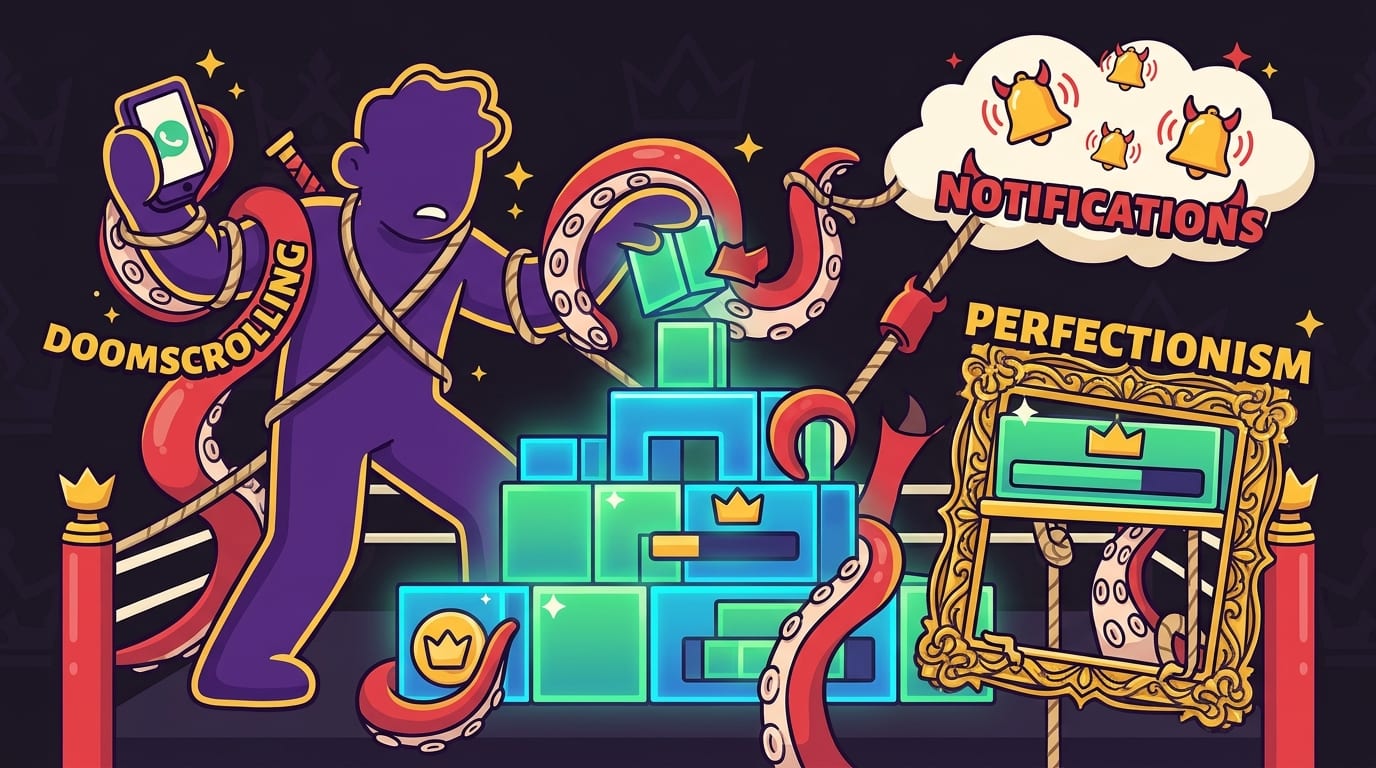
BlockChamp is not a magic wand. It will not write your screenplay, design your app, mix your album, or finish your portfolio while you lounge dramatically on a chaise. Rude, but true. What it can do is protect the conditions where creative work becomes possible.
For creators, the most useful BlockChamp features are:
- Site blocking: Add your personal distraction villains, such as YouTube, Reddit, TikTok, X, Instagram, or news sites.
- Category blocking: Knock out entire groups like Social Media, Video & Streaming, News, Shopping, Gaming, Gambling, Adult, or AI Distractions.
- Keyword blocking: Champion users can block pages containing terms that lead them off-task.
- Focus schedules: Automatically activate blocks during your regular creative sessions.
- The Stare-Down: When you try to visit a blocked site, The King appears and roasts the decision just enough to snap you awake.
- XP, levels, badges, and reigns: Turn consistency into something visible and rewarding.
- Hardcore Lockdown: Add a cooldown timer or boxing riddle before you can turn focus off, which is wonderfully ridiculous and surprisingly effective.
The key is to use BlockChamp as part of a broader system: clear goals, planned sessions, environmental design, and sustainable recovery. A blocker handles the “do not wander into the swamp” part. You still choose what castle to build.
And yes, The King may judge you when you attempt to visit a blocked site. But lovingly. Like a tiny royal boxing coach who believes in your novel more than you do.
Conclusion: Defend the Creative Throne, One Session at a Time
Finding focus to build creative projects is not about becoming a flawless productivity machine. It is about building a repeatable path back to the work. Define the project. Make the next action obvious. Create a starting ritual. Block predictable distractions. Separate research from making. Track progress. Rest like a professional. Repeat until the thing exists.
Your creative project does not need you to feel inspired every day. It needs protected time, clear sessions, and fewer escape hatches. Focus is not a lightning strike. It is a gate you close, a timer you start, and a promise you keep for the next 45 minutes.
If the internet keeps stealing your crown, give yourself backup. Try BlockChamp for Chrome, block your top distractions, and let The King stand guard while you build. Knock out the scroll. Defend the throne. Make the weird, wonderful thing only you can make.
Long live your focus, champ.
Related posts

Addicted To Online Shopping

How To Stop Playing Video Games

Stop Procrastinating Be Productive
