
Block Websites For Work

In the grand kingdom of productivity, there’s a mighty battle waging every day: the battle against distraction. And while it might not involve dragon-slaying, it certainly feels like a quest of epic proportions. Whether it’s the irresistible lure of social media or the siren call of endless YouTube videos, these distractions often lead us astray from our noble work duties. So what’s a modern-day knight to do? Enter the realm of website blockers, and more specifically, let’s explore how you can block websites for work to reclaim your throne as the undisputed ruler of focus!
Quick Answers
Corral Those Wild Distractions with Browser Settings
Let’s start with the basics. Before we delve into the mighty tools like BlockChamp, you can already make some headway using your browser’s built-in features. Most browsers come equipped with a variety of ways to block websites, albeit lacking the regal flair of a full-fledged blocker.
- Chrome Extensions: Chrome Web Store is a treasure trove of extensions like Block Site or StayFocusd, which allow you to block specific sites or set time limits.
- Parental Controls: Some browsers offer parental control settings which, while originally intended to keep pesky kids at bay, can certainly help you keep your own distractions in check.
For a comprehensive guide on setting up these browser-based methods, check out this handy article that ranks all your options.
Why Settle for Vanilla When You Can Have BlockChamp?
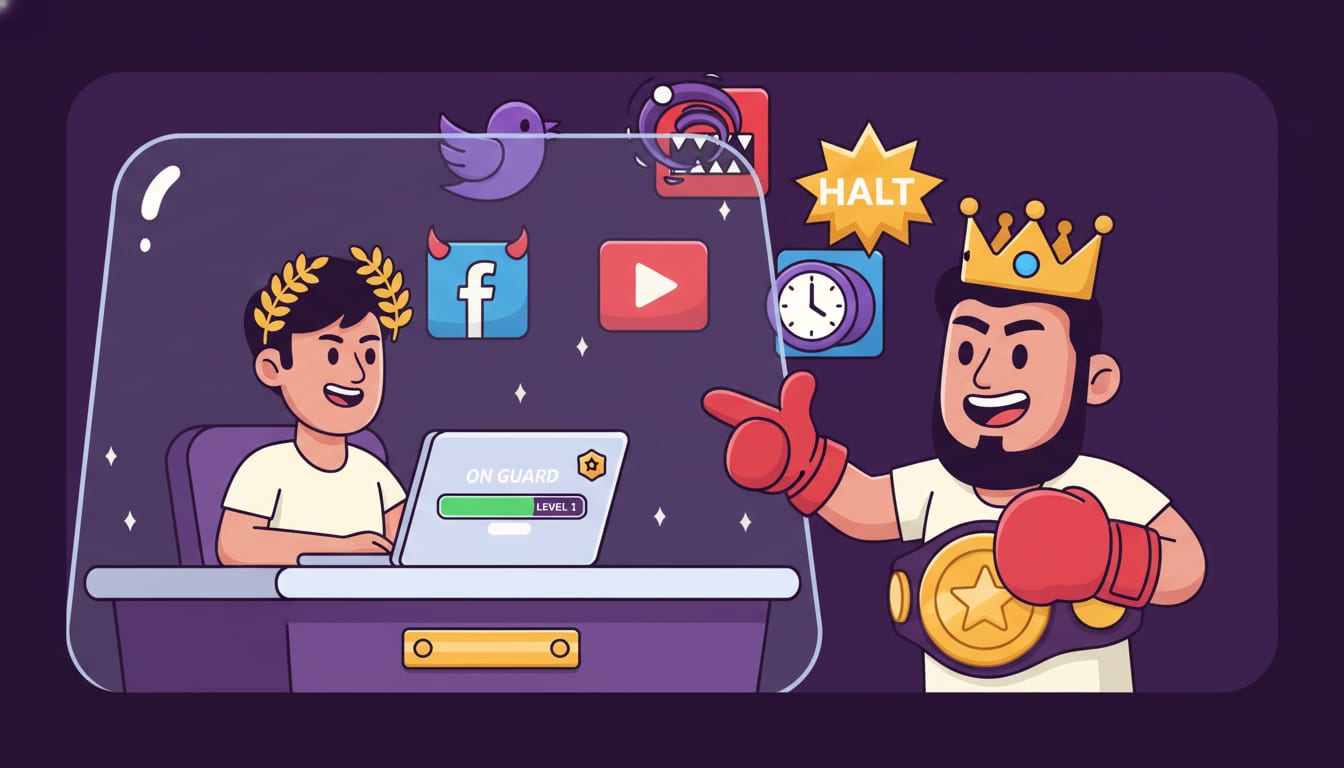
Browser settings are a bit like your friendly local sheriff — they keep things in order but lack the pizzazz. If you want to make the whole process feel like a game instead of a punishment, consider BlockChamp, the heavyweight champion in the website-blocking arena. Not only does it block distracting websites effectively, but it also turns the whole experience into a game-like progression system. The King, BlockChamp’s cheeky mascot, ensures your wandering eye is met with humor rather than guilt.
With BlockChamp’s signature Stare-Down block page, your attempts to visit banned sites are met with a full-screen royal judgment scene that’s as entertaining as it is effective. Plus, you earn XP for every block you survive, turning procrastination into victory!
Advanced Blocking Tactics: Beyond the Basics
For those of you who prefer a deep dive into the world of website blocking, there are more advanced tactics to consider. These methods are perfect if you’re dealing with chronic distraction issues or just want to feel like the crowned monarch of productivity.
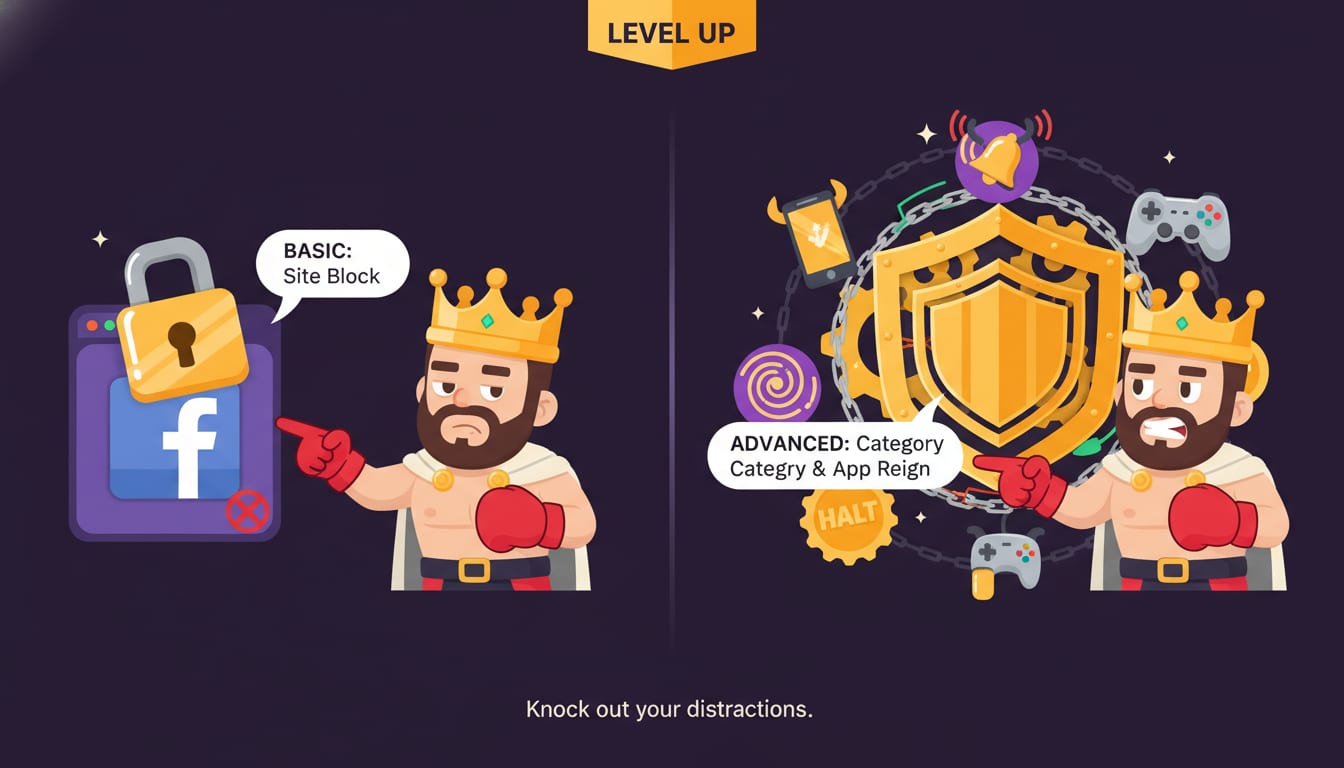
Keyword and Category Blocking
Sometimes, it’s not just websites that need blocking, but certain types of content. This is where BlockChamp shines brighter than the king’s crown. With its keyword-blocking feature, you can stop any page that mentions specific words from appearing on your screen. This way, even if a sneaky new site pops up claiming to offer a “must-see” meme, it won’t get past your defenses.
Additionally, you can block entire categories of distractions. Want to focus without the temptation of online shopping sites like Amazon or eBay? Simply enable the Shopping category block and watch your willpower soar. Check out more details on how to block Facebook and other distracting sites with these nifty features.
Meet the Hardcore Lockdown
For those who need a little extra discipline, BlockChamp offers Hardcore Lockdown mode. This feature ensures that you can’t simply turn off your blocks on a whim. It requires you to either wait through a cooldown timer or solve a boxing riddle, which is essentially the digital equivalent of getting past a troll bridge in a fairy tale. This adds an extra layer of commitment, ensuring your focus isn’t just a fleeting fantasy.
For more on how to handle specific sites, you can read about how to block YouTube during work hours.
The Science of Distraction: Why Blocking Works
Blocking distractions isn’t just about willpower — there’s real science behind it. According to HubSpot’s Marketing Statistics, distractions can cost people up to 30% of their productive time. By removing these distractions, you inherently improve your focus and efficiency.
Research from Psychology Today suggests that breaking the habit loop of constantly checking distracting sites can help rewire your brain for better focus. Tools like BlockChamp, with their engaging and interactive approach, make it easier to break free from these habits and establish new, productive ones.
Get Started on Your Path to Productivity Royalty
If you’re ready to crown yourself the ruler of your focus, starting with BlockChamp is as easy as pie. Simply head over to BlockChamp’s website, download the Chrome extension, and set up your kingdom of focus. Choose your distractions wisely, enable the features that suit your style, and start earning XP as you knock out distractions one by one.
Conclusion: Long Live the King of Focus!
Blocking websites for work is less about restriction and more about empowerment. By taking control of your distractions, you’re setting yourself up to be the reigning champion of productivity. So why not make it fun with BlockChamp? With its gamified system, mascot-led motivation, and ingenious blocking tactics, you’ll find yourself looking forward to focus time, rather than dreading it.
Feeling ready to reign over your time? Visit BlockChamp today, and let The King guide you to a distraction-free kingdom of productivity! 👑
Related posts

How To Stop Procrastinating When You Have Adhd

Why Do I Procrastinate 6 Ways To Stop Procrastinating Today

Where Theres A Will Theres A Way 5 Ways To Boost Your Willpower Self Control
