
Block Facebook

Ah, Facebook. The glorious abyss where productivity goes to take a nap, and time seems to warp into a black hole of cat videos and political debates. If you find yourself frequently losing hours of your life to this social media titan, it’s time to consider the unthinkable: blocking Facebook. Don’t worry, I’m not suggesting you go cold turkey without a plan. Instead, let’s explore some savvy methods to block Facebook on various devices, all while keeping your sanity (and sense of humor) intact.
Quick Answers
Why Block Facebook?
Before we dive into the how-to, let’s tackle the elephant in the room: why on Earth would anyone want to block Facebook? The reasons are as varied as your aunt’s collection of cat memes.
- Distraction-free work: Whether you’re a student, freelancer, or remote worker, blocking Facebook can help you maintain laser-like focus on your tasks. As Neil Patel points out, reducing distractions is key to productivity.
- Digital detox: Sometimes, you just need a break from the incessant notifications and information overload. Taking a step back can work wonders for your mental health.
- Parental control: Parents might want to block Facebook to ensure that children focus on homework or family time rather than scrolling through their feeds.
Now that we’ve justified the need to block Facebook, let’s dive into how you can achieve this digital nirvana.
Blocking Facebook on Browsers
The Simple Browser Block
One of the easiest ways to block Facebook is through your browser settings. This method is straightforward but might not be foolproof against your future self’s cravings for social interaction.
- Google Chrome: You can use Chrome’s built-in settings to restrict access to Facebook. Simply navigate to the content settings and add Facebook to the list of blocked sites. For a more gamified experience, you might consider using BlockChamp, where blocking Facebook feels like earning a badge of honor.
- Firefox: Much like Chrome, Firefox allows you to block websites through its settings. If you’re looking for more motivation, you might want to explore extensions that offer a bit more pizzazz, similar to how BlockChamp blocks YouTube.
Using Extensions
Browser extensions offer a more robust way to block Facebook. They come packed with features that can help you stay on track.
- StayFocusd: This Chrome extension limits the amount of time you can spend on time-wasting websites.
- LeechBlock NG: Available for Firefox, it allows you to block distracting sites during specific times of the day.
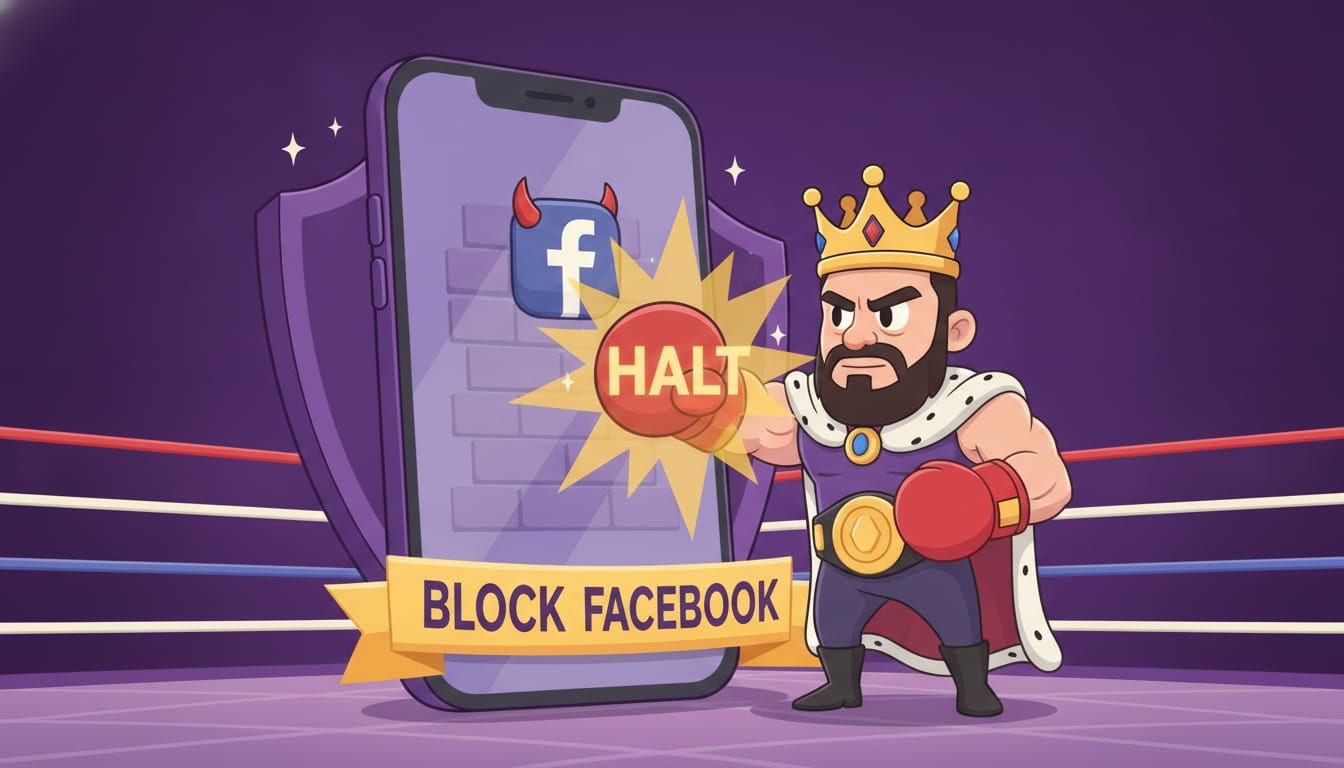
- BlockChamp: For a more engaging and humorous approach, BlockChamp not only blocks sites but also turns the process into a game. Imagine the glorious moment when The King stares you down as you try to sneak a peek at Facebook!
Blocking Facebook on Mobile Devices
iOS Devices
If you’re using an iPhone or iPad, you can utilize the built-in features of iOS to block Facebook.
- Screen Time: Go to Settings > Screen Time > App Limits. Here, you can set daily time limits for Facebook.
- Parental Controls: Under Content & Privacy Restrictions, you can block specific apps entirely. This is useful if you need a complete break from the social media giant.
Android Devices
Android users aren’t left out in the cold when it comes to blocking Facebook.
- Digital Wellbeing: Similar to iOS, Android offers a Digital Wellbeing feature that allows you to set app timers for Facebook.
- App Blockers: Apps like AppBlock or Stay Focused provide additional features, such as blocking specific websites or setting time limits.
Advanced Strategies: For the Hardcore Focusers
If you find yourself constantly tempted to disable blocks, you might need to break out the big guns. Hardcore blockers like the Hardcore Lockdown on BlockChamp make you earn your way back to distraction land, either by waiting out a timer or solving a boxing riddle. This feature can be particularly handy for those prone to giving in to temptation at the slightest whim.
The Fun Side of Blocking: Gamification
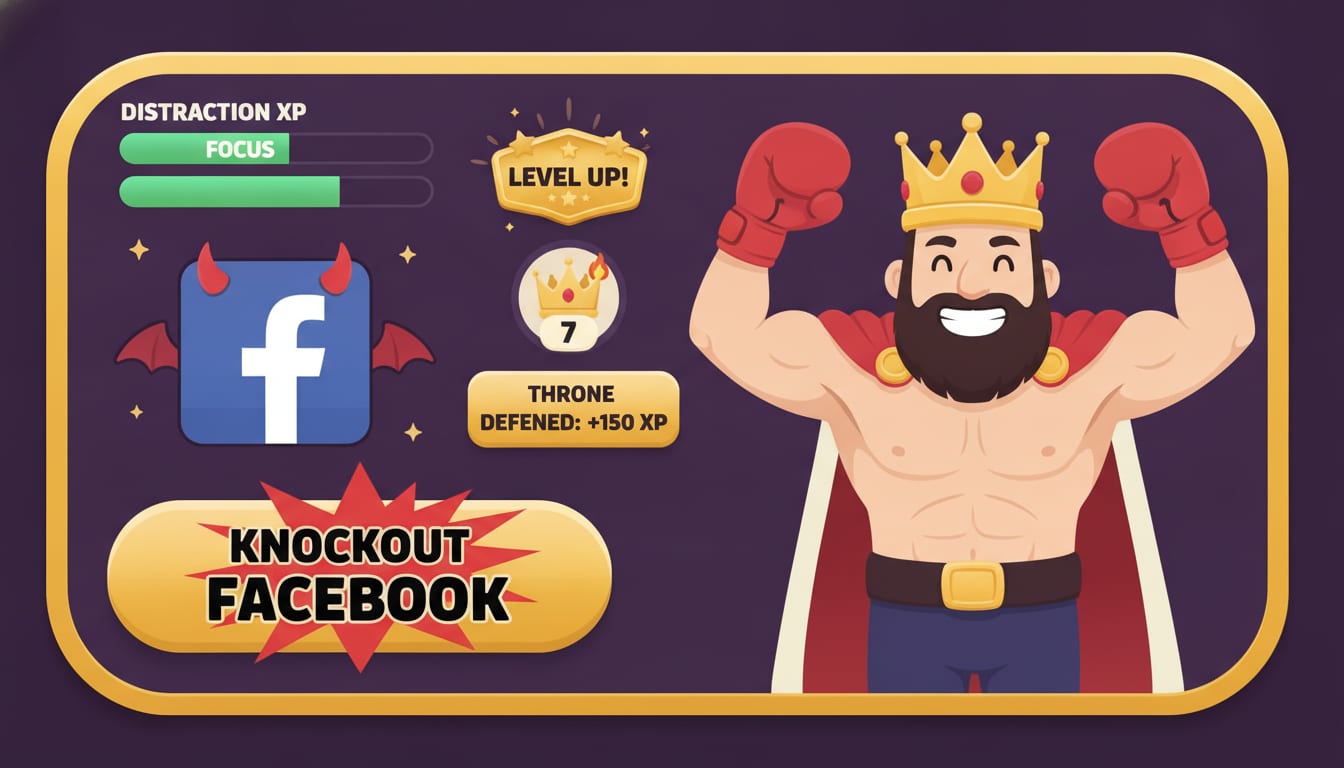
Blocking Facebook doesn’t have to be a mundane task. With tools like BlockChamp, you can turn this productivity hack into a game. Each time you resist the siren call of Facebook, you earn XP, level up, and move closer to becoming a true Block Champ. This gamification element not only makes the process entertaining but also fosters long-term habits. For more on how gamification can boost focus, check out BlockChamp’s insights on blocking other addictive sites.
Conclusion: Reign Over Your Time
Blocking Facebook is a conscious decision to reclaim your time and productivity. Whether you’re using browser settings, mobile app blockers, or embracing the gamified experience of BlockChamp, the key is to find a method that resonates with you. Remember, you’re not just blocking a site; you’re taking back control of your day, one scroll at a time.
So, are you ready to knock out your distractions and reign supreme over your schedule? Start your journey with BlockChamp and become the king of your time. Happy blocking!
Related posts

How To Stop Procrastinating When You Have Adhd

Why Do I Procrastinate 6 Ways To Stop Procrastinating Today

Where Theres A Will Theres A Way 5 Ways To Boost Your Willpower Self Control
