
Block Youtube

Ah, YouTube. The digital rabbit hole where you start with a “quick” tutorial on how to boil an egg, and next thing you know, it’s three hours later and you’re deep into conspiracy theories about why cats meow. If you’ve ever felt like your productive hours are slipping away to this vortex of videos, it might be time to put up some roadblocks. But hey, no need to fret! BlockChamp is here to help you block YouTube and reclaim your time, all while having a chuckle along the way.
Quick Answers
Why Block YouTube?
Before you start building your digital fortress, let’s explore why blocking YouTube could be the key to unlocking your productivity. According to HubSpot’s 2024 Marketing Report, 54% of people prefer video content, making platforms like YouTube a major draw for distraction. While it’s a treasure trove of entertainment and education, it’s also a notorious time thief. Whether you’re a student trying to focus on exam prep or a professional aiming to hit those work deadlines, YouTube’s endless stream of content can be more hindrance than help.
How to Block YouTube with BlockChamp
So, how does one go about blocking YouTube effectively? The answer lies with BlockChamp, the fun, gamified website blocker for Chrome. Forget the drab, gray blocking screens of yesteryear. BlockChamp turns the mundane task of website blocking into a game where you’re the hero. Here’s how you can use BlockChamp to say “adieu” to YouTube distractions:
Step 1: Install and Set Up
First things first, you need to get BlockChamp into your corner. Installing it is a breeze. Simply visit the BlockChamp website and follow the installation instructions for Chrome. Once installed, you’ll be greeted by The King, BlockChamp’s charismatic mascot, ready to help you reign over your time.
Step 2: Block by Site
With BlockChamp, blocking YouTube is as easy as pie. Just add “youtube.com” to your list of banned sites. This is perfect for those who find themselves wandering into YouTube territory more often than they’d like. Free users can block up to three sites, while Pro users can block unlimited sites. Perfect for those who have more distractions than a cat in a laser pointer factory.
Step 3: Use Category Blocking
If you want to take it a step further, BlockChamp offers category blocking. By selecting the “Video & Streaming” category, you’ll block not only YouTube but other potential video distractions like Netflix and Twitch. This one-tap toggle is ideal for those who need a broader focus shield.
Step 4: Gamify Your Focus
BlockChamp isn’t just about blocking sites; it’s about making focus feel like leveling up in a game. Every time you resist the urge to visit a blocked site, you earn XP and climb through ranks from “Peasant of Procrastination” to “BLOCK CHAMP — King of Your Time”. With motivational boosts and a playful twist, staying focused has never been more rewarding.
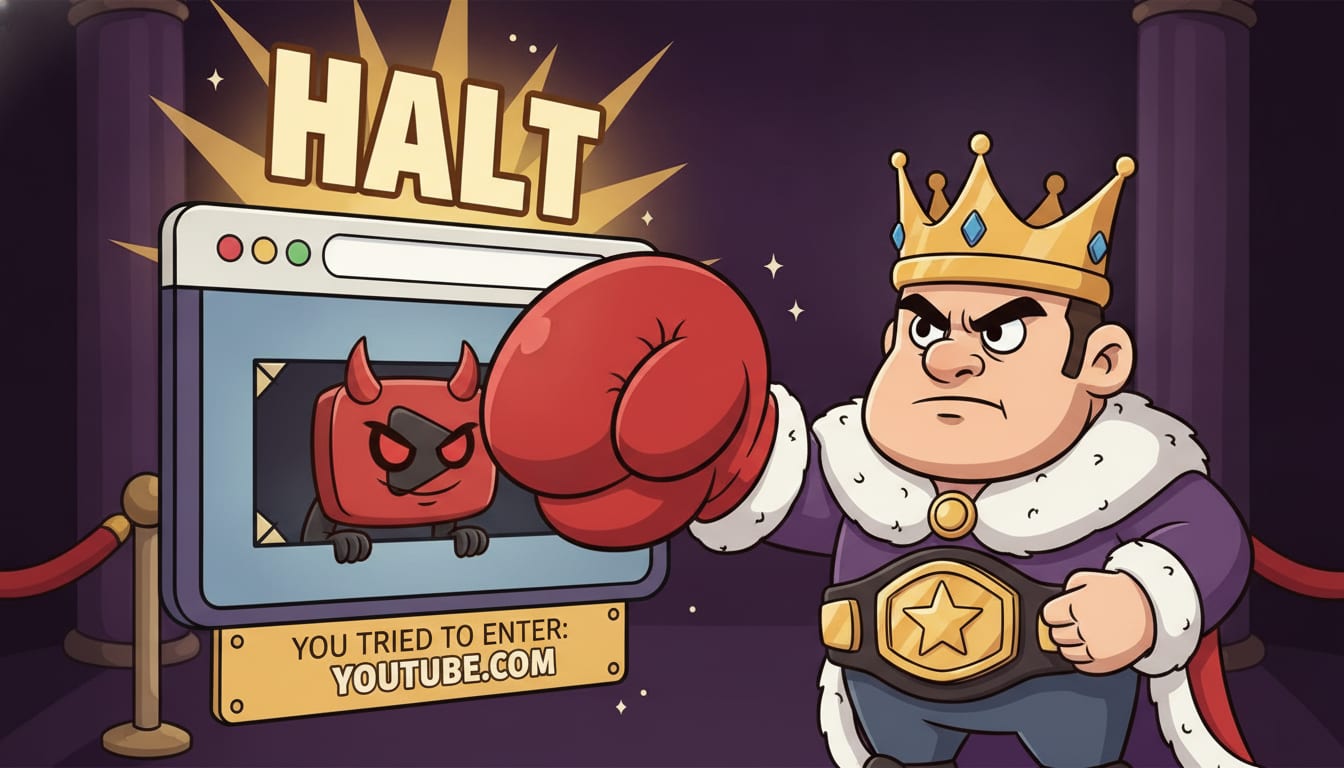
Step 5: Survive The Stare-Down
If you attempt to breach your own defenses, you’ll face The Stare-Down, where The King gives you a royal roasting. With savage voice lines and a dramatic arena scene, it’s both a hilarious reminder to stay on track and a deterrent to slipping into old habits. Each stare-down survived earns you 5 XP, further reinforcing your reign.
Extra Tips for Staying Focused
Blocking YouTube is a great start, but a holistic approach to productivity doesn’t stop there. Here are a few additional tips:
- Pomodoro Technique: Work for 25 minutes, then take a 5-minute break. It’s like boxing rounds, but for your brain.
- Mindful Internet Use: Before you dive into an online session, set a clear intention for what you want to achieve online.
- Digital Detox: Take regular breaks from all screens to reset your brain and reduce digital fatigue.
For more on how to maintain focus and block distractions effectively, check out our detailed guide on how to block a website.
Beyond Blocking: Embracing a Balanced Digital Life
While blocking distractions like YouTube can dramatically improve your focus, it’s also important to foster a balanced digital lifestyle. According to Moz’s insights on digital minimalism, setting boundaries around technology use is crucial for maintaining mental health and productivity. Embrace this philosophy by integrating regular digital detoxes and focusing on quality over quantity when it comes to screen time.
Conclusion: Reclaim Your Time with BlockChamp
In the battle against digital distractions, BlockChamp stands out as the knight in shining armor — or perhaps, the King in boxing gloves. By cleverly weaving in gamification and humor, it transforms the tedious task of blocking sites into an engaging game of focus and concentration. So, if you’re ready to become the champion of your time and block YouTube for good, it’s time to let BlockChamp lead the charge.
For those who are interested in diving deeper into how to conquer digital distractions, check out our other posts like how to block Netflix and more insights from the world of focus and productivity. Remember, the throne of focus is yours to defend, so strap on those gloves and get ready to reign supreme!
Related posts

How To Stop Procrastinating When You Have Adhd

Why Do I Procrastinate 6 Ways To Stop Procrastinating Today

Where Theres A Will Theres A Way 5 Ways To Boost Your Willpower Self Control
