
Adhd Focus Struggles Constant Notifications

If your brain has ADHD and your phone keeps screaming “LOOK AT ME, I HAVE A RED DOT,” congratulations: you are fighting a tiny pocket casino with executive dysfunction rules. The phrase adhd focus struggles constant notifications sounds clunky, but the lived experience is painfully elegant: you sit down to work, one alert pings, your attention gets drop-kicked into a bush, and 37 minutes later you are reading comments under a video about raccoons stealing cat food. Noble? No. Understandable? Extremely.
Constant notifications are rough for everyone, but they can be especially brutal for people with ADHD because attention regulation is already doing parkour in a windstorm. Alerts don’t just interrupt a task; they create a decision, a dopamine lure, a context switch, and sometimes a shame spiral wearing a party hat. The goal is not to become a silent productivity monk who only eats lentils and answers messages by carrier pigeon. The goal is to build a system where your attention has guardrails, your notifications have boundaries, and your focus can actually survive long enough to do something useful.
This guide gives you practical routines for managing ADHD focus struggles, constant notifications, digital interruptions, and the “I’ll just check one thing” trap. We’ll cover phone settings, browser boundaries, focus rituals, recovery plans, and how tools like BlockChamp can help turn distraction defense into something more fun than yelling at yourself in a notes app. Crown optional. Recommended, though.
Quick Answers
Why Constant Notifications Hit ADHD Brains Like a Flying Chair
Notifications are not neutral. They are designed interruptions. A badge, buzz, ding, banner, vibration, or “someone reacted to your thing” alert is basically a tiny attention harpoon. For people with ADHD, that harpoon can be extra sticky because the brain may be more novelty-seeking, more reward-sensitive, and more vulnerable to task-switching chaos.
Research on interruptions shows that getting pulled away from a task creates a cognitive cost. The famous “it takes 23 minutes to refocus” statistic comes from work by Gloria Mark and colleagues on workplace interruptions; you can read more about attention and digital distraction in this research paper on interrupted work. The exact number varies by person and context, but the core truth remains: every interruption makes your brain pay a tax. ADHD brains are already paying enough taxes. Rude.
Notifications also create what psychologists call “attention residue.” Part of your mind stays stuck on the thing you just checked. You may technically return to your essay, spreadsheet, code, design, or study notes, but a little goblin in your brain is whispering, “Did they reply? What if there are more likes? What if the group chat has evolved into a constitutional crisis?”
To make the kingdom even messier, many apps use variable rewards: sometimes a notification is boring, sometimes it is exciting, and your brain learns to check because maybe this time the slot machine pays out. The American Psychological Association has discussed technology use and digital habits, including how online platforms can shape behavior. Translation: your struggle is not a character flaw. You are wrestling software built by people with analytics dashboards and suspiciously comfortable chairs.
If you want a deeper ADHD-specific productivity angle, BlockChamp has a helpful related guide on how to stop procrastinating when you have ADHD. Spoiler: “just try harder” is not the plan. It was never the plan. Banish that peasant.
The Notification Audit: Count the Enemies Before You Fight Them
Before changing anything, you need to know what is actually interrupting you. Most people have notification chaos because they never made an intentional decision. Apps asked for permission, you clicked “Allow” like a tired raccoon with thumbs, and now your lock screen looks like Times Square during a thunderstorm.
Do a 20-minute notification audit. Not three hours. Not a spiritual pilgrimage. Twenty minutes. Open your phone and computer notification settings and list your top interrupters. Sort them into three categories:
- Essential: Calls from important people, calendar reminders, medication reminders, two-factor authentication, urgent work alerts.
- Useful but not urgent: Email, team chat, banking updates, delivery notifications, school portals, project management tools.
- Attention goblins: Social media likes, algorithmic recommendations, shopping deals, news alerts, gaming promos, streaming suggestions, “your friend posted for the first time in 11 minutes.”
For ADHD focus struggles, constant notifications become easier to manage when fewer things are allowed to break the glass and storm the throne. You do not need to eliminate all notifications. You need to demote most of them from “royal messenger” to “town crier who can wait until lunch.”
As you audit, ask three questions for every app:
- Does this notification require action within the next hour?
- Does seeing it help me live better, or does it mostly create anxiety, curiosity, or impulse checking?
- Could I check this at scheduled times instead of letting it ambush me?
If the answer is “no, no, yes,” turn it off. No trial. No appeal. Off with its tab.
Build a Three-Tier Notification System: Emergency, Scheduled, Banished
The easiest way to tame alerts is to stop treating them all equally. A message from your boss, a weather warning, and “Brad liked a meme from 2019” should not have the same access to your nervous system. That is how kingdoms fall.
Tier 1: Emergency notifications
These are allowed to interrupt you immediately. Keep this list painfully short. Examples include calls from family, childcare or school alerts, calendar alarms for meetings, medical reminders, security alerts, and mission-critical work messages. If everything is urgent, nothing is urgent, and your brain becomes a soup ladle.
Tier 2: Scheduled notifications
These are useful, but they do not deserve instant access. Email, Slack or Teams, client messages, banking updates, package tracking, and school announcements often belong here. Use notification summaries, scheduled digests, or manual check-in times. Many phones now support Focus modes, notification summaries, and app-specific notification controls. Apple’s support guide explains how to use Focus on iPhone, while Google explains how to limit interruptions with Android Do Not Disturb.
Tier 3: Banished notifications
These are the dopamine confetti cannons: social media likes, shopping promotions, game energy refills, breaking news that somehow breaks every 12 seconds, and “we miss you” messages from apps that absolutely do not miss you. Turn them off entirely. If you want to check Instagram, Reddit, YouTube, TikTok, or news, do it on purpose. Do not let them send a trumpet player into your frontal lobe.
This tier system is especially helpful for ADHD because it reduces decision fatigue. Instead of deciding 80 times a day whether to respond, check, ignore, or panic, you decide once during setup. Future you gets fewer battles. Future you deserves nice things.
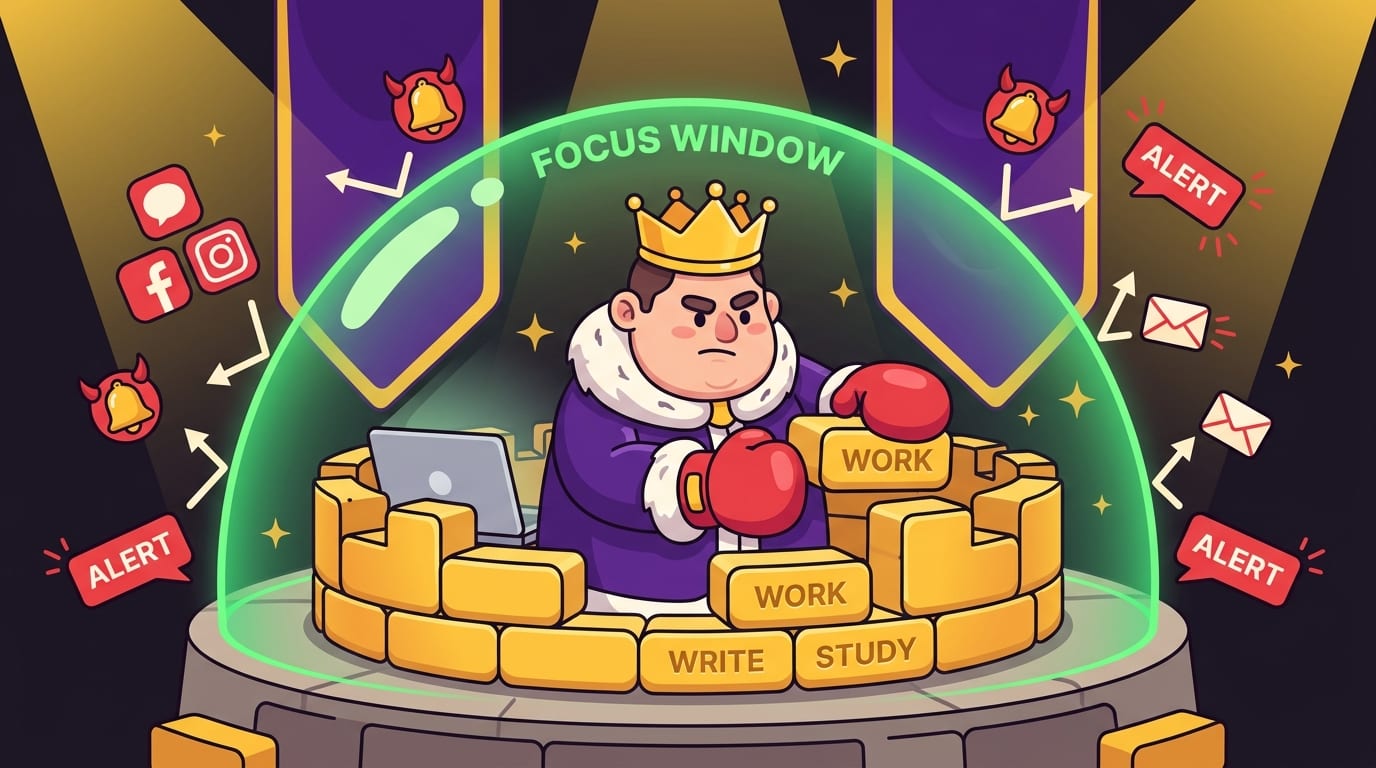
Create Focus Windows: Tiny Fortresses for Your Attention
People with ADHD often do better with structured containers than vague goals. “Work on project” is fog. “From 10:00 to 10:30, draft the intro with notifications off” is a tiny fortress. Build more tiny fortresses.
A focus window is a short, protected block of time where your only job is to stay with one task. It does not need to be dramatic. Start with 15, 25, or 30 minutes. Use a timer. Remove obvious distractions. Decide what “done” means before you start. Your brain may object at first, because your brain enjoys wandering into digital alleyways looking for shiny trash. That is okay. We plan for the wandering.
Try this simple focus-window routine:
- Choose one task and write it in plain language: “Read chapter 4,” “Answer client email draft,” “Outline blog section,” “Complete 10 math problems.”
- Set your phone to Do Not Disturb or Focus mode.
- Close unnecessary tabs. Yes, even the one you “might need.” It knows what it did.
- Use a website blocker for your biggest browser traps.
- Set a timer for 25 minutes.
- When the timer ends, take a real break: stand up, stretch, water the human body plant.
This pairs beautifully with BlockChamp because you can block distracting websites during your focus window and let The King guard the gates. If you wander toward YouTube, Reddit, X, shopping sites, news, or AI distraction rabbit holes, BlockChamp serves the Stare-Down instead of the scroll. It is much harder to “accidentally” lose 45 minutes when a cartoon royal boxer is judging your life choices with championship confidence.
For creative work, this kind of protected attention is gold. If you make things and keep getting derailed, check out BlockChamp’s post on finding focus to build creative projects. Creative momentum is delicate. Treat it like a soufflé with a deadline.
Reduce Browser Chaos: Tabs Are Notifications Wearing Tiny Hats
We talk a lot about phone notifications, but browser chaos deserves its own mugshot. Open tabs are visual notifications. Bookmarks are temptation portals. Autocomplete is a slippery little gremlin. If you type “y” and Chrome offers YouTube before your conscious brain has put on pants, you have a problem.
For ADHD focus struggles, constant notifications often include browser-based triggers: email badges, pinned social tabs, Slack pings, news headlines, shopping carts, and random research tabs from three weeks ago titled “best ergonomic chair goblin posture.” Every tab creates an unfinished loop. Too many loops, and your brain starts juggling flaming squirrels.
Try these browser rules:
- No pinned distraction tabs: Do not keep email, social media, or chat pinned unless your job truly requires it.
- One project, one window: Keep the tabs for one task together. Close or save the rest.
- Use a read-later tool: If an article is interesting but not relevant, save it instead of keeping it open as emotional support clutter.
- Block your top three traps: Start with the sites you lose the most time to. Usually you know exactly which ones. They are smirking.
- Create a shutdown ritual: At the end of the day, close tabs, write tomorrow’s first task, and stop leaving digital spaghetti everywhere.
BlockChamp’s free tier lets you block up to three specific sites and two distraction categories, which is enough to start knocking out the obvious villains. Champion users can block unlimited sites, all eight categories, and even keywords. That means if your brain keeps searching “celebrity drama,” “crypto chaos,” “gaming news,” or “one tiny harmless meme,” you can set a keyword boundary. The King sees all. The King has concerns.
Make Notification Check-Ins Boring, Predictable, and Short
One of the biggest mistakes people make is trying to quit checking entirely. That can backfire, especially if messages genuinely matter. Instead, create planned check-ins. The point is not “never check.” The point is “check on purpose, not because your phone barked.”
For example, set three message windows:
- Morning: 10:30–10:45
- Afternoon: 2:00–2:15
- Late day: 4:30–4:45
During each window, process messages quickly. Respond, schedule, archive, or write down follow-up tasks. When the window ends, close the apps. Do not linger in the inbox swamp hoping for treasure. It contains mostly frogs.
This approach works because it turns reactive checking into a routine. ADHD brains often benefit from external structure, visible cues, and reduced ambiguity. The routine says, “You are not ignoring the world. You are checking it at the appointed royal hour.”
If you work in a team, communicate your boundaries. A simple status message can help:
“I’m in focus blocks today and checking messages at 10:30, 2:00, and 4:30. Call if urgent.”
That sentence is a tiny moat. Use it. For remote workers, students, freelancers, and anyone who lives in chat tools, this can prevent the “always available” trap. According to Microsoft’s Work Trend Index, many workers struggle with digital overload and constant communication demands. Your attention is not an all-you-can-eat buffet. Put up a velvet rope.
Use Friction Strategically: Make Distraction Slightly Annoying
When ADHD meets impulse, speed is dangerous. If opening a distracting app takes one tap, your best intentions may not even get a vote. The trick is to add friction between impulse and action. Not impossible barriers. Just enough speed bumps for your wiser self to catch up.
Examples of helpful friction include:
- Logging out of social apps after each use.
- Removing apps from your home screen.
- Turning your phone grayscale during work hours.
- Keeping your phone across the room during focus sessions.
- Using app limits with a passcode held by someone else.
- Blocking distracting websites during scheduled work blocks.
BlockChamp’s Hardcore Lockdown is basically friction with boxing gloves. If you try to turn focus off, you can require a cooldown timer or a three-round boxing riddle before surrendering. It sounds silly because it is silly. It also works because impulses are often short-lived. If “I need Reddit immediately” has to survive a timer or a mini-game, it may wither like a dramatic Victorian houseplant.
The key is to make the good path easy and the distracting path inconvenient. This is not about punishment. It is about design. You are building an environment where your attention does not have to win a heroic battle every seven minutes. Heroes need snacks. Systems do the heavy lifting.
Recover Fast When You Get Derailed: No Shame, Just Reset
You will still get distracted sometimes. Welcome to being a mammal with Wi-Fi. The win is not perfect focus; the win is faster recovery. Shame makes recovery slower because it adds emotional sludge on top of the original distraction. Instead of “I ruined the day,” use “I noticed. Reset.”
Create a derailment recovery script:
- Say what happened: “I got pulled into notifications.”
- Close the distraction without negotiating.
- Take one breath. Dramatic sigh permitted.
- Write the next tiny action: “Open document,” “read next paragraph,” “send draft.”
- Restart a short timer, even if it is only 10 minutes.
This is important for ADHD because all-or-nothing thinking can turn one interruption into a full-day collapse. You check one notification, lose 20 minutes, feel terrible, and then decide the day is cursed. The day is not cursed. The kingdom had a goblin breach. Patch the wall.
If shame and “laziness” stories are part of your focus struggles, you may like BlockChamp’s post on why laziness is a myth and how to focus. Many people are not lazy; they are overwhelmed, under-supported, under-slept, or trying to outwill an environment built to fracture attention.
Design Your Physical Space Like Your Brain Deserves Backup
Digital boundaries work better when your physical environment supports them. ADHD focus is not only about willpower; it is about cues, visibility, and reducing the number of “wait, what was I doing?” moments.
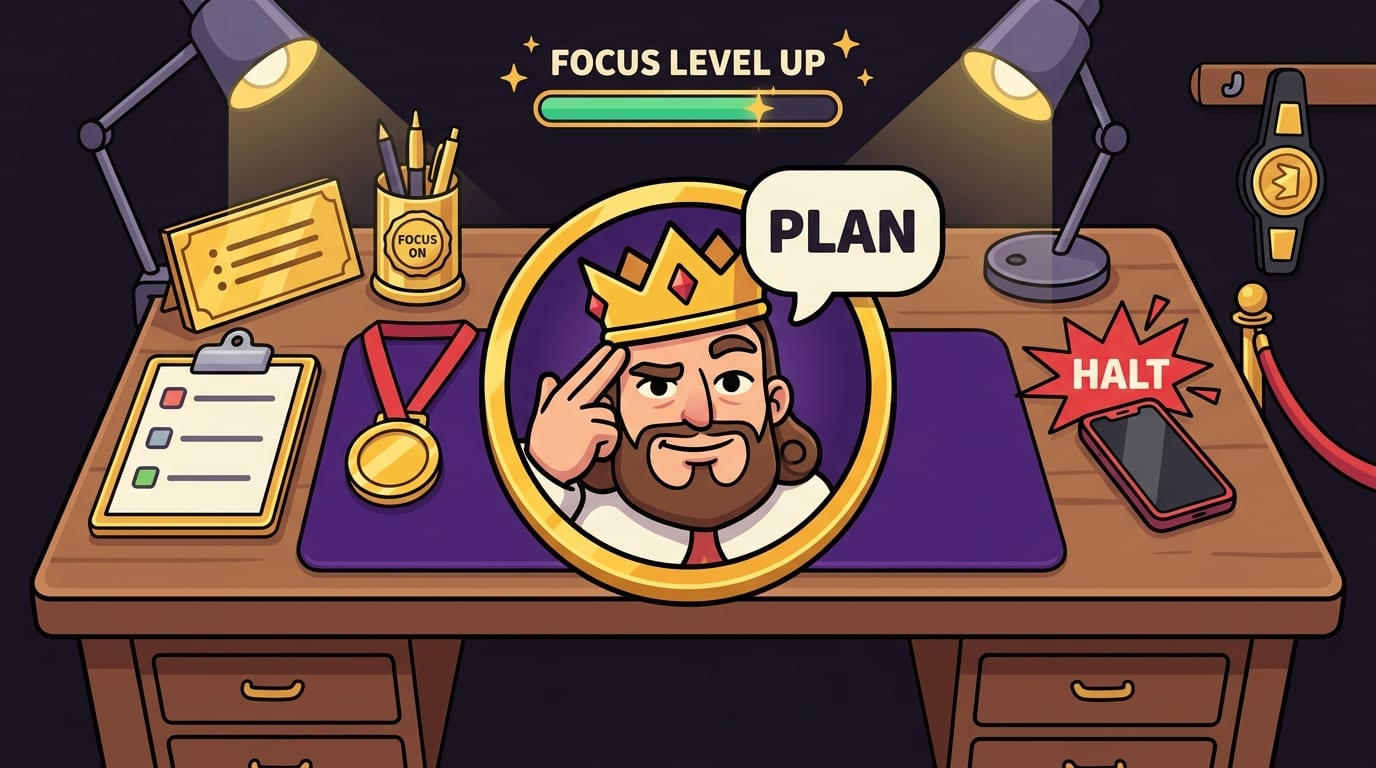
Start with a “focus landing pad.” This is a small physical setup that tells your brain: we do work here. It can be a desk, a corner of a table, a library seat, or a specific chair. Keep only the tools for the current task nearby. Remove snack wrappers, random cables, old receipts, and the tiny mystery object that has lived on your desk since 2021. It has served its time.
Use visual cues:
- A sticky note with your current task.
- A visible timer.
- Headphones as a “do not poke the bear” signal.
- A notebook for capturing intrusive thoughts without following them.
- A water bottle, because dehydration turns brains into croutons.
Sound can also help. Some people with ADHD focus better with brown noise, instrumental music, ambient sound, or task-specific playlists. Others need silence so pure it could get knighted. Experiment. If sound helps you enter work mode, BlockChamp has a related piece on using focus sounds for different tasks.
The goal is cue consistency. Same place, same setup, same first step. Your brain starts to learn the pattern. It may still complain, but now it complains in a designated productivity arena.
A Simple Daily Routine for ADHD Focus and Notification Control
Let’s turn this into a day you can actually run. Not a fantasy day where you wake up at 5 a.m., journal in calligraphy, and levitate. A normal day with weird energy, messages, chores, and maybe one sock missing.
Morning: Set the throne before the chaos arrives
Before opening messages or social apps, choose your top one to three priorities. Then turn on Focus mode, silence non-essential notifications, and activate website blocks for your known traps. If using BlockChamp, flip the Master Focus Toggle to “On Guard” and let your reign begin. This is the digital equivalent of raising the drawbridge.
Write your first task somewhere visible. Make it specific. “Study” is vague. “Review biology flashcards for 20 minutes” is a command The King can respect.
Midday: Controlled communication, not notification soup
Check messages at planned times. Use a timer so a 15-minute check-in does not become “accidentally read every newsletter since the Bronze Age.” When done, close the apps and return to your next focus window.
If a new task appears, capture it in a task list rather than instantly switching. Task switching can shred momentum. The new thing may be important, but it probably does not need to tackle your current task like a caffeinated linebacker.
Afternoon: Expect the slump and lower the bar wisely
ADHD focus often fluctuates through the day. If afternoons are rough, schedule lighter tasks, admin, review work, errands, or shorter focus blocks. Do not reserve your hardest thinking for your foggiest hour and then act shocked when your brain turns into mashed potatoes.
Evening: Shut down the arena
Do a five-minute shutdown. Close tabs, review what got done, choose tomorrow’s first task, and decide when notifications can return. If you use BlockChamp, check your XP, reign, focus hours, or calendar. Gamified progress can be motivating because it makes invisible effort visible. You are not just “trying.” You are stacking evidence that you can defend your time.
When Notifications Are Emotional, Not Just Digital
Sometimes the problem is not only interruption. It is emotional pull. Messages can trigger urgency, fear of missing out, rejection sensitivity, conflict anxiety, or the feeling that you must respond instantly to be a decent human. ADHD can make emotional regulation harder, so a notification can feel less like a ping and more like a courtroom summons.
Try writing personal rules for response time. For example:
- Texts from close family: same day, sooner if urgent.
- Work chat: during work hours unless marked urgent.
- Email: twice daily.
- Social DMs: when I choose, not when the app squeaks.
- Comments and likes: no notifications; check manually if I care.
These rules reduce guilt because you are not ignoring people randomly. You are following a communication policy. Very fancy. Put a tiny monocle on it.
If you worry people will be upset, communicate proactively. Most reasonable humans can handle “I’m reducing notifications so I can focus better. If something is urgent, call me.” Anyone who demands instant access to your attention 24/7 may need boundaries, not badges.
For a more human conversation about ADHD and focus, BlockChamp’s interview-style post with ADHD coach Gloria Sherrod on finding focus in a distracted world offers useful perspective. Focus is not just a productivity issue; it is a life design issue.
What to Track So You Know It’s Working
You do not need a 47-tab spreadsheet dashboard named “Operation Brain Wizard.” But tracking a few simple signals can help you see progress and adjust your system.
Track these for one week:
- How many times you intentionally checked messages.
- How many focus windows you completed.
- Which apps or sites broke through most often.
- What time of day distractions were worst.
- How long it took to recover after getting derailed.
You are looking for patterns, not perfection. Maybe news alerts ruin your mornings. Maybe YouTube is fine after dinner but fatal at 2 p.m. Maybe Slack is manageable if you check hourly but impossible if banners are on. Use evidence. Become a tiny scientist with a crown.
BlockChamp helps with this because it makes focus visible: focus hours, stare-downs survived, XP, badges, reigns, and calendar history. If you hit a blocked site five times in one afternoon, that is not failure; that is data with boxing gloves. It tells you where the boundary needs to be stronger.
The Bottom Line: Your Attention Needs a Bouncer
ADHD focus struggles and constant notifications are a nasty combo because alerts exploit exactly the places where attention is most vulnerable: novelty, urgency, reward, emotion, and task switching. But you are not doomed to live as a notification piñata. You can build a calmer system.
Start with the basics: audit your notifications, divide them into emergency, scheduled, and banished, create short focus windows, block your biggest browser traps, check messages on purpose, add friction to impulse clicks, and recover quickly when you wander. Keep it practical. Keep it repeatable. Keep it slightly ridiculous if that helps. Ridiculous systems that work beat elegant systems you abandon by Tuesday.
And if your browser is the main battlefield, let BlockChamp stand guard. It blocks distracting sites, categories, and keywords; rewards you with XP, badges, streaks, and reigns; and when you try to sneak into a blocked site, The King gives you the royal Stare-Down like you just attempted treason for a comment section. It is focus support with personality, not another gray guilt machine.
Knock out the pings. Defend the throne. Your attention is not a public park for every app with a marketing budget. Long live your focus, champ.
Related posts

5 Ways To Improve Your Focus And Productivity With Exercise

Adhd Coach Gloria Sherrod Finding Focus In A Distracted World

Are You Addicted To Porn
