
Fighting Distraction As A Creative Professional

Fighting distraction as a creative professional is a peculiar sport. You sit down to write, design, edit, compose, or invent something that did not exist yesterday. Then your browser offers breaking news, a friend’s vacation photos, a suspiciously urgent sale, and a video titled “I Built a Tiny House in a Tree.” Suddenly your creative session has become a tiny-house documentary festival.
That does not mean you lack discipline or talent. Creative work asks you to make decisions, tolerate uncertainty, and stay with an idea before it pays off. Distractions offer quick novelty and easy exits. The solution is not to become a productivity robot with excellent posture. It is to build conditions that make focused work easier to begin and easier to protect.
Here are practical ways to defend your attention without flattening your creativity—or declaring war on the internet forever.
Quick Answers
Why fighting distraction as a creative professional is different
Creative work is rarely a neat row of identical tasks. A designer may move between research, sketching, client feedback, and production. A writer might spend an hour staring at a sentence that looks simple but has somehow become a diplomatic crisis. Musicians, filmmakers, illustrators, marketers, and developers all face work that requires both concentration and exploration.
That variety makes distraction especially sneaky. A quick search can be legitimate research, but it can also become a leisurely wander through unrelated tabs. Checking a message might resolve a client question—or invite fifteen more. The challenge is not to avoid every interruption. It is to notice when a useful detour has turned into a trapdoor.
Creative work also has an emotional side. When a task feels uncertain, difficult, or exposed to judgment, checking a feed can feel like relief. The relief is brief, naturally. Then the project is still there, now accompanied by a fresh collection of tabs and perhaps a recipe for something involving feta.
For more on the emotional and attention-related side of this struggle, read our guide to overcoming creative fear and staying focused. It is useful to remember that distraction is not always a time-management problem. Sometimes it is a discomfort-management strategy wearing a little browser hat.
Give your workspace fewer opportunities to heckle you
Your environment can either support the work or audition to become the main character. Start with the physical space. Clear away objects that do not belong to the current task, keep the tools you need close, and make your workspace comfortable enough that you are not constantly fidgeting. You do not need a magazine-worthy studio. You need a place where the next useful action is obvious.
Then inspect the digital space. Close unrelated tabs. Silence nonessential notifications. Put your phone out of reach, or at least face down and on silent. If your work happens in a browser, consider a separate work profile with only the bookmarks and extensions you need. A desktop crowded with unrelated windows is the digital equivalent of trying to paint while someone keeps waving a coupon in your face.
Make the setup specific to the task. Before writing, open the document, research notes, and reference material you actually plan to use. Before editing, gather the source files and project assets. Before drawing, set out the tools and references. A little preparation reduces the number of “I’ll just open this one thing” moments that lead straight to the online wilderness.
Keep an idea-capture method nearby, too. Creative brains are good at generating side quests. When you remember that you need to renew a subscription or research a new brush set, write it on a notepad or in a designated list instead of acting on it immediately. The thought is saved. The work session survives.
Choose one creative mission before opening the gates
“Work on the project” is not a clear instruction. It is a fog bank. Give yourself a concrete target for the next session, such as “write three rough section headings,” “choose the color palette,” or “edit the opening 45 seconds.” The target should be small enough to start without a ceremonial drumroll and meaningful enough to move the work forward.
At the beginning of a session, write down:
- The task: What specific piece of work will you do?
- The finish line: What will count as progress before the session ends?
- The first action: What can you do in the next two minutes?
- The likely distraction: What might tempt you away, and what will you do instead?
For example: “I’m drafting the rough first page of the client proposal. I’ll stop after I have the outline and a messy opening. If I think of a new reference to search for, I’ll add it to my research list and keep drafting.” That last sentence matters. It gives your future, distractible self a plan instead of asking them to invent one while the internet is waving novelty around like a parade marshal.
Try separating making from evaluating. A first draft, thumbnail sketch, or rough cut is allowed to be imperfect. If you demand polished work from the first minute, you may turn uncertainty into an excuse to check messages. Set a session goal for producing raw material, then schedule a later pass for refining it.

Use focus blocks that fit the work, not a productivity poster
Time blocks can help you protect creative attention, but there is no magic interval that suits everyone. You might work well in 25-minute sprints with short breaks. You might need 50 minutes to settle into a complex task. You might prefer a 90-minute morning block for demanding work and shorter sessions for admin later. Treat timing as an experiment, not a moral test.
Pick a work interval you can realistically complete. During it, keep to one main task and capture unrelated thoughts without following them. At the end, take a deliberate break: stand up, stretch, refill your water, or look out a window. The break should help you reset, not hand you a phone and a one-way ticket to the algorithmic amusement park.
Before stepping away, leave a breadcrumb for your return. Write one sentence about what you just did and one sentence about what comes next. “The outline is done; next I’ll draft the section about color contrast” is far more helpful than returning to a document and wondering which of the seventeen open tabs was the plot.
For more approaches to reclaiming attention, explore reclaiming your focus in the age of distraction. The key idea is simple: focus improves when you make it easier to return to the work, not when you expect yourself to resist every temptation through sheer heroic eyebrow power.
Separate research from wandering
Research is essential to many creative projects. It is also a very respectable disguise for procrastination. You open one article to check a fact, notice a related link, then emerge forty minutes later with a deep knowledge of medieval shipbuilding and no progress on the actual brief.
Before researching, write down the question you are trying to answer. Keep the research session bounded by time or by a short list of questions. For example: “I need two examples of accessible packaging and one source on paper finishes. I’ll spend 20 minutes collecting them, then return to the design.”
Use a parking lot for intriguing but nonessential finds. If a source seems interesting but does not answer the current question, save it for later. Likewise, distinguish between facts you need now and things you may want to explore during a dedicated discovery phase. Curiosity is an asset. It simply does not need the steering wheel during every work session.
When research is done, close the search tabs or move them into a clearly labeled reference folder. Keep your working document visible. This small act reduces the visual invitation to continue browsing. Your tabs may be fascinating. They are not, regrettably, the client deliverable.

Set boundaries that protect your attention and your relationships
Creative professionals often work with clients, collaborators, editors, or teammates. “Just ignore everyone” is not a useful boundary plan when someone is waiting for approval. Instead, make your availability predictable. Tell collaborators when you check messages, which channel is appropriate for urgent issues, and when you expect to respond.
For example, you might review email at the start of the day, after lunch, and near the end of the workday, while leaving a known contact method available for genuine emergencies. If you work with a team, share your focus blocks on a calendar or status message. People are more likely to respect a boundary when they know when you will be available again.
Boundaries apply to yourself, too. Decide when you are working and when you are off. Creative work can spread into evenings and weekends because there is always another idea to polish. Rest is not a failure of ambition. It supports fresh attention, better judgment, and the ability to notice that the “quick tweak” has become a three-hour redesign.
If notification pressure and the fear of missing out are tugging at you, see our guide to fighting distraction and overcoming FOMO. You can be a thoughtful collaborator without remaining permanently available like a customer-support chatbot trapped in a cardigan.
Make distraction harder to access, not just easier to regret
Willpower is useful, but it is not an unlimited subscription. If you repeatedly lose half an hour to the same sites, change the environment instead of holding a daily courtroom trial about your character. Log out of tempting accounts, remove shortcuts, use a separate browser profile, or block the sites that tend to steal your focus during work hours.
Blocking works best when it is deliberate and proportionate. Decide which sites are genuinely useful for your work and which are frequent detours. A social media manager may need access to a platform for publishing but not for an unplanned scroll. In that case, schedule specific check-in windows or use a work-only setup rather than banning a tool that is part of the job.
BlockChamp is a website blocker for Google Chrome that can help creative professionals add friction to common distractions. You can block specific sites, select category bundles such as Social Media, Video, News, Shopping, or AI Distractions, and use schedules to have blocks activate during recurring work hours with the Champion plan. Free users can block up to three sites and enable two categories, which is enough to test a simple focus setup.
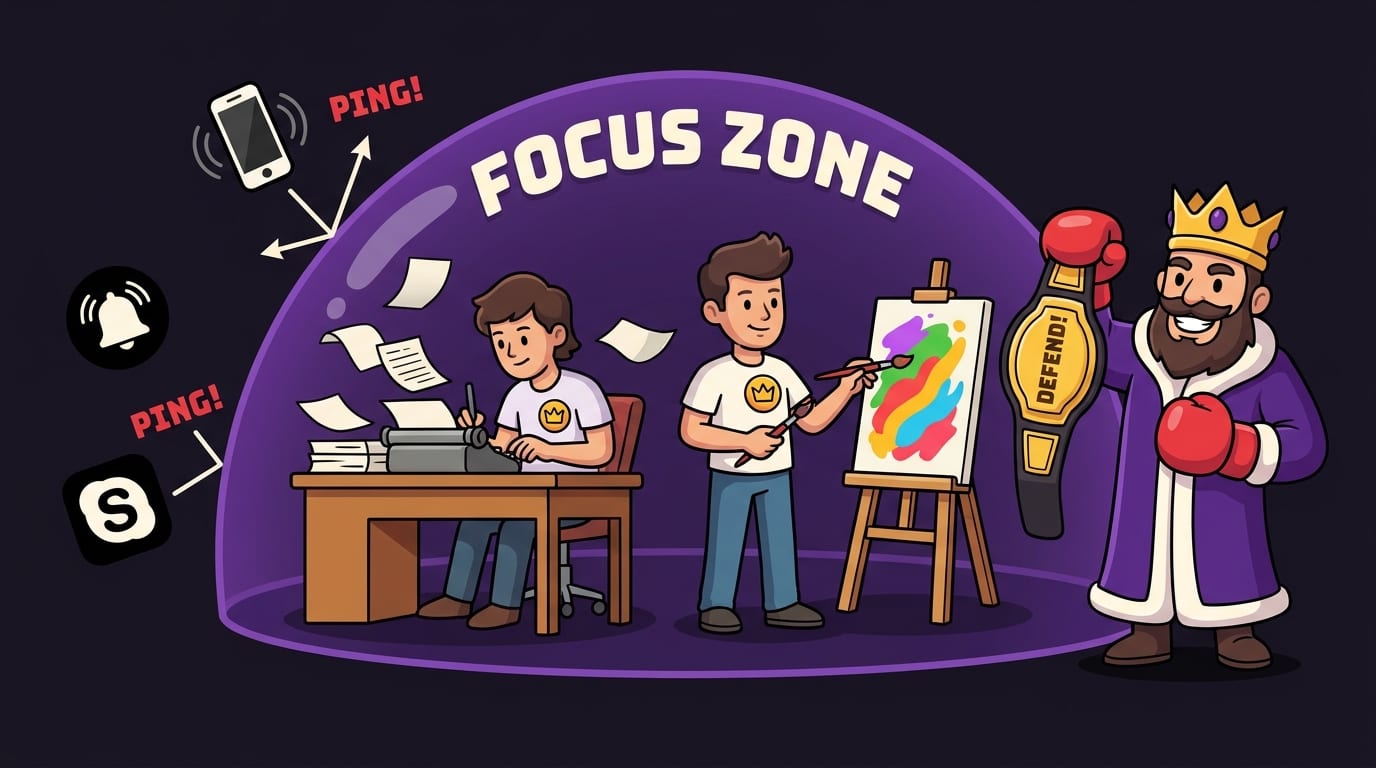
When you hit a blocked site, BlockChamp shows The Stare-Down: a full-screen message featuring The King, its cartoon royal boxer mascot, who reminds you to get back to work. The app also turns focused time into XP, levels, badges, and reigns. That playful feedback can make a focus routine feel more rewarding than a gray warning page. It is a small intervention, not a substitute for good work habits—but sometimes a stern royal glare is exactly what the browser ordered.
Learn more about being present and reducing digital distractions, or visit BlockChamp to see whether a gamified blocker fits your workflow. The goal is not to block the entire internet. It is to stop a predictable distraction from winning by default.
Handle the urge to switch tasks without shaming yourself
Distraction happens. A message arrives, a task becomes frustrating, or your brain announces that the current moment is an excellent time to reorganize every file on your computer. Instead of treating every lapse as proof that you are hopeless, use it as information. What were you doing? What did you feel? Was the task unclear, too large, or missing a needed resource?
When you notice yourself drifting, try a quick reset:
- Pause: Take one slow breath before clicking or switching.
- Name it: “I want to check the feed because this draft feels difficult.”
- Capture it: Write down the thing you want to check if it genuinely matters.
- Choose: Return to the next small action, or take a planned break if you need one.
This is not a demand to suppress every impulse. It is a chance to choose rather than follow the first tug. If the distraction points to a real need—food, rest, a missing file, a clarification—address that need. If it is simply a reflex, wait a minute and see whether the urge fades.
Also, do not make a single interruption catastrophic. If you checked a message or wandered into a shopping tab, close it and resume. The fastest route back to focus is usually a calm return, not a lecture delivered by your inner productivity coach wearing a tiny whistle.
Keep your creative process flexible and your attention protected
Structure should support creativity, not squeeze it into a spreadsheet-shaped box. Some projects need playful exploration; others need execution. Give those modes different containers. You might reserve one block for gathering references and generating options, then another for choosing and producing. Clear modes make it easier to be curious when curiosity is useful and decisive when the project needs decisions.
Review your approach weekly. Notice when you do your best creative work, which interruptions recur, and what kinds of tasks are hardest to begin. Move demanding work to the time of day when your energy is strongest. If afternoons are better for email and admin, do not schedule your most delicate writing task for the hour when your brain is trying to become a warm blanket.
Track a few useful signals rather than every minute. You could record focused sessions completed, meaningful project milestones, or how often you returned to a task after getting distracted. These measures reward progress and help you adjust. A color-coded focus calendar or streak can also make consistency visible, provided you use it as feedback rather than as a scoreboard for self-punishment.
BlockChamp’s XP, focus time, reigns, and badges offer one playful way to make consistency visible. The point is not to turn every creative act into a competition. It is to give your attention a little reinforcement while you build a routine that works for you.

Take back the session, champ
Fighting distraction as a creative professional is not about achieving perfect concentration or deleting every entertaining website. It is about making the work easier to start, giving research a boundary, protecting communication windows, and creating a reliable route back when your attention wanders.
Choose one project task for your next session. Set a realistic time block. Put the phone away, close the tabs you do not need, and decide what you will do when the urge to switch appears. If certain websites keep pulling you off course, add a barrier instead of asking willpower to win the same rematch every afternoon.
Then begin. The first version can be messy. The sketch can be awkward. The draft can contain a sentence that will later be escorted out of the kingdom. Make something, return to it, and protect enough attention for the good ideas to arrive. If a playful Chrome blocker would help you defend that time, give BlockChamp a look. Your distractions may have numbers. Your crown does too.
Related posts

Reclaiming Quality Time

Healthy Tech Habits Kids

Can Children Resist Screens A Couples Home Experiment
